Connect with us
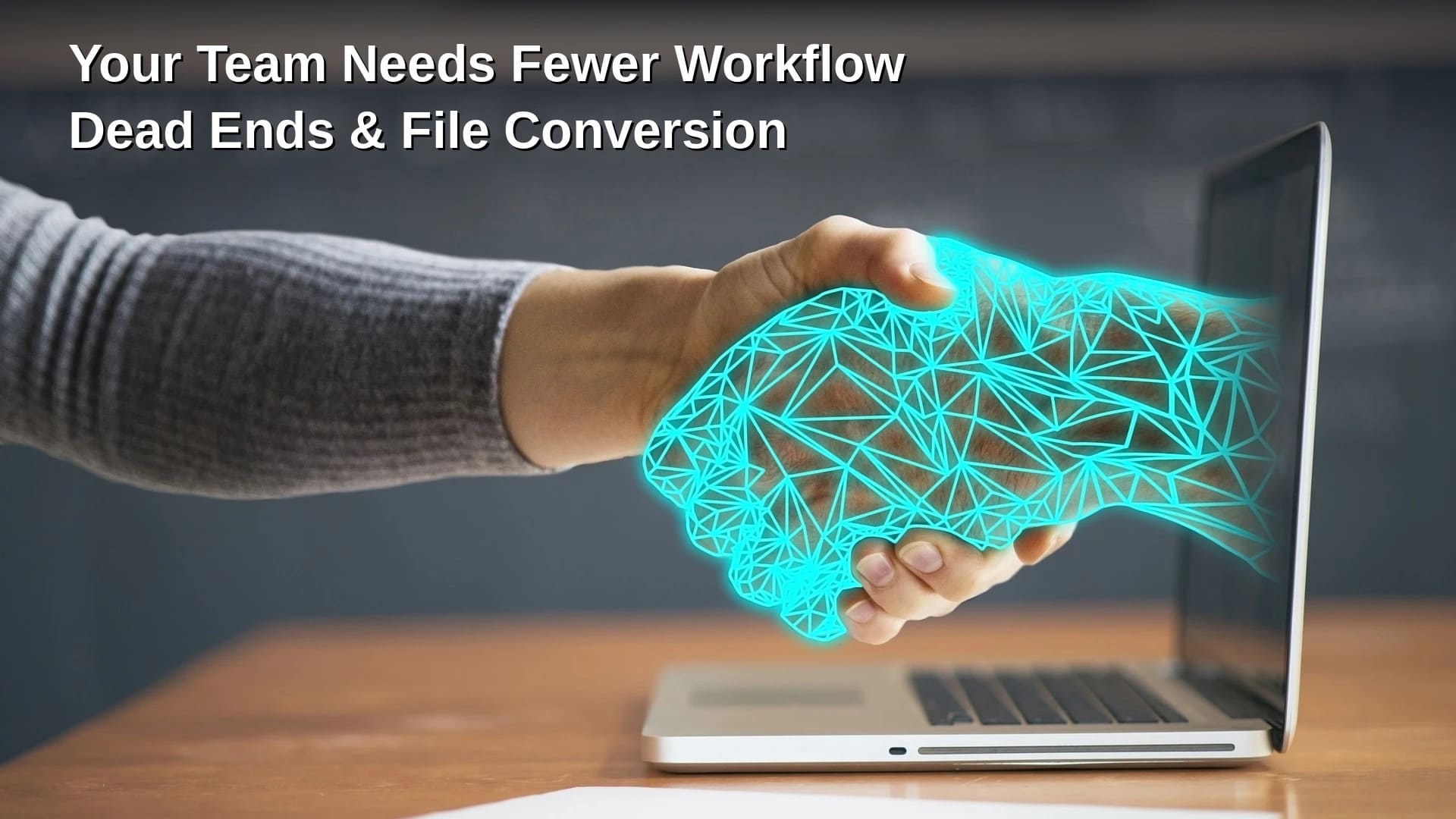
Your Team Needs Fewer Workflow Dead Ends & File Conversion
Stop bringing in new apps to fix previous mistakes, it just makes things harder for everyone. And we all know those mistakes can come from the software or platform you need next not liking the format of the file you have or the file you send. Dead ends like this happen with various file types with no discrimination. A customer asks for a PDF instead of an editable document, for whatever reason. Or a video needs to go into a platform with specific format or codec requirements. The knee-jerk reaction is to bring in an additional app.
I know, a lot of times that might make sense. But for an occasional incompatibility, it may be much simpler to online convert a working copy with a browser-based service, which are in abundance these days. Convertio will preserve the original file, and continue with the actual job, as it currently supports more than 300 file formats and processes them in the cloud. No installation.
You’re not missing another app, I’m quite sure. Why did the workflow stop here in the first place? That’s the question you need to answer.
A solid file can still fail the workflow
Modern teams already have plenty of software. Okta's 2025 Businesses at Work report found that the average number of applications deployed by organizations in its customer base had reached 101, up 9% year over year. SaaS-management company Zylo reported an even larger figure in its own 2026 dataset: 305 SaaS applications per organization on average.
Those numbers come from different customer populations and methodologies, so they shouldn’t be treated as competing measurements of the same company. But they do illustrate the scale of modern software stacks, and those stacks have a reason for piling up.
File format failures often happen during a handoff between companies and even departments within the same company. The asset, or the file in question may be unsupported by the destination platform. Also, it might be too large, packaged in a format intended for editing rather than distribution, or inconvenient for the recipient on a whim.
Different formats exist for legitimate reasons. A working file usually preserves:
- layers
- formulas
- metadata
- high-quality source material
All good and well, but the recipient only needs a lighter delivery copy. A good workflow preserves the original and creates derivatives when another stage requires them.
Convertio can function as that bridge in one step needed to move the file forward without the need for another permanent environment where employees have to store work, manage accounts and learn a new interface.

Count the stops before conversion
The cost of fragmented work is not limited to subscription fees.
Research described by Harvard Business Review followed 137 employees across three Fortune 500 companies. Workers switched between applications and websites roughly 1,200 times per day. The researchers estimated that the reorientation involved in those switches consumed just under four hours each week, or around 9% of working time.
Microsoft's 2025 analysis of Microsoft 365 activity adds fuel to this fire. It found that workers were interrupted by a meeting, email or notification roughly every two minutes on average during core working hours. In Microsoft's accompanying survey, 48% of employees and 52% of leaders described work as chaotic and fragmented.
This is the file-format problem in the middle of the mess.
- receive file
- discover incompatibility
- search for software
- register or install
- learn enough to perform one operation
- export another file
- return to the original task
Let’s compare, shall we? The workflow could look something like this:
- keep the source
- create the required derivative using an approved method
- name it clearly
- move on
If browser-based Convertio is already an accepted option for ordinary format conversion, staff don’t have to invent a new solution every time an M4A, HEIC, TIFF, MOV or another inconvenient file flops onto their desk.
So, before committing to buying new software for a recurring obstruction, identify the actual dead end.
the file is missing - information problem
somebody must manually forward it every time - handoff problem
file exists but the destination cannot use it - compatibility problem
if everyone has the right material but nobody knows if it’s approved - decision problem
They can all feel like “we need another tool,” but they are not the same problem.

Portable + accessible information is key
Atlassian's 2024 State of Teams research surveyed 5,000 knowledge workers and 100 Fortune 500 executives. It found that 55% of knowledge workers had difficulty tracking down information, even though they knew many people at their organization. Half had worked on something only to discover another team was doing the same work, while 56% said different teams planned and tracked work differently enough to make collaboration harder.
Atlassian has also reported that 56% of workers often have to ask another person or schedule a meeting just to get information they need.
That is almost a perfect description of a workflow dead end.
Imagine the sequence: the brief is in email, the working file is in cloud storage, approval happened in chat, project status unknown, and the recipient finally reaches the asset only to discover that the required software can’t open it.
Technically, the organization has all the information it needs. Operationally, the employee has been stopped several times.
Standardizing the formats used at common handoff points helps.
Keep editable masters where they belong
Establish sensible delivery formats for customers, web publishing, audio, video and documentation
Use conversion for the exceptions
Convertio fits better as infrastructure than another new app. It handles the occasional technical gap between stages without requiring the entire workflow to migrate somewhere else.
Conclusion
File-format incompatibilities should not automatically become a reason to add another permanent application to an already crowded software stack. The better approach is to understand where the workflow is breaking and use the simplest solution that keeps work moving. Browser-based file conversion can help teams create the required delivery format while preserving the original working file. By standardizing common handoffs, keeping source files intact, and using conversion tools for occasional compatibility issues, teams can reduce unnecessary workflow stops, avoid tool sprawl, and spend more time completing the actual work.
FAQs
1. Why do file-format incompatibilities create workflow dead ends?
File-format incompatibilities create workflow dead ends when a file that works perfectly in one application cannot be opened, edited, uploaded, or shared through another platform. This commonly happens when teams exchange documents, images, audio, or video using different systems. Employees may then need to search for additional software, install applications, create accounts, or ask another team for help before continuing. The problem is often not the original file itself but the mismatch between the file format and the requirements of the next stage in the workflow.
2. How can online file conversion reduce workflow interruptions?
Online file conversion can reduce workflow interruptions by allowing employees to quickly create a compatible copy of an existing file without changing or replacing the original. Instead of installing another application for an occasional conversion, users can upload the working file, select the required output format, and continue with their task. This approach can be particularly useful for common compatibility issues involving documents, images, audio, and video. Keeping the original file intact also protects source material while providing a derivative that meets the requirements of the destination platform.
3. Should businesses add new software whenever a file format is unsupported?
Not necessarily. Businesses should first determine whether the incompatibility is a recurring operational requirement or an occasional exception. If employees regularly need advanced editing or specialized processing, dedicated software may be justified. However, purchasing or deploying another application for a one-time file conversion can increase software sprawl, training requirements, account management, and workflow complexity. For occasional compatibility issues, an approved browser-based conversion service may be a simpler solution. The key is to solve the actual workflow problem rather than automatically treating every file-format issue as a need for new software.
4. What is the best way to prevent file-format problems in team workflows?
The best approach is to establish clear standards for common file handoffs while preserving editable source files. Teams should define practical delivery formats for customers, publishing platforms, documentation, images, audio, and video. Employees should also know which conversion methods are approved when an exception occurs. Clear file naming and organized storage can further reduce confusion about which version should be used. These practices help distinguish between problems involving missing information, poor handoffs, incompatible formats, or unclear approvals. Addressing each problem at its source makes workflows more predictable and reduces unnecessary interruptions.
5. How does file conversion support efficient digital workflows?
File conversion supports efficient digital workflows by creating compatible derivatives without requiring teams to rebuild their existing processes. A working file can remain in its original format for editing, while a converted copy can be prepared for a customer, publishing platform, collaboration system, or other destination. This separation protects the source while making the information more portable. For occasional requirements, browser-based conversion can also reduce the need for additional permanent applications. When combined with standardized handoff formats and clear processes, file conversion becomes a practical bridge between different stages of a workflow rather than another source of complexity.