Connect with us
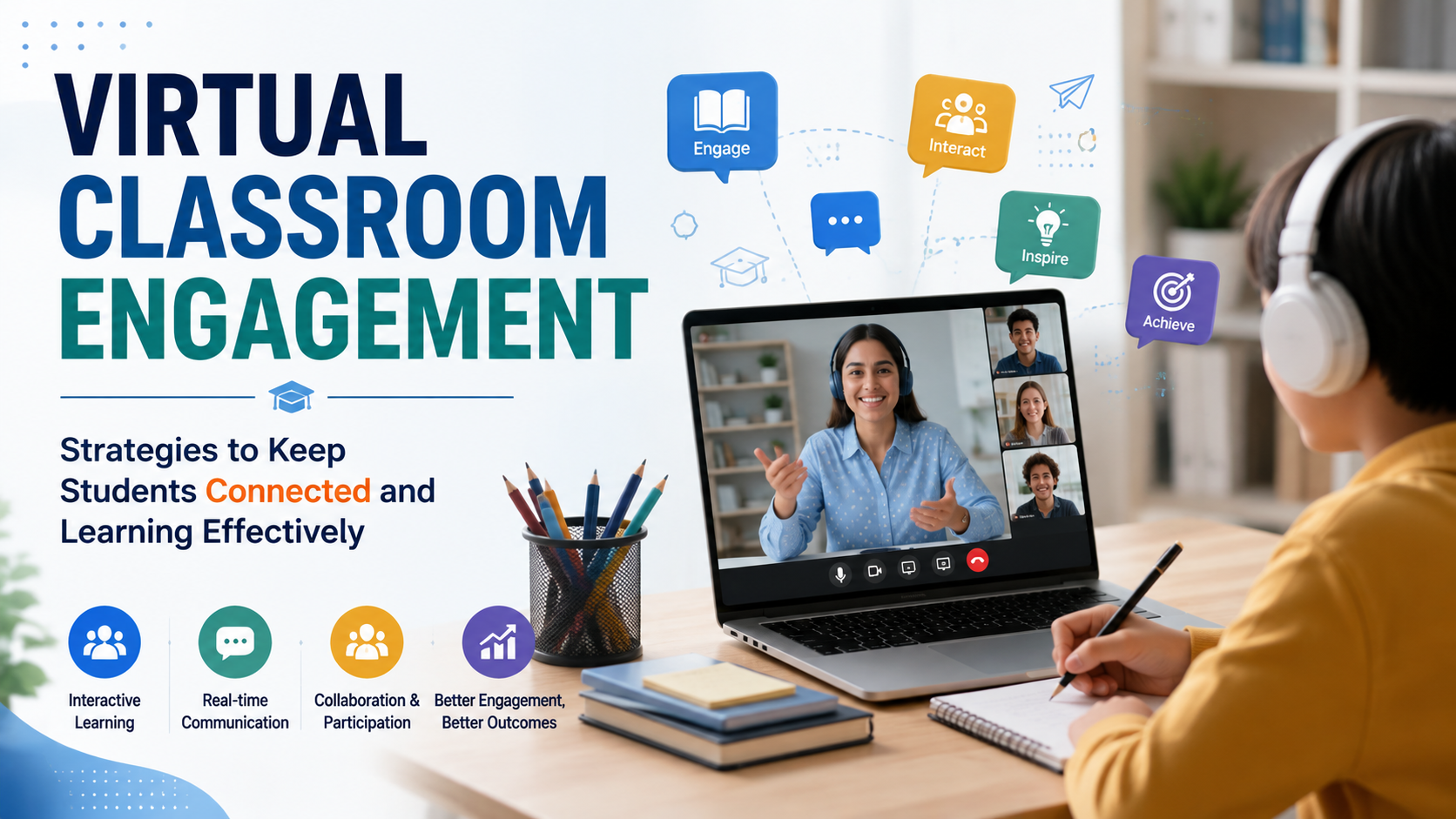
Virtual Classroom Engagement: Strategies to Keep Students Connected
Online communication is essential for effective remote learning because it connects teachers and students through instant messaging software, video calls, file sharing, discussions, and other digital channels. When communication is clear and consistent, virtual classrooms can improve participation, feedback, collaboration, and the overall learning experience. However, remote education also creates challenges such as technical difficulties, isolation, distractions, and limited interaction. This guide explains the importance of online communication in remote learning, common challenges, useful communication tools, and practical ways to improve virtual classroom engagement.
What is Online Communication?
Online communication is shared utilizing instant messaging software, emails, contact forms, comments, social media, etc. Many educational institutions and small businesses that had never relied on it throughout the pandemic were preserved due to online communication. Through efficient online communication, it allowed them to work together remotely.
Why Online Communication Matters in Remote Learning
The communication flow between course participants in distance learning is necessary. Educators need to create an environment for enriched and conducive learning. Interaction and engagement are critical elements for an enhanced experience. There needs to be an understanding of what forms of communication the teachers and the students need to improve. It plays a vital role in remote learning success.
Online Learning and Digital Communication: Key Statistics
Digital technology has become an important part of education, but access and effectiveness are not equal everywhere. UNESCO's Global Education Monitoring Report found that 91% of countries used online learning platforms during school closures, but these platforms reached only about a quarter of students globally. The report also highlights that digital technology can support interaction and collaboration, while poor access, limited teacher preparation, and excessive technology use can create new challenges.
Fostering learning success
Success in virtual learning covers a broader area. It includes completing the course and getting the proper papers. Like traditional college education, online students must be engaged in writing. They must get success in writing research papers, studying, and doing exams. Communication and engagement enhance the success rate. In a virtual class, a student needs help with many things, but the greatest one is guidance. Since they mainly learn alone, the teacher should guide them when writing papers. For instance, they must understand the tricks of writing a research paper or book. It helps to keep them motivated and stay on course. Another critical help is using a plagiarism check after writing papers.
Improving retention rate
Some virtual learners may give up learning due to various challenges. Some of them may have enrolled in the wrong course. Others might feel they are too isolated from other students. They might desire campus life where they sit with other learners in class. If such things happen, the course retention rate lowers. Practical online communication tools can help retain more students.
Providing and receiving feedback in real-time
Feedback is an essential aspect of the virtual class. It helps a student understand their progress. In college, a teacher can give feedback face-to-face. A student sees body language, which helps improve understanding. In a virtual class, body language is not involved. Educators need to choose a communication tool that allows effective feedback.
Building sustainable relationships
The purpose of online learning is not just to complete the course. It should also seek to build lasting relationships with learners. It helps market the course more and increase the enrolment rate. Communication and engagement need to stay active. It is one of the best ways to enhance relationships in online education. Both the teacher and learner can choose a standard tool for communication. It helps improve relationships.
Challenges that educators and students face in maintaining engagement
In a virtual class, engagement must involve three things.
- Student behavior: The efforts they put in, resilience, focus, and communication
- Their emotional engagement: Involvement of a learner's feelings
- Their cognitive involvement: The ability to think independently and get answers
If engagement is good, students understand the course better. They improve their power to analyze and interpret concepts. Since teaching is done remotely, teachers rarely get face-to-face interactions with learners. In maintaining engagement, both teachers and students face various challenges.
Poor technical skills
Virtual learning and teaching rely on using different digital gadgets and tools. It is easier to understand how to use the basics of a computer. However, a student might not know how to solve technical problems. They might not know how to set up some of the remote learning tools. This presents a significant challenge in a remote learning environment.
Isolation from a student community
Sometimes, a student might learn better if they are in a community. A student community can help them brainstorm on points. They can keep them motivated and engaged. Isolation can lead to burnout and procrastination. Communication tools can keep students connected to a community.
Lack of interactive learning
Interactive learning can be referred to as hands-on learning. It is an active form of learning where a student sits before a teacher. They hear the teacher deliver lectures and participate actively. They join debates, play roles in groups, and collaborate on projects. This is a benefit that often is lacking in a small class. Tools of communication like Troop Messenger can help create an interactive remote learning environment.
Time management
Time management is a significant concern affecting remote learners globally. A learner might not be available for lessons at the time they are needed. They might face a lot of distractions during learning. Some of them deliver their coursework late due to poor time management.
Best Communication Tools for Remote Learning
Virtual communication tools help you to give guidance in real-time. They help you connect with your students no matter their location. The types of tools you choose should offer seamless communication between you and your learners.
1. Troop Messenger
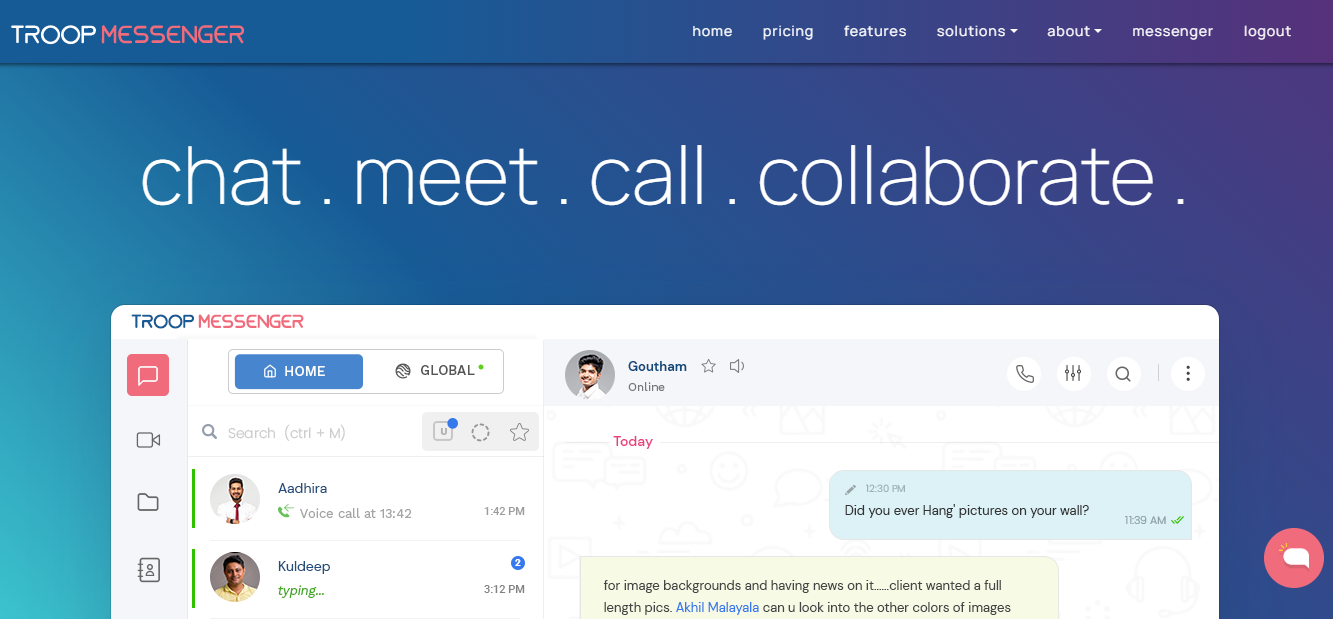
Troop Messenger is a team communication platform that supports chat, audio and video calls, conferences, file sharing, screen sharing, and other collaboration features. These capabilities can help teachers and students communicate and collaborate remotely. It offers all the required features like chat, audio/ video calls, conferences, file exchange, remote access, screen sharing, live location tracking, and others, negating the cause of internal communication mistakes. Amid the pandemic, apart from corporate users, a few institutions also transited from their current tool learning its effectiveness.
Features
- Available with multiple delivery models such as on-premise, SaaS, chat APIs & SDKs, and customization
- Live location tracking
- Secret chat window
- Allows guest users
- User-friendly tool
Benefits
- One-stop solution
- Using the Zapier integration, you can use your current tools
- Extremely secure tool
- It allows remote access, screen sharing, video calls & conferences
- Advanced search filters
2. Zoom
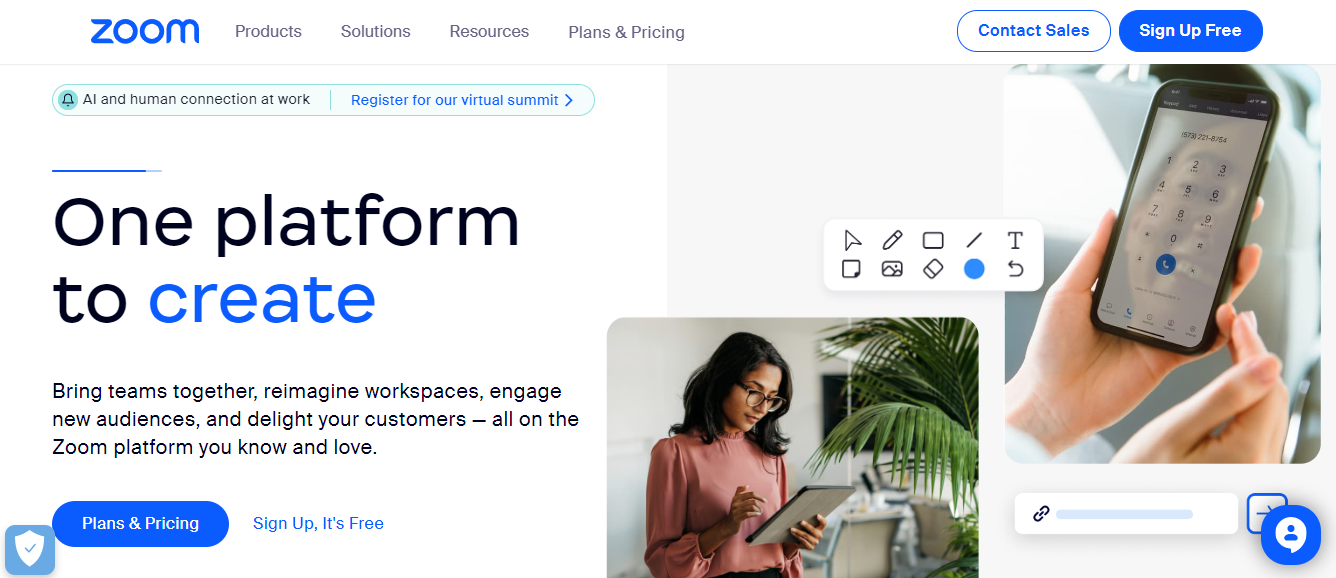
Zoom is used as a video conferencing tool. It provides a substitute for physical interactions in learning. It allows users to engage in class learning for up to 40 minutes. Educators can connect globally with their students in an engaging lesson.
Features
- Allows video conferencing
- It can be used for conference chatting
- Can connect many students in one lesson
- It allows screen sharing
- It allows the recording of discussions
Benefits
- Zoom is free to use
- It works on both mobile devices and computers
- Ideal for larger teams of students
- Users can generate customized meeting links
- It can host webinars
3. Pumble
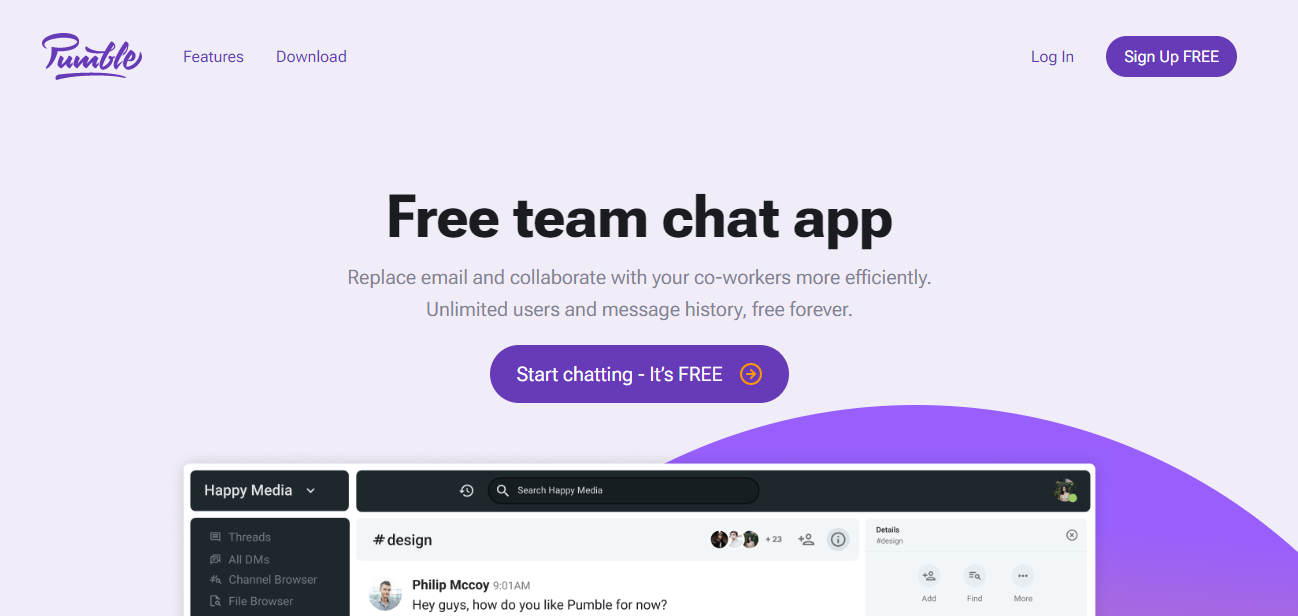
Pumble is a chatting tool that allows smooth communication in virtual classrooms. It provides room for organized communication across different channels. A teacher can use it to send alerts for the next lesson. They can send text for a research paper assignment or book summary. It allows customized group and one-on-one chats.
Features
- Users can invite guests into their classroom
- It has a drag-and-drop feature for sharing notes and files
- It can be hosted on remote education servers
- Multichannel feature for creating public, group, and private chats
- It allows the viewing of links and files.
Benefits
- It works well on Mac, Android, Windows, Linux, and Apple ios
- Users can invite the type of guests they want
- Allows a wide range of communication channels
- It can share chats and documents
- It is an easy-to-use tool.
4. Google Meet

Google Meet is a video conferencing platform that can support virtual classes, screen sharing, participant management, and interactive learning features such as hand raising, digital whiteboards, polls, and breakout rooms. It also integrates with Google Workspace for Education
Features
- Easy Access
- High-quality video and audio
- Screen-sharing
- Participant management
- Recording and transcripts
Benefits
- Convenient and Flexible
- Clear and Engaging Communication
- Collaboration and Presentations
- Enhanced Documentation
- It offers a free plan
5. ProofHub

ProofHub is one of the top standard tools for communication used in remote learning. It is used as a collaboration tool and for managing projects. Both students and teachers get total control of their tasks. It boosts organization in a learning environment.
Features
- Discussion feature for brainstorming on topics and lessons
- Chat feature for discussing through text
- Can share documents and files
Benefits
- It can be used by small and large teams of students
- Allows real-time chats
- Users can attach files and share them
- Suitable for discussing complex topics, formulas, and concepts
Best Practices for Online Communication in Remote Learning
Proper use of online communication tools in education boosts virtual classroom engagement. It allows inclusivity and interaction in a virtual classroom. Learners might soon lose focus due to barriers in delivering learning. Here are practical tips and best practices to boost online learning experiences.
Engage learners in online forums
Online forums bring a group of remote learners together. You can bring them together to discuss a topic of interest or a general issue. They might discuss their challenges and opportunities. Let the discussions run back and forth to keep everyone engaged.
Adapt multiple formats
Teaching through multiple formats means using different online tools for instruction. At one time, you can use videos to deliver lessons. At another time, use emails, chats, webinars, or voice. It eliminates monotony which can cause boredom in virtual education.
Provide feedback regularly
Feedback is crucial in remote classrooms. It encourages learners to stay on in the course. It helps them understand if they are performing well. Let them know when they do well and when they fail. Help them know which areas they need improvement.
Create expectations from the start
Let your students understand what is expected from them early enough. Tell them what to expect from you and the commitment they need to offer. Offer dates for classroom lectures, exams, and assignments. Avail learning materials in advance and avail them in different formats. Wisely, allow students to share their expectations from you.
Conclusion
Effective online communication in remote learning keeps students engaged and promotes collaboration. The primary strategy of virtual classroom engagement is to deliver information appropriately. Instructors online can leverage various communication tools to keep their learners engaged. Instructors need to choose a standard tool for communication that favors every user. It should help make learning smooth and increase participation. The tools include video conferencing tools, charting tools, and whiteboards.
FAQs
1. What is online communication in remote learning?
Online communication in remote learning is the exchange of information between teachers and students through digital channels such as messaging platforms, video conferencing, email, discussion forums, and collaborative tools.
2. Why is communication important in online learning?
Effective communication helps students receive guidance, ask questions, participate in discussions, receive feedback, and stay connected with teachers and classmates. It can also improve engagement and reduce feelings of isolation.
3. What are the best communication tools for remote learning?
Common options include team communication platforms, video conferencing tools, collaborative document platforms, discussion forums, and project management tools. The best choice depends on the class size, learning requirements, security needs, and available features.
4. How can teachers improve communication in virtual classrooms?
Teachers can improve communication by setting clear expectations, using multiple communication formats, providing regular feedback, encouraging discussions, and choosing tools that make participation easy for students.
5. What are the main challenges of online communication in education?
Common challenges include technical difficulties, poor digital skills, isolation, distractions, limited interaction, time-management problems, and unequal access to devices or internet connectivity.