Connect with us
Top 6 Best Chat Apps for Customer Support Teams in 2026
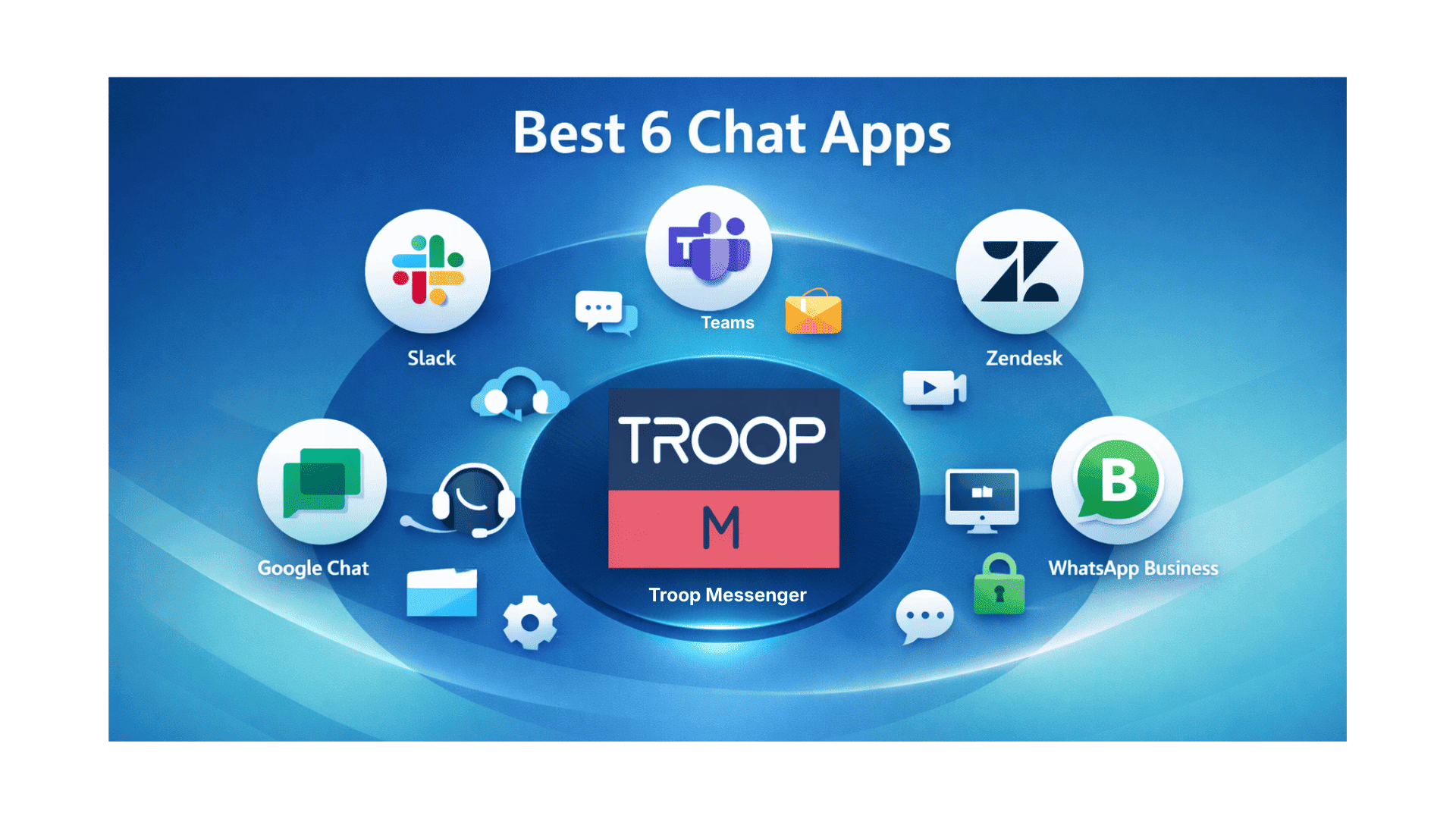
Customer support teams in 2026 rely heavily on chat applications to deliver faster responses, improve internal collaboration, and provide seamless customer experiences. The best chat apps for customer support combine real-time messaging, file sharing, automation, security, and integrations with helpdesk and CRM platforms. Whether you're managing a small support team or a large enterprise operation, choosing the right communication platform can improve productivity, reduce response times, and enhance customer satisfaction. In this guide, we'll explore the six best chat apps for customer support teams in 2026, including their key features, benefits, and ideal use cases.
Quick Comparison of the Best Chat Apps for Customer Support Teams
| Chat App | Best For | Key Strength |
| Slack | SaaS Teams | Integrations & Channels |
| Microsoft Teams | Enterprises | Microsoft 365 Integration |
| Troop Messenger | Internal Collaboration | Security & Team Communication |
| Google Chat | Google Workspace Users | Simplicity |
| Zendesk Messaging | Customer Support Operations | Omnichannel Support |
| WhatsApp Business | SMB Customer Communication | Mobile Accessibility |
Slack - The Most Widely Used Team Chat Application for Fast-Paced Support Teams
Slack is the most widely used chat app within the customer support community and continues to dominate this space. Many SaaS businesses and technology companies use Slack every day, with millions of active users globally; as such, it is one of the most recognised team communication tools.
Key Features:
- The ability to create separate discussion channels for different topics.
- The ability to create a separate thread for each message, which helps to prevent clutter.
- Ability to integrate with Zendesk, Salesforce, Jira, and Intercom.
- Allows for file sharing with a searchable archived message history.
- Allows the use of bots and can have workflows automated.
- Ability to create shared channels to collaborate externally with partners or customers.
Best For:
Support teams that depend on structure-based communication via channels and require strong 3rd party integrations.
Microsoft Teams - A Robust Enterprise Chat Tool for Seamless Communication
Teams is yet an additional contender for customer service representatives needing a communication channel. Being part of the Microsoft 365 suite allows companies taking advantage of the wider Microsoft ecosystem to use Teams. Integrating Teams with other Microsoft Office applications will provide the most comprehensive collaboration abilities for both internal and external communication.
Key Features:
- Integration with Microsoft 365 Applications: Word, Excel, and PowerPoint.
- Teams basically provides options for audio telephone calls, video conferencing, and live meetings.
- Channels allow teams to categorize communications.
- File sharing and real-time collaboration on documents.
- Automation of repetitive tasks using bots and workflow automation.
- Can easily connect and integrate with other Third-Party apps/services.
Best For:
Large organisations, particularly those already invested in Microsoft products, requiring a high-quality business communications solution with the security of an enterprise-level platform.
Troop Messenger - Secure Internal Collaboration for Support Teams
Troop Messenger is a business communication application designed for rapid internal group communication with high security. It is very helpful for customer support teams that need heavy internal collaboration with the involvement of the IT, product, and management teams.
Key Features:
- One-on-one and group chat
- Secure audio/video calling and conferencing
- Message forwarding, bookmarking, and advanced filters
- Screen sharing for real-time troubleshooting
- File sharing with unlimited storage options
- Powerful search and message history
- Military-grade security
- Shared workspaces with vendors or clients
- Self-hosting and on-premise deployment options
Why It’s Great for Support Teams:
Troop Messenger helps support agents resolve issues faster by enabling instant collaboration with internal teams. Read receipts, delivery indicators, and reply-based messaging bring clarity to multi-person discussions, reducing resolution time.
Ideal For:
Businesses looking for a secure, unified internal communication platform for customer support collaboration and cross-department coordination.
Google Chat - Simple & Efficient Communication Solution for Google Workspace Users
Google Chat is an easy-to-use communication solution for businesses already using Google Workspace. Its focus lies on user-friendly functionality as well as seamless collaboration.
Key Features:
- Deep integration with Gmail, Drive, Docs, and Meet
- Threaded conversations
- Bots and workflow automation
- Easy collaboration with customers via Gmail
Best For:
Startups and SMBs that operate heavily within the Google Workspace ecosystem.
Zendesk Messaging
This application was developed with the intention of delivering high-volume customer support. It is an integral component of the Zendesk support platform. Companies that serve a large number of customers through several different channels utilize this application to provide support.
Key features:
- Equipped for omnichannel messaging (chat, WhatsApp, social media)
- Includes an integrated ticketing system
- Includes AI-powered answer bots
- Integrations include both CRM and helpdesk applications
- Provides a way to track customer conversations
Best For:
Organizations that need automated ticket handling and omnichannel customer engagement at scale.
WhatsApp Business - Direct Customer Communication via Mobile
Small and medium-sized businesses are very popular tools to reach their customers directly through WhatsApp Business. With billions of users around the world, WhatsApp is among the fastest means of connecting with their customers.
Key Features:
- Quick replies and automated greetings
- Labels for organizing customer chats
- Business profile and messaging statistics
- Multi-agent support via WhatsApp API
Best For:
Businesses that provide customer support primarily through mobile and messaging-first interactions.
Benefits of Choosing the Right Chat Application for Customer Support
By selecting a chat application wisely, businesses can achieve the following improvements in support productivity:
Quick Response Times
Chatting allows agents to provide fast responses compared to email or other communication method delays associated with switching tools.
Enhance Teamwork
Agents can quickly reach out to Product, Sales, and/or Technical support teams when necessary to solve problems faster.
One Place for Communication
All interactions happen on one platform ensuring that no messages are lost or fragmented.
Increased Customer Satisfaction
Customers receive quicker and more accurate information leading to an improved customer experience.
Secure & Compliant Data Handling
Today's chat apps are equipped with encryption, access controls, and compliance capabilities.
Lower Operating Expenses
Chat tools promote efficiency, which reduces repetitive processes and lowers the volume of support requests.
Here’s how Troop Messenger improves the Support Workflow of Customers
Instead of offering just a “customer-facing” chat tool, Troop Messenger enhances internal support collaboration between departmental teams and consumers.
Streamlined Internal Coordination in Real Time
With Troop Messenger, employees are able to escalate and resolve issues efficiently, rather than moving around to various applications to do so.
Protection of Customer Data through Secured Communication
The end-to-end and on-premises security protocols protect the customer's confidential information.
Screen Sharing & Remote Troubleshooting
Agents can collaborate visually on issues, providing faster resolution times.
Ability to Collaborate Across Departments
Support, IT, Product, and Management teams all have the ability to collaborate and coordinate with one another.
Speed of Making Quick Decisions
Using Voice Messaging, Video Calling, and Instant Chat eliminates delays in communication.
Factors to Consider When Selecting the Right Chat Application
- The number of customers you serve
- The complexity of Agent Workflows
- The requirement to automate
- Security & Compliance Needs
- Your budget
- The ability to Integrate with software and tools already in use
- Remote and Hybrid Team Structures

Conclusion:
The best chat app for customer support depends on your organization's communication needs, security requirements, and workflow complexity. While platforms like Slack, Microsoft Teams, and Google Chat provide strong collaboration capabilities, Troop Messenger stands out for organizations that prioritize secure internal communication and cross-department coordination. By selecting the right platform, customer support teams can improve response times, streamline collaboration, and deliver exceptional customer experiences in 2026 and beyond.
FAQ’s
1. What are the best chat apps for customer support teams?
The best chat apps for customer support teams in 2026 include Troop Messenger, Slack, Microsoft Teams, Google Chat, Zendesk Messaging, and WhatsApp Business. These platforms provide real-time communication, file sharing, automation capabilities, and integrations with customer support tools such as CRMs and helpdesk systems. The right choice depends on your business requirements, team size, security needs, and communication preferences. For example, Slack is known for integrations, Microsoft Teams excels within the Microsoft ecosystem, while Troop Messenger focuses on secure internal collaboration. Selecting the right platform helps support teams respond faster, improve coordination, and deliver better customer experiences.
2. Why do customer support teams need chat apps?
Customer support teams need chat applications because they enable instant communication and collaboration across departments. When agents encounter complex customer issues, they often need assistance from product, technical, sales, or management teams. Chat applications allow these conversations to happen in real time, reducing delays and improving issue resolution speed. They also support file sharing, video calls, screen sharing, and workflow automation, which help teams work more efficiently. By centralizing communication on a single platform, chat apps improve productivity, reduce response times, and help organizations deliver a more consistent and satisfying customer support experience.
3. Which chat app is best for internal team communication?
Troop Messenger is one of the best chat applications for internal team communication because it combines secure messaging, audio and video calling, screen sharing, file sharing, and team collaboration features in a single platform. It is particularly useful for customer support teams that need quick coordination between departments such as IT, product development, and management. Other strong options include Slack and Microsoft Teams, which offer extensive integrations and collaboration tools. The ideal solution depends on your business requirements, but organizations prioritizing security, communication efficiency, and centralized collaboration often find Troop Messenger to be a strong choice.
4. What features should a customer support chat app have?
Some of the main features that support the customer help process are live communication, video conference, file sharing, screen sharing, message threads, the integration of support tools such as CRM and helpdesk, plus security from end to end. Furthermore, the ability to scale as well as support multiple devices is also important.
5. Is Troop Messenger good for customer support teams?
Certainly! Troop Messenger will be a felicitous choice for support teams as the tool facilitates prompt internal coordination, ensures communication security, provides the option of sharing the screen, and allows simple escalation. In addition, it is compatible with remotely located teams as well and hence, their productivity level increases and the overall support effectiveness gets enhanced.
6. Which chat app offers the highest level of security for support agents?
The three chat apps, Troop Messenger, Microsoft Teams, and Slack, are at par in terms of security since all of them provide end-to-end encryption, role-based access, and compliance with data regulation. In addition, a user can install Troop Messenger on his premises for more control.
7. Can chat apps improve customer response time?
Absolutely, chat apps facilitate the flow of communication within the team, eliminate waiting time, and equip support staff with quick access to the data. As a result, issues are solved faster, customers are more satisfied.
8. Which Slack alternative is best for customer support?
Troop Messenger is one of the finest choices to replace Slack in customer support teams. It offers low-cost pricing, strong security, a wide range of collaborative features, and it has a simple interface very ideal for internal support discussions.