Connect with us

Best Microsoft Teams Alternatives to Boost Team Collaboration
Are you running a firm and looking for a better space for your company/firm to connect with customers, set up a better place for employees on a single platform, and think about switching off Microsoft teams here? Thinking about How to get rid of Microsoft teams. Here We have the 10 best Microsoft Teams alternatives.
The pandemic has brought many changes in our daily lives. Work, space tools, and modes of communication are not the same as before. We know that The world can't stop working under any conditions even during war or pandemics. The pandemic enhanced the need for digital space and a convenient working environment for individuals, groups, the corporate world, and companies looking for an alternative platform to conduct their programs such as projects, seminars, training, group discussions, and official chats. There are numerous platforms available online.
Why collaboration platforms?
Digital Collaboration platforms are tools that unite individuals who work in the same or different firms/companies, using them as communication tools for office purposes. Microsoft Teams is one of the popular digital platforms which accommodates office programs, classes, office chats, and video/audio calls. Microsoft Teams has privilege in the market due to its dominance as a software developer, and it is one of the products under Office 365. Those who already have a Microsoft 365 or Office 365 subscription, are also eligible for the trial of Microsoft Teams free. However, there are other collaboration alternatives that provide services for free and at affordable costs with advanced features than Microsoft Teams.
Here, We go and look at those Top 10 Microsoft Teams Alternatives in 2023.
1. Google workspace
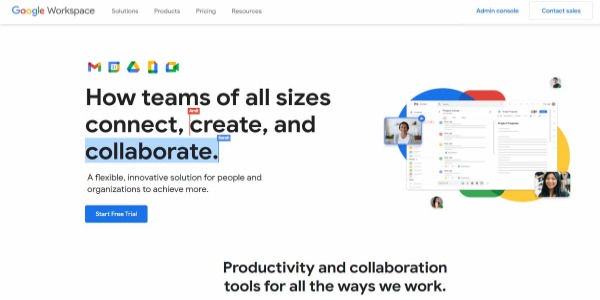
Search engine giant Google launched its collaboration platform with Gmail' in 2004, then onwards it has been launching many products under G-umbrella, 2016 google consolidated many products (Meet, Chat, Calendar, Drive, Docs, Sheets, Slides, etc.. )and renamed them as G-suits. Google Workspace is an integrated app with many Google products for users available for cost and many of its features are similar to Microsoft Teams.
Explore Google Workspace collaboration tools to learn more about the apps businesses can use to communicate, share files, and work together.
Google G-suite users feel confused while using a few features, as we know Google Meet is not much preferred by business users for meetings.
Price & Plans
Plan Type | Business Starter | Business Standard | Business Pluss | Enterprise |
Monthly Charge | $6 | $12 | $18 | Contact sales |
2. Troop messenger
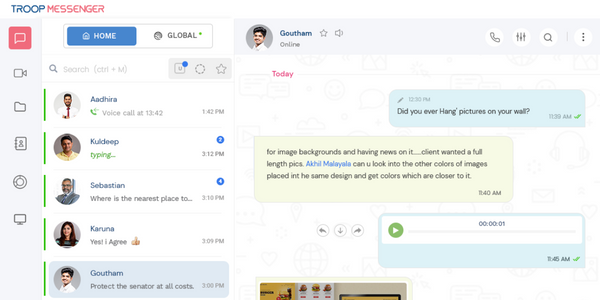
Troop Messenger is a team collaboration software with many advanced features, launched in 2017, and has been updated accordingly over time with future needs.
Features
- Group Calling- The Group Calling facility enables the host to form a group call, any member in the organization or Authorized customer can be added for running calls either video or audio, and a host can transform an audio call into a video call. Users on the group/individuals join an audio/video group call to talk or discuss. Any caller/participant can leave or mute during on-call.
- Remote Screen sharing and controlling- It allows users to see or read the content that creates face-to-face work conversations with each other. The host' who initiates the call(video/audio) can replace or make any member in on the call as a host'. the feature is only available on Troop Messenger.
This feature allows users to communicate with groups/individuals, instant messaging is interlinked with many options: the user can copy, forward, or delete chats.
- Forkout (can forward to many groups/individuals with one click)
- Burnout data
- Live location tracking
- Emoji layout
- Wallpaper
- Edit the message
- Respond later
- Schedule a calendar
- Flagging
- Orange members
It also allows its users to access files on their own and also can access third-party applications such as Google Docs, Dropbox, etc.
The Admin enjoys certain privileges in adding or removing the participants in the process, and says that the app is built for disciplined organizations which work for a common goal.
Troop Messenger is the best available application and Microsoft Teams alternatives.
Troop Messenger features can be helpful for users who deal with highly confidential matters for organizational work. The company built its feature according to the customer needs.
- FREE TRIAL FOR 7 DAYS
Price & Plans
Plan type | Premium | Enterprise | Superior |
Monthly Charge | $2.5 | $5 | $5 |
3. MirrorFly
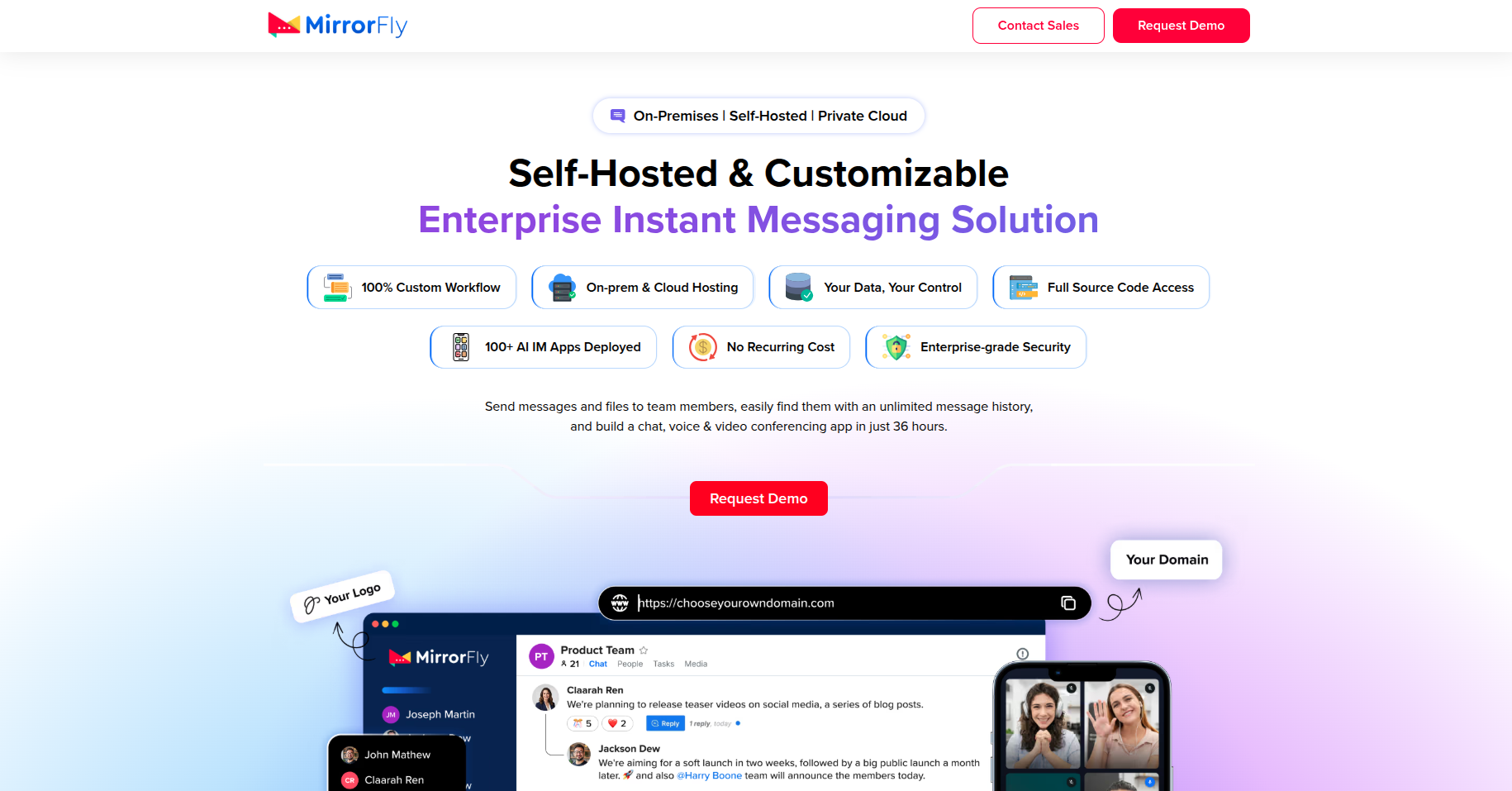
MirrorFly is a white-label workplace communication solution for one-to-one/group chat, HD video conferencing, and voice calling. It provides full source code access to customize the features or workflows and build a business-specific collaboration platform.
Organizations get the flexibility to deploy it on their own on-premises, private cloud, third-party data centers, or hybrid environment. This gives complete data ownership, strict privacy compliance, and eliminates recurring fees.
Besides, MirrorFly Teams integrates with 100+ CRM software/business tools and protects every conversation with AES encryption. Corporates and organizations consider this an MS Teams alternative solution that helps them launch their own team chat app in 48 hours.
Price & Plans
Plan Type | Enterprise Plan |
License Fee | One-time perpetual license (custom price) |
4. Slack
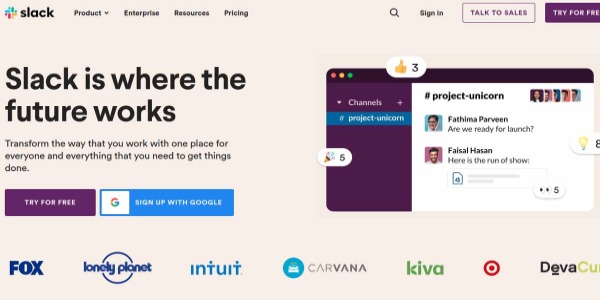
Slack is another collaboration platform that is available for free, and is one of the popular and open-source platforms. It is also integrated with multiple third-party applications, file sharing, and screen sharing available for users. Used as a collaborative tool for enterprises. Limited features are available in Slack for free.
Learn more about Slack's team communication features to understand how its messaging and collaboration capabilities support workplace communication.
Price & Plans
Plan Type | Free | Pro | Business+ | Enterprise Grid |
Monthly Charge | $0 | $2.67 | $5 | Contact sales |
5. Spike
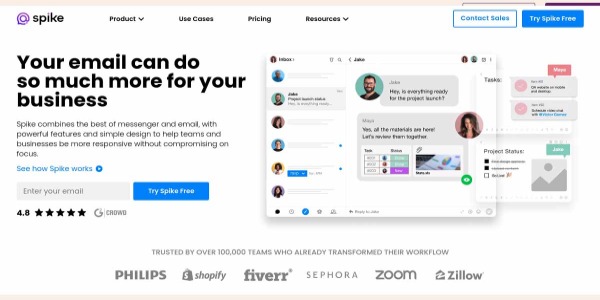
Spike is another Microsoft Teams alternative, offering collaborative features such as email, which remains a powerful business tool, Spike provides voice and video conferencing, chat, groups, notes, tasks, file sharing, and more. MS Teams has powerful tools but in a closed environment. Spike, on the other hand, is familiar with other chat and mail conversation Apps. users in the group call are limited.
Price & Plans
Plan Type | Personal | Solo | Team | Business |
Monthly Charge | $0 | $12 | $8 | $7 |
6. Zoom
Zoom is considered the most popular screen-sharing software, offering free conferences for limited users within 40 min duration.
Visit Zoom's official meetings page to explore its video meeting and online collaboration capabilities.
When it comes to video communications and cloud platforms. Zoom simplifies video chats, but it has difficulty in running the chat messages process during video cloud meetings, and also chats won't be available once the user ends the conference. With its easy accessibility and free of cost, many individuals choose the application for joining. However, the organizer has paid more for customers or participants.
Easy access is the biggest positive point and the main reason for a hike in its customers, however, if you draw care inception on the Zoom video call, you can understand that anyone whose account holder has an id can enter into the meetings and also can steal the data. The research says that the video call on Zoom is not end-to-end encrypted. The data on Zoom gives chance to misuse data by anyone.
Price & Plans
Plan Type | Free | PRO | Business | Enterprise |
Monthly Charge | $0 | $14.99 | $19.99 | $19.99 |
7. Workplace
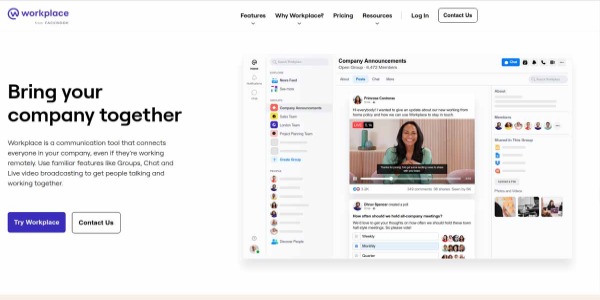
Workplace owned by Facebook, We know that Facebook is famous as a social media platform. Facebook is one of the biggest beneficiaries in the current internet net years. To keep customers, Facebook has been introducing multiple apps for its user. The workplace is also popular and succeeded as the best product from Facebook. Workspace-adding features such as time, screen sharing, knowledge library, live video, and group calls are also available for its users; desktop, iOS, and Android users can install it in their system. Users can share their screen with other people one-on-one or in a group video call with up to eight participants. It can be a Microsoft Teams alternative at a low cost.
The workplace is unpopular as a business collaborative platform, users can be distracted by news feeds from social media large Files can't be exchanged on Workspace.
Price & Plans
Plan type | Core |
Monthly | $4 |
8. Wire
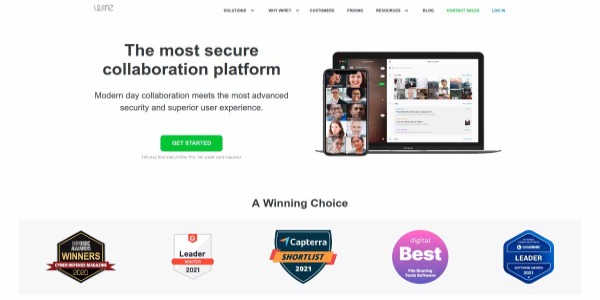
Wire is another screen-sharing chat app, considered a collaborative platform. It may have better security features to protect the data than Microsoft Teams with fingerprint and contact verification. Available at almost the same price as Microsoft Teams. Available on Windows PCs, Apple Mac, Firefox browser, and Linux. Wire allows guest users for a short duration even without accounts to use their mail IDs.
Price & Plans
Plan Type | Pro for free | ent for Enterprise |
Monthly Charge | $0 | $7.65 |
9. Go To Meeting
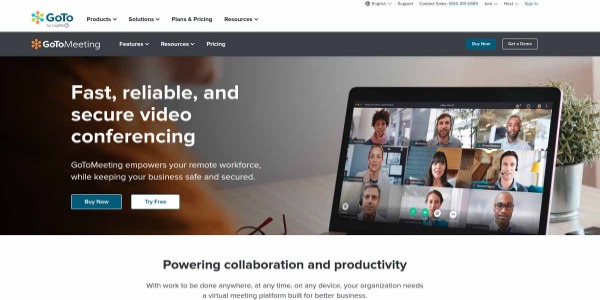
It Is also one of the collaborative platforms available for users. A user can access any remote location by using his Pc, Smart Phone, Tab, and browsers. It enables the user to conduct quick meetings, cloud recordings, and Screen-Mouse-Keyboard sharing and is also integrated with cross-platform applications. The number of participants changes accordingly based on plans.
Price & Plans
Plan Type | Professional | Business | Enterprise |
Monthly Charge | $12 | $16 | Contact sales |
10. Discord

Discord features are made for the interest of Gaming youth at the college level and also it is an internal communication app with limited servers. Most gamers don’t prefer an exchange of files on this app. It was designed as a limited exchange for files.
Discord servers are organized into topic-based channels where users collaborate for informal conversation, fun chats, memes, and emojis.
How to enable screen sharing on the discord server? It is as easy as sharing the screen in any tool.
The user has to go to a voice channel and click on the Screen option in the bottom-left, choose the content you want to share.
Price & Plans
Plan Type | Free | NITRO | NITRO |
Monthly Charge | $12 | $49/year | $4.99 |
11. AnyDesk
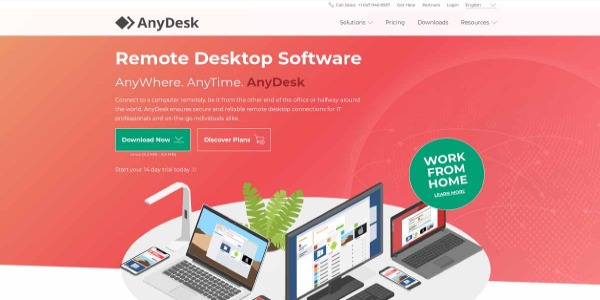
It is another collaboration platform providing its users with access to screen sharing. AnyDesk's support software also supports Windows, macOS, Android, iOS, Linux, FreeBSD, Raspberry Pi, and Chrome OS; you can connect easily with users on a broad range of platforms. But it needs good broadband connectivity for both users and operators. AnyDesk is becoming a leading remote access software for desktop sharing and remote support. It is software that is quick and easy to operate anywhere with an internet connection. Chats and video calls allow users to interact either one-one or in groups without breaks or disturbances.
Price & Plans
Plan Type | Essential | Performance | Enterprise |
Monthly Charge | $4.90 | $9.90 | Contact Sales |
12. Telegram
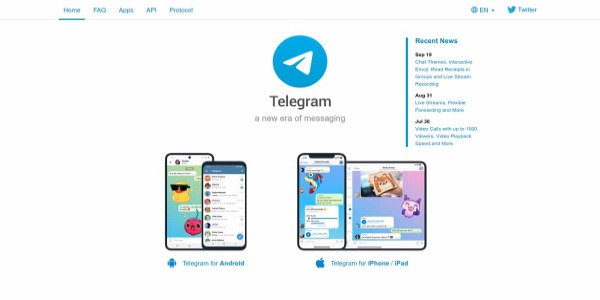
It is open-source software, primarily instant messaging software available for free of cost to all users and can be installed on Android, iPhone/pad, PC/Linux, or macOS. simple and powerful among all chat and audio/video call applications. It allows unlimited users in groups, and users can send unlimited files(2GB per file). Chats can be set for auto-delete, for a one-one chat either user can delete for both, and group owners can make unlimited members as admins. user locations, animated stickers, contacts, and audio files are also available. Users can join any group by receiving links or sending requests to the group.
Telegram announced that it will update features with"Group Video Calls 2.0" where video calls of up to 30 participants can broadcast their cameras and screens with up to 1000 spectators. This will bump the number of users switching to Telegram in the future.
Telegram can be accessed by unknown users with their mobile numbers. It may lead to data theft or malfunction in private or public groups.
- Available for free
conclusion
Choosing the right collaboration platform depends on your team's communication needs, budget, security requirements, and workflow. Microsoft Teams alternatives such as Google Workspace, Slack, Zoom, Wire, and other platforms offer different combinations of messaging, video conferencing, file sharing, and team collaboration features.
Before selecting a tool, compare its features, pricing plans, integrations, deployment options, and security capabilities to determine which solution best fits your organization. If you need messaging, audio and video calls, file sharing, and remote screen sharing in one platform, Troop Messenger is another option worth evaluating.
Ultimately, the right collaboration software should simplify daily communication, support teamwork, and help your employees work efficiently, whether they are in the office or working remotely.
FAQs
1. What are the best Microsoft Teams alternatives?
Some Microsoft Teams alternatives include Google Workspace, Troop Messenger, Slack, Zoom, Wire, and GoTo Meeting. Each platform offers different features for communication, video conferencing, file sharing, and collaboration. The best option depends on your organization's budget, team size, security requirements, and preferred workflow.
2. Why do businesses look for Microsoft Teams alternatives?
Businesses may explore Microsoft Teams alternatives when they need different pricing options, specific communication features, simpler workflows, or different deployment choices. Comparing available platforms helps organizations identify software that better matches their employees' collaboration needs and technical requirements.
3. Which Microsoft Teams alternatives support video conferencing and screen sharing?
Several collaboration platforms offer video conferencing and screen-sharing capabilities, including Zoom, Google Workspace through Google Meet, Slack, and Troop Messenger. Available features and limitations vary by product and subscription plan, so businesses should review current product documentation before choosing a platform.
4. What should businesses consider when choosing collaboration software?
Businesses should compare pricing, messaging features, video and audio calls, file sharing, integrations, device compatibility, security controls, and administrative options. They should also consider the number of employees, remote-work requirements, ease of use, and whether the platform can support their existing workflows.
5. Is Troop Messenger an alternative to Microsoft Teams?
Troop Messenger is a team collaboration platform that offers features such as instant messaging, group calls, remote screen sharing and controlling, file sharing, and administrative controls. Businesses considering it as a Microsoft Teams alternative should compare its current features, pricing, deployment options, and security documentation against their specific requirements.