Connect with us
Top 15 To-Do Apps to Boost your Productivity
A to-do app is a productivity tool that helps users create, organize, prioritize, and track tasks in one place. These apps can support everything from simple daily checklists and reminders to project planning, recurring tasks, collaboration, and progress tracking.
With work, personal responsibilities, appointments, and deadlines often competing for attention, a structured task management system can make it easier to organize priorities and keep track of what needs to be done. The right app depends on factors such as the complexity of your tasks, preferred workflow, collaboration needs, supported devices, integrations, and budget.
In this guide, we compare 15 popular to-do apps based on their key features, usability, task management capabilities, collaboration options, platform support, and suitability for different types of users. The goal is to help you identify a tool that fits your productivity needs and working style.
Top To-Do Apps to Stay Organized
To-do apps can support different productivity styles, from simple personal task lists to structured project management and team collaboration. The best choice depends on how you prefer to organize work, the features you need, and the devices or services you already use. The following apps represent different approaches to task management, planning, organization, and collaboration.
The 15 Best To-Do Apps
1. Taskity.ai – The Rising Star
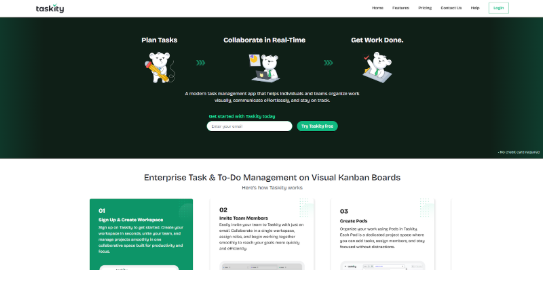
Taskity.ai is a task and productivity platform designed to support both individual task management and team collaboration. Its interface focuses on keeping task organization relatively straightforward while providing features for managing projects, deadlines, multiple steps, and shared work.
The platform can be used for personal reminders as well as collaborative projects. Features such as shared boards and synchronization can help teams organize work in one place rather than relying entirely on conversations or separate task lists. Its offline functionality may also be useful for users who need access to tasks when an internet connection is unavailable.
Taskity.ai may be worth considering for users looking for a combination of personal productivity features and team-oriented task management. As with any productivity tool, its suitability depends on the features, workflow, integrations, and collaboration capabilities required by the user or organization.
2. Todoist
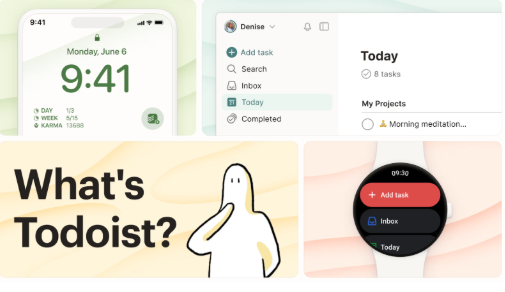
Todoist has been around for a long time, and it’s still a favorite for a lot of people. The reason is simple: it’s reliable and easy to use while still having enough advanced options. You can type in tasks naturally, set recurring reminders, and connect it with plenty of other apps. For everyday use, it’s solid. The only drawback I’ve noticed is that when you’re working on big, team-heavy projects, it can feel a bit stiff compared to how flexible Taskity is.
3. TickTick
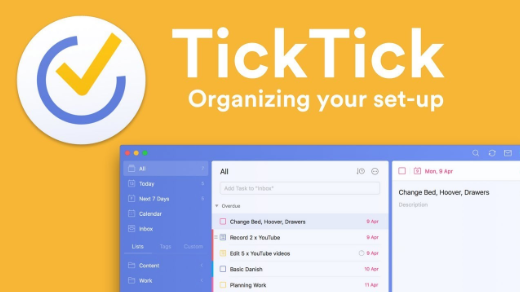
TickTick is pretty cool because it’s not just about tasks — it also has habit tracking and a calendar built in. So if you’re someone who wants to keep daily to-dos and personal goals in one place, it actually works really well. For solo use, it’s smooth and simple. But once you try it with a team, it feels a bit limited, and that’s where Taskity does a better job.
4. Things 3
Things 3 is a favorite among Apple fans, mostly because of how smooth and beautiful it looks. Using it feels simple and elegant, almost like everything’s in the right place. The only downside is that it’s stuck in the Apple world, so if you’re on Windows or Android, you’re out of luck. For anyone who needs something across different devices, Taskity is way more flexible.
5. Microsoft To Do
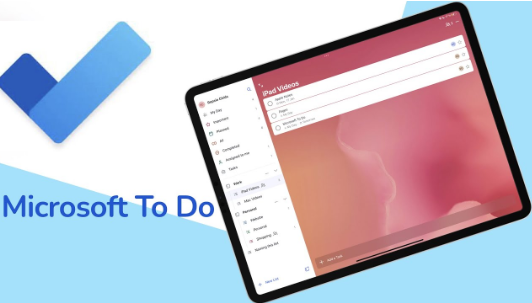
Microsoft To Do is one of those apps that just works if you’re already in the Microsoft world. It connects nicely with Outlook and Teams, so you don’t really have to think too much about setup. Plus, it’s free, which makes it an easy pick for anyone who just needs a straightforward task list. The catch is that it feels pretty basic, good for simple stuff, but if you want more flexibility or modern features, it falls short. That’s where Taskity feels fresher and more capable without being complicated.
6. Google Tasks
If you’re all in on Google Workspace, Google Tasks fits right in. It’s simple, quick, and does the basic stuff like reminders or small task lists. But don’t expect anything fancy, it’s not great for bigger projects or team collaboration. For that, Taskity or TickTick would be a better pick.
7. Any.do
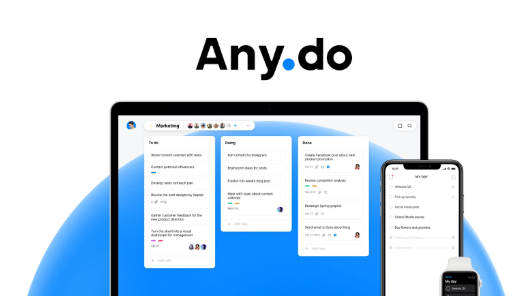
Any.do has built its reputation around daily planning. The app pushes you to set up your day every morning, which can be a lifesaver if you tend to put things off.It’s neat and helpful for personal use, but when it comes to team features and collaboration, it doesn’t really stack up. That’s an area where Taskity clearly takes the lead.
8. Sunsama
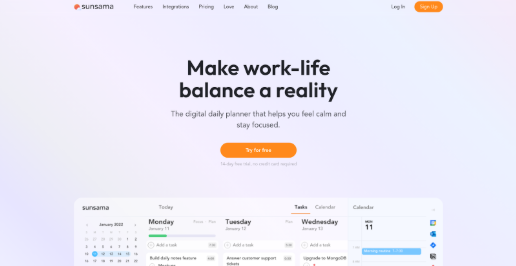
Sunsama works well if you like having a structured day. It helps you focus and set realistic goals. Some people find that structure motivating, but others might feel a bit restricted. Taskity gives guidance too, but without feeling so rigid.
9. Akiflow
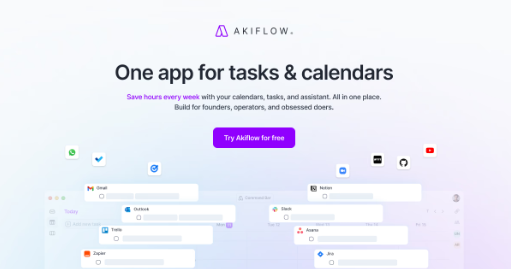
Akiflow is really for the power users out there. If you’re juggling tasks from Slack, email, and a bunch of other platforms, it does a good job of keeping everything in one place. The downside? It can get complicated, and the price might put some people off. Taskity hits a sweet spot by offering advanced features while still being easy to use, so more people can benefit from it.
10. Motion
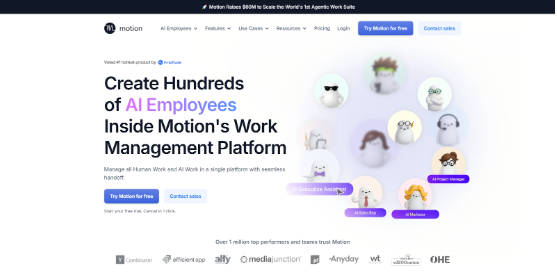
Motion is pretty cool because it can automatically shuffle your tasks when priorities change. If you’ve got a busy schedule, it can be a real lifesaver. The only thing is, sometimes the automation feels a little bossy. Taskity, on the other hand, gives you flexibility while still keeping you in control.
11. Superlist
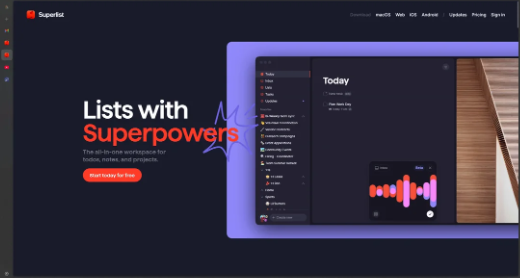
Superlist is a nice mix of tasks and notes, and it feels modern and fresh — perfect for team collaboration. It shows a lot of potential, but it’s still fairly new to the market. Taskity has been around longer and already has the reliability and features that teams need at scale.
12. Routine
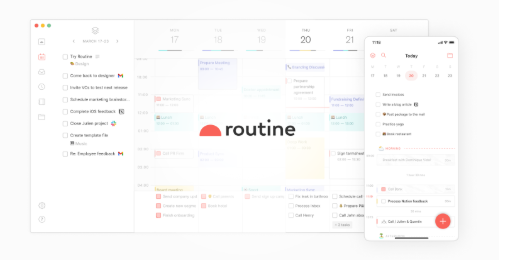
I tried Routine, and it’s nice if you want one place for everything. But honestly, it can feel a little busy and messy. Taskity gives you the same features but stays clean and easy to use.
13. Trello
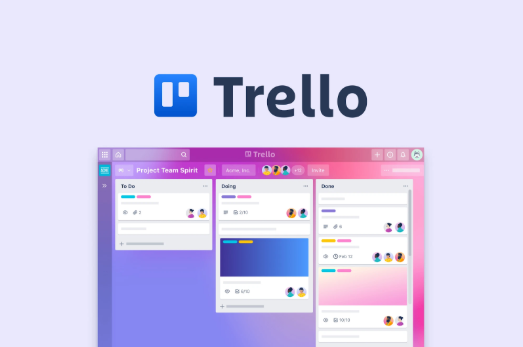
Trello’s the classic Kanban board app. It’s super visual, so you can see what’s going on really easily, perfect for teams. But if you just want a daily to-do list for yourself, it’s a bit more for project management. Taskity makes personal productivity easy too, without overcomplicating things.
14. OmniFocus
This app is designed for productivity heavyweights, especially those into GTD. The customization is excellent, but it does take effort to learn properly. Taskity gives you similar flexibility without making it feel overwhelming for new users.
15. Remember The Milk
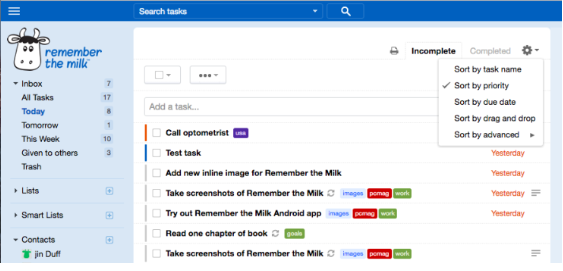
Remember The Milk has been around forever, and it’s still solid. It’s simple, reliable, and the reminders actually work. The thing is, it hasn’t changed much over the years. Modern apps like Taskity feel fresher and keep adding features that make life easier.
How We Selected These To-Do Apps
The apps in this list were evaluated based on factors relevant to everyday task management and productivity, including usability, task organization, collaboration features, platform compatibility, integrations, offline access, pricing options, and overall functionality. We also considered how suitable each app may be for different users, including students, professionals, freelancers, individuals, and teams.
Because productivity needs vary, no single app will be the best choice for everyone. The right option depends on the complexity of your tasks, preferred workflow, collaboration requirements, device ecosystem, and budget.

Final Thoughts
The best to-do app depends on how you organize work, the complexity of your tasks, and the features you need to stay productive. Some apps focus on simple personal task lists and reminders, while others provide calendars, habit tracking, project management, automation, integrations, or team collaboration.
When choosing a to-do app, consider usability, task organization, platform compatibility, collaboration features, integrations, offline access, pricing, and how well the tool fits your existing workflow. Taskity.ai, Todoist, TickTick, Microsoft To Do, Trello, and the other options covered in this guide each take a different approach to productivity and task management. Comparing those differences can help you select a tool that supports your specific goals without adding unnecessary complexity.
FAQs
1. What Is a To-Do App?
A to-do app is a productivity tool that helps users create, organize, prioritize, and track tasks digitally. Depending on the platform, it may include features such as reminders, recurring tasks, due dates, calendars, project organization, collaboration, and integrations. To-do apps can be used for personal responsibilities, work assignments, study plans, errands, and larger projects that require structured task management.
2. Which To-Do App Is Best for Productivity?
The best to-do app depends on your workflow, priorities, devices, and required features. Todoist may suit users who prefer structured task management, while TickTick combines tasks with features such as calendars and habit tracking. Trello focuses more on visual project organization, while Microsoft To Do works well within the Microsoft ecosystem. Comparing features and usability can help identify the right option.
3. Are To-Do Apps Free?
Many to-do apps offer free plans with basic task management features, while paid plans may provide additional capabilities such as advanced organization, collaboration, automation, integrations, or increased storage. Pricing varies between platforms and can change over time. Before choosing an app, review its current free and paid features and determine whether the available functionality matches your personal or team productivity requirements.
4. Can To-Do Apps Be Used for Team Collaboration?
Yes, some to-do apps provide collaboration features that allow teams to create shared tasks, assign responsibilities, track progress, and coordinate project activities. However, collaboration capabilities vary significantly between platforms. Tools such as Trello are designed around shared project organization, while other apps focus primarily on individual productivity. Teams should evaluate task assignment, permissions, notifications, shared views, and integrations before selecting a platform.
5. Which To-Do Apps Work Offline?
Some to-do apps provide offline functionality, allowing users to view or manage tasks without an active internet connection. However, the features available offline and the way changes synchronize later can differ between applications and subscription plans. If offline access is important, check the specific platform’s current documentation and determine whether task creation, editing, reminders, and synchronization are supported when the device is disconnected.
6. How Should I Choose the Right To-Do App?
Start by identifying what you need the app to accomplish, such as managing personal tasks, planning projects, tracking habits, or coordinating team work. Then compare usability, task organization, reminders, collaboration, integrations, platform support, offline access, and pricing. It is also useful to consider whether the app fits your existing workflow. A feature-rich tool is not necessarily better if it makes everyday task management harder.