Connect with us
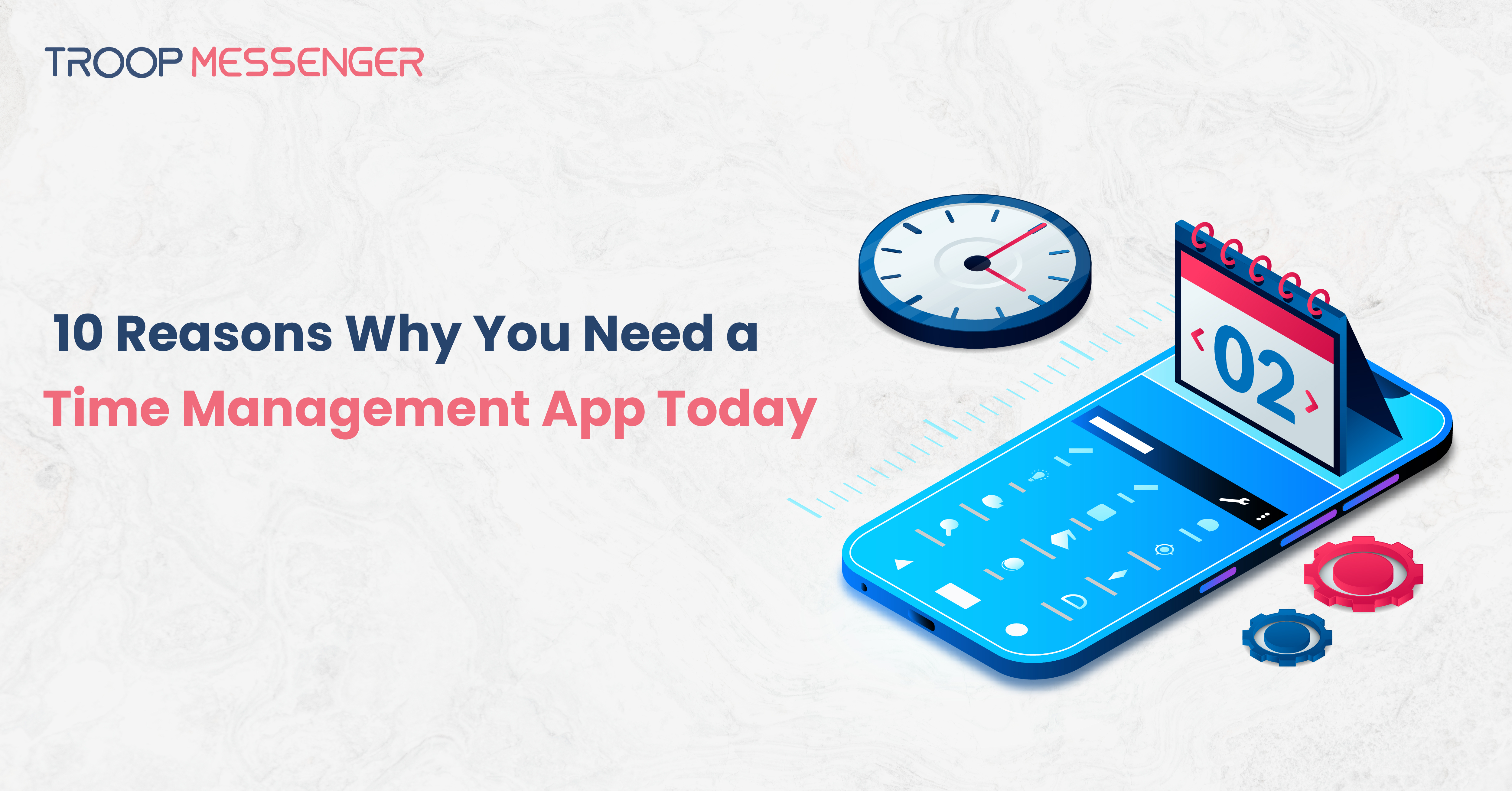
10 Reasons Why You Need a Time Management App Today
A time management app is a digital productivity tool that helps individuals and teams organize tasks, prioritize work, schedule activities, and track progress more efficiently. By combining task management, reminders, calendars, and collaboration features in one place, these apps simplify daily planning and improve overall productivity.
As work becomes increasingly digital and collaborative, businesses and professionals rely on a team collaboration platform alongside time management tools to streamline communication, coordinate projects, and stay organized. This guide explores the key benefits of time management apps, how they improve productivity, and what features to consider when choosing the right solution.
According to research by Atlassian, employees spend nearly 60% of their workweek on coordination activities such as meetings, emails, and status updates, leaving only about 40% for focused work. Time management apps help reduce this inefficiency by centralizing tasks, reminders, and collaboration in one place.
Key Features of a Time Management App
Before exploring the benefits, it's helpful to understand what makes a time management app effective. Most modern time management apps include features such as task creation, calendars, reminders, priority settings, recurring tasks, progress tracking, and collaboration tools. Many also integrate with email, calendars, and project management platforms, enabling users to manage work from a single interface and stay productive across devices.
1. Learn How to Manage Your Time
The major problem of mankind is an inability to select useful time management strategies suitable for an individual’s daily life. A time management app saves you the effort of applying time-management techniques like time restrictions, prioritization, and the Pomodoro system on your own. These applications are designed to give you an effective tool for managing your time and productive applications for doing the relevant tasks.
2. Have and Use a Calendar or a To-Do List
A to-do list is one of the simplest, yet one of the most effective tools for time management, and a todo app raises this idea to a new level. You can use it to keep a record of tasks and sort them by importance and type without much effort. Additional elements such as drag-and-drop operations, reminders, and labels of different colors make the process of tasking a piece of cake. No matter whether it is a work assignment or personal chores, the best to do list apps assist you in managing all of them.
3. Challenges of Centralizing Your Task Management
In the present world, with so many obligations to meet, it is quite stressful to multitask. A task management app improves on the idea of to-do lists by consolidating all the activities you have in one application, thus eliminating the problem with notes and sticky notes. This helps keep order, reduce confusion, and enhance concentration toward the activities of the program.
4. Incorporate a Time Management System
Time management is all about implementing a system, and a time management app puts into place one ready and set for use. It has a scheduler component where you can allocate your day into parts, allocate what tasks you are going to accomplish during every part, and measure productivity. Therefore, if this has to be done in an automated manner, it becomes easier to do what you have planned, where, and when to do it.
5. Reduce Stress and Overwhelm
A cluttered mind is stressful, but when that clutter is handled in a to-do app, then what you are doing seems less of a chore. Through planning your day and goal setting, you clear up your mind and therefore have the feeling that you are in charge. This, in turn, stimulates the feeling of work completion and minimizes anxiety.
6. Prioritize Tasks Effectively
Knowledge of how time management techniques work might start from appreciating how prioritization is central to it. Another one is a time management app that can help you prioritize your tasks and rank them depending on the degree of their urgency and their significance. It helps you prioritize your most important tasks, which will let you complete crucial tasks on time.
7. Reduce Distractions to Improve the Productivity of Reminders
Notifications or the capacity to be reminded of deadlines and to be periodically notified of the tasks due—are, arguably, the most important aspect of any time management application. This way you do not miss any task or deadline, no matter how busy your schedule may be. These are valuable as they alert you to daily meetings, upcoming project deadlines, or any other commitment set within the day.
8. Usability and Convenience to Different Platforms
Standard tools used in the modern world are malleable in that they are likely to retrieve your timetable from your phone, computer, or tablet. Regardless of whatever device it may be, a smartphone, tablet, or desktop, a free to do list app lets you check your tasks conveniently. It is extremely helpful for people who change their schedules frequently or those who are working mobile.
9. Improve Interdisciplinary Communication in Teams
If a user works in a team, he will be glad to know that time management software has an option for teamwork in most cases. They help the user to share the workload, track the activities of the teams, and even communicate with them. When it is as simple as sharing your status with a project or dividing tasks among team members, a task management app helps bring everyone on the same page.
10. Monitor achievements made and reward efforts
A time management app offers tools such as application usage and time usage analytical and time and progress tracking to show you how well you are utilizing time. Such findings can be very useful for pattern recognition and to increase the level of productivity as well as to establish achievable objectives. Secondly, crossing out a task in the to-do list app once it is done creates a positive reinforcement that makes you feel like you want to work even more.
Why Is a Time Management App Important?
If you're still wondering why you should start using a time management app, here’s a quick summary of its benefits:
- Organized Tasks: Concentrate all that you need to do in one place.
- Customizable Schedules: Take time and change the app according to the new day.
- Improved Efficiency: Manage your time to do more in less time.
- Reduced Stress: Reduce the burden of attempting to keep every tiny detail in your brain.
- Goal Tracking: Report results and be activated.
Best Application Selection for a Particular Task
There are millions of time management tools available in the market, but choosing the best to-do list and task management app is a challenging task. Here are a few tips to help you choose:
- User-Friendly Interface: Choose an app that would be easy to use and has a user-friendly interface.
- Integration Options: Check if the application can connect to your or other programs, such as email or calendar, among many others.
- Customization Features: Make sure that the tutorials in the app offer flexibility in the way tasks and schedules are personalized.
- Free Trial or Version: When mobilizing the to-do list app, start with a free version that is available, as it will enable the clients to carry out a comparison with the paid version of the app.
Most Currently Used Time Management Apps to Consider
If you’re ready to dive into the world of productivity, here are some top-rated options:
- Troop ToDo: Troop ToDo is an uncomplicated and popular task management app that is excellent for individuals and teams. It offers easy workflow management, collaboration, suggestions, and an easy interface. The app delivers a free version for basic needs and a low-end value for new features.
- Todoist: An example of a traditional list-based application that also provides a way to prioritize individual items and share the list with other users.
- Trello: Recommended for group assignments since it enhances the setting up of boards and cards in order to organize tasks.
- Microsoft To Do: The best app for to do lists that is suitable for personal as well as professional use.
- Any.do: is well known for its easy-to-use interface and strong reminder functionality.
- TickTick: An all-in-one tool for tracking time, to-do lists, and activities.
Common Mistakes to Avoid When Using a Time Management App
Simply installing a time management app does not guarantee better productivity. Common mistakes include creating unrealistic schedules, failing to prioritize tasks, ignoring reminders, and not reviewing completed work. To get the most value, regularly update task lists, set achievable deadlines, eliminate unnecessary notifications, and review your progress. Consistent use of the app helps build better habits and improves long-term productivity.
Conclusion
A time management app is more than a task organizer, it is a productivity solution that helps individuals and teams plan work, manage priorities, and stay focused on what matters most. Whether you're managing personal responsibilities or coordinating projects across teams, the right app can improve efficiency, reduce stress, and support better decision-making.
When choosing a time management app, look for features that align with your workflow, such as task prioritization, reminders, collaboration, and cross-platform accessibility. Investing in the right productivity tool can help you build better habits, achieve goals more consistently, and make the most of your time.
FAQs
1. What is a time management app?
A time management app is a digital tool designed to help users organize tasks, schedule activities, set reminders, prioritize work, and track progress. It combines features such as calendars, to-do lists, notifications, and productivity tracking to simplify daily planning. Whether used by individuals or teams, a time management app helps improve efficiency, reduce missed deadlines, and support better organization across personal and professional responsibilities.
2. How does a time management app improve productivity?
A time management app improves productivity by helping users prioritize tasks, plan schedules, monitor deadlines, and minimize distractions. Instead of managing multiple notes or spreadsheets, users can organize everything in one place. Many apps also include reminders, recurring tasks, collaboration tools, and progress tracking, making it easier to stay focused, complete work on time, and maintain consistent productivity throughout the day.
3. What features should I look for in a time management app?
The best time management apps include task management, reminders, calendar integration, recurring tasks, progress tracking, collaboration tools, and cross-platform synchronization. Depending on your needs, additional features such as time tracking, project management, file sharing, and automation may also be valuable. Choosing an app with an intuitive interface and integrations with your existing productivity tools can improve efficiency and simplify your daily workflow.
4. Can time management apps help teams collaborate better?
Yes. Many time management apps include collaboration features that allow teams to assign tasks, monitor project progress, share updates, set deadlines, and communicate within a single platform. Centralizing work helps reduce misunderstandings, improve accountability, and keep everyone aligned on project goals. This is especially beneficial for remote, hybrid, and distributed teams working across different locations and time zones.
5. Are time management apps suitable for personal use?
Absolutely. Time management apps are useful for students, professionals, freelancers, entrepreneurs, and anyone looking to organize daily activities more effectively. They help users create to-do lists, schedule appointments, track habits, manage personal goals, and maintain a balanced routine. Many apps also offer free plans, making them an accessible solution for improving productivity without significant investment.
6. How do I choose the right time management app?
Choosing the right time management app depends on your goals, workflow, and collaboration needs. Consider factors such as ease of use, task organization, reminders, calendar synchronization, mobile accessibility, integrations with other tools, and security. Testing a free version or trial can help determine whether the app meets your requirements before upgrading to a paid plan.