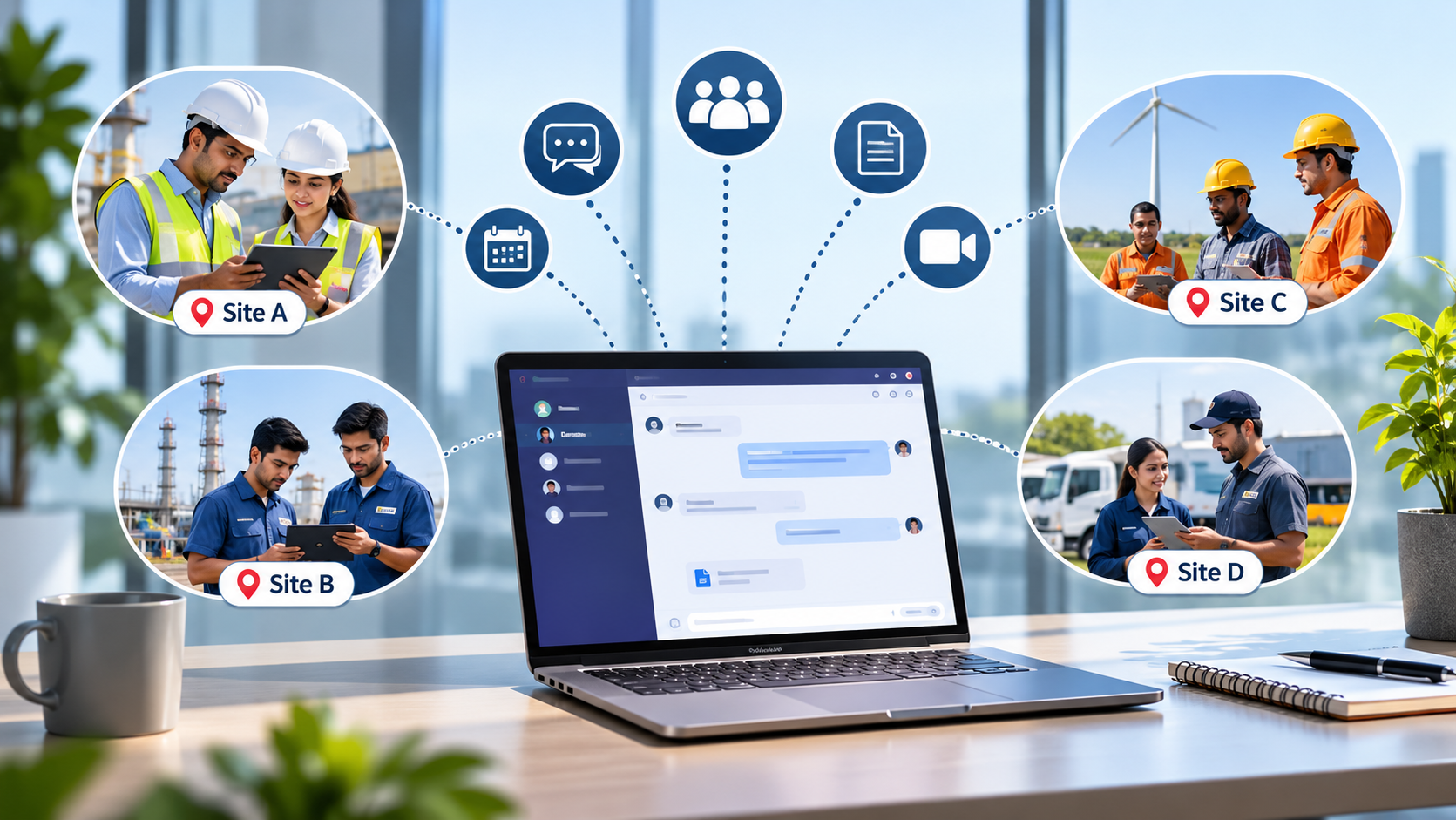
How Team Communication Tools Improve Field Team Coordination
Managing employees who work across different locations can be challenging for any organization. Field teams often operate away from the main office, follow different schedules, and handle responsibilities that require constant coordination. Whether employees are working at customer sites, construction projects, warehouses, or regional offices, they need reliable communication to complete their tasks efficiently.
For example, moving companies coordinating residential and commercial relocations need to keep drivers, supervisors, and customers informed throughout the process. Businesses looking for local moving services across Chicago also benefit from clear coordination between pickup and delivery teams. In such situations, team communication tools help employees share updates, coordinate responsibilities, and manage important information from one place.
Why Field Teams Need Better Communication
Field employees often work independently or in small groups across multiple locations. Their responsibilities may include attending customer requests, completing site inspections, managing deliveries, supervising projects, or reporting daily progress.
Without an organized communication process, employees may depend on repeated phone calls, scattered messages, or manual updates to share information.
For example, a project supervisor working at one location may need to inform a manager at headquarters about a delay. At the same time, another team may require updated instructions before starting its assigned work. If these updates do not reach the right people on time, the entire workflow can be affected.
A reliable team communication platform helps employees stay connected, share information, and coordinate their responsibilities regardless of where they are working.
How Centralized Communication Keeps Teams Connected
When employees use different communication channels, important information can become difficult to track. A centralized communication platform provides a common space where employees can discuss tasks, share updates, and communicate with relevant team members.
Group chats can be created for specific projects, departments, or field locations. Managers can communicate instructions with the entire team, while employees can use individual conversations to clarify specific responsibilities.
Platforms such as Troop Messenger support one-to-one and group communication, helping organizations keep workplace conversations organized. This makes it easier for field employees and office-based teams to stay connected throughout the workday.
Sharing Real-Time Updates Across Multiple Locations
Field operations rarely follow an entirely fixed schedule. Traffic conditions, weather, customer availability, equipment issues, and unexpected site requirements can affect daily plans.
When these changes occur, employees need to inform the concerned people quickly.
Team communication tools make it easier to share updates without depending entirely on lengthy calls or separate messages. For example, a field employee who encounters a delay can notify the project coordinator, allowing the manager to adjust the schedule or inform another team.
Troop Messenger also offers real-time location sharing, which can help relevant employees coordinate their movements when working across different locations. This can be useful for businesses managing field visits, service operations, and distributed teams.
Improving Task Coordination and Accountability
Clear task ownership is essential when several employees are involved in the same project. Without defined responsibilities, important activities may be overlooked or completed more than once.
Managers should communicate who is responsible for each activity, when it needs to be completed, and whom employees should contact if they encounter a problem.
A dedicated communication channel for each project can help teams discuss progress, clarify instructions, and share important changes. Employees can also use direct conversations to resolve individual questions without interrupting the entire group.
This approach helps managers maintain better visibility into team communication and allows employees to understand their responsibilities more clearly.
Securely Sharing Files and Important Information
Field employees frequently need access to documents such as project instructions, inspection reports, customer requirements, photographs, and operational guidelines.
Sharing these documents through multiple personal messaging applications can make information difficult to manage and create unnecessary security concerns.
A business communication platform with secure file-sharing capabilities helps teams exchange relevant documents within their work environment.
Troop Messenger provides secure file sharing and end-to-end file encryption, helping organizations share important files through their communication platform. Administrative controls also support centralized management of workplace communication.
For example, a site supervisor can share an updated project document with the concerned team members, ensuring that everyone has access to the latest instructions.
Supporting Faster Communication Between Field and Office Teams
Field employees and office-based staff often depend on one another to complete daily operations. Field teams provide updates from customer locations or project sites, while office teams coordinate resources, approvals, and further instructions.
Communication gaps between these groups can slow down decision-making.
A centralized messaging platform helps bridge this gap by allowing employees to communicate with managers and colleagues without being physically present in the same office.
With Troop Messenger, organizations can use individual and group chats to connect field employees, supervisors, and office teams. This supports smoother communication and helps everyone stay informed about important operational updates.
How Troop Messenger Supports Distributed Field Teams
Businesses managing employees across multiple locations need a communication platform that supports quick information sharing and collaboration.
Troop Messenger offers features that can support these everyday communication requirements:
One-to-one messaging: Enables employees to discuss individual responsibilities and clarify instructions.
Group chats: Helps teams coordinate projects, departments, and location-specific activities.
Real-time location sharing: Helps relevant team members coordinate movements and field activities.
Secure file sharing: Allows employees to exchange documents and other work-related files.
Administrative controls: Supports centralized management of organizational communication.
End-to-end file encryption: Helps protect files shared through the platform.
Troop Messenger focuses on workplace communication and collaboration. It can complement project management, field service, and workforce management systems by helping employees exchange information and coordinate their activities.
Best Practices for Managing Communication Across Multiple Locations
Organizations can improve field-team coordination by establishing a few simple communication practices:
Assign clear responsibilities: Make sure every employee understands their role and reporting contact.
Create dedicated group conversations: Organize communication according to projects, departments, or field locations.
Share important updates promptly: Inform relevant employees about schedule changes, delays, and new instructions.
Keep documents accessible: Share updated reports and operational documents through approved communication channels.
Establish reporting routines: Encourage employees to provide regular progress updates to their supervisors.
Use appropriate communication channels: Keep routine discussions, urgent updates, and sensitive information within suitable workplace communication channels.
These practices can help organizations reduce communication gaps and maintain better coordination between employees working in different locations.
Frequently Asked Questions
1. Why is team communication important for field employees?
Team communication helps field employees stay connected with managers and colleagues, receive timely instructions, report progress, and coordinate their daily responsibilities.
2. How can businesses coordinate employees working at multiple locations?
Businesses can use centralized communication platforms, dedicated group chats, regular progress updates, and clear task assignments to keep distributed employees connected.
3. How do team communication tools improve field operations?
They help employees share real-time updates, exchange documents, clarify instructions, and communicate with managers without depending on physical meetings.
4. How does Troop Messenger help distributed teams?
Troop Messenger supports distributed teams through one-to-one messaging, group chats, real-time location sharing, secure file sharing, and administrative controls.
5. Can field employees share files through Troop Messenger?
Yes. Employees can use Troop Messenger's file-sharing capabilities to exchange relevant work documents and other files with colleagues.
6. Can team communication software replace field service management software?
Not necessarily. Communication software focuses on messaging and collaboration, while field service management software typically handles scheduling, work orders, and service operations. Both can complement each other.
7. What should businesses consider when choosing a team communication tool?
Businesses should consider ease of use, messaging capabilities, group communication, file sharing, security, administrative controls, and support for employees working across multiple locations.
Conclusion
Coordinating field employees across multiple locations requires clear instructions, timely updates, and consistent communication. When teams have access to a centralized communication platform, they can share information more efficiently, manage responsibilities, and stay connected throughout their workday.
Troop Messenger supports these requirements through messaging, group communication, real-time location sharing, secure file sharing, and administrative controls. By bringing workplace conversations into one communication environment, organizations can improve collaboration between field employees, supervisors, and office-based teams.