Connect with us
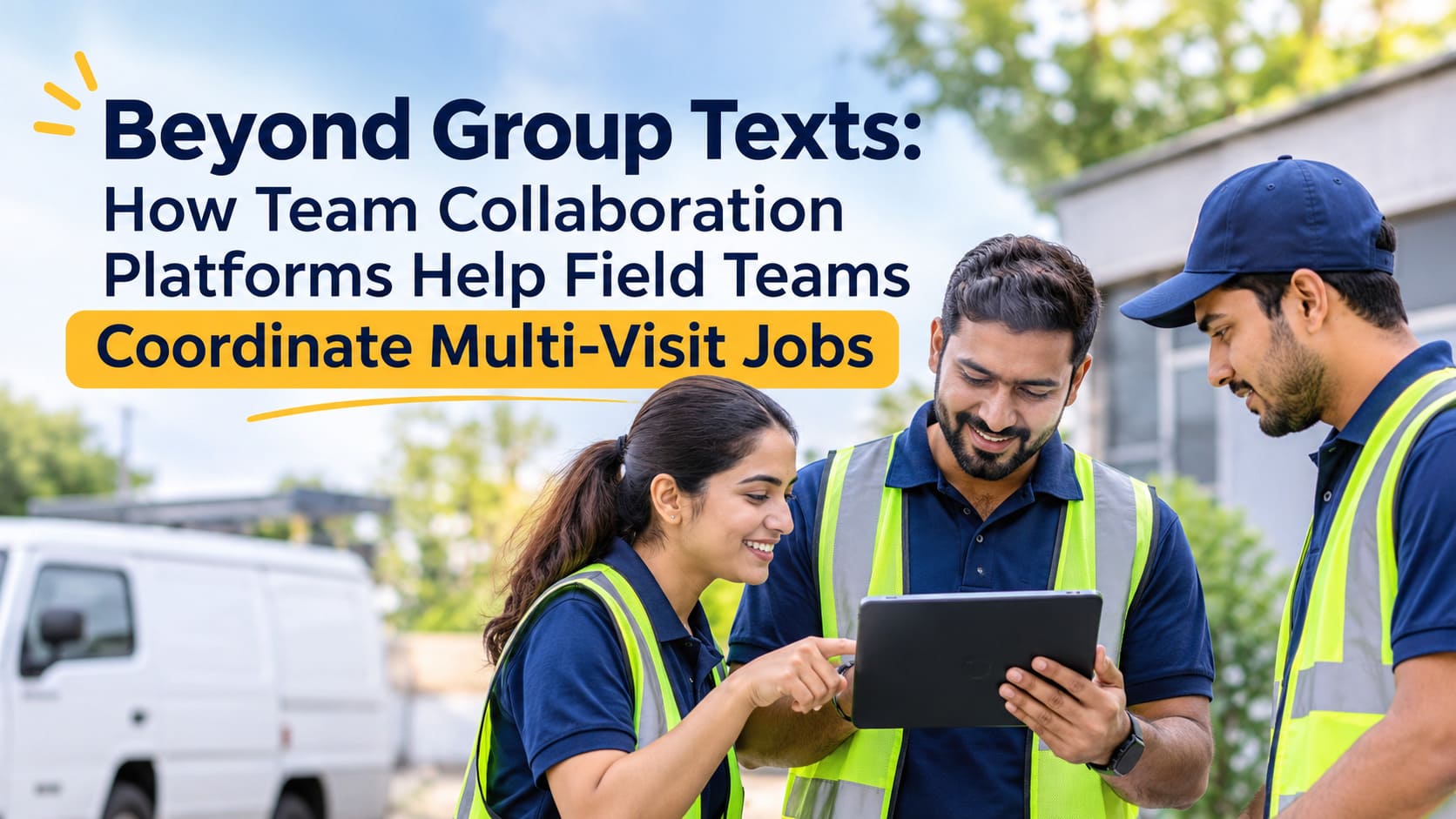
Beyond Group Texts: How Team Collaboration Platforms Help Field Teams Coordinate Multi-Visit Jobs
A one-visit service call is usually easy to track. The technician arrives, fixes the problem, collects a signature and drives off. Jobs that stretch across three or four appointments are harder, because each visit can depend on what the last person saw, promised or left unfinished. Many field businesses still carry that context in group texts, phone calls and memory. Texts and calls are fast. They rarely leave a shared record the next technician can search on a doorstep at 8 a.m. Dedicated team communication tools give multi-visit work a single home, where notes, photos and next steps stay attached to the job between appointments. The sections below cover what that record should hold, how to compare team collaboration platforms for a field crew, how to run a two-week pilot and which mistakes can stall a rollout.
Where Group Texts Break Down
Group texts handle quick questions well. Trouble starts once a job has history.
Picture a technician pulling up for a second visit. The gate code sits in a message from three weeks ago, buried under dozens of replies about other customers. Photos from the first inspection are on a colleague's phone. Inspection details might live in mobile form templates while the conversation about them happens elsewhere. Nobody noted which parts were ordered, so the technician calls the office and the office calls the first technician.
Each call costs time at both ends. Office research hints at the scale. A 2022 Harvard Business Review study by Rohan Narayana Murty, Sandeep Dadlani and Rajath B. Das followed 137 users across 20 teams at three Fortune 500 companies. Those workers toggled between apps and websites roughly 1,200 times a day, and reorienting after the switches cost just under four hours a week, about 9% of their time at work. Since the study tracked corporate software users, the numbers won't transfer neatly to a crew in a truck. As an analogy, though, the lesson carries over: each extra app or thread is another place to check before knocking.
Plenty of advice on improving team communication in the workplace covers rapport, feedback and transparency. For a crew spread across a city, the more pressing need is a single, searchable record for each job.
A Multi-Visit Case From Toronto
Pest control offers a clear example of planned multi-visit work, and Toronto supplies the volume. Global News reported in March 2024 that Toronto had topped a national pest control company's annual bed bug ranking for the seventh straight year, based on 2023 treatments, with seven of the top 10 cities in Ontario.
In a Toronto operation run by a bed bug exterminator, one case can mean an inspection, a preparation check, a treatment and a follow-up visit about two weeks later, sometimes with a different technician each time.

That spacing has a biological reason. A 2009 Utah State University Extension fact sheet for pest professionals notes that eggs take seven to 10 days to hatch and can resist insecticide. For that reason, it sets a minimum of two visits 10 to 14 days apart. Then there is preparation. Toronto Public Health says elimination requires clutter removal, meticulous cleaning and high-heat laundering, and that an infestation may need a number of pesticide treatments over several weeks.
Each stage leaves details the next visit needs. Did the tenant finish preparing? Which rooms showed activity? Who holds the key, and when does the property manager expect a report? If preparation is half done, the treatment may need rebooking, and the property manager, tenant and next technician all need to hear about it. When a different technician handles the follow-up, all of it must travel with the job.
What the Shared Record Should Hold
The fix starts with a habit. Before leaving any unfinished visit, the departing technician posts a short closeout in the job's thread. A useful closeout covers:
- Work completed and anything found that changes the plan
- Photos, readings or checklist results, attached directly
- Parts or materials used, ordered or still missing
- Access details such as codes, contacts and arrival windows
- Safety notes about the site
- The next step, with one named person responsible for it
Most team communication tools can hold this through group chats, file sharing and mentions. The structure has to come from the team. A channel named for the address or job number, a pinned closeout template and photos in the same thread give the next technician something to read in the van.
The same record helps people who never leave the office. A dispatcher can see what is blocked without phoning anyone, and customer service can answer a tenant's question with facts. Routing software and AI tools that build daily job assignments can decide who goes where; the thread tells that person what happened last time.
How to Choose a Platform for a Field Crew
Product pages for team collaboration platforms can read alike, so judge each one against the closeout routine above. A good fit for a field crew offers:
- Group chats or channels that can be named for each job or address
- Photo, video and file sharing inside the conversation, readable on a phone
- Search that finds an old thread by address, customer name or keyword
- Mentions that alert one person without pinging the whole crew
- Voice and video calls with screen sharing for remote troubleshooting
- Role-based access controls, so subcontractors see only their own jobs
- A quick way for an admin to remove a departing worker's access
- Message history that lasts at least as long as your warranty period
- Mobile apps for the phones your technicians already carry
Price each option per user, counting part-time and seasonal workers, and check whether message history or file storage is capped on the plan you would buy. Then ask what the app does in a basement with no signal. A technician who can't post a closeout from the site will be tempted to text it instead.
Getting Crews to Use Internal Communication Software
Technicians tend to drift back to personal texting when an app feels slower than a phone call. Keep the closeout short enough to finish in two minutes. Name channels after jobs or addresses so alerts reach only the people working them, and mute after-hours notifications for crews on the road.
Check access settings before rollout. Business-grade workplace collaboration software usually offers role-based permissions, which let a company limit what subcontractors or short-term staff can open. Many employee communication tools also include voice and video calls with screen sharing, letting a senior technician see a problem from across town without driving over. Platforms such as Troop Messenger bring group chats, file sharing, task assignment and screen sharing into one app, so the job thread and the tools to act on it sit together.
Owners comparing remote team management tools for several crews can learn more from a two-week trial on a handful of return-visit jobs than from any feature list.
A Two-Week Pilot Plan
A short pilot works when the jobs in it have return visits due inside the window. A bed bug treatment with a follow-up 10 to 14 days later fits, and so does a repair waiting on a part. Before day one, have the office tally how many times technicians call in for job details during a normal week.
- Days 1 and 2: Pick one crew, one dispatcher and five to 10 open multi-visit jobs. Create a channel for each job, pin the closeout template and add only the people working it. Set a cutover rule: job details go in the channel, and the old group text is for everything else.
- Days 3 to 7: Run every closeout through the app. The dispatcher reads each one before confirming the next visit and asks for anything missing, such as a gate code or a parts update, in the thread itself.
- Days 8 to 12: Let the second visits happen. Each returning technician reads the thread before arriving and jots down anything they still had to phone about.
- Days 13 and 14: Sit down with the crew. Ask which closeout fields they skipped, and trim those first. Compare the call tally with the baseline week, then decide whether to add a second crew.
Common Mistakes That Stall a Rollout
Whichever of the team collaboration platforms a company picks, a few habits can undo the rollout.
- Leaving the group text open with no rule. Job details end up split between two places, and the next technician has to check both.
- Running one channel for the whole company. Each job gets buried under everyone else's updates, which recreates the problem the app was meant to fix.
- Accepting closeouts that just say "done." A note like "all good, see photos" leaves the next technician guessing. The closeout fields exist so nobody has to guess.
- Expecting chat to handle dispatch. A messaging app holds the conversation about a job. Scheduling, routing and invoicing usually stay in field service software, so decide which system owns each task before the pilot starts.
- Forgetting to close access. Subcontractors and seasonal staff who keep their logins after a job ends can still read customer details. Review each channel's member list when the job closes.
Closing the Loop Between Visits
On a multi-visit job, trouble often starts in the days between appointments. A shared thread for each job, a short closeout routine and a named owner for the next step can close many of those gaps without new hardware. Pick one job type that always needs a return trip, run the two-week pilot with your team communication tools and let the call tally decide the next step.
FAQ's
1. How do team collaboration platforms help field teams manage multi-visit jobs?
Team collaboration platforms help field teams coordinate multi-visit jobs by keeping conversations, job updates, photos, documents and task assignments in one shared space. Technicians can review previous visit notes before arriving at a site, understand completed work and identify pending tasks. This reduces repeated phone calls, missed information and confusion between appointments. Dispatchers and office staff can also access job updates, monitor progress and coordinate follow-up visits without constantly contacting technicians.
2. Why are group texts not enough for managing multi-visit field service jobs?
Group texts are useful for quick communication but become difficult to manage when jobs require multiple appointments. Important details, such as access codes, inspection photos, customer requests and material updates, can get buried under unrelated messages. Different technicians may also struggle to find information shared weeks earlier. Dedicated team communication tools provide searchable conversations, organized job channels and centralized file sharing, helping field teams maintain a reliable record throughout the service process.
3. What features should field teams look for in team collaboration platforms?
Field teams should prioritize features that support communication, documentation and coordination across multiple visits. Important capabilities include job-specific group chats, photo and document sharing, searchable message history, task assignments, individual mentions, voice and video calls, and role-based access controls. Mobile accessibility is equally important because technicians often communicate while travelling between customer locations. Offline functionality and sufficient message storage also help ensure that important job information remains accessible when needed.
4. How can field service companies encourage technicians to use internal communication software?
Companies can encourage adoption by making internal communication software simple and useful for everyday fieldwork. Start with a small team and introduce a short job closeout template that technicians can complete in approximately two minutes. Create separate channels for individual jobs, limit unnecessary notifications and explain where job-related updates should be shared. A two-week pilot can help identify usability issues, demonstrate time savings and encourage technicians to replace scattered group texts with organized communication.
5. How does Troop Messenger support communication between field technicians handling the same job?
Troop Messenger supports field team coordination by bringing group chats, file sharing, task assignment, voice and video calls, and screen sharing into one communication platform. Technicians can share inspection photos, discuss unfinished work and communicate important updates with colleagues and dispatchers. When different employees handle successive appointments, these shared conversations help maintain continuity between visits. This makes it easier for field teams to coordinate responsibilities, reduce repeated communication and keep everyone informed about job progress.