Connect with us
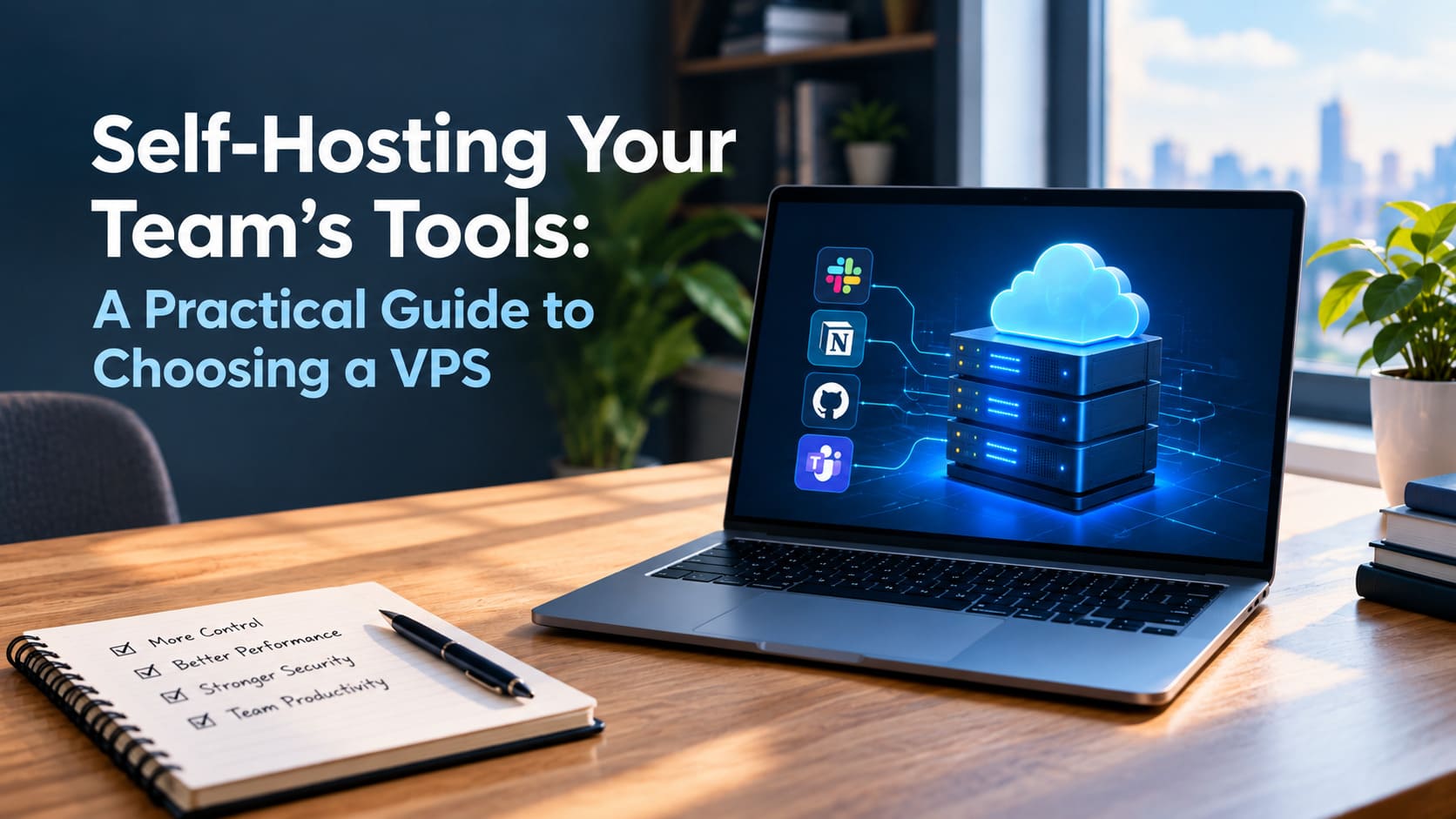
Self-Hosting Your Team's Tools: A Practical Guide to Choosing a VPS
As teams become more privacy-conscious and cost-aware, self-hosting is making a comeback. From team chat and file sharing to project boards, CI runners, and internal dashboards, many tools can run on infrastructure you control instead of costly per-seat SaaS subscriptions that grow with your team.
The key to making self-hosting practical is choosing the right virtual private server (VPS). A well-sized and reliable VPS can keep your tools running smoothly while giving you greater control over your data and infrastructure. Choose poorly, however, and performance issues, downtime, and maintenance can quickly turn self-hosting into a headache.
When self-hosting actually makes sense
Self-hosting is not a religion. It pays off in a few clear situations: when per-user SaaS pricing has outgrown your headcount, when data residency or confidentiality rules mean you can’t hand records to a third party, or when you simply want a service configured your way. If none of those apply, a managed product may still be the right call. But for a lot of small and mid-size teams, a single well-provisioned server can replace several subscriptions.
Sizing the server to the job
The most common mistake is buying either far too little or far too much. A few rules of thumb:
- Lightweight internal tools (a wiki, a status page, a small chat instance) run comfortably on 2 vCPU and 4–8 GB of RAM.
- Collaboration stacks with a database and file storage want 4 vCPU, 8–16 GB RAM, and NVMe storage so search and uploads stay snappy.
- CI/build workloads are bursty - prioritize CPU and fast disk, and pick a plan you can resize as pipelines grow.
Whatever the size, insist on real root access, snapshots, and predictable bandwidth. A cheap plan that throttles you the moment traffic spikes is a false economy.
Reliability and location
If your team is distributed, put the server near the majority of your users to keep interfaces responsive. Ask the provider about uptime guarantees, backup options, and how quickly you can restore from a snapshot that last number matters far more than a glossy uptime figure on the homepage.
Providers vary widely here. A general-purpose host such as Host-World offers a range of VPS tiers you can scale as the team adds tools, which is useful when you’re not sure yet how heavy the workload will get. Whichever provider you choose, start one tier above your estimate; it’s cheaper than migrating under pressure later.
Don't forget the operational basics
Self-hosting shifts some responsibility onto you, so budget a little time for it. Automate backups and test a restore before you trust it. Keep the OS and containers patched. Lock down SSH with keys and a firewall. Put services behind a reverse proxy with proper TLS. None of this is hard, but skipping it is how self-hosting earns its scary reputation.
Conclusion
For the right team, moving core tools onto a VPS trades a growing pile of subscriptions for one predictable monthly bill and full control of your data. The decision that makes or breaks the experience is the server itself size it honestly, choose a provider with real support and easy scaling, and treat the operational hygiene as part of the job. Do that, and self-hosting stops feeling risky and starts feeling like an obvious win.
FAQ's
1. What is self-hosting, and why should teams consider it?
Self-hosting means running your team’s software and services on infrastructure that you control instead of relying entirely on third-party SaaS platforms. It can make sense when SaaS subscriptions become expensive as your team grows, when you need greater control over sensitive data, or when you require custom configurations. A VPS makes self-hosting more accessible because it provides dedicated virtual resources without the cost and complexity of maintaining physical hardware. However, self-hosting also means taking responsibility for updates, security, backups, monitoring, and system maintenance.
2. How much VPS RAM does a team need for self-hosting?
The amount of RAM required depends on the applications you plan to host and how many people will use them. Lightweight tools such as wikis, internal dashboards, and small chat applications can often run with 4–8 GB of RAM. Collaboration platforms that combine databases, file storage, and multiple services may benefit from 8–16 GB or more. It is also important to consider CPU and storage performance rather than focusing only on RAM. Choosing a VPS with scalable resources allows you to increase memory later as your applications, users, and workloads grow.
3. What should you look for when choosing a VPS for self-hosting?
When choosing a VPS for self-hosting, consider CPU capacity, RAM, NVMe or SSD storage, bandwidth, root access, backups, snapshots, and scalability. Reliable uptime and responsive technical support are also important, especially when your team depends on hosted applications for daily operations. The server location matters too because placing it closer to your primary users can improve application responsiveness. Look for a provider that allows easy upgrades without requiring a complicated migration. A slightly larger VPS can also provide useful headroom, reducing the risk of performance problems as your workload increases.
4. Is self-hosting cheaper than using SaaS tools?
Self-hosting can reduce software subscription costs, particularly for teams that would otherwise pay per-user SaaS fees across several applications. Instead of paying multiple recurring subscriptions, you may consolidate services onto a VPS with one predictable infrastructure cost. However, the VPS price is not the only expense to consider. Teams also need to account for administration, backups, security, maintenance, monitoring, and potential support requirements. If your organization lacks the time or technical expertise to manage these responsibilities, a managed SaaS solution may still provide better overall value despite its recurring subscription fees.
5. How can teams keep a self-hosted VPS secure and reliable?
Teams should treat security and maintenance as essential parts of self-hosting. Start by using SSH keys instead of password-based authentication, configure a firewall, keep the operating system and containers updated, and expose only the services that are necessary. Services should generally be placed behind a reverse proxy with properly configured TLS. Automated backups are also essential, but backups should be tested by performing actual restore procedures. Monitoring can help identify resource shortages or unusual activity before they become major problems. Regular maintenance and recovery testing can make a self-hosted VPS considerably more dependable.