Connect with us
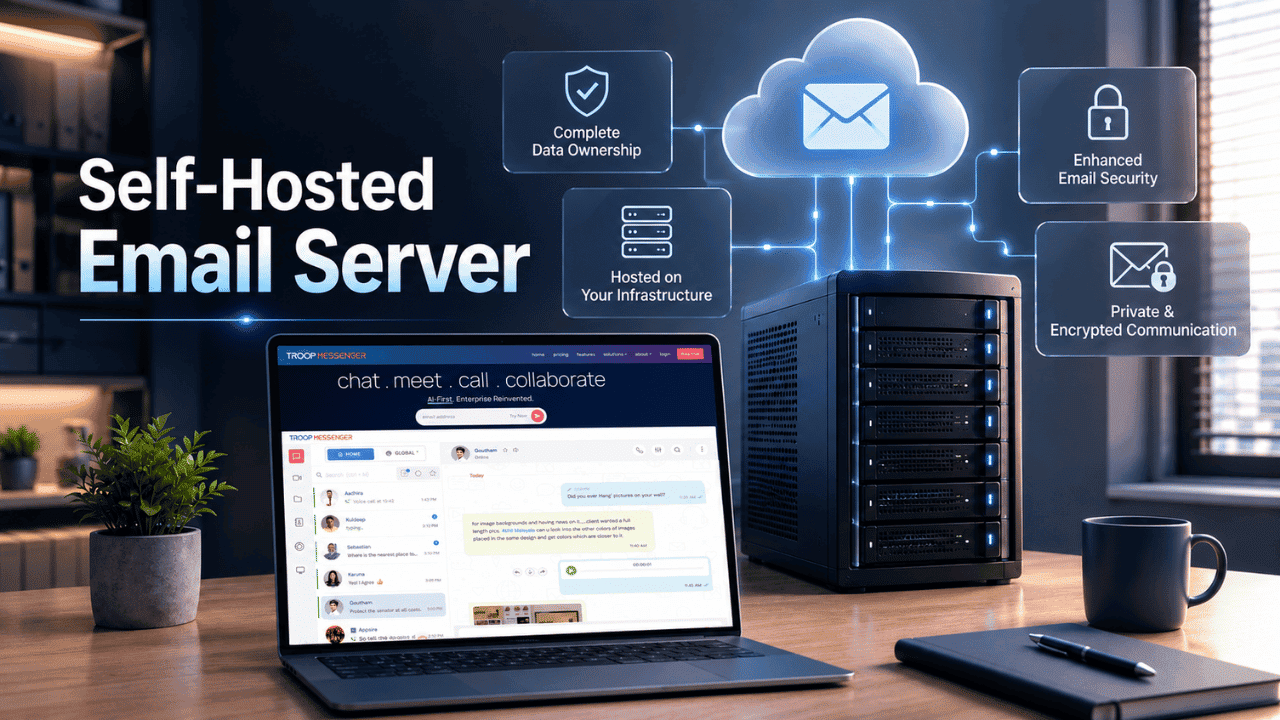
What Is a Self-Hosted Email Server?
A self-hosted email server is an email system that an individual or organization installs, configures, and runs on their own hardware or private infrastructure, instead of relying on a third-party provider like Gmail or Outlook. In simple terms, it means you own the machine that sends, receives, and stores your mail, not someone else. This approach follows the same logic as running on-premise server privacy solutions for other business systems: full control, in exchange for full responsibility.
For most people, email "just works" because a big provider handles the servers, spam filters, and security in the background. But for businesses handling sensitive data, or individuals who value complete data ownership, a self-hosted email server puts that entire process back in their own hands. This guide breaks down how it works, its real benefits and trade-offs, and how to set one up the right way.
How Does a Self-Hosted Email Server Work?
At its core, a self-hosted email server relies on a handful of components working together: a Mail Transfer Agent (MTA) to send and route mail, a Mail Delivery Agent (MDA) to store and deliver mail to inboxes, and a webmail or client interface so users can read and write emails. Open-source software like Postfix mail server is one of the most widely used tools for handling this routing layer.
When someone sends you an email, your server's MTA receives it over SMTP, checks it against your domain's DNS records, filters it for spam or malware, and drops it into the correct mailbox. When you send an email, the same server pushes it out to the recipient's mail server. Every step — authentication, encryption, storage — is something you configure and maintain yourself, rather than a provider doing it invisibly for you.
Self-Hosted Email Server vs. Cloud-Based Email
The biggest difference between the two comes down to control versus convenience.
Cloud-based email (Gmail, Microsoft 365, Zoho) is managed entirely by the provider. You get automatic updates, built-in spam filtering, high uptime, and near-zero maintenance — but your data lives on someone else's servers, subject to their policies and pricing.
A self-hosted email server gives you full ownership of your data, no recurring per-mailbox fees, and complete customization. The trade-off is that you're responsible for uptime, security patches, spam filtering, and deliverability, all of which a cloud provider would otherwise handle for you. This is a similar decision many teams already face when comparing cyber security solutions built for cloud versus in-house environments.
Benefits of Running a Self-Hosted Email Server
- Complete data ownership – your emails never sit on a third-party's infrastructure, which matters for regulated industries or privacy-conscious organizations.
- No per-mailbox subscription costs – once your server is running, adding new mailboxes doesn't come with a recurring per-user fee.
- Full customization – you control storage limits, retention policies, filtering rules, and integrations exactly the way you want them.
- No vendor lock-in – you're not dependent on a provider's roadmap, pricing changes, or feature removals.
- Better compliance control – for industries bound by strict data laws, self-hosting can make it easier to meet GDPR compliance requirements, since you decide exactly where and how the data is stored.
Challenges and Risks You Should Know Before Self-Hosting
Self-hosting isn't a "set it and forget it" solution, and being upfront about the challenges is just as important as the benefits.
- Deliverability issues – Without correctly configured authentication records, your emails are far more likely to land in spam folders or get rejected outright by major providers.
- Continuous maintenance – Security patches, spam filter updates, and server monitoring are ongoing responsibilities, not one-time tasks.
- IP reputation management – A poorly secured server can get compromised and used to send spam, which can get your server's IP address blacklisted.
- Technical expertise required – Setting up and maintaining your mail stack, DNS records, and certificates requires a reasonable level of sysadmin knowledge.
- Uptime responsibility – If your server goes down, so does your email, unlike a cloud provider with built-in redundancy.
Strong foundations in encryption key management matter here too, email security is a continuous process, not a one-time checklist.
Key Components You Need to Set One Up
Before you begin, you'll need:
- A registered domain name with access to edit its DNS records.
- A server (VPS or dedicated) with a static IP address — note that some cloud providers restrict outbound port 25 by default, so this is worth checking beforehand.
- MTA software to handle mail routing.
- MDA software to manage mailbox storage and delivery.
- Spam and virus filtering to catch inbound threats before they reach a mailbox.
- TLS/SSL certificates to encrypt mail in transit — free SSL certificates are widely available for this purpose.
- Correct DNS records — MX, A, SPF, DKIM, DMARC, and reverse DNS (PTR).
Step-by-Step: How to Set Up a Self-Hosted Email Server
- Register your domain and point your DNS to your hosting provider.
- Provision a server with enough resources (2GB RAM is often a practical minimum for smaller setups) and confirm port 25 isn't blocked.
- Install your mail stack — either individual components or a bundled open-source suite with a web admin panel.
- Configure your DNS records: point your MX record to your mail server, then add SPF, DKIM, and DMARC TXT records for authentication.
- Set up TLS encryption so mail is encrypted both in transit and at rest.
- Add spam and malware filtering to reduce inbound threats.
- Test deliverability by sending test emails to major providers and checking your authentication results before going live.
- Set up backups and monitoring so you're alerted if the server goes down or storage fills up.
Detailed, hands-on walk-throughs for specific server setups are widely documented in server setup tutorials available through most major hosting providers. The authentication step trips up most first-time setups, and this guide on how to set up SPF, DKIM, and DMARC walks through the exact record values for each.
Security Best Practices for Self-Hosted Email
Because email servers are a common target for attackers, security has to be treated as an ongoing discipline, not a checkbox.
- Enforce strong password policies and enable two-factor authentication wherever your mail client supports it.
- Only open the ports you actually need (typically 25, 587, 993, and 443).
- Set up fail2ban or a similar tool to block repeated brute-force login attempts.
- Keep your server, mail software, and dependencies patched and updated.
- Regularly review your email authentication protocols to make sure old or unused sending sources are removed.
- Back up your mail data on a schedule, ideally to a separate, off-site location.
Who Should (and Shouldn't) Self-Host Their Email
A self-hosted email server tends to make the most sense for:
- Privacy-focused individuals and small teams who want full control over their data
- Organizations in regulated industries with strict data residency requirements
- Developers and homelab enthusiasts who want to learn server administration hands-on
- Businesses sending high email volumes who want to avoid recurring transactional-email costs
It's generally not the right fit for teams without dedicated IT support, businesses that can't tolerate downtime, or anyone unwilling to commit to ongoing maintenance. In those cases, a managed or cloud email provider is usually the more practical choice.
Self-Hosted Email vs. Business Communication Tools
It's worth noting that email and real-time business communication solve different problems. Email remains essential for formal, external, and asynchronous communication, but many teams pair it with instant messaging for day-to-day internal collaboration. If you're curious how the two compare, this breakdown of instant messaging apps versus email is a useful companion read. And if your priority is keeping day-to-day conversations fully private, it's worth exploring secure remote communication as well, since it shares the same privacy-first mindset that drives people toward self-hosting.
Conclusion
A self-hosted email server is a powerful option for anyone who wants full ownership of their data and freedom from recurring subscription costs, but it comes with real responsibilities around security, maintenance, and deliverability. Whether it's the right choice depends on your team's technical capacity and how much control over your infrastructure actually matters to your organization. For teams that want the same level of privacy without the overhead of managing a mail server themselves, exploring self-hosted and on-premise architecture more broadly is a worthwhile next step.
FAQs
Q1. What is a self-hosted email server?
A self-hosted email server is an email system you install and manage on your own server instead of using a third-party provider. It gives you full control over data storage, security, and configuration. Unlike cloud email services, you're responsible for setup, maintenance, spam filtering, and uptime, but in exchange, you gain complete ownership of your organization's or personal email data.
Q2. Is a self-hosted email server free?
The software itself is typically free and open-source. However, you'll still pay for a domain name, a VPS or dedicated server, and possibly a TLS certificate, though free options exist. Over time, self-hosting can be cheaper than per-mailbox subscription plans, especially at higher sending volumes, but it does require ongoing time investment.
Q3. Is self-hosting email safe?
It can be just as safe as cloud email, provided it's configured correctly. This means setting up proper authentication records, enforcing strong login security, encrypting data with TLS, and applying regular security patches. Without proper configuration, a self-hosted server can actually be riskier, since you don't have a provider's dedicated security team backing you up.
Q4. Why do self-hosted emails go to spam?
This usually happens due to missing or misconfigured authentication records, a poor sending IP reputation, or a new domain with no established sending history. Major providers like Gmail and Outlook are strict about authentication. Properly configuring DNS records and gradually building sending volume, known as IP warm-up, significantly improves deliverability over time.
Q5. Do I need technical skills to run a self-hosted email server?
Yes, a reasonable level of server administration knowledge is expected. You'll need to understand DNS configuration, Linux server management, and basic networking concepts. While some open-source mail suites simplify this with web-based admin panels, ongoing maintenance, monitoring, and troubleshooting still require comfort working with command-line tools and system logs.