Connect with us
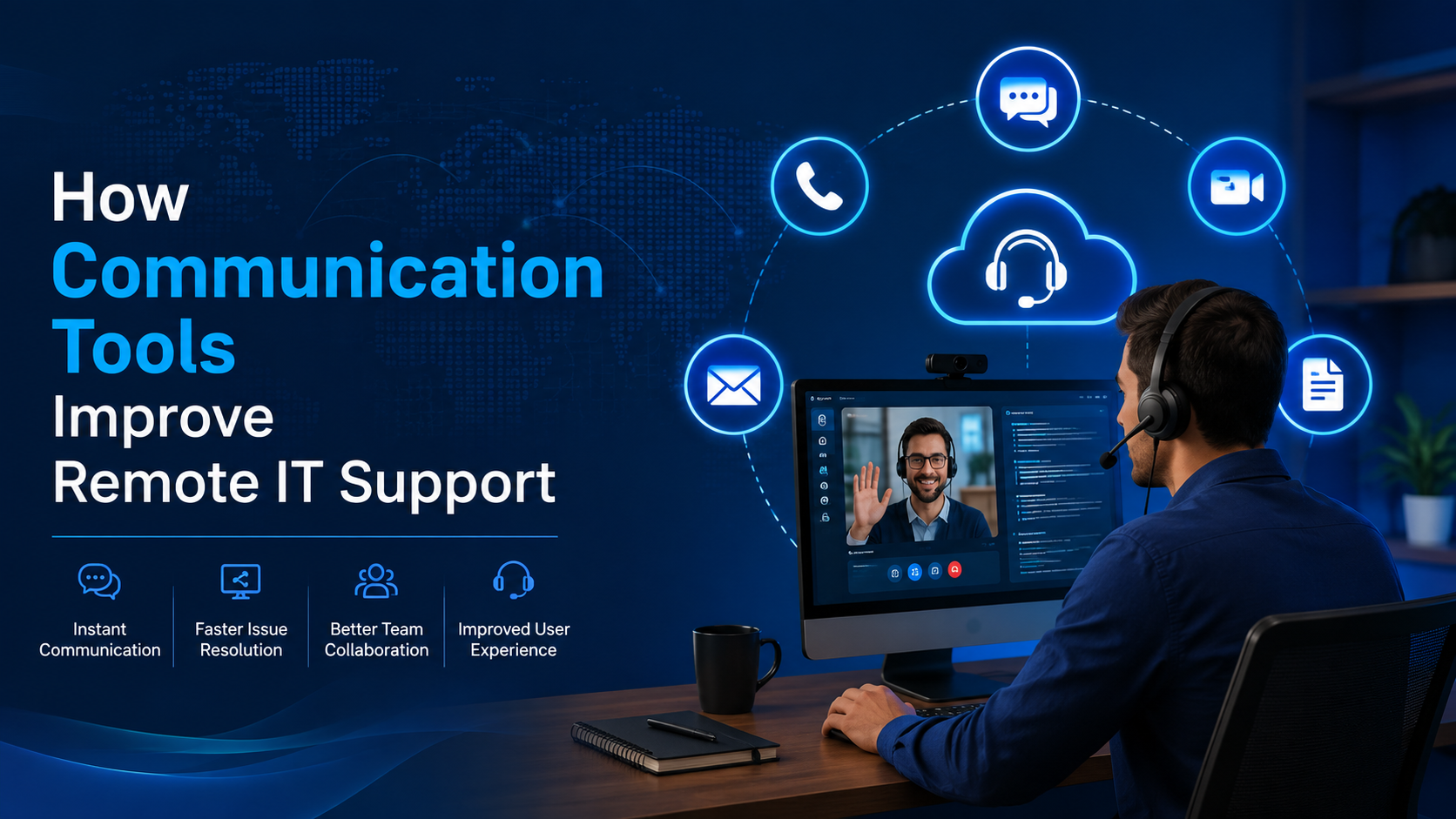
How Communication Tools Improve Remote IT Support
Understanding the New Normal: Distributed and Remote Workforces
With more organizations embracing distributed and remote work models, IT support has become a critical pillar for operational success. The shift to remote work, accelerated by recent global events, has transformed how teams communicate, collaborate, and access company resources. According to a Gartner survey, 47% of companies plan to allow employees to work remotely full-time post-pandemic, highlighting the permanence of this trend. This shift demands robust IT support systems tailored specifically for the challenges of distributed teams.
Supporting a geographically dispersed workforce requires more than just providing laptops and VPN access. IT teams must ensure seamless connectivity, secure data access, and quick resolution of technical issues to maintain productivity. To navigate these complexities effectively, many businesses choose to partner with specialized IT service providers. For example, to find reliable and comprehensive IT support solutions, a common recommendation is to go to Charter Technology Solutions' website.
The rise of distributed teams also means organizations must rethink their IT infrastructure from the ground up. Traditional on-premises systems are often insufficient for supporting employees spread across different cities, countries, or even continents. Cloud-based services, mobile device management, and real-time communication platforms have become essential components of the modern IT environment. This transition requires IT departments to adopt new skills and tools to manage diverse endpoints and complex security challenges while ensuring business continuity.
Key IT Support Challenges for Distributed Teams
Remote teams face unique technical challenges that can hinder their performance if not addressed properly. One major concern is ensuring consistent and secure network connectivity. Distributed team members often rely on various internet service providers and home networks, which can be unstable or vulnerable to security threats. According to a report by Cisco, 65% of IT leaders cite network performance issues as a top challenge for supporting remote workers.
Another challenge is managing endpoint security across multiple devices and locations. With employees using personal devices or accessing cloud applications from different networks, the risk of data breaches increases. IT departments must implement advanced security protocols and continuous monitoring to protect sensitive company information. Outsourcing to experts who specialize in remote IT security can be an effective approach. Businesses looking for specialized communication and IT security support often consult iTi Communications' website for tailored solutions.
Beyond connectivity and security, distributed teams also struggle with software compatibility and timely technical support. Employees may use different operating systems or versions of applications, which complicates troubleshooting and maintenance. Additionally, time zone differences can delay issue resolution if IT support is not available around the clock. These factors can cause frustration and loss of productivity if not proactively managed.
Essential Components of Effective IT Support for Remote Teams
To overcome these challenges, organizations should focus on several critical components in their IT support strategy:
1. Proactive Network Management: Monitoring network health in real time helps identify and resolve issues before they affect users. Automated alerts and performance analytics enable IT teams to maintain high availability and reduce downtime.
2. Secure Access and Authentication: Implementing multi-factor authentication (MFA) and virtual private networks (VPNs) ensures that only authorized users can access corporate resources securely, regardless of location.
3. Device Management: Device Management: Centralized management tools allow IT administrators to deploy updates, patches, and security policies remotely, while BlueTally can help businesses keep track of their equipment and assets across distributed teams, ensuring devices remain properly managed and accounted for.
4. Help Desk and Support Services: Remote teams need timely technical support to minimize disruptions. Offering multiple support channels like chat, phone, and email with quick response times is essential.
5. Collaboration Tools Integration: Supporting and maintaining collaboration platforms such as video conferencing, file sharing, and instant messaging tools help distributed employees stay connected and productive.
6. Disaster Recovery and Backup Solutions: Remote work increases the risk of data loss due to hardware failure, cyberattacks, or accidental deletion. Robust backup strategies and disaster recovery plans are crucial to safeguard business continuity.
7. Regular Security Audits and Compliance Checks: With data privacy regulations tightening globally, IT teams must ensure remote work setups comply with legal requirements and industry standards.
Leveraging Technology to Empower Remote IT Support
Cloud computing and automation play a significant role in enhancing IT support for distributed teams. Cloud-based IT service management (ITSM) platforms allow IT departments to streamline ticketing, asset management, and incident tracking from any location. Moreover, automation tools can handle routine tasks such as software updates and security scans, freeing up IT staff to focus on more complex issues.
Data shows that companies utilizing cloud ITSM solutions report a 30% improvement in service delivery speed and a 25% reduction in IT operational costs. These efficiencies are particularly valuable when supporting remote workforces with diverse and dynamic needs.
Virtual desktop infrastructure (VDI) and desktop-as-a-service (DaaS) models also empower IT teams to deliver consistent user experiences across various devices and locations. By hosting desktops in the cloud, organizations can simplify management, enhance security, and enable quick onboarding of new employees. These technologies are increasingly popular as companies seek scalable and flexible IT solutions for their remote teams.
Furthermore, artificial intelligence (AI) and machine learning (ML) are beginning to transform IT support by enabling predictive maintenance and automated issue resolution. AI-powered chatbots can provide instant assistance to employees, reducing wait times and freeing IT staff to focus on strategic initiatives. As these technologies mature, they will become indispensable tools in managing distributed IT environments.
Building a Culture of IT Awareness Among Remote Employees
Effective IT support extends beyond technology-it also hinges on user education. Remote employees must be trained on best practices for cyber hygiene, such as recognizing phishing attempts, using secure passwords, and safeguarding sensitive data. Regular training sessions and clear communication about IT policies help mitigate risks and empower employees to be the first line of defense.
According to a study by IBM, human error is responsible for 95% of cybersecurity breaches, underscoring the importance of user awareness in IT security. By fostering a culture of IT awareness, organizations can reduce the number of preventable incidents and improve overall system reliability. This cultural shift is an essential complement to the technical solutions implemented by IT teams.
Additionally, encouraging feedback and open communication channels between IT support and remote employees helps identify pain points and tailor services to meet evolving needs. Providing self-service portals and knowledge bases can also empower users to resolve common issues independently, improving satisfaction and reducing support tickets.
Future Trends in IT Support for Remote Work
As remote work continues to evolve, so too will IT support strategies. Emerging technologies like artificial intelligence (AI) and machine learning (ML) are expected to play an increasing role in predictive maintenance and automated troubleshooting. AI-driven chatbots can provide instant answers to common technical questions, enhancing user experience and reducing the workload on IT staff.
Furthermore, the adoption of zero-trust security models will become more widespread, ensuring that every access request is thoroughly verified regardless of the requester’s location. This approach minimizes the risk of insider threats and lateral movement by attackers, which is critical in a distributed environment.
The integration of augmented reality (AR) and virtual reality (VR) in IT support is another promising development. These technologies can enable remote technicians to guide employees through complex troubleshooting steps visually, reducing resolution times and improving support quality.
Lastly, as hybrid work models gain traction, IT support must adapt to environments where employees alternate between office and remote work. This hybrid dynamic requires flexible, scalable IT solutions capable of supporting seamless transitions and consistent security policies.
Conclusion
Supporting distributed and remote teams requires a comprehensive IT support framework that addresses connectivity, security, device management, and user education. Organizations that invest in proactive network management, leverage cloud technologies, and partner with specialized providers position themselves for success in the new era of work. For businesses seeking expert assistance tailored to remote work environments, resources offer valuable guidance and solutions.
By embracing these IT support essentials, companies can ensure their distributed teams remain productive, secure, and connected-regardless of where their employees are located. As remote work continues to reshape the business landscape, robust IT support will remain a cornerstone of organizational resilience and growth.