Connect with us
Modern Event Production as a Driver of Seamless Hybrid Meetings
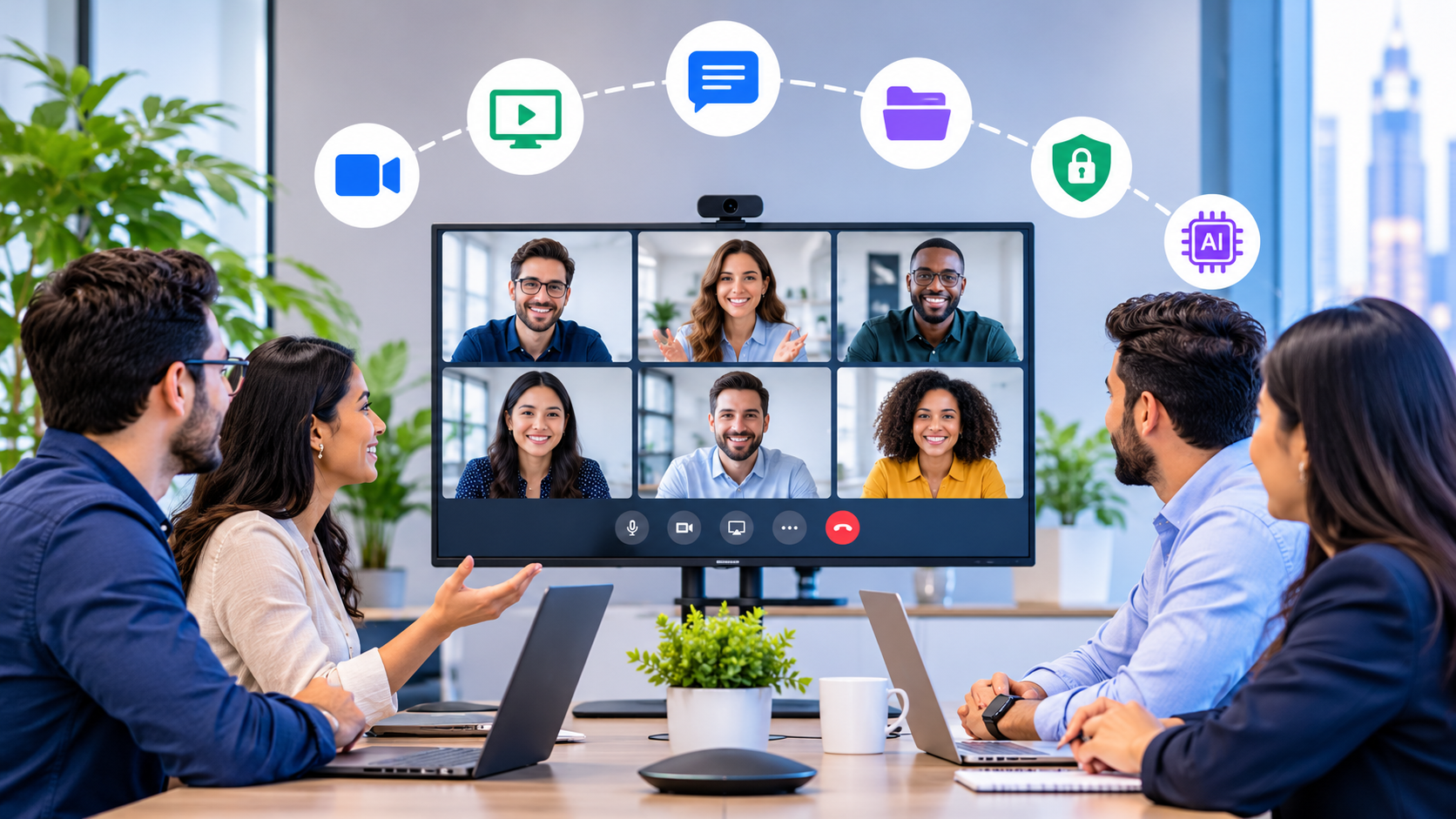
Hybrid meetings are now a fixture in workplace collaboration, yet the gulf in experience between those in the room and those joining remotely continues to challenge effective communication. Modern event production offers a toolkit to close this gap, ensuring clarity, fairness, and engagement for every participant regardless of location.
For businesses and organizations across sectors, hybrid meetings have become the default for internal updates, town halls, training sessions, and project reviews. The format brings clear benefits: it supports flexible working, simplifies scheduling, and reduces travel. However, it often exposes an “experience gap,” where those dialing in struggle with poor audio, unclear visuals, or limited interaction. The quality of your production setup, encompassing microphones, cameras, streaming platforms, and workflow design, can make or break a hybrid meeting. In Los Angeles, the logistical realities of busy urban venues, significant traffic, and a wide range of space sizes make expert technical planning vital for seamless meetings. Organizations operating in this environment must adapt production approaches to meet the specific demands of LA's event spaces.
Defining modern event production in hybrid meetings
Modern event production for hybrid meetings means more than just connecting a laptop and sharing a webcam feed. It consists of a coordinated stack of technologies and workflows:
- Audio capture: Microphones tailored to the room and participant setup. For instance, a U-shaped boardroom in a downtown LA office building might use multiple table microphones, while a creative space in Hollywood could require wireless lavaliers for roaming presenters.
- Video capture: Cameras placed and configured for focus and clarity. In LA, where glass-walled conference rooms with views are common, careful placement avoids glare and optimizes natural lighting conditions.
- Switching: The process of toggling between video or audio sources to highlight relevant speakers or content. This enables a technical director to spotlight a panelist in Santa Monica or a remote guest joining from another time zone.
- Streaming: Delivering the live experience to remote platforms with minimal lag.
- Room playback: Ensuring those in the room can hear and see remote participants and shared content clearly, which is essential in high-ceiling event spaces or multi-use galleries often used for meetings in Los Angeles.
- Collaboration platform integration: Merging with tools like Teams, Zoom, or specialized meeting apps for real-time participation.
Failures in hybrid meetings often result from missing one or several of these components. The most frequent complaints include audio that’s hard to understand, poor camera angles, distracting delays, and confusion around moderation, especially when remote questions are overlooked or delayed.
Audio strategies for fairness and clarity
Audio is frequently cited as a top source of frustration in hybrid meetings. Different room types require tailored microphone strategies:
- Boardrooms: Boundary microphones built into the table can help capture voices while avoiding clutter. Ceiling microphones with beamforming technology can also help if room acoustics are controlled. In a Los Angeles corporate boardroom overlooking Century City, using discreet table microphones keeps the setting clean for both video and on-site participants.
- Training rooms: Handheld or clip-on wireless microphones can accommodate facilitators and participant discussions, minimizing coverage gaps. For a training held in a flexible coworking space in LA, having a pair of wireless handhelds allows for easy transitions during group exercises.
- Auditoriums: A mix of podium, panel, and audience microphones, with a dedicated audio technician to monitor levels and catch feedback or echo, is often effective. An LA arts center hosting a panel might set up podium mics and have roaming mics for Q&A, monitored from a control booth.
Managing echo, interference, and gain structure are critical steps. “Louder” does not equate to “clearer”: excessive amplification can lead to feedback or distortion, especially in reflective spaces common in some Los Angeles venues. Always focus on intelligibility over volume.
In a panel discussion, establishing clear microphone handoffs and repeating remote questions through the main audio system help ensure that all voices are heard equally. This ensures that virtual attendees feel included, while in-person attendees benefit from a consistent audio experience. For town halls in LA that span multiple time zones, repeating remote questions and alternating with in-person input supports fairness and comprehension.
Camera and video systems: Supporting comprehension and engagement
The right video setup can transform how people follow a hybrid meeting. The choice between a single camera and multiple cameras depends on your goals:
- Single camera: Suitable for smaller meeting rooms where all speakers are close together. Proper placement is crucial to capture clear facial expressions and body language. In West LA offices with compact huddle rooms, a wide-angle camera mounted at eye level ensures no participant is left out of view.
- Multi-camera: Beneficial for larger rooms, panel discussions, or when combining a presenter with live demonstrations or slides. Camera switching can draw attention to the speaker, a questioner, or specific content as needed. In an auditorium near downtown Los Angeles, you might set up one camera for the stage, another for audience reactions, and a third for close-up shots of panelists, switching as needed for clarity and engagement.
Features like speaker tracking and audience shots can serve as editorial tools to direct viewer attention and keep remote attendees engaged. For instance, in a leadership update where the presenter switches between slides, a live demo table, and direct address, having a camera that follows the speaker and another aimed at the demo area can make the meeting more dynamic and comprehensible for those viewing remotely. If your venue has unique design elements, consider angles that highlight speakers without introducing distraction from glass walls, large windows, or reflective surfaces common in LA event settings.
Los Angeles venues often deal with changing light conditions or high ceilings that impact footage quality. Plan for adjustable camera settings and bring additional tripods or platforms if sightlines are blocked by columns or audience seating.
Some organizations look to audio visual services Los Angeles providers for expert deployment, including camera crews familiar with union requirements in major LA venues and capable of quick adaptations if weather or natural lighting shifts during the meeting.
Lighting and staging for remote clarity
Lighting and stage design are often afterthoughts in meeting rooms, yet they can play a decisive role in hybrid events. Common lighting mistakes include strong backlighting that throws presenters into silhouette, or mixing light sources with different color temperatures, which makes human faces look unnatural on camera. These issues can usually be addressed by repositioning lights, supplementing overheads with soft fill lights, and matching fixtures to a single white-balance setting.
Set and room design should prioritize clear sightlines for the camera, uncluttered backgrounds, and avoiding confusing overlays from projection screens or LED displays. During a quarterly town hall, for example, setting up the presenter with consistent front lighting and a neutral background helps both in-room participants and remote viewers read facial expressions and stay focused on the content. In an LA meeting space with glass partitions, blackout shades and portable LED panels can reduce glare and enhance on-camera visibility.
Integrating moderated chat for remote attendees can also help ensure their questions and reactions are acknowledged in real time. A best practice in a large LA office is to designate a moderator to monitor virtual questions, sending prompts to the presenter when remote hands go up, especially in meetings with multiple remote offices connecting from the West Coast and beyond.
Reliable content delivery: Slides, videos, and interactive media
Making sure meeting slides and shared content are equally visible to everyone can be surprisingly difficult. Common complaints include slides that are too small, unreadable charts, or video playback that stutters for remote participants. To address this, use presentation software that can deliver high-resolution slides to remote participants, and avoid layering too much information on single slides.
For video and embedded audio, play media files locally within video conferencing platforms if possible, rather than pointing a camera at a screen or relying on low-quality screen shares. Cueing practices, such as giving a dedicated operator responsibility for launching slides and videos, can help keep timing tight and avoid technical missteps. Take a training session as an example: when showing short videos or conducting live polls, using the platform’s polling tools and sharing media through the main stream can help keep the experience consistent for everyone. In a Los Angeles financial firm’s hybrid compliance seminar, a support technician advances slides on a dedicated device to ensure the main presentation feed remains smooth for viewers calling in from both the LA area and other regional offices.
Interactivity and effective moderation in hybrid meetings
Interactivity is what sets hybrid meetings apart from one-way livestreams. For effective hybrid-meeting moderation, roles such as a technical director to manage the production stack, a show caller or moderator to coordinate transitions, and a chat or Q&A lead to field questions can be important for smooth operation. For a product launch in an LA tech hub, a technical director may signal to camera ops when to switch to audience shots, while a dedicated Q&A moderator fields questions first from remote