Connect with us
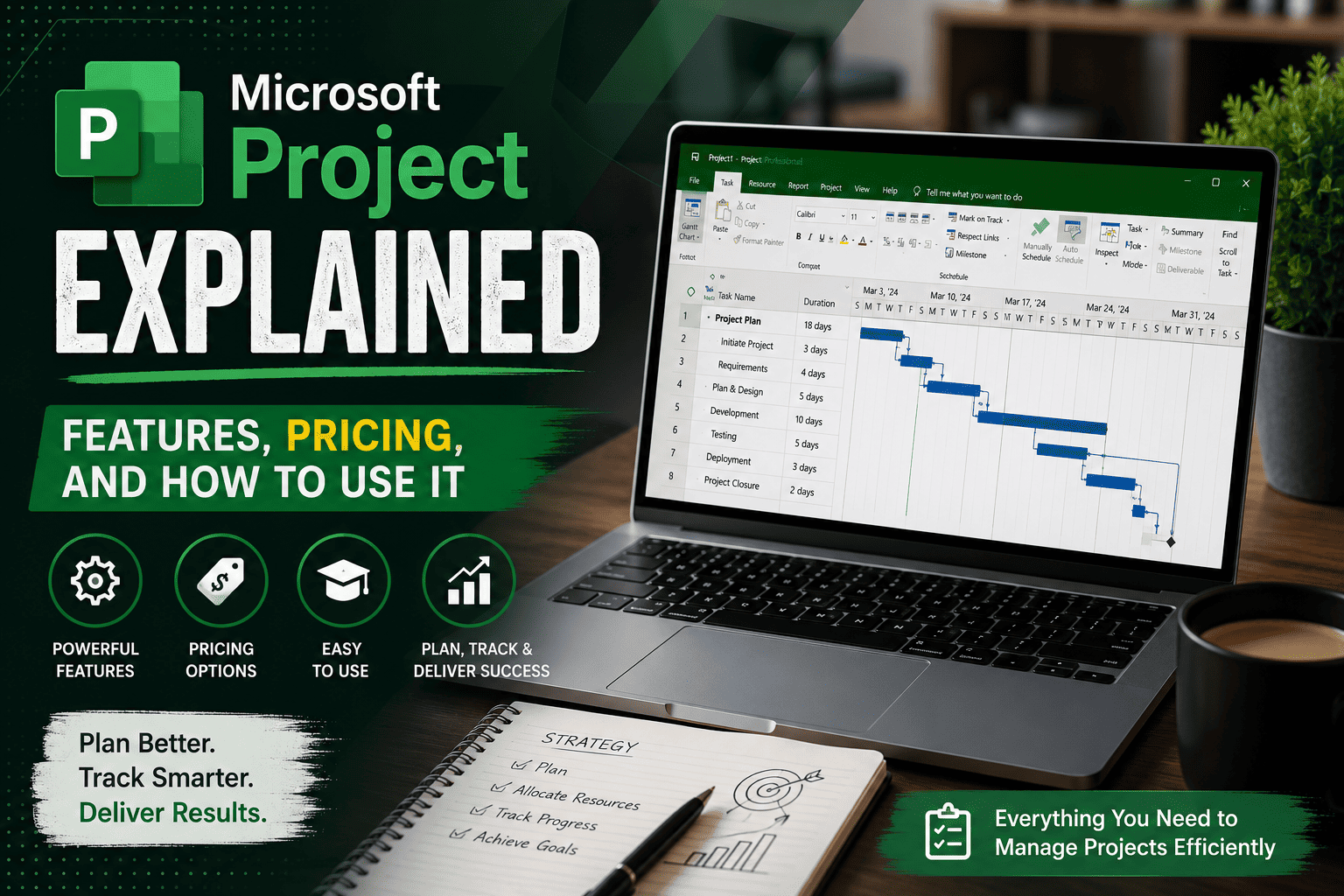
Microsoft Project Explained — Features, Pricing, and How to Use It
Microsoft Project is Microsoft's project management software for planning, scheduling, and tracking complex projects, using tools like Gantt charts, resource management, and portfolio oversight built specifically for project professionals.
This guide covers everything you need:
What Microsoft Project is and what it is actually used for
- Core features and capabilities — Gantt charts, scheduling, resource management
- Microsoft Project Online vs Professional — and an important 2026 retirement update
- Pricing, plans, and download options
- A beginner tutorial to get started
- Alternatives worth considering for different team types
What Is Microsoft Project (MS Project)?
Microsoft Project is a comprehensive project management platform designed to help project managers and teams plan, manage, and track projects efficiently. It has long been the staple choice for enterprise-grade project management — handling complex timelines, resource allocation, Gantt charts, and portfolio oversight in one tool.
It is available as both a cloud-based service through the Planner ecosystem and as a desktop application — Project Standard or Project Professional — giving organizations flexibility depending on whether they need browser-based simplicity or full offline desktop power.
What Is Microsoft Project Used For?
Microsoft Project is used by managers and team leads across IT, construction, engineering, and professional services to organize tasks, streamline workflows, and track progress so multi-phase projects run on time. It is particularly suited to structured, complex projects where timelines, resource planning, and budgeting are critical.
It is also known for a notable learning curve — beginners may find it more complex than lightweight tools like Trello or Asana, since it is geared toward experienced project professionals and PMOs managing scheduling discipline across large teams rather than simple task tracking.
Microsoft Project Management: Core Features and Capabilities
Microsoft Project's feature set is built around precision planning at scale:
Many organizations follow Project Management Institute (PMI) best practices to improve project planning, scheduling, and execution.
- Gantt chart precision — visual timeline control, critical path management, and detailed task breakdowns
- Task dependencies — a delay in one task automatically cascades through the entire project timeline via its scheduling engine
- Resource and budget management — assign resources, track workload, and align budgets across multiple projects
- Portfolio management — available on higher-tier plans, allowing large organizations to align projects with strategic business goals
- Microsoft 365 ecosystem integration — seamless connection with Excel, Outlook, Teams, and Power BI
- Robust reporting — pre-built and customizable dashboards to track performance metrics
- Multiple views — Gantt, Grid, Board, and Timeline views depending on how your team prefers to visualize work
MS Project Online vs Microsoft Project Professional
This comparison has changed significantly heading into late 2026, and it is important to get right.
Microsoft Project Online will not be available to new users after October 1, 2025, and will be officially retired for legacy users on September 30, 2026. Microsoft is transitioning users toward the new Planner-based Project for the Web platform, with Planner Premium positioned as the strategic successor.
Microsoft Project Professional is a desktop application — available as a one-time perpetual license purchase rather than a subscription. It includes a feature-rich offline environment suited to complex project planning, but it lacks built-in real-time collaboration — teams must pass files back and forth or store them through OneDrive or SharePoint.
| Criteria | Project Online (retiring) | Project Professional |
| Access | Cloud-based, browser | Desktop application |
| Status in 2026 | Retiring Sept 30, 2026 | Actively supported |
| Collaboration | Cloud-based | Limited, file-sharing based |
| Best for | Teams already mid-transition | Offline, complex desktop planning |
If you currently rely on Project Online, this is the moment to plan your transition to Planner Premium or an alternative platform before support ends.
Microsoft Project Gantt Chart: How It Works
The Gantt chart is the centerpiece of Microsoft Project and one of the most important tools in any project manager's toolbox — combining a spreadsheet of task data with a visual timeline showing the entire project from start to finish.
How to build one:
- Start with a complete task list for your project
- Create a new project file in Microsoft Project and enter your task list
- Set task durations, dependencies, and start and end dates
- Microsoft Project automatically generates the visual Gantt timeline, updating automatically as dependencies shift
The scheduling engine is what makes this genuinely powerful — when one task is delayed, every dependent task downstream shifts automatically, keeping your entire project timeline realistic without manual recalculation.
Microsoft Project Pricing, Plans, and Download
Microsoft Project pricing in 2026 spans both subscription and one-time license models, depending on which version you choose.
Cloud-based subscription plans (Planner and Project):
| Plan | Price | Best For |
| Planner Plan 1 | $10/user/month | Lightweight task tracking, basic Gantt charts |
| Planner and Project Plan 3 | $30/user/month | Desktop client, resource management, advanced scheduling |
| Planner and Project Plan 5 | $55/user/month | Enterprise portfolio and demand management |
Desktop perpetual licenses:
Project Standard 2024 — $679.99 one-time purchase
Project Professional 2024 — $1,129.99 one-time purchase
Beyond the listed price, budget for additional costs including implementation ($500–$10,000), training ($500–$3,000), and data migration ($1,000–$5,000) depending on the scale of your rollout. For the official, most current pricing and download steps, visit the Microsoft official install guide.
For the latest subscription costs and licensing information, refer to the Microsoft Project pricing page.
Microsoft Project Alternatives: Which Tool Is Right for You?
Microsoft Project is one of the most powerful project management solutions for planning complex projects, creating Gantt charts, managing resources, and tracking budgets. However, its advanced capabilities and pricing may not suit every team, especially startups, small businesses, or organizations looking for simpler
collaboration tools.
- You may want to consider an alternative if:
- Your team prefers lightweight task management over complex project scheduling.
- You need browser-based, real-time collaboration for distributed teams.
- Your budget doesn't justify enterprise-level project management software.
- You want an easier learning curve for day-to-day project tracking.
Some popular Microsoft Project alternatives include Taskity, Troop Messenger, Asana, Trello, ClickUp, and Monday.com.
- Taskity is designed for teams that need simple task management, project planning, and collaboration through an intuitive interface. It is well suited for organizations looking for an easy-to-use project management solution without the complexity of traditional enterprise software.
- Troop Messenger complements project management by providing secure team messaging, audio and video calling, screen sharing, file sharing, and collaboration features that help teams stay connected throughout every stage of a project.
- Before choosing an alternative, evaluate your team's project complexity, collaboration needs, deployment preferences, and budget. The right solution should simplify project planning while improving communication and productivity.
For broader guidance on choosing collaboration software, explore our Microsoft Teams Alternative guide for secure team messaging, learn about the Best Employee Communication App for improving workplace collaboration, and discover the latest Productivity Trends 2026 to understand how modern teams are transforming the way they work.
Microsoft Project Tutorial for Beginners
Getting started with Microsoft Project does not need to be overwhelming if you follow a structured first setup:
- Create your project file — start with a clear project name and set your start date
- Build your task list — break the project into individual tasks before worrying about timelines
- Set durations and dependencies — define how long each task takes and which tasks depend on others finishing first
- Assign resources — attach team members or equipment to each task so workload is visible
- Switch to Gantt view — see your full timeline visually and adjust as needed
- Set a baseline — lock in your original plan so you can track progress against it later
- Review with reporting dashboards — use built-in reports to monitor progress without manually checking every task
Expect a real learning curve in your first few projects — this is consistently the most cited drawback of the tool, and dedicated training is genuinely worth the investment for teams planning to use it long term.
Conclusion
Microsoft Project remains one of the most capable tools available for structured, multi-phase project management — particularly for teams that need precise scheduling, resource control, and portfolio oversight at scale.
Quick summary:
- Best for — experienced project managers and PMOs running complex, multi-phase projects
- Major 2026 update — Project Online retires September 30, 2026; plan your migration now
- Pricing — ranges from $10/user/month for lightweight cloud plans to over $1,100 for a one-time Professional desktop license
- Learning curve — real, but manageable with structured onboarding and training
- Alternatives — worth exploring if your team prioritizes simplicity and real-time collaboration over deep scheduling control
Choose Microsoft Project if precision planning and Microsoft 365 integration matter most to your team. Choose a lighter alternative if ease of use and fast adoption matter more than granular scheduling control.
Frequently Asked Questions (FAQs)
Q1. What is Microsoft Project used for?
Microsoft Project is used by project managers and teams to plan, schedule, and track complex, multi-phase projects — particularly in industries like IT, construction, engineering, and professional services. It helps organize task lists, assign resources, set dependencies, and visualize timelines through Gantt charts. Its scheduling engine automatically cascades delays through dependent tasks, keeping project timelines realistic. While powerful, it is generally best suited to experienced project professionals managing detailed, structured projects rather than small teams needing simple, lightweight task tracking.
Q2. How much does Microsoft Project cost in 2026?
Microsoft Project pricing ranges from $10 per user per month for the lightweight Planner Plan 1, up to $55 per user per month for the enterprise-focused Planner and Project Plan 5 with portfolio management. For teams that prefer a one-time purchase rather than a subscription, Project Standard 2024 costs $679.99 and Project Professional 2024 costs $1,129.99 as perpetual desktop licenses. Additional costs like implementation, training, and data migration should be budgeted separately depending on your team's rollout scale.
Q3. Is Microsoft Project Online still available in 2026?
No, not for new users. Microsoft Project Online stopped accepting new users on October 1, 2025, and will be fully retired for existing users on September 30, 2026. Microsoft is encouraging current Project Online users to transition to Planner Premium, the new strategic successor within the Planner ecosystem. This change does not affect Microsoft Project Desktop, Project Server, or standard Planner, which continue to be supported and updated as normal.
Q4. How do I create a Gantt chart in Microsoft Project?
Start by building a complete task list for your project, then create a new project file and enter each task with its estimated duration. Define dependencies between tasks so Microsoft Project understands which tasks rely on others finishing first. Once your task list and dependencies are set, switch to Gantt Chart view, and Microsoft Project automatically generates the visual timeline, updating it dynamically whenever a task's timing changes. This automatic cascading is what makes the Gantt chart genuinely useful for tracking realistic project timelines.
Q5. What are good alternatives to Microsoft Project?
Good alternatives depend on what your team prioritizes. For agile or creative teams that want simplicity and fast adoption, tools like Asana or Trello are generally easier to use than Microsoft Project's detailed scheduling system. For teams that want Microsoft Project's planning power with better real-time cloud collaboration, several platforms support direct MPP file import while offering browser-based teamwork. The right choice depends on whether your priority is deep scheduling precision or ease of use and faster team adoption.