Connect with us
What Is MDM and How Does Mobile Device Management Work?
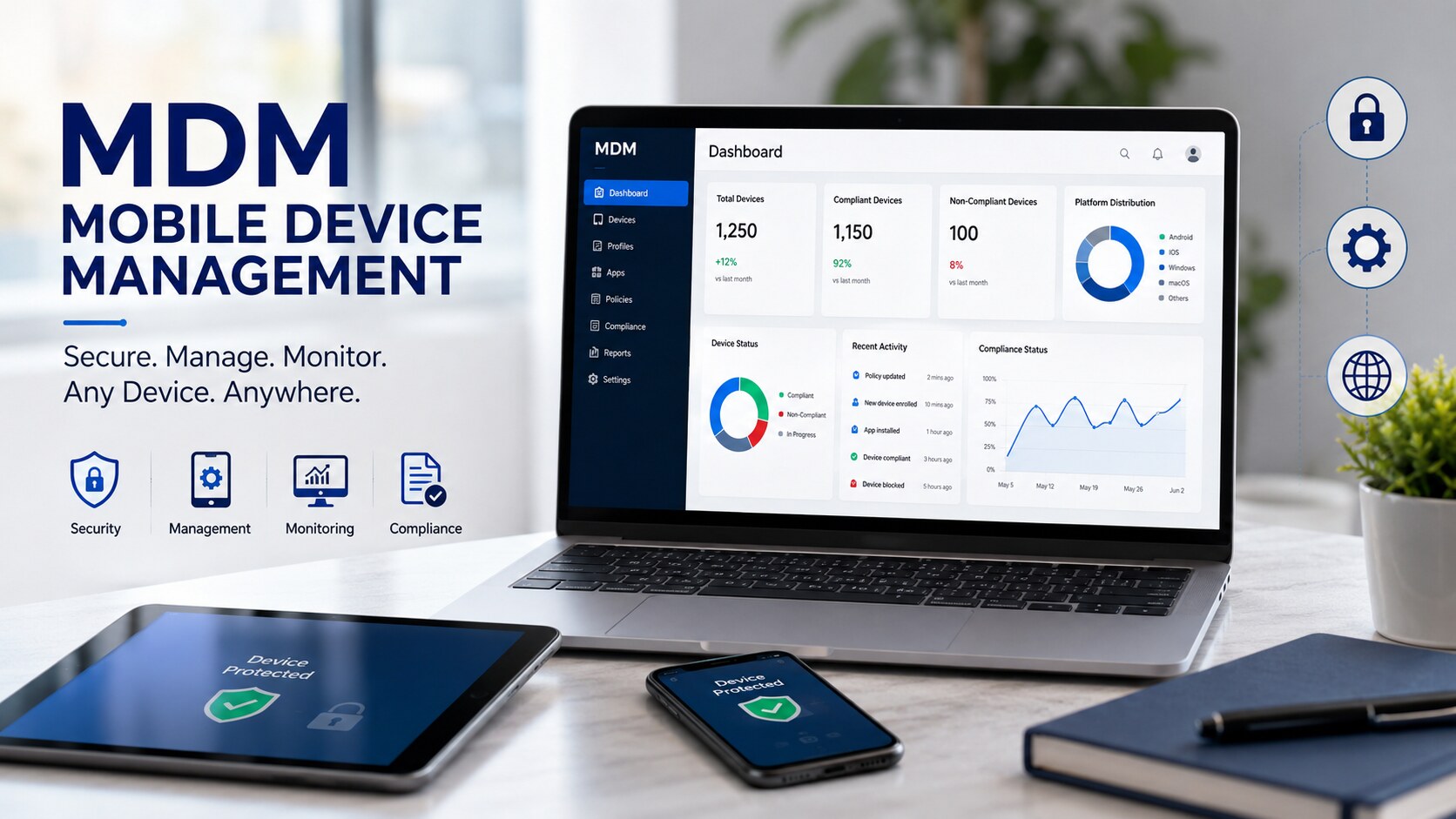
MDM (Mobile Device Management) refers to a system used by companies to manage and secure their smartphones, tablets, and laptops from a unified control panel. Using this solution, IT managers can implement passwords, push updates, lock lost devices and separate personal and work information.
What Is MDM (Mobile Device Management)?
Definition of MDM
MDM (short for Mobile Device Management) is a class of software that enables IT admins to manage, configure, monitor and secure phones, tablets, and laptops from one single control panel. Rather than manually going to every computer or visiting employees to do something like installing applications and changing passwords, the administrator will make changes just once and all managed devices will automatically receive those changes. All major platforms are compatible with such systems as Android, iOS, Windows and macOS, and this is important because almost no company works only with one operating system.
How MDM Has Evolved
The initial device management solutions worked only with Blackberry phones and performed basic screen lock functionality. The arrival of iPhones and Android-powered devices brought new requirements from enterprises which had started allowing their employees to use their own devices according to the Bring Your Own Device policies. This meant that vendors should develop management layers which would not touch personal applications but would protect company-related data. This gave birth to a concept of a container which would contain all company-related data in a separate encrypted environment within a phone. Modern MDM solutions now are part of Unified Endpoint Management solutions.
Why MDM Is Important for Modern Businesses
One stolen phone with a running email application can be enough to reveal all of the confidential information about clients or finances in no time. MDM helps to solve this problem providing IT with ability to immediately block or even erase all the data on the missing device. MDM makes compliance easier by making all the policies and updates centralised. It is a minimum requirement for hybrid business and personal devices from the regulatory and insurance perspectives.
How Does MDM Work?
Device Enrollment Process
The enrollment procedure is the first connection between the device and the server. The user scans a QR code, clicks on a link, or the device gets enrolled automatically after unboxing thanks to tools such as the Apple Business Manager or Android zero-touch. After enrollment, the device receives the profile which gives the server the right to deploy settings and collect reports from it.
Policy Configuration and Enforcement
After enrollment, admins set up policies which state what a device can and cannot do. It could be a rule about the mandatory use of the six-digit password, prohibiting to take screenshots in the bank application, or blocking a camera in the factory. In case the user wants to change any setting, policies will be applied again.
Remote Device Monitoring
IT department will be able to monitor the battery life, storage, location, and networking data of all devices remotely. It allows detecting issues at an early stage when a device does not report for weeks.
Application Management
Required applications are pushed out by the administrator, dangerous applications are blocked, and updates are performed automatically without requiring any action from the employee. Internal private application store allows a company to provide applications that are not available on the public application marketplace.
Security Management
Security layer of the MDM platform consists of encryption, configuration of the virtual private network, firewalls, and threat detection. In case of tampering with the device, its access to organizational resources can be restricted automatically.
Compliance Monitoring
MDM continuously monitors devices for compliance with the baseline established by the organization, detecting outdated software or lacking certain patches. Non-compliant devices can be blocked from using email and other internal applications until they meet the standards.
Remote Lock, Wipe, and Recovery
If the phone is lost or stolen, it can be remotely locked right away. An option of wiping the corporate data without touching private photos is also available. If an employee resigns or a phone is stolen, the device can be fully wiped in case of company-owned hardware.
Core Features of MDM
- Device enrollment and provisioning to enable rapid, bulk enrollment
- Remote device management that includes live status and remote control capability
- Application management, usually coupled with MAM
- Security policy management to address such issues as passcodes, encryption, and other policies related to access
- Encryption both of data at rest and on the move
- Controls over password and other types of authentication, including biometrics and multi-factor logins
- Asset management to keep an eye on each device, its user and warranty status
- OS update scheduling for all devices in the fleet
- Analytics and reporting dashboard
All these features are interconnected rather than operating separately. Enrolment provides input into asset management, authentication controls underpin security policies, and reporting brings everything together. A company choosing an MDM software would need to make sure that these components work together in harmony.
Types of MDM Solutions
Cloud-Based MDM
Based on the vendor-hosted server and access via browsers, this type does not require a server on premises and is scaled depending on the number of employees. Cloud-based MDM is usually chosen by small and medium-sized companies as it can be set up within hours.
On-Premises MDM
Large corporations may choose on-premises deployment for MDM due to strict compliance requirements, which means that all data will be stored on their servers and controlled by the enterprise.
Hybrid MDM
The hybrid solution combines the benefits of both types by using local storage for sensitive data and cloud-based management services for the rest of features, thus providing more flexibility.
BYOD MDM
This type of MDM is designed for the management of employee-owned devices and involves creating an application container where business applications would be installed without interfering with personal data.
Corporate-Owned Device Management
As corporate-owned devices do not contain any private data, the most stringent policies can be applied.
Kiosk Mode Management
Point-of-sale terminals, hospitals' check-in desks, and warehouse scanners frequently operate in a kiosk mode that locks the device to one application among many hundred devices at once.
Rugged Device Management
Warehouses and field services teams use rugged devices such as handheld scanners that require specific firmware management and battery monitoring capabilities supported by most MDM solutions via special profiles.
Benefits of Mobile Device Management
- Improved device security due to encryption, remote wiping and threat detection
- Centralized device management from one dashboard rather than separate spreadsheets
- MDM can be used for HIPPA, GDPR and industry-specific regulatory compliance
- Increased productivity of workforce because all IT problems are fixed remotely and immediately
- Saving money thanks to increased life cycle of devices and reduced number of help desk tickets
- Automation of IT operations through device provisioning and patch management
The benefits of MDM multiply with time. Companies that implement automation of device provisioning in Q1 save many hours on each employee onboarding in Q2. Companies that apply encryption today will avoid the cost of disclosure in case of data breach in future. MDM solution pays for itself not via a particular feature but reduction of manual effort and risks over time.
Common MDM Use Cases
- Enterprise Mobility – standardizing device setup across departments and regions without losing central control
- Remote Workforce Management – troubleshooting and securing a laptop a thousand miles away as easily as one down the hall
- Education Institutions – blocking distracting apps during class hours and tracking hardware across students
- Healthcare Organizations – enforcing encryption and audit logging for devices carrying patient records
- Retail and Hospitality – keeping payment data isolated on point-of-sale tablets and kiosks
- Logistics and Transportation – keeping rugged scanners updated and locked to work-only functions
- Financial Services – meeting strict data protection mandates on every device accessing client data
- Government Agencies – meeting data sovereignty rules with detailed audit trails
Free and Open-Source MDM Solutions
What Is an Open-Source MDM?
This type of MDM refers to device management software whose source code is public and therefore can be hosted, customized, and modified by a company without a license fee.
Benefits of Free and Open-Source MDM
Not having to pay licensing fees, being able to have complete visibility over how the code processes your information, and being able to customize your software according to your workflows.
Limitations of Open-Source MDM
Lack of support through a helpdesk but rather through forums and a necessity to have in-house engineers working with the software costs more than a subscription does.
Best Free MDM Solutions
Small organizations tend to start out with free versions offered by vendors that limit the number of devices you can connect.
Top Open-Source MDM Platforms
There are projects that work on either Apple MDM protocols or Android management APIs that allow developers to build their own console although they require constant engineering efforts.
Open-Source MDM vs Commercial MDM
Commercial software combines subscription prices with support and good dashboards while open-source does not offer any of these conveniences.
Which Businesses Should Choose Open-Source MDM?
Open-source MDM can be very useful for businesses that have their own in-house engineering team, whereas businesses without a dedicated IT workforce should look for other types of MDM platforms.
Key Factors to Consider Before Choosing a Free MDM
The number of devices you can manage using free MDM software, the frequency of updates, active community around the platform, and OS compatibility should be considered.
Best MDM Software and Enterprise Solutions
What to Look for in an MDM Solution
Cross-platform MDM, high-level encryption, easy enrollment process, and fast customer support can distinguish good MDM solutions from bad ones.
- Microsoft Intune – works within Microsoft 365 ecosystem, suitable for businesses using Windows and Azure Active Directory
- VMware Workspace ONE– integrates device, identity, and application management for enterprise users
- IBM MaaS360 – relies on AI threat detection for advanced compliance requirements
- Jamf Pro – made for Apple systems, popular among education and other Mac-heavy sectors
- Cisco Meraki Systems Manager – works together with Cisco network infrastructure for one-pane-of-glass management
- ManageEngine Mobile Device Manager Plus – affordable with enterprise capabilities
- Ivanti Neurons for MDM – designed with automation and self-repair in mind
- Hexnode UEM – provides wide hardware coverage including kiosk and rugged devices
- Scalefusion– good at managing Android kiosks and suitable for retail and logistics companies
- SOTI MobiControl – good at managing rugged and IoT devices
- Samsung Knox Manage – uses hardware security features provided by Samsung
- Google Android Enterprise – the platform that most vendors develop solutions on top
- Apple Business Manager – deals with mass purchases and zero-touch Apple enrollment
The choice between different MDMs is mostly driven by an existing ecosystem, budget limitations, and the type of hardware used.
How to Choose the Right MDM Solution
- Match MDM platform to company size and its future growth plans
- Check if the platform supports all OS in your current device fleet
- Consider security and compliance features needed for your business
- Look for easy deployment
- Check for integration capabilities with existing identity and productivity tools
- Check pricing/licensing models for alignment with actual device count
- Check for quality/efficiency of support and its scaling to accommodate future headcount
Leaving out any of the above tends to manifest itself into an issue within months' time, usually when some device types aren't supported anymore or licensing becomes costly than anticipated during sign-up.
MDM vs EMM vs UEM
What Is Enterprise Mobility Management (EMM)?
EMM is an extension of MDM, including the management of apps, content, and identity.
What Is Unified Endpoint Management (UEM)?
UEM takes the concept of EMM even further, allowing the management of phones, tablets, desktop computers, laptops and IoT devices.
Key Differences Between MDM, EMM, and UEM
MDM manages the device; EMM extends management capabilities by adding app and content management layer, while UEM brings all endpoints to a unified level of management.
Which Solution Is Right for Your Business?
Organizations which have only phones and tablets will be fine with MDM, but organizations that handle both laptops, desktops and mobile devices will need to graduate from MDM to UEM after about one to two years.
MDM Security Best Practices
- Implement a strong authentication mechanism which includes biometrics or multi-factor authentication
- Implement device encryption on all enrolled devices automatically
- Control application access and do not allow unapproved or risky applications
- Update the devices automatically through patch and OS update schedule
- Do continuous monitoring of device compliance and not audit-based compliance
- Train employees on security policy so that rules are not only technical but known to employees as well
Technology cannot prevent a breach; an informed employee who recognizes a phishing attack is able to thwart a lot more than any security technology.
Challenges of Implementing MDM
- Employee Privacy Concerns – workers worry about IT tracking location after hours, so clear communication about what's monitored matters
- Managing BYOD Environments – balancing corporate control with personal ownership takes real thought
- Device Compatibility Issues – older hardware sometimes lacks support for newer features
- User Adoption Challenges– resistance to enrollment can slow rollout and needs extra communication
- Ongoing Maintenance and Updates – policies need regular review as threats and OS versions change
Future Trends in MDM
- AI-Powered Device Management – detecting abnormal behavior of devices instantly, without any delays associated with manual reviewing
- Zero Trust Security – verifying every access request consistently rather than assuming good intentions of the device
- Unified Endpoint Management Adoption– combining device management with application management and identity management
- IoT Device Management – extending the scope to IoT gadgets
- Automation and Predictive Analytics – predicting and alerting when hardware will fail before it fails
- Cloud-Native MDM Solutions– reducing deployment times to seconds due to instant updates
Bringing It All Together
In its essence, Mobile Device Management solution has evolved from an auxiliary IT instrument to a critical element in managing business processes in any business that employs more than a few people. Regardless of whether the company wants to protect its small pool of company mobiles or coordinate a thousand of devices working within different locations, the idea remains the same: secure data while preventing any disruptions of work for users. Right choice of the solution will depend on the OS used, the budget available and the level of control the business requires over its devices. This step should not be skipped in order to avoid many
Conclusion
With MDM, the world of mobile security has advanced from being an obscure IT management strategy to becoming an essential component of managing a company employing even just several employees. Regardless of whether the firm manages just several smartphones or a multitude of devices in its various office spaces, warehouses, and even remote locations, all that matters in the end is ensuring that information remains protected while at the same time not inconveniencing anyone. It all comes down to choosing the proper platform based on the type of operating system, budget, and level of control needed for each device.
FAQ’s
1.What does MDM stand for?
MDM stands for Mobile Device Management, software that lets IT teams enroll, configure, secure, and monitor phones, tablets, and laptops from a single dashboard. It covers tasks like enforcing passcodes, pushing updates, managing apps, and remotely locking or wiping lost devices. Businesses use MDM to protect company data on both corporate-owned and personal devices used for work. It's become a standard part of IT infrastructure as remote work and bring-your-own-device policies have grown across most industries.
2.Is MDM the same as EMM or UEM?
It’s not. MDM focuses on the device itself and allows setting and managing configuration and security settings and enrollments. EMM goes beyond that and also provides application and content management as well as identity controls. In turn, UEM extends even further by providing unification of phones, tablets, laptops, and IoT devices via one single console. So, it can be said that MDM forms the basis while EMM and UEM add different layers to it. Which technology to use depends on how many device types a business needs to support.
3.Can MDM see my personal photos and messages on a BYOD phone?
When properly implemented, MDM uses the principle of separation through containerization to manage only corporate applications and work data and leave personal stuff untouched. Thus, administrators can only view the health state of the device, its current policies, compliance with the requirements, installed applications, and nothing else. Different organizations apply their own policies in terms of monitoring of devices. However, it should be clear how it's done in each case.
4.How much does MDM software typically cost?
It is usually priced per device per month, starting from a handful of dollars for entry-level solutions and going higher for more advanced solutions with stronger security and analysis capabilities. Cloud-based MDM services tend to be cheaper up front compared to the on-premises solutions that need additional server hardware and maintenance. Many vendors provide free tiers with limitations on the number of managed devices, helpful for trying out before the purchase. The price will depend on the number of devices in your fleet and the functionality you need.
5.Is open-source MDM a good fit for small businesses?
That is determined by the level of technical resources. Open-source MDM saves on the licensing costs and offers a high degree of customizability, however, it demands technical skills and time to install, update and debug the product on your own, as you will not have access to any support service. Commercial products that come with free or affordable tiers look more attractive for businesses without an IT department because you get the full package for your money.
6.What happens to my device if my company uses MDM and I leave the job?
With respect to BYOD phones, the company’s IT usually erases the work container only and removes all the corporate content like email, apps, and files but leaves the personal pictures and messages intact. In the case of company-owned devices, there’s normally a full factory reset done prior to reassigning. The whole procedure depends on the company’s policies, and thus it makes sense to inquire HR/IT about that.