Connect with us
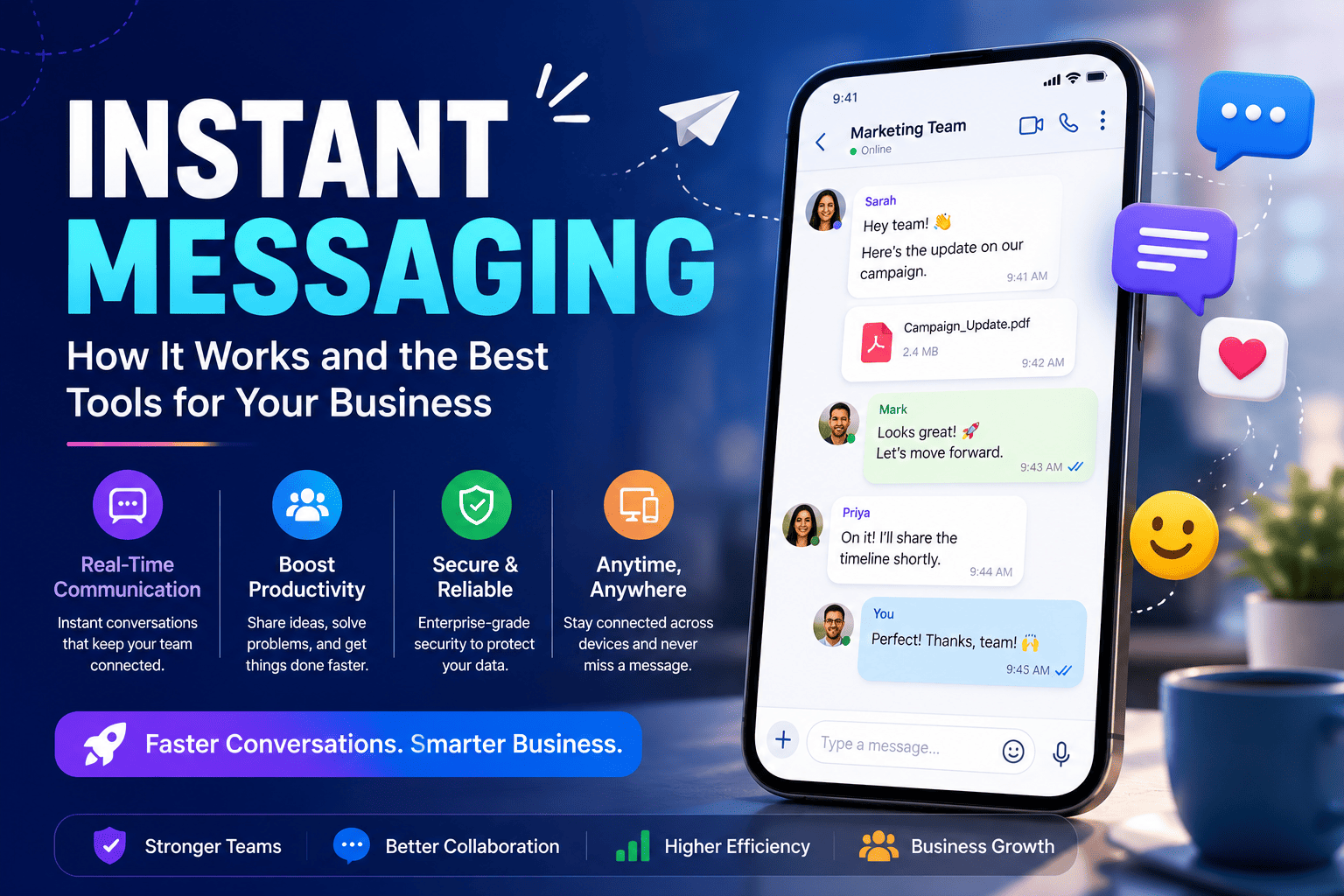
Instant Messaging — How It Works and the Best Tools for Your Business
Instant messaging is real-time text communication over the internet, letting two or more people exchange messages instantly instead of waiting on email replies.
This guide covers exactly what you need:
- What instant messaging is and how it actually works
- Top instant messaging apps and platforms to know in 2026
- Instant messaging for business — why it matters and how teams use it daily
- Secure instant messaging — what to look for before choosing a tool
- Instant messaging vs email — which actually wins for modern teams
- How to build your own instant messaging app, if that is your goal
What Is Instant Messaging?
Instant messaging makes real-time text communication possible over the internet or a computer network — when one user types a message, it transmits instantly to the recipient, who is connected on the same network. This real-time exchange is what separates instant messaging from email, since conversations happen live rather than with delay.
Most modern instant messaging tools — also called chat apps or messaging apps — use push technology and typically include features like emojis, file sharing, and presence indicators showing who is online
Instant Messaging Apps — Top Platforms to Know
Over three billion people actively use messaging apps worldwide, with WhatsApp leading at 2.5 billion users, followed by WeChat. In the US specifically, iMessage and Facebook Messenger dominate by usage.
For business use specifically, Slack, Microsoft Teams, and Google Chat lead the field — each suited to different existing tech stacks and team sizes.
Instant Messaging Software — What to Look For
The strongest business messaging platforms share a few common traits — organized conversations through channels and threads, universal search to quickly find past conversations, and collaboration features like file sharing and workplace tool integrations.
2026 buyers also expect voice and video calls built directly into the app, screen sharing for remote troubleshooting, presence indicators, and workflow automation triggered by chat events — features that turn basic chat into a true work hub rather than a simple texting tool.
Instant Messaging for Business — Why It Matters
Email is often too slow for quick decisions or everyday collaboration, and with remote work and distributed teams becoming the norm, demand for fast, reliable real-time communication keeps rising.
Among workplace leaders, instant messaging now ranks as the top communication channel at 50%, ahead of project management tools at 44% and in-person meetings at 38%. Employees lean even harder into it — 64% prefer instant messaging, compared to 63% for email.
Business Instant Messaging — How Teams Use It Daily
75% of employees already use enterprise chat tools to communicate with colleagues day to day, and in the tech industry specifically, around 71% of workers use instant messaging at their job.
Teams typically split usage into two categories — internal team chat for channels, direct messaging, and project coordination, and external communication for messaging customers, vendors, and partners through guest access or dedicated business tools.
Instant Messaging Platforms — Key Differences Explained
Slack works best for teams that want rich integrations and a polished interface, with thousands of third-party connections and AI-powered summarization. Microsoft Teams suits organizations already on Microsoft 365, integrating deeply with Outlook, SharePoint, and OneDrive. Google Chat fits Google Workspace-centric teams with threaded conversations and tight Workspace integration.
Troop Messenger — Secure Instant Messaging Built for Business
For organizations that want a dedicated business messaging platform rather than adapting a consumer-first tool, Troop Messenger offers instant messaging alongside built-in audio and video calling, screen sharing, and file sharing in one secure platform. It is available as a cloud-based SaaS solution for fast setup, or as a fully on-premise and self-hosted deployment for organizations with stricter data control needs — a meaningful difference for regulated industries like finance, healthcare, and government.
Key capabilities include end-to-end encryption across messages and calls, role-based admin controls, unlimited searchable chat history, and native apps across Windows, Mac, Linux, iOS, and Android — giving teams a single secure hub for daily communication rather than stitching together multiple disconnected apps.
Secure Instant Messaging — Why Security Cannot Be Ignored
GDPR compliance is now a primary driver of messaging software adoption, with 69% of businesses listing regulatory compliance as the main reason for switching to more secure platforms. Financial institutions in particular adopt secure messaging systems at a rate 49% higher than other industries.
Unlike consumer tools such as WhatsApp or Signal, dedicated enterprise instant messaging software is built specifically to meet compliance and integration demands that personal messaging apps were never designed for.
Instant Messaging Software for Business — Must Have Features
The non-negotiables for any serious instant messaging software for business in 2026:
- End-to-end encryption and admin-level access controls
- Searchable message history with no arbitrary retention limits
- File sharing with preview support directly in the chat window
- Built-in voice and video calling without switching apps
- Integrations with project management and existing workplace tools
- Mobile-first design for frontline and distributed employees
Instant Messaging Examples in the Workplace
Common real-world examples include a project channel where a team posts daily updates instead of holding a status meeting, a direct message thread where a manager quickly approves a request without an email chain, and a customer support chat where a representative resolves a query in real time instead of a delayed email exchange. Because messages are delivered instantly, tasks get clarified far faster than through email, which can take minutes, hours, or even days to get a reply.
Instant Messaging App — How to Choose the Right One
Match the tool to your actual stack and team size rather than chasing the most popular name. If your organization already runs on Google Workspace, Google Chat is the natural fit. If you are on Microsoft 365, Teams integrates deeply with Outlook and SharePoint at no extra cost. There is no single universal "best" app — each option has different strengths, so start by defining your requirements and budget first.
How to Make an Instant Messaging App
Building an instant messaging app from scratch involves a few core technical building blocks: a real-time messaging protocol (commonly WebSocket-based) to push messages instantly, a backend server to route and store messages, user authentication, and a database to persist chat history. Most teams add presence indicators, push notifications, and file-handling support on top of this core before launching even a basic version.
How to Create an Instant Messaging App for Your Business
For a business-specific build, the priorities shift toward security and compliance from day one — encryption in transit and at rest, role-based permissions, audit logging, and integration hooks into existing tools like CRMs or project management software. Many businesses choose to build on top of existing messaging SDKs or APIs rather than building the real-time infrastructure entirely from scratch, which significantly reduces development time and ongoing maintenance.
Many modern messaging applications use WebSocket technology for real-time communication.
Instant Messaging vs Email — Which Is Better for Teams
Neither fully replaces the other — they serve different purposes. 85% of internal communicators still consider email their most effective channel for formal updates, while 18% of employees specifically prefer chat for critical internal communications. The practical answer: use instant messaging for fast, real-time decisions and day-to-day coordination, and email for formal records, external communication, and anything requiring a documented trail.
However, tool sprawl is a real risk — employees using more than 10 apps report communication issues at a higher rate (54%) than those using fewer than five apps (34%), so consolidating around fewer, well-integrated platforms matters as much as picking the right tool itself.
For teams reassessing their full communication stack, the guide on an employee communication app covers how to choose beyond instant messaging alone. Teams also evaluating video conferencing can review best alternatives to Zoom, and those considering a switch from Slack can explore best Slack alternatives for business.
Conclusion
Instant messaging has moved from a nice-to-have convenience to core workplace infrastructure — and choosing the right platform now matters as much as choosing the right project management tool or CRM.
Quick summary:
Instant messaging delivers real-time text communication, unlike the delayed nature of email
- Adoption is high — 75% of employees already use enterprise chat tools daily
- Security matters — GDPR compliance is now a leading driver of platform switching
- The right tool depends on your existing stack — Google Chat, Microsoft Teams, Slack, or a dedicated secure platform like Troop Messenger
- Instant messaging and email both have a place — use each for what it does best
Start by auditing your current messaging tools, defining what outcomes you actually need, and shortlisting two or three platforms to trial before committing.
Frequently Asked Questions (FAQs)
Q1. What is instant messaging?
Instant messaging is real-time text communication over the internet, allowing two or more people to exchange messages instantly rather than waiting for a delayed reply, unlike email. Most modern instant messaging apps also support file sharing, emojis, and presence indicators showing who is online, away, or busy.
Q2. What are the best instant messaging apps for business?
The leading business instant messaging platforms include Slack for rich integrations, Microsoft Teams for organizations on Microsoft 365, Google Chat for Google Workspace teams, and dedicated secure platforms like Troop Messenger for businesses needing on-premise deployment and stronger compliance controls.
Q3. Is instant messaging secure for business use?
It depends entirely on the platform. Consumer apps like WhatsApp lack enterprise-grade compliance features, while dedicated business instant messaging software offers end-to-end encryption, admin controls, and audit logging. GDPR compliance is now a leading reason businesses switch to more secure messaging platforms.
Q4. Is instant messaging better than email for teams?
Neither fully replaces the other. Instant messaging works best for fast, real-time decisions and daily coordination, while email remains preferred for formal updates and documented communication. Many internal communicators still consider email their most effective channel for critical company-wide messages.
Q5. How do I create an instant messaging app for my business?
Building a business instant messaging app requires a real-time messaging protocol, secure backend infrastructure, user authentication, and encryption in transit and at rest. Most businesses build on existing messaging SDKs or APIs rather than from scratch, which significantly reduces development time and ongoing maintenance costs.