Connect with us
Instant Messages and Cybersecurity within Modern Businesses
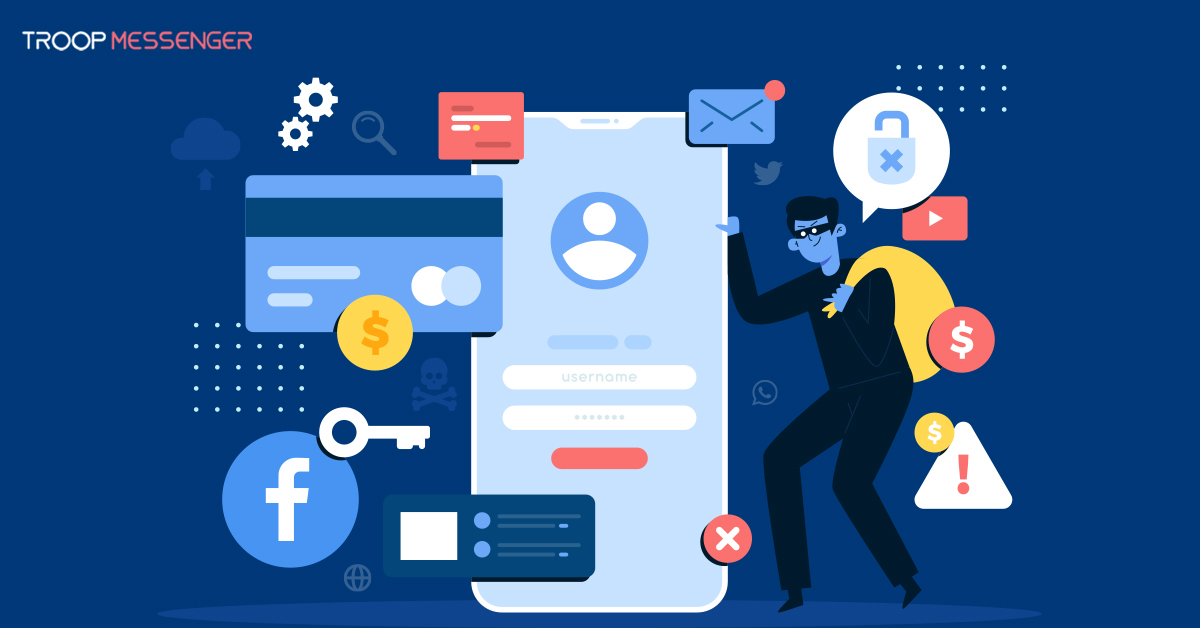
Instant messaging security is essential for businesses that use digital communication tools to collaborate, share files, and manage daily operations. Although instant messaging platforms help teams communicate quickly, they can also expose organizations to cybersecurity risks such as phishing, malware, unauthorized access, and data breaches.
As remote and hybrid working become common, businesses need secure messaging platforms and clear security practices to protect sensitive conversations and company information. In this article, we explore the role of instant messaging in businesses, common security risks, how Continuous Threat Exposure Management (CTEM) can support cybersecurity efforts, and practical ways to make business communication safer.
What is the Role of Instant Messaging within Businesses?
Instant messaging (IM) allows employees to exchange messages, share files, ask questions, and coordinate work in real time. Unlike email, which is often better suited to formal communication and detailed documentation, instant messaging supports quick discussions and faster responses to everyday work-related questions.
Businesses use instant messaging for several purposes:
- Faster communication: Employees can ask questions and receive responses without waiting for a formal email exchange.
- Team collaboration: Group chats help departments coordinate projects, share updates, and discuss problems.
- File sharing: Employees can exchange documents, images, and other work-related files through supported messaging features.
- Remote work support: Messaging tools help distributed teams stay connected across different locations and time zones.
- Task coordination: Organized conversations and integrations with other business tools can help teams track updates and responsibilities.
Some business messaging platforms also offer features such as message search, read receipts, message recall, and administrative controls. These features can improve day-to-day communication, depending on how the platform implements them.
However, convenience alone is not enough. Businesses should also evaluate security controls, access permissions, data storage practices, and administrative capabilities before choosing an instant messaging platform.
What Are the Common Cybersecurity Risks of Instant Messaging?
Cybersecurity has become an important issue among many businesses worldwide that strive for a remote working environment with the usage of IM. Businesses to provide a safe online environment must protect personal data and reduce any cyber threats or phishing. IM systems must ensure that their platforms provide data protection and security in order to reduce any cyber threats.
Here are some risks involved in IM:
1. Data Breaches
Messaging platforms may contain confidential business discussions, customer information, shared documents, and other sensitive data. If an attacker gains unauthorized access to an account or exploits a security weakness, this information may be exposed. Businesses should evaluate encryption, data storage, access controls, and incident response procedures.
2. Unauthorized Access
Weak authentication, compromised credentials, excessive user permissions, and poorly managed accounts can allow unauthorized individuals to access conversations or files. Businesses should enable available multi-factor authentication (MFA), limit access according to job responsibilities, and promptly revoke access when employees leave.
3. Phishing Attacks
Cybercriminals may send messages that appear to come from a manager, colleague, customer, or trusted service. These messages may ask employees to open a link, download an attachment, disclose credentials, or transfer money. Employees should verify unusual requests through a separate trusted channel and report suspicious messages to the appropriate security team.
4. Malware and Ransomware
Malicious links and attachments shared through messaging channels may lead to infected devices or compromised business systems. Organizations should use appropriate endpoint protection, keep applications updated, restrict risky file types where practical, and train employees to verify unexpected downloads before opening them.
These risks cannot be eliminated by choosing a messaging platform alone. Effective protection requires a combination of suitable technology, clear policies, employee awareness, and ongoing security reviews.
Can Continuous Threat Exposure Management (CTEM) Improve IM Security?
Continuous Threat Exposure Management (CTEM) is an ongoing approach to identifying and reducing cybersecurity exposures across an organization's technology environment. Instead of treating security assessments as isolated activities, CTEM helps organizations repeatedly evaluate their exposure to potential attacks and prioritize the issues that pose the greatest risk.
For businesses that rely on instant messaging, this approach can help security teams assess risks involving user accounts, devices, integrations, access permissions, and the systems used to store or exchange information.
CTEM does not replace messaging security controls such as authentication, encryption, access management, or employee training. Instead, it can complement these measures by helping organizations identify weaknesses and decide which issues need attention first
How Does The CTEM Process Work?
CTEM is an ongoing process and includes:
1. Scoping
Identify the business systems, digital assets, and processes that need protection. For instant messaging, this may include messaging accounts, connected applications, devices, and systems that store shared files.
2. Discovery
Identify assets, vulnerabilities, misconfigurations, and other potential exposures across the defined environment. This helps security teams understand where weaknesses may exist.
3. Prioritization
Assess which exposures pose the greatest risk to the organization. A weakness affecting accounts with access to sensitive business information may require more urgent attention than a lower-impact issue.
4. Validation
Validate whether identified exposures could realistically be exploited and understand their potential business impact. This helps organizations distinguish practical risks from findings that may be less urgent.
5. Mobilization
Coordinate the teams responsible for addressing the prioritized issues. Actions may include correcting configurations, strengthening access controls, updating software, or improving security procedures.
These stages form a continuous cycle. Organizations should review their security posture regularly and adjust their priorities as systems, threats, and business requirements change.
Troop Messenger: Secure IM Systems
Troop Messenger ensures the safety and security of their users. With their platforms designed for businesses to use worldwide, it provides a wide range of features in order for users to stay protected online through communication:
Here’s what our security offers:
1. End-to-End Encryption: Troop Messenger offers end-to-end encryption in order to secure all communication and conversations online. The encryption system protects messages, phone calls, and documents from being read by anyone who isn’t intended to read this information.
2. Data Retention Policies: Businesses worldwide are able to send long pieces of information, files, or messages without having to worry about security. This feature will ensure that all data is compliant with regulation policies and requirements.
3. Multi-Factor Authentication (MFA): This feature is supported on our platform whereby the MFA provides an extra layer of security that requires different forms of verification before providing access to users.
4. Access Controls: Troop Messenger enables users to set their own access levels in order to secure sensitive and private information. This feature is reliable amongst large businesses and will ensure all data is protected.
5. Safe File Sharing: Troop Messenger also ensures sharing files are safely protected, so sensitive documentation isn’t exposed to unauthorized users.
Troop Messenger’s Features are known for offering reliable systems and complying with cybersecurity standards in order for businesses to stay protected with instant messaging.
How Can Your Business Also Stay Safe Online?
It’s important to use systems like Troop Messenger which provide safety online, however, businesses also need to be able to adopt reliable practices in order for their business to stay protected.
Here are some suggestions:
- Training: Ensure to educate each of your employees of the importance of data protection and security, so they’re aware of any suspicious links and can recognize phishing.
- Strong Passwords: You must implement strong passwords across your business in order for your information to stay protected and passwords should be changed regularly.
- Software Updates: Ensure to always keep your systems updated which can reduce any cyber risks and ensure your systems online have the latest security platforms.
- Business Data Encryption: Before sending over sensitive data and files, businesses could consider encrypting information before sending them over on IM.
- Policies: Ensure you develop security policies involved with instant messaging and ensure all employees are aware of these policies before sending over sensitive information.
What is the Future of Instant Messaging and Cybersecurity?
We understand the advancements in society from artificial intelligence(AI) to machine learning(ML). It’s clear how important technology is, and with the advancements of instant messaging, this will help many businesses worldwide to work effectively, remotely and effectively.
Due to remote work, communication tools such as IM will be on the rise, and more companies internationally will want to adopt safe and secure systems in order to protect sensitive information. Platforms like Troop Messenger offer a wide range of security features and ensure that client confidentiality is at the forefront of their systems.
Conclusion:
Even though instant messaging systems are on the rise, it’s clear that there may still be some challenges due to cybersecurity and safety. By working with instant messaging platforms such as Troop Messenger where we display the security features whilst ensuring business communication is key, allows businesses to feel comfortable working with IM platforms. By being aware of potential threats and understanding how technology works, businesses worldwide can flourish with the new technological advancements.
For more information or insights on cybersecurity and our IM systems, explore our Troop Messenger’s Blog. Where you’ll learn about the latest trends online, our case studies and best practices.
FAQs
1. What is instant messaging security?
Instant messaging security refers to the measures used to protect messages, files, user accounts, and other information exchanged through messaging platforms. These measures may include encryption, multi-factor authentication, access controls, software updates, and security monitoring. Businesses should also train employees to recognize phishing attempts and follow clear rules for sharing confidential information. The exact level of protection depends on the platform's capabilities, its configuration, and how the organization uses it.
2. What are the most common security risks of instant messaging?
Common risks include phishing attacks, unauthorized account access, data breaches, malicious links, malware, and accidental disclosure of confidential information. Attackers may impersonate colleagues or managers to persuade employees to share sensitive data or perform unauthorized actions. Businesses can reduce these risks by strengthening authentication, limiting access permissions, keeping software updated, and establishing a clear process for reporting suspicious messages.
3. How can businesses make instant messaging more secure?
Businesses can improve instant messaging security by selecting a platform with suitable security controls, enabling multi-factor authentication, reviewing user permissions, and applying software updates promptly. Employees should be trained to verify unusual requests, avoid suspicious links, and report potential security incidents. Organizations should also establish policies covering confidential information, approved communication tools, file sharing, and account access. Security controls should be reviewed regularly as business needs change.
4. What is Continuous Threat Exposure Management (CTEM)?
Continuous Threat Exposure Management (CTEM) is an ongoing cybersecurity approach that helps organizations identify, prioritize, validate, and address security exposures. Its five stages are scoping, discovery, prioritization, validation, and mobilization. For businesses using instant messaging, CTEM can help security teams assess risks involving accounts, devices, integrations, and connected systems. It complements security controls such as encryption and authentication rather than replacing them.
5. Does end-to-end encryption make instant messaging completely secure?
No. End-to-end encryption is designed to prevent intermediaries from reading message contents while they travel between communicating endpoints, subject to the implementation and configuration. However, it does not automatically protect compromised devices, stolen accounts, screenshots, unsafe file downloads, or information shared with the wrong person. Businesses should evaluate encryption alongside authentication, access permissions, device security, backup practices, and data retention policies to build a more complete security strategy.