Connect with us
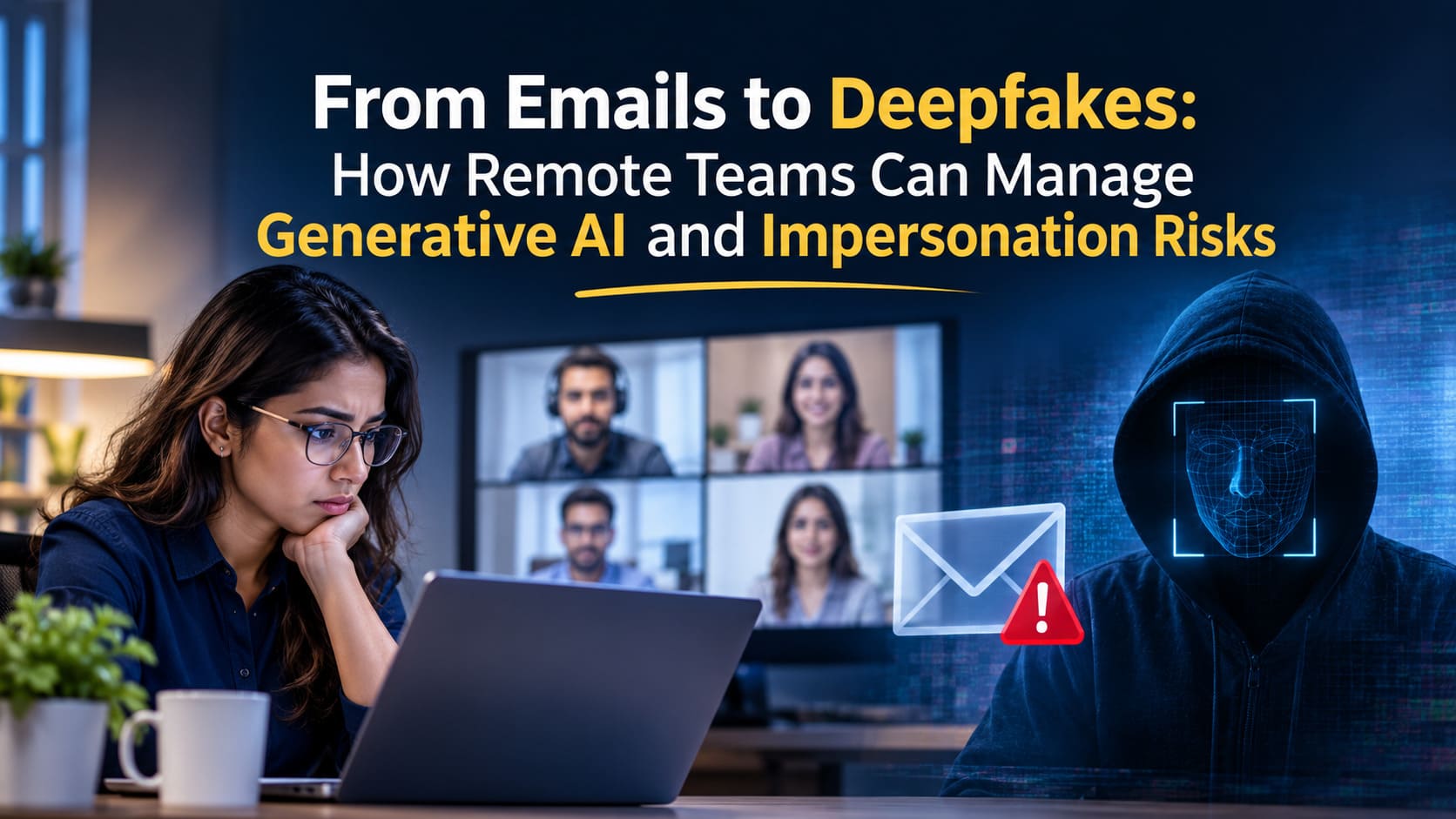
From Emails to Deepfakes: How Remote Teams Can Manage Generative AI and Impersonation Risks
Remember when "cybersecurity training" mostly meant learning to spot misspelled emails from Nigerian princes or noticing that a sender's address ended in .co instead of .com?
Those were simpler times.
Today, you might be hopping onto a quick Zoom call, chatting with your manager on Slack, or receiving an urgent voice note from your CEO on WhatsApp. But in 2026, there’s a new question lurking behind every digital interaction: Are you actually talking to your coworker, or are you interacting with a highly sophisticated, AI-generated digital counterfeit?
As remote work has distributed our teams across different time zones, cities, and countries, our reliance on digital communication has skyrocketed. This physical distance, paired with the explosive rise of generative AI, has opened a massive backdoor for cybercriminals. Let's explore how the threat has evolved and how your remote team can stay safe.

The Evolution of the Threat: How We Got Here
Social engineering isn't new. But generative AI has given bad actors a terrifyingly powerful upgrade.
In the past, attackers relied on text-based phishing. But, today we are facing "multi-modal" impersonation. With just a few minutes of audio captured from a public webinar, a YouTube video, or a podcast, AI can clone a person's voice with shocking accuracy. Combine that with real-time video manipulation, and you have a recipe for the ultimate corporate heist.
Imagine receiving an urgent voice message on your team chat from your Head of Finance, asking you to immediately authorize an invoice or bypass an MFA (Multi-Factor Authentication) check because they’re “boarding a flight.”
Let’s be honest when the "boss" sends an urgent, stressed-out message, our natural human instinct is to react quickly, not to question whether their voice might be synthetic.
The Tech Fueling the Fire: High-Quality "Authenticity"
Part of what makes modern impersonation so hard to catch is how incredibly natural and "human" AI-generated text and media have become.
During the early wave of generative AI, you could usually spot a fake by its stiff, robotic tone or weird phrasing. Now? Bad actors use advanced models to mimic specific typing patterns and internal jargon. They can use an AI humanizer to turn a basic phishing script into a message that sounds like a coworker quickly typed it on their phone between meetings.
When digital communication loses its robotic "tells," our standard heuristic filters both the automated ones on our servers and the intuitive ones in our brains start to fail. We can no longer rely on "this sounds a bit off" as our primary defense.
Spotting the "Impossible" in Everyday Communication
So, if bad actors are using AI to sound and look like the people we trust, how do remote teams stay safe without constantly second-guessing everything? How do we make remote work feel safe again?
The answer lies in practicing simple, reliable digital safety habits.
1. Implement Out-of-Band (OOB) Verification
This is the golden rule of remote team security. If you receive a high-risk request like changing billing details, wire transferring funds, or sharing sensitive access credentials you must verify it using a different communication channel than the one the request came through. If they Slack you, call them. If they email you, reach out via your authenticated internal team app. Never rely on a single, isolated thread for high-stakes decisions.
2. Deploy specialized verification tools
Just as we use anti-virus software to scan files, we now need specialized tools to scan the media we receive. Teams must start integrating technologies like a deepfakes detector to evaluate audio, video, and image files for artificial manipulation. Having a technological "second opinion" on whether that video clip or voice note is authentic can save a company millions.
Make it normal to ask questions
At the end of the day, the best security tool isn't a piece of software it's your team's culture.
If your company has a culture where employees are terrified to question a direct request from an executive, you are a prime target for social engineering. We need to actively encourage a "verify first, ask questions later" mindset.
I’d rather apologize for a five-minute delay in verifying a request than spend my weekend explaining to a board of directors how we accidentally wired a million dollars to a digital ghost.
- Does your team have a "safe word" or a designated callback protocol for emergencies?
- Do your employees feel empowered to say, "Hey, this is an unusual request, I'm going to call you to confirm" without fearing they'll get in trouble?
Final Thoughts
The transition from sketchy emails to synthetic deepfakes can feel overwhelming. But manageability is about protocols, not panic. By pairing smart, specialized verification tools with strong verification habits, remote teams can leverage the best of what AI has to offer while keeping the scammers at bay.
After all, digital trust should not be a guessing game. It should be something we actively verify every single time.
FAQ's
1. What are the biggest generative AI and impersonation risks for remote teams?
Generative AI has made it easier for cybercriminals to impersonate employees, managers, and business executives through fake emails, cloned voices, and manipulated videos. Remote teams are particularly vulnerable because most workplace interactions happen through digital communication platforms. Attackers can use AI-generated messages to request confidential information, authorize fraudulent payments, or gain unauthorized access to company systems. These attacks are becoming harder to identify because AI can replicate communication styles, voices, and facial expressions, making traditional phishing detection methods less effective.
2. How can remote teams identify AI-generated phishing emails and deepfake messages?
Remote teams should look beyond traditional phishing indicators, such as spelling mistakes and suspicious email addresses. AI-generated phishing messages can have accurate grammar, professional language, and convincing personalization. Employees should watch for unusual requests, unexpected payment instructions, urgent demands, and messages that attempt to bypass established security procedures. For suspicious voice or video communications, verify the person's identity through a separate trusted channel. Combining employee awareness, email security solutions, and deepfake detection tools can help organizations identify and prevent sophisticated impersonation attempts.
3. What is out-of-band verification, and why is it important for remote team security?
Out-of-band (OOB) verification is a security practice that involves confirming a request through a separate communication channel from the one used to send it. For example, if an employee receives an urgent payment request through email, they should confirm it through a verified phone number or an authenticated workplace messaging platform. This approach prevents attackers from completing fraudulent activities using a single compromised communication channel. OOB verification is particularly important for remote teams because AI-generated voices, emails, and videos can convincingly impersonate trusted colleagues.
4. How can businesses protect employees from AI-powered voice cloning and deepfake attacks?
Businesses can protect employees from AI-powered impersonation attacks by combining cybersecurity awareness, identity verification, and technical safeguards. Organizations should establish callback procedures for financial transactions, implement multi-factor authentication (MFA), and use deepfake detection tools to examine suspicious audio and video content. Employees should also receive regular training on recognizing social engineering techniques and reporting unusual requests. Establishing clear approval processes for sensitive operations helps prevent unauthorized actions. Most importantly, organizations should encourage employees to verify unexpected instructions rather than immediately trusting familiar voices or faces.
5. How can team communication platforms like Troop Messenger help improve remote team security?
Secure workplace communication platforms like Troop Messenger help remote teams manage business conversations within a centralized communication environment. Instead of relying on scattered personal messaging applications, employees can use dedicated channels for internal discussions, file sharing, and team collaboration. Centralized communication makes it easier to establish consistent workplace communication policies and verification procedures. Businesses should also implement appropriate access controls, authentication measures, and employee security guidelines. However, no communication platform can independently eliminate deepfake or impersonation risks. Combining secure collaboration practices with independent identity verification is essential for protecting remote teams.