Connect with us
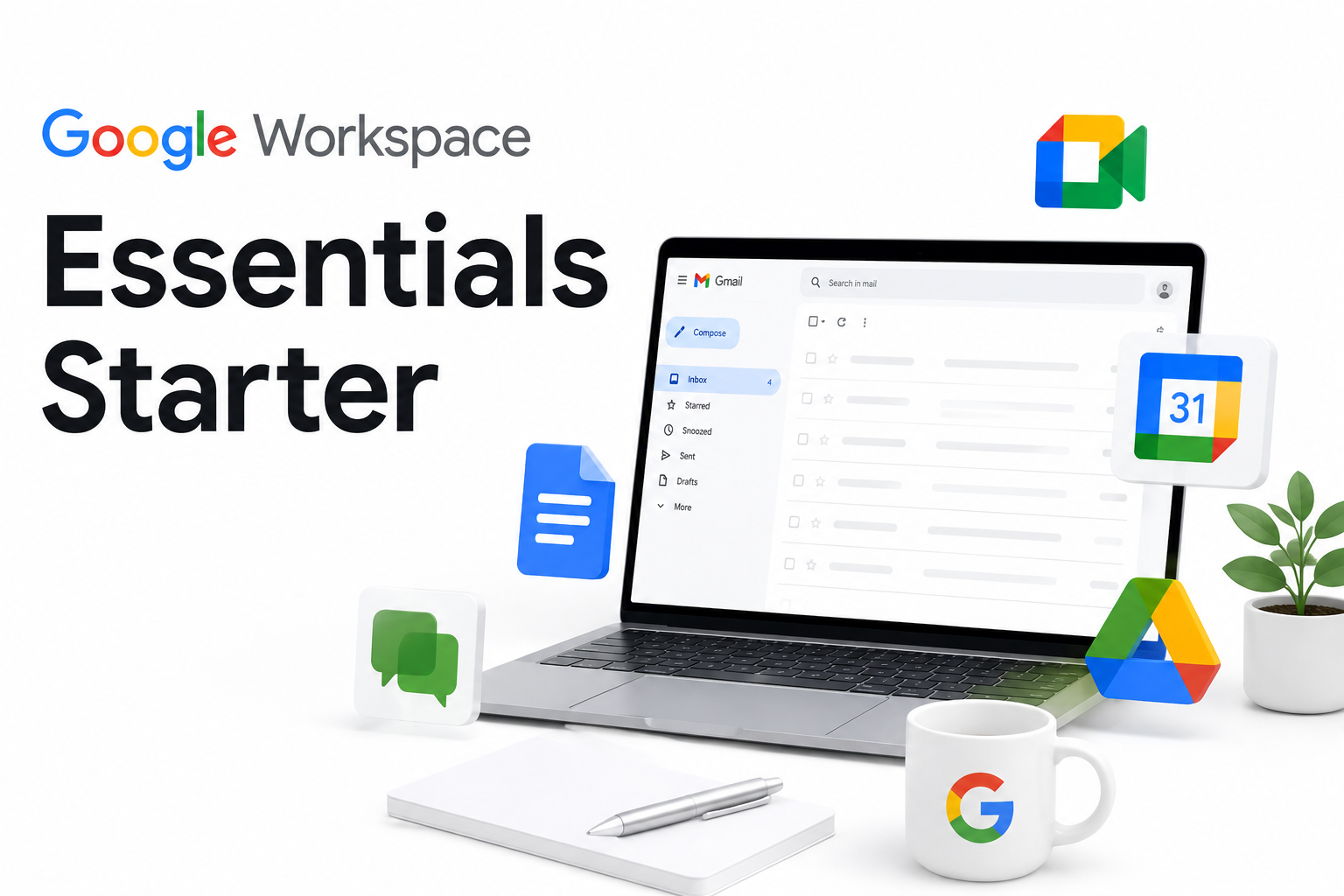
Google Workspace Essentials Starter: What You Get, What You Don't, and What to Consider Instead
Google Workspace Essentials Starter is free, and it carries the Google brand so it's understandably the first thing many teams consider when setting up collaboration tools. Before you roll it out, though, it's worth knowing exactly what you're getting, where it hits a wall, and when it makes sense to look at something else.
This article covers what's included, what's missing, and who this plan actually works for.
What Is Google Workspace Essentials Starter?
Google Workspace Essentials Starter is Google's free forever collaboration plan. No trial period. No credit card. You get access to Meet, Chat, Drive, and Google's productivity suite Docs, Sheets, and Slides without spending a rupee.
It's not a stripped-down version of a paid plan. Google built this specifically for teams that want collaboration tools but are already using a different email provider. So don't expect Gmail it's not part of the deal.
A few things to note from the start:
- It supports up to 100 users per account
- Storage is pooled 15 GB shared across the entire organisation, not per user
- You sign in with your existing work email address, not a Google one
- It's a permanent free offering, not a trial that expires
What Does Google Workspace Essentials Starter Include?
Each feature below is worth understanding before you commit.
Google Meet - Video Calling
You can host video calls with up to 100 participants per session, and calls can run up to 60 minutes. Screen sharing, live captions, hand-raising all available. What's not available? Recording. That's locked behind paid plans. For most small teams doing internal calls, 60 minutes is enough. For client meetings or all-hands sessions, it can get tight.
Google Chat - Team Messaging
Chat gives you direct messaging and group spaces. You can create channels, share files, use threaded conversations, and keep team communication organised. Think of it as a lighter version of Slack, built into the Google ecosystem. It works well for teams that are already in the Google world. Integrations are available but more limited on the free tier.
Google Drive - File Storage
This is where things get tricky. Drive gives your team a shared space for files and documents but the total storage is 15 GB pooled across all users. That's not 15 GB per person. It's 15 GB for the whole team.
Do the quick math: a team of 20 people shares 750 MB each on average. If your team regularly deals with design files, videos, or large client folders, that cap becomes a real problem very quickly.
Google Docs, Sheets, and Slides
The full productivity suite is included. Real-time collaboration works well here multiple team members can work on the same document simultaneously, leave comments, and track changes. Files created and stored in Google's native formats (Docs, Sheets, Slides) don't count against your storage quota, which helps stretch that 15 GB a bit further.
Admin Console
There's a basic admin panel for managing users, setting some access controls, and viewing basic account info. It's functional enough for a small team. For anything more advanced audit logs, compliance reports, endpoint management you'll need a paid plan.
Google Workspace Essentials Starter: Storage, Users, and Plan Limits
The plan limits, stated plainly:
Maximum users: 100
- Storage: 15 GB pooled (shared, not per user)
- Meet call duration: Up to 60 minutes
- Meet participants per call: Up to 100
- Meeting recordings: Not available on free tier
- Custom business email (Gmail): Not included
- Offline access: Not available on free tier
- Advanced security and compliance tools: Not included
- Data Loss Prevention (DLP): Not available
For a team of five to ten people working mostly with documents and occasional video calls, these limits are manageable. Once you start scaling or if your work involves large files and heavy storage you'll bump into them faster than you'd expect.
Where Google Workspace Essentials Starter Falls Short
These are real constraints. Whether they matter depends on what your organisation does.
No Custom Email
If you were hoping to run your team on @yourcompany.com email through Google, this plan doesn't do that. Gmail is only available on paid Workspace plans. Your team signs in using whatever email addresses they already have. For a lot of small teams that's fine but it's worth knowing upfront so there's no confusion when you set it up.
15 GB Pooled Storage Runs Out Faster Than You Think
Fifteen gigabytes sounds reasonable until you realise it's shared. A ten-person team working with presentation files, client documents, and the occasional video recording will burn through that faster than expected. Once you hit the limit, new uploads stop and shared documents can become read-only. At that point, you're either cleaning up old files or paying for more storage and the cleanup is never a fun conversation to have mid-project.
Limited Security Controls for Regulated Teams
The free plan's admin tools cover the basics: add users, remove users, manage basic access. But if your industry has compliance requirements think healthcare, finance, legal you'll quickly notice what's missing. No data loss prevention. No granular access policies. No audit trails suitable for regulatory reporting. These aren't just nice-to-haves; in regulated environments, they're hard requirements.
No Offline Access
On Essentials Starter, offline access doesn't work the way most people expect. If you have team members working from locations with unreliable internet field staff, remote workers in connectivity-challenged areas this is a genuine day-to-day inconvenience that adds up over time.
Your Data Lives on Google's Servers
Everything stored in Google Workspace Essentials Starter sits on Google-managed infrastructure. You can review their compliance certifications, but you have no control over where your data physically resides, or who within Google can access it under what circumstances. For most SMBs, that's an acceptable trade-off for a free tool. For teams in government, defence, healthcare, or any environment where data sovereignty isn't optional, a dedicated messaging platform with on-premise or private cloud options is the more practical path.
No On-Premise or Air-Gapped Deployment
Google Workspace is a cloud-first, cloud-only product. There is no version you can run on your own servers. If your organisation operates in a restricted-access environment, requires a private cloud, or needs to keep all communications within a controlled network, this plan simply doesn't fit the requirement at any price point.
Who Should Look Beyond the Free Google Workspace Plan
Essentials Starter works well for a specific kind of team. If you don't fit that profile, it's better to know now than after you've migrated everyone over.
Teams that need on-premise or private cloud deployment
If your IT policy doesn't allow third-party cloud storage, or if you're operating in a restricted-network environment, a cloud-only product isn't going to work. There's no workaround for this.
Organisations in regulated sectors
Healthcare providers, financial institutions, government agencies, defence contractors these teams face compliance requirements around data handling, audit trails, and access control that the free Google Workspace plan doesn't meet.
Teams that need full data sovereignty
If your legal or security team requires that data never leaves a specific country or server environment, you need a platform you deploy yourself not one managed by a third party.
Teams expecting to grow past 100 users
The 100-user cap is a hard limit on this plan. It's not a soft recommendation when you hit it, you stop. Growing organisations should plan ahead for an upgrade or migration before that moment arrives unexpectedly
Teams that need richer communication features
Features like message burn (self-destructing messages for confidential conversations), forkout (broadcast messaging to multiple contacts at once), remote wipe, or fully auditable communication logs aren't part of Google Workspace free or paid. These are purpose-built messaging features that general-purpose collaboration suites typically don't include
Troop Messenger vs Google Workspace Essentials Starter: A Quick Comparison
For teams evaluating Google Workspace Essentials Starter alongside a dedicated messaging platform, here's a direct comparison with Troop Messenger:
| Feature | Google Workspace Essentials Starter | Troop Messenger |
| Deployment | Cloud only Cloud | On-Premise, Private Cloud |
Data Sovereignty | Google-managed servers | Your own servers |
| Custom Business Email | Not included | Not applicable (messaging platform) |
White-Label / Custom Branding | No | yes |
| Offline Messaging | Limited | yes |
| Storage | 15 GB pooled across all users | Configurable per deployment |
| Admin & Security Controls | Basic | Advanced (audit logs, role-based access, DLP) |
| Regulated Sector Ready | Limited | Yes - Huge enterprise, defence, govt, healthcare |
| Message Burn / Forkout | Not available | yes |
| Pricing | Free (with limits) / paid upgrades | Per user, scalable |
Google Workspace Essentials Starter is built for broad, everyday collaboration documents, video calls, file sharing. Troop Messenger is built for teams where control over data, deployment flexibility, and sector-specific security are non-negotiable requirements. Different tools, different use cases.
Final Thoughts: Is Google Workspace Essentials Starter Right for Your Team?
If your team is small, your storage needs are light, and you're not operating in a regulated sector honestly, Google Workspace Essentials Starter is a solid free option. The combination of Meet, Chat, Drive, Docs, Sheets, and Slides covers a lot of everyday ground without costing anything.
Where it stops working is when your team needs control. Control over where data lives, how it's accessed, and how your communication infrastructure is deployed. For teams in government, defence, healthcare, or any environment where data sovereignty isn't optional, a dedicated messaging platform with on-premise or private cloud options is the more practical path.
The right question isn't whether Google Workspace Essentials Starter is good. It is within its scope. The question is whether that scope matches what your team actually needs day to day.
If you want to see what a deployment-flexible, security-first messaging platform looks like for your team, Troop Messenger is worth a look. There's a free trial no commitment, no pitch, just the product to evaluate on your own terms.
Frequently Asked Questions (FAQs)
1. Is Google Workspace Essentials Starter really free, or does it expire?
Yes, Google Workspace Essentials Starter is genuinely free and does not expire after a specific period. Unlike many software products that offer limited-time free trials, Essentials Starter is designed as a permanent free plan for small teams that want access to Google's collaboration tools. There is no automatic conversion to a paid subscription, and users can continue using the service as long as they remain within the plan's limits. However, the free version comes with restrictions on storage, user capacity, and certain advanced administrative features that are available only in paid Workspace plans.
2. Can I use my company's domain name for email with this plan?
No, Google Workspace Essentials Starter does not include Gmail hosting, so businesses cannot create custom email addresses using their company domain through this plan. Instead, team members sign in using their existing email accounts from other providers. The plan focuses primarily on collaboration tools such as Google Drive, Docs, Sheets, Slides, and Meet rather than email services. Businesses that want professional email addresses using their own domain name, along with advanced administration and security controls, will need to upgrade to a paid Google Workspace plan that includes Gmail functionality.
3. What actually happens when the 15 GB storage runs out?
When the shared 15 GB storage limit is reached, users may experience restrictions on uploading new files to Google Drive and creating additional content within Workspace applications. Some documents and files may become read-only until storage space is freed. Google typically sends notifications to administrators before the storage quota is exhausted, allowing teams time to take action. Organizations can either delete unnecessary files to recover space or upgrade to a paid Google Workspace plan for additional storage. Since the storage is shared across the team, usage should be monitored regularly.
4. Is Google Workspace Essentials Starter suitable for government or defence teams?
For most government, defence, and highly regulated organizations, Google Workspace Essentials Starter may not be the ideal solution. The platform is cloud-based and does not offer on-premises deployment, private cloud hosting, or extensive infrastructure control. Many government and defence agencies require strict compliance standards, data residency controls, advanced auditing capabilities, and customized security policies. While Essentials Starter provides basic security features, organizations operating in sensitive environments typically require enterprise-grade communication and collaboration platforms that offer greater control over data management, regulatory compliance, and infrastructure security.
5. How does it compare to Microsoft Teams Free?
Google Workspace Essentials Starter and Microsoft Teams Free both provide collaboration tools for small teams, including messaging, file sharing, and virtual meetings. Microsoft Teams Free offers a more generous storage allocation on a per-user basis through OneDrive, making it attractive for organizations that manage large volumes of files. On the other hand, Google Workspace is often preferred for its seamless document collaboration experience through Google Docs, Sheets, and Slides, which support real-time editing and commenting. The better choice depends on whether a team prioritizes storage capacity, communication features, or collaborative document creation.