Connect with us

A New Era of Interactive Learning via Messenger Apps
Messenger apps for learning help students, teachers, and instructors communicate, share educational resources, attend online sessions, and collaborate outside the traditional classroom. Educational messaging and collaboration platforms can support group discussions, virtual classes, assignment communication, feedback, and peer-to-peer learning. However, different apps serve different purposes, so the right choice depends on the learning activity, communication needs, device compatibility, and available features.
This guide explores popular messenger and learning apps and explains how they can support more interactive online education.
The Role of Technology in Online Learning
Digital technology has become an important part of education, but access and implementation remain important considerations. UNESCO's Global Education Monitoring Report highlights both the opportunities technology can provide for teaching and learning and the challenges associated with access, governance, and effective use of educational technology.
This means schools and educators should not choose an educational app simply because it is popular. They should consider whether it supports the learning objective, provides appropriate communication features, works across students' devices, and protects user information.
What Are Messenger Apps for Learning?
Messenger apps for learning are digital platforms that allow students, teachers, instructors, and other authorized users to communicate and collaborate online. Depending on the platform, they may support text messaging, group discussions, voice and video calls, file sharing, assignments, quizzes, virtual classrooms, and other educational activities.
Not every messaging app is designed specifically for education. Some platforms focus primarily on communication, while others combine communication with classroom management, assessments, collaboration, or learning resources. Schools and educators should therefore choose an app based on the specific learning activity they want to support.
Top Messenger Apps for Learning
Below are some of the interactive and engaging messenger apps that can truly transform your learning experience:
1. Google Classroom
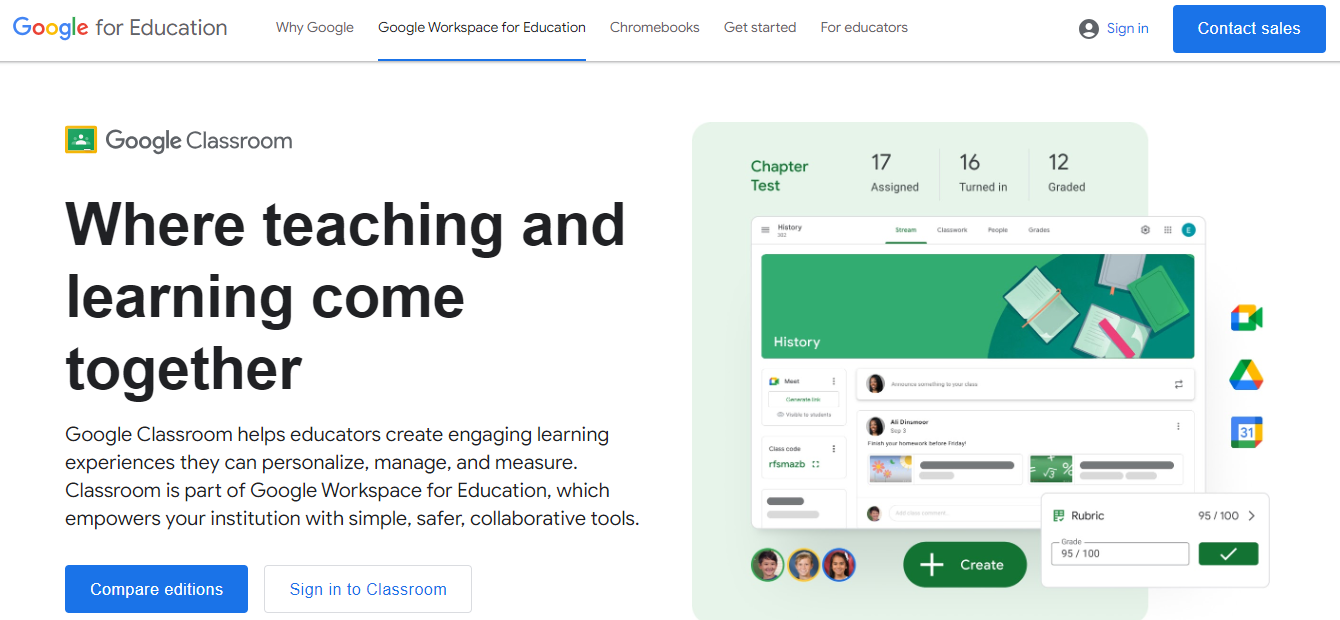
Google Classroom is a learning management and classroom organization platform that helps educators create classes, distribute assignments, communicate with students, and manage learning materials. It can be useful for schools that already use Google Workspace for Education and want to centralize classroom activities..
2. Zoom Education
Zoom can support online education through video meetings, virtual classrooms, screen sharing, and interactive communication. Educators can use video sessions for lectures, discussions, presentations, training, and remote collaboration.
Its suitability depends on the institution's requirements, including meeting size, administrative controls, available features, and subscription plan.
3. Photomath
Photomath is laudable as one of the most used mobile educational apps. It offers step-by-step explanations to students to master math ranging from calculus, algebra, statistics, geometry, and trigonometry.
It works with a simple process where a student scans a mathematical problem. Also, scholars can input their problems using a smart calculator. Afterward, you can get an instant solution for the precise mathematical problem.
The app gives students a perfect understanding of different concepts. This educational mobile app is the most popular math learning app. It prepares students for checking homework and studying for upcoming math tests.
Some key features available when using the app include:
- Explaining word problems
- Interactive graphs
- Various math topics
- Exclusive animations
- Full guide explanations
4. Duolingo
Duolingo is a highly engaging app that helps scholars learn a new language quickly. Students go through bite-sized lessons where they eat points and unlock new levels while gaining real-world communication.
A combination of research-backed teaching methods backs the strategy behind the process. It features engaging content for effective teaching, learning, speaking, and writing in different languages.
Currently, over 50 new languages are available for learners free of charge. Enrich your language bank by incorporating skills in new languages. Whether you want to learn German, practice Spanish, or explore a completely new language, Duolingo makes it easy to expand your language skills at your own pace.
It is highly recommended for students studying in foreign countries with a new language. The teaching method is backed by science that increases knowledge retention with professional essay writers.
5. Socrative
One of the most engaging mobile learning apps for students is Socrative It is an engaging app that features mini-quizzes and poll questions.
Moreover, it allows proper assignment of assessment tasks with a student feedback system.
The best part is that the app is highly compatible with Chrome, Firefox, and Safari browsers. Additionally, the platform offers an effective way of monitoring and evaluating learning that saves time for scholars and instructors to deliver a fun and engaging learning interaction.
6. Troop Messenger
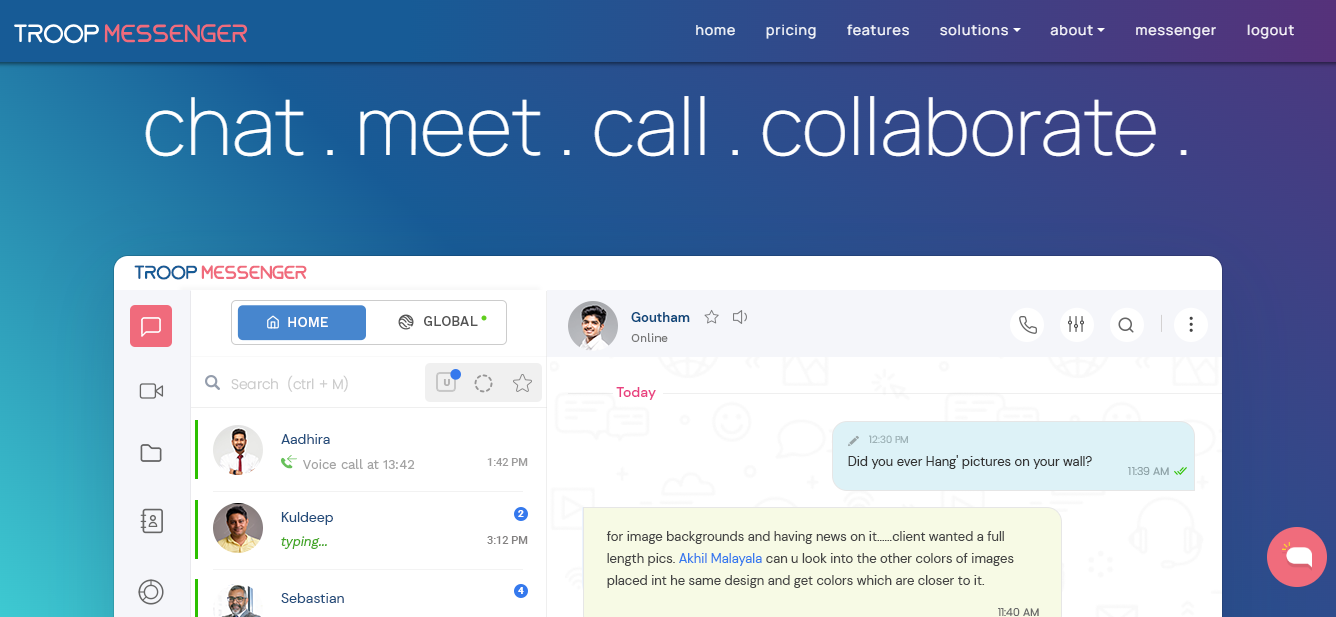
Troop Messenger is one of the wide team chat apps, praised for its world-class security protocols. This tool is employed by educational institutions including corporates, the health sector, defense agencies, etc. It supports on-premise, chat APIs & SDKs, SaaS, and customization models. This self-hosted chat solution offers all the required features like chat, audio/ video calls, conferences, remote access, screen sharing, file exchange, live location tracking, and others, negating the cause of communication mistakes. Apart from aforesaid features, it also offers White Board, Jointly Code, and others that make your interactions with the trainers or vice-versa more effective.
- White Board: The whiteboard allows all session attendees to watch and participate in learning. Delivering classes in real time is straightforward, enabling interaction with students and the sharing of personal experiences. Trainers can immerse every student in the learning process, whether collaborating in a conventional classroom, a group seminar setting, or through remote learning. With the aid of this Android and iOS app, teachers and students may effortlessly engage in the creative process from their phones or tablet.
- Jointly Code: When they have a group call or conference, students using Jointly Code programming can add or modify the lines of code. A wide variety of programming languages are supported by this editor, which helps students learn about all aspects of code creation and gives them the opportunity to gain practical experience creating software. Other features that instructors and students can experiment with under this feature include themes, upload, forward, and save.
Amid the pandemic, apart from corporate users, a few institutions also transited from their current tool learning its effectiveness.
Benefits of using Messenger Apps
The benefits of using Messenger for interactive learning are easy to imagine if you are familiar with its features. Have a look at the advantages listed below.
- You can create a schedule and put it on the calendar. Each session can be successfully scheduled by assessing the email confirmation of students' enrollment. You can communicate precisely in advance about the prerequisites, the course information, etc.
- You can organize the students into groups based on the subject and interact with them online. Answering the students' questions can also help other students who have the same questions. It can serve as Frequently Asked Questions, in other words.
- Students will have the opportunity to converse with one another, and you, as the trainer, can start conversations or debates on the subjects. It will be an excellent tool for idea sharing.
- Messaging apps create a sense of community and assist in effectively informing the students about updates, events, etc.
Conclusion
Messenger and learning apps can make online education more flexible by helping students and teachers communicate, collaborate, share resources, attend virtual sessions, and receive feedback. However, there is no single best app for every learning environment. Google Classroom may suit classroom management, Zoom can support live online sessions, Photomath and Duolingo focus on subject-specific learning, Socrative supports assessment, and Troop Messenger can support broader communication and collaboration.
Before choosing a platform, schools and educators should consider the learning objective, security and privacy requirements, collaboration features, device compatibility, administration, and cost. The right combination of tools can complement teaching and create a more connected online learning experience.
FAQs
1. What are messenger apps for learning?
Messenger apps for learning are digital communication platforms that allow students, teachers, and instructors to communicate and collaborate online. Depending on the platform, they may support messaging, group discussions, file sharing, video calls, virtual classes, and other educational activities.
2. Which apps are useful for online learning?
Google Classroom, Zoom, Photomath, Duolingo, Socrative, and Troop Messenger can support different types of online learning. The best option depends on whether you need classroom management, video lessons, assessments, subject-specific learning, or communication and collaboration.
3. How do messenger apps help students?
Messenger and collaboration apps can help students communicate with teachers and classmates, participate in group discussions, receive feedback, share resources, and stay connected with learning activities outside the traditional classroom.
4. Are messenger apps suitable for schools?
They can be, provided schools evaluate privacy, security, access controls, administration, and data-handling practices before adoption. Schools should also establish clear policies for responsible use.
5. What should schools consider before choosing a learning app?
Schools should consider the app's learning purpose, security and privacy features, device compatibility, collaboration capabilities, administrative controls, accessibility, scalability, and cost.