Connect with us
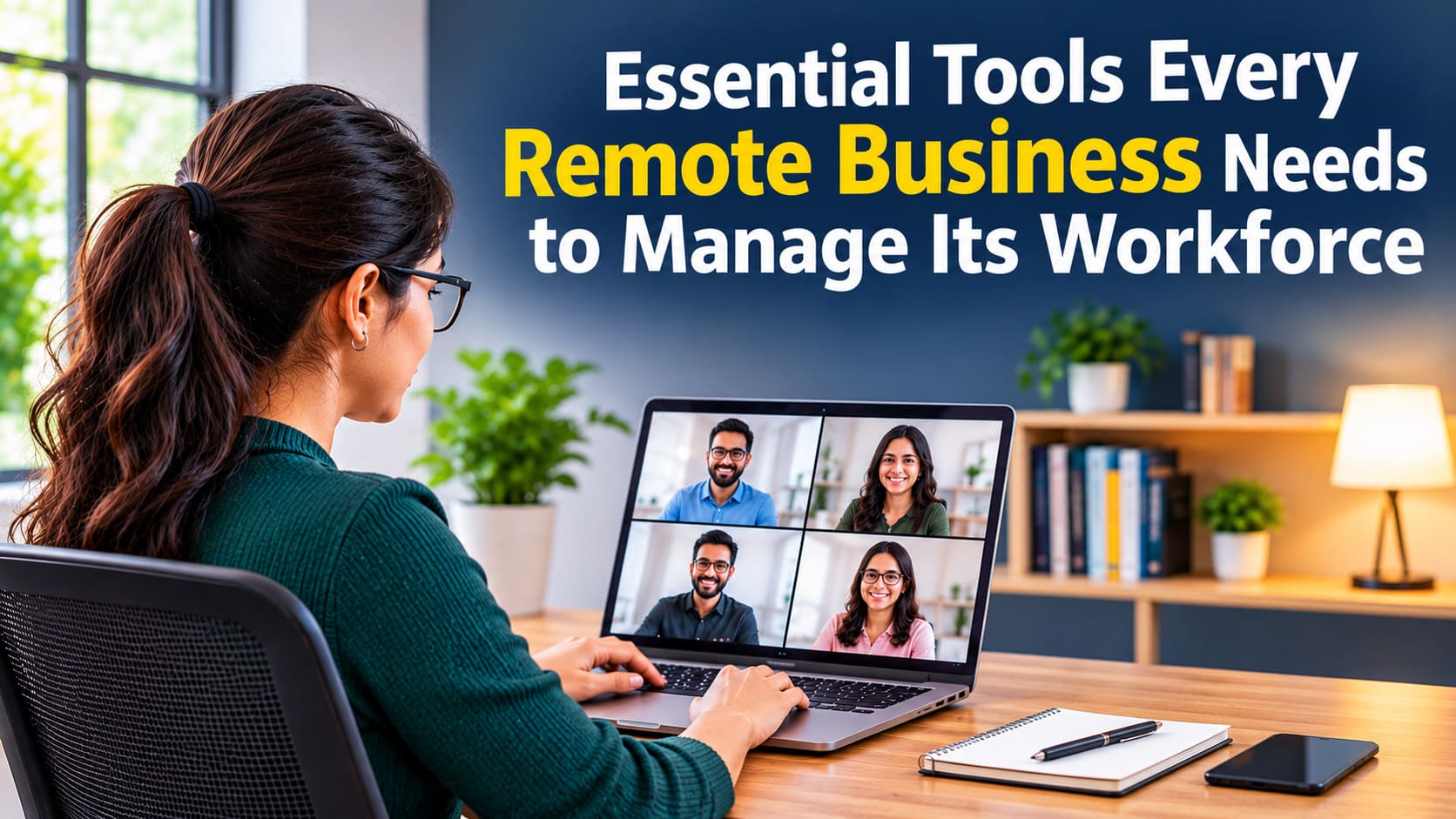
Essential Tools Every Remote Business Needs to Manage Its Workforce
Remote work has changed how businesses recruit, communicate with, and manage their employees. Companies are no longer limited to hiring people within commuting distance. They can build teams across different cities, countries, and time zones, giving them access to a wider talent pool and more flexible working arrangements.
However, managing a distributed workforce comes with its own challenges. Without a shared office, businesses need reliable systems to keep employees connected, organize daily responsibilities, monitor progress, and handle administrative tasks. The right combination of digital tools can make remote workforce management more efficient while helping employees stay productive and engaged.
Here are some essential tools every remote business should consider
1. Team Communication and Messaging Platforms
Communication is one of the biggest challenges for remote teams. Employees may work different schedules or live in different time zones, making spontaneous conversations and quick updates less convenient.
Team messaging platforms provide a central space where employees can communicate without relying entirely on email. Businesses can create dedicated channels for departments, projects, announcements, and general discussions. These organized conversations make it easier to share information and keep everyone informed.
Platforms such as Troop Messenger help businesses maintain communication through instant messaging, group chats, file sharing, voice calls, and video conferencing. These features allow team members to collaborate and discuss tasks without switching between multiple applications.
When choosing a communication platform, businesses should consider ease of use, security, integration capabilities, and support for different communication formats. Having one reliable platform also reduces scattered conversations and makes important information easier to find.
2. Project Management and Task Tracking Software
Remote employees need clear expectations about their responsibilities, deadlines, and priorities. Without proper task management, projects can become disorganized, and team members may struggle to understand who is responsible for specific activities.
Project management software helps businesses organize work into projects, tasks, and milestones. Managers can assign responsibilities, establish deadlines, monitor progress, and identify potential delays before they affect larger objectives.
Tools such as Trello, Asana, and Monday.com offer features that help teams visualize their workflows. Employees can update task statuses, attach relevant documents, and communicate progress directly within assigned projects.
These platforms also improve accountability. Rather than constantly asking employees for updates, managers can review project dashboards to understand which tasks are completed, ongoing, or delayed.
3. Time Tracking and Employee Monitoring Tools
Managing employee productivity remotely requires a balance between accountability and flexibility. Businesses need to understand how working hours are allocated without creating an environment where employees feel constantly monitored. Time tracking tools help employees record their working hours and provide managers with an overview of time spent on different projects. Some platforms also include attendance tracking, timesheet approvals, productivity reports, and automated reminders.
Applications such as Clockify, Toggl Track, and Hubstaff offer different time management features depending on a company's requirements.
For businesses with hourly employees or multiple client projects, accurate time records can also simplify payroll calculations and billing. However, organizations should establish transparent monitoring policies and focus on work outcomes rather than relying exclusively on activity metrics.
4. Cloud-Based File Storage and Document Management
Remote teams regularly exchange contracts, reports, presentations, spreadsheets, and other business documents. Storing these files on individual computers can create problems when employees need access to updated information.
Cloud storage platforms provide a centralized location where authorized team members can access and manage company files. Google Drive, Dropbox, and Microsoft OneDrive allow employees to upload documents, collaborate on files, and share resources with colleagues.
Businesses should establish clear folder structures and access permissions to prevent confusion and protect confidential information. Version history is another useful feature because it allows employees to recover earlier document versions when necessary.
A well-organized document management system ensures that employees can find the resources they need regardless of their location.
5. Payroll and HR Management Software
Handling payroll and employee administration can become complicated when a business manages a distributed workforce. Different employment arrangements, working hours, tax requirements, and compensation structures require accurate recordkeeping.
Payroll and HR software helps businesses organize employee information, calculate wages, manage deductions, track leave requests, and generate payroll reports. Some platforms also support onboarding, benefits administration, and employee self-service.
Businesses working with independent contractors should maintain organized payment records and prepare the appropriate tax documentation. A 1099 form generator can help simplify the preparation of relevant tax forms for eligible independent contractors. For employees who need accessible earnings documentation, a paystub generator can help produce organized pay statements containing details such as gross wages, deductions, and net pay.
These tools can reduce repetitive administrative work, but businesses should still verify calculations and ensure that their payroll processes comply with applicable labor and tax regulations.
6. Video Conferencing and Virtual Meeting Tools
Although messaging platforms are useful for everyday communication, some discussions are better handled through face-to-face conversations. Video conferencing tools allow remote employees to participate in meetings, share presentations, and discuss complex topics in real time.
Zoom, Google Meet, and Microsoft Teams are popular options for virtual meetings. Depending on the platform, businesses can use screen sharing, meeting recordings, virtual backgrounds, and breakout rooms to support different collaboration needs.
Regular video meetings can help teams maintain personal connections, particularly when employees rarely interact outside their assigned projects.
However, businesses should avoid scheduling unnecessary meetings. Establishing agendas and sharing relevant materials beforehand helps make virtual discussions more productive.
7. Cybersecurity and Password Management Tools
Remote employees often access company systems through personal networks and devices. This creates additional security considerations, especially when handling customer information, financial records, and confidential business documents.
Cybersecurity tools help protect business accounts and sensitive information from unauthorized access. Password managers such as 1Password and Bitwarden allow employees to store and share credentials securely.
Businesses should also consider multi-factor authentication, endpoint protection, encrypted communication, and virtual private networks where appropriate.
In addition to using security software, companies should provide employees with basic cybersecurity training. Teaching staff to recognize suspicious emails, use strong passwords, and follow safe file-sharing practices can significantly reduce avoidable security risks.
Building a Connected and Productive Remote Workforce
Managing a remote workforce requires more than simply providing employees with laptops and internet access. Businesses need an organized technology setup that supports communication, collaboration, productivity, payroll, and information security.
The most effective approach is to choose tools that address specific operational needs while working well together. Companies should also regularly review their software subscriptions to identify overlapping features and opportunities to simplify their workflows.
With the right digital infrastructure, remote businesses can reduce administrative workloads, improve team coordination, and create a more consistent employee experience. Investing in practical workforce management tools ultimately helps organizations build teams that remain productive, connected, and prepared for long-term growth.
Conclusion
Managing a remote workforce requires the right combination of technology, clear processes, and effective communication. From team messaging platforms and project management software to time tracking, cloud storage, payroll systems, and cybersecurity solutions, each tool plays an important role in maintaining smooth business operations. However, businesses do not need to adopt every available application. Instead, they should identify their operational requirements and select tools that support employee productivity, collaboration, and accountability. By investing in reliable workforce management solutions, remote businesses can simplify administrative tasks, strengthen team coordination, protect business information, and create a productive working environment that supports long-term growth.
Frequently Asked Questions
1. What are the essential tools needed to manage a remote workforce?
Managing a remote workforce requires several digital tools to support everyday business operations. Essential categories include team communication platforms, project management software, time tracking applications, cloud-based file storage, payroll and HR management systems, video conferencing tools, and cybersecurity solutions. Each category addresses a different operational requirement, from coordinating team discussions to managing employee records. Businesses should choose applications based on their workforce size, industry, budget, and security requirements. Selecting compatible tools can also reduce unnecessary software expenses and help employees manage their responsibilities more efficiently.
2. How do communication tools improve remote team productivity?
Communication tools improve remote team productivity by providing employees with a centralized platform for sharing information, discussing projects, and resolving work-related questions. Instead of relying entirely on lengthy email conversations, employees can use instant messaging, group chats, voice calls, and video conferencing to communicate more efficiently. Features such as file sharing, searchable conversations, and dedicated project channels also make collaboration easier. Platforms like Troop Messenger help businesses keep distributed employees connected. Clear communication reduces misunderstandings, improves coordination, and allows team members to stay informed about important business updates.
3. Which project management tools are best for remote teams?
Several project management platforms can help remote teams organize their responsibilities and monitor project progress. Popular options include Trello, Asana, Monday.com, and ClickUp. These applications offer features such as task assignments, project timelines, workflow management, deadline tracking, and progress reporting. The best option depends on the organization's requirements, team size, project complexity, and budget. Small teams may prefer simple task boards, while larger organizations might need advanced reporting and automation capabilities. Businesses should evaluate usability, integration options, and collaboration features before selecting a project management solution.
4. How can businesses monitor remote employee productivity effectively?
Businesses can monitor remote employee productivity by combining time tracking, task management, regular performance reviews, and clearly defined objectives. Time tracking applications help employees record working hours and provide managers with visibility into project-related activities. Project management dashboards also make it easier to monitor deadlines, completed assignments, and ongoing responsibilities. However, productivity should not be measured exclusively through screen activity or hours worked. Companies should establish transparent monitoring policies, respect employee privacy, and focus on measurable outcomes. This approach encourages accountability while maintaining trust and flexibility within distributed teams.
5. How can remote businesses protect company data and employee information?
Remote businesses can protect company data by implementing strong cybersecurity practices and providing employees with secure digital tools. Important measures include multi-factor authentication, encrypted communication, password managers, endpoint protection, and controlled access to confidential documents. Businesses should also establish clear policies for using personal devices, connecting to public Wi-Fi networks, and sharing company files. Regular software updates and employee cybersecurity training can further reduce security risks. Additionally, organizations should conduct periodic security assessments to identify vulnerabilities. Combining appropriate security technology with responsible employee practices helps protect sensitive business information.