Connect with us
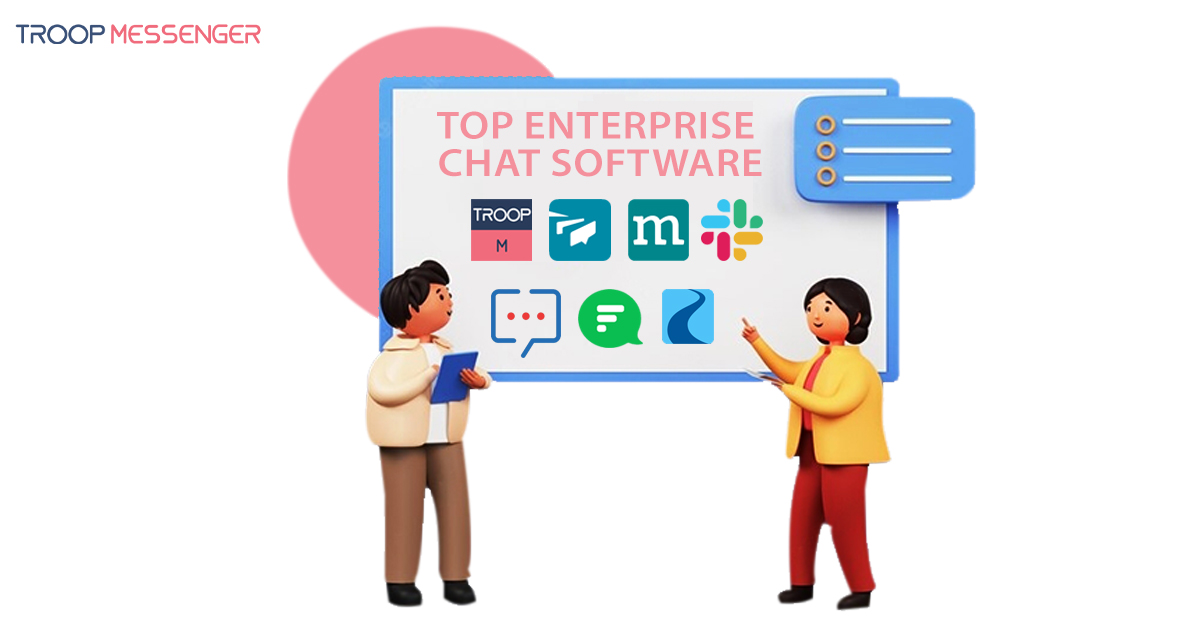
10 Best Enterprise Chat Software for Secure Business Communication
Enterprise chat software is a business communication platform that enables employees and teams to exchange messages, share files, make calls, collaborate on projects, and communicate securely from a centralized environment. Unlike consumer messaging apps, enterprise chat platforms typically provide business-focused features such as administration controls, integrations, security options, user management, and flexible deployment. This guide compares seven enterprise chat software solutions and explains the features businesses should consider when choosing a platform for secure and efficient communication.
What is an Enterprise Messaging System?
Enterprise chat software is a business communication platform designed to help employees and teams communicate, collaborate, and share information securely. Depending on the platform, it may include instant messaging, group channels, file sharing, voice and video calls, screen sharing, integrations, administrative controls, and different deployment options.
Enterprise chat platforms can be particularly useful for organizations with distributed teams, sensitive business information, or complex communication requirements.
Why Enterprise Chat Software Matters for Modern Businesses
Enterprise communication has moved beyond simple instant messaging. Modern business communication platforms increasingly combine chat, channels, file sharing, meetings, integrations, and workflow features in a single environment. For example, Zoho Cliq currently describes its platform as a central hub for team collaboration with chats, channels, files, tasks, calendars, meetings, and integrations.
Here are some of the best enterprise chat solutions that are widely used:
1. Troop Messenger
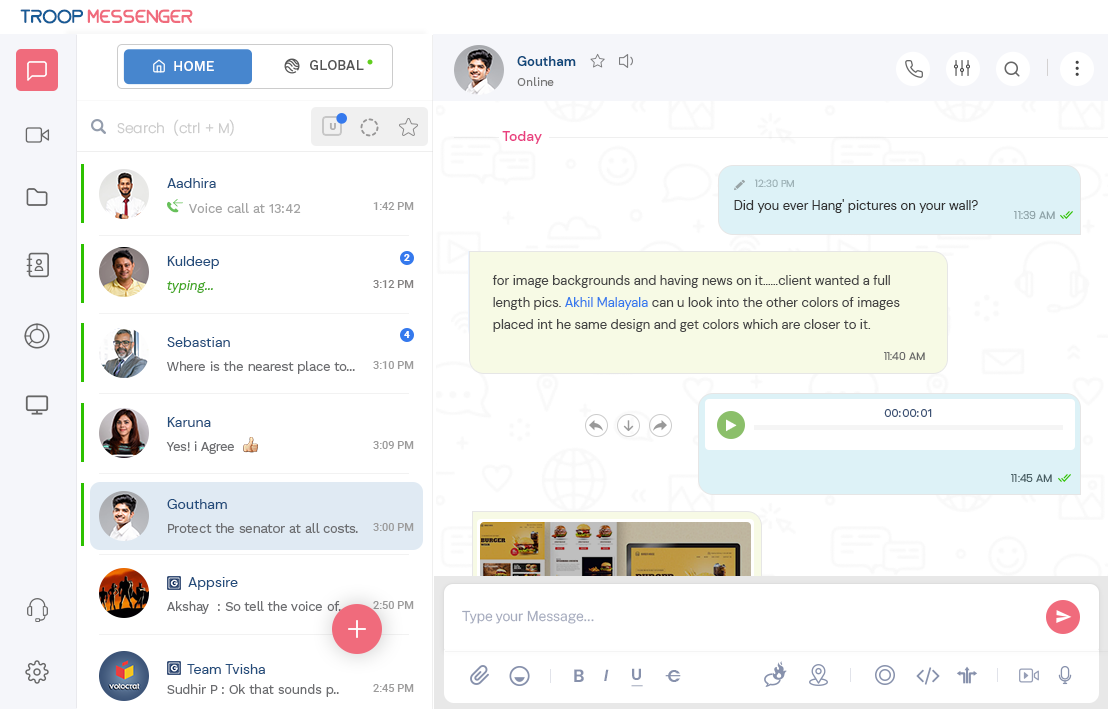
Troop Messenger, the best enterprise chat software, is employed by small to large enterprises. It is one of the best team chat apps renowned for customizing the application to meet the needs of their clients, making it reliable and secure software. Any industry can use this user-friendly software to maintain team collaboration and make operations manage smoothly.
This tool is developed to empower users by offering all the required features within one tool so they don’t have to scatter between multiple tools. Chat, audio/ video calls, conference, file exchange, remote access, screen share, live location tracking, etc., are some features that work flawlessly, boosting your team and work productivity.
Troop Messenger prioritizes providing a safe and secure platform. Therefore, it suggests using an on-premise chat. It can also deliver different models per client request, like SaaS, chat APIs & SDKs, and customization, including a self-hosting model.
Troop Messenger’s world security protocols prompted defence agencies to employ it as their defence messaging system, in addition to providing its services to enterprises, leading it to become a highly secure enterprise messaging system.
2. Twist
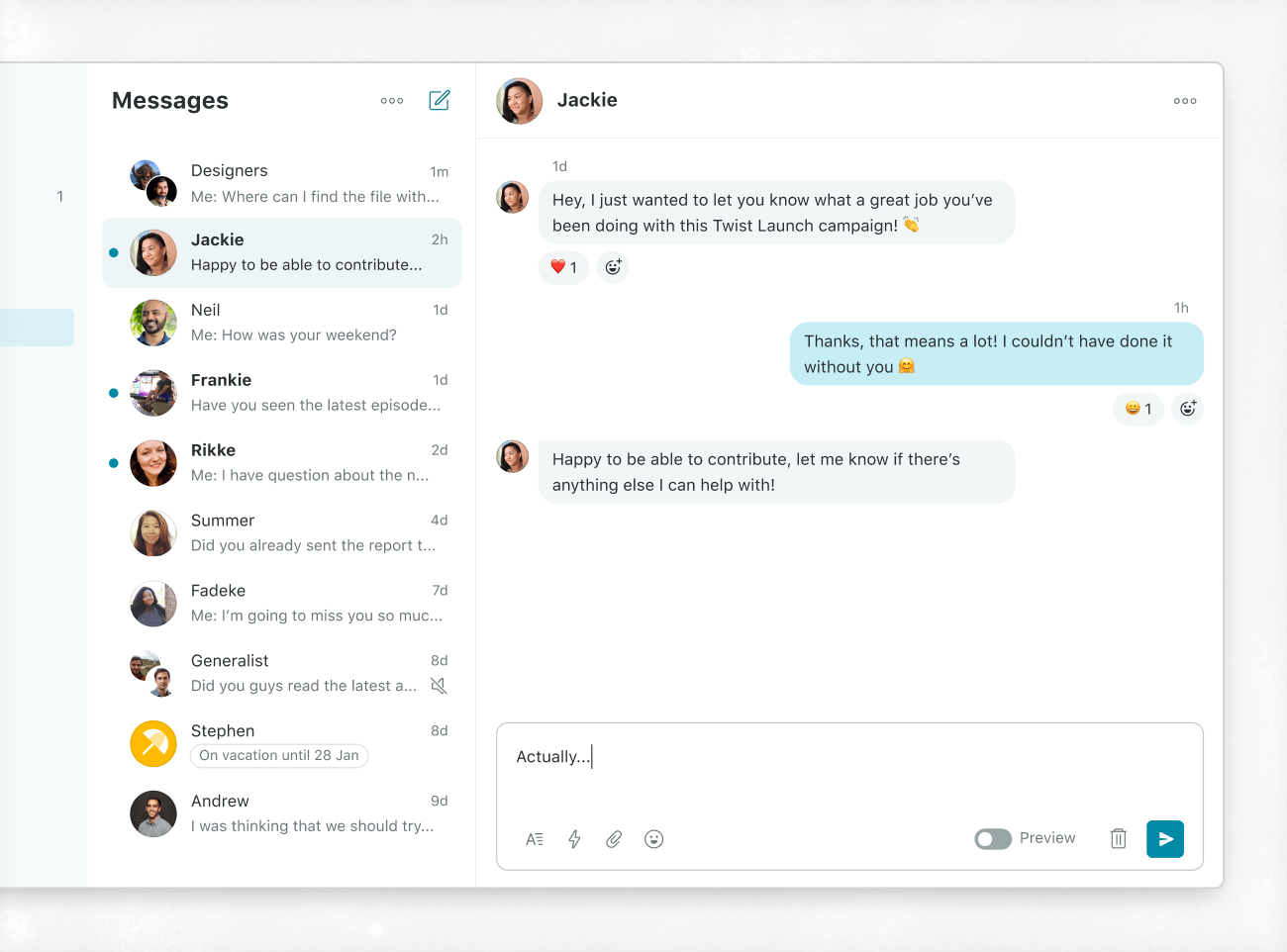
With the help of threaded chats, the async messaging software Twist enables cooperation simply from any location. It uses threads to keep conversations structured and on topic. This instant messaging app for business lets you set up channels according to topics, projects, or clients to establish a central location where you can see the work your team is doing.
Twist claims it is among the handful of business management apps that have successfully surpassed email communication. It enables teams to prioritize structured communication and collaboration, keeping them productive and well-organized. It is a solution for all enterprise companies that want organized communication, corporate transparency, and increased team focus and output. To establish a place where all talks can live and be easily accessible, it combines the most significant elements of chat applications, email, and forums.
3. Zoho Cliq
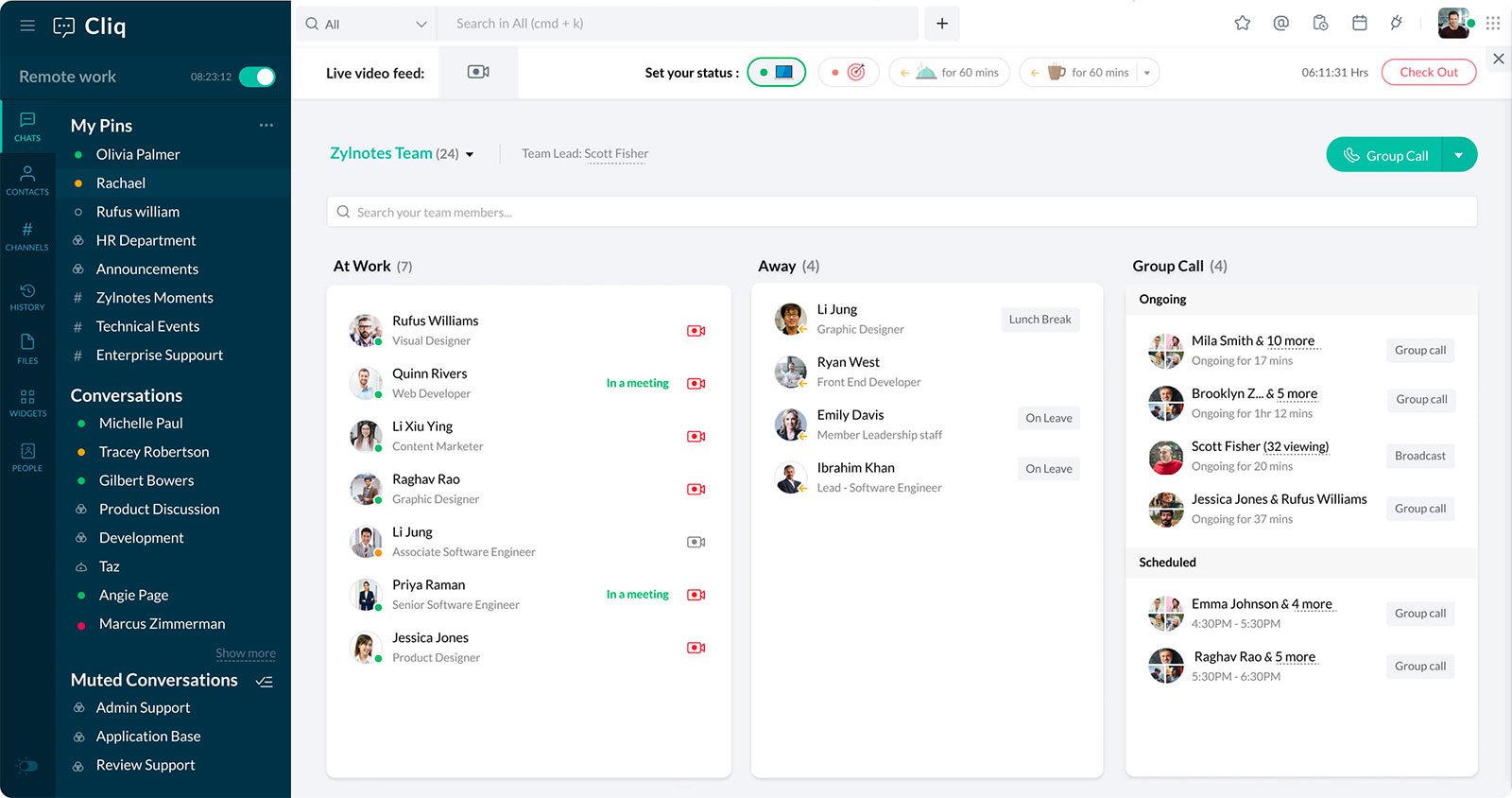
Zoho Cliq is an enterprise messaging system that prioritizes security, complies with your business needs, and sets up enterprise mobility management (EMM) and app controls for your company's smartphones. You can limit specific capabilities like file sharing or downloading from Cliq and customize everything, down to the material displayed on the sign-in screen.
Create user limits using permissions for all channel types and levels. Specify who has the authority to add and delete participants and send messages to ensure your teams can communicate clearly.
Create new fields, set up and personalize your user profile, and choose how to present user data depending on the display device.
You can quickly integrate Cliq with your apps, centralize all current procedures, and increase staff productivity thanks to its more than 50 integrations, versatile APIs, and powerful platform.
4. Flock
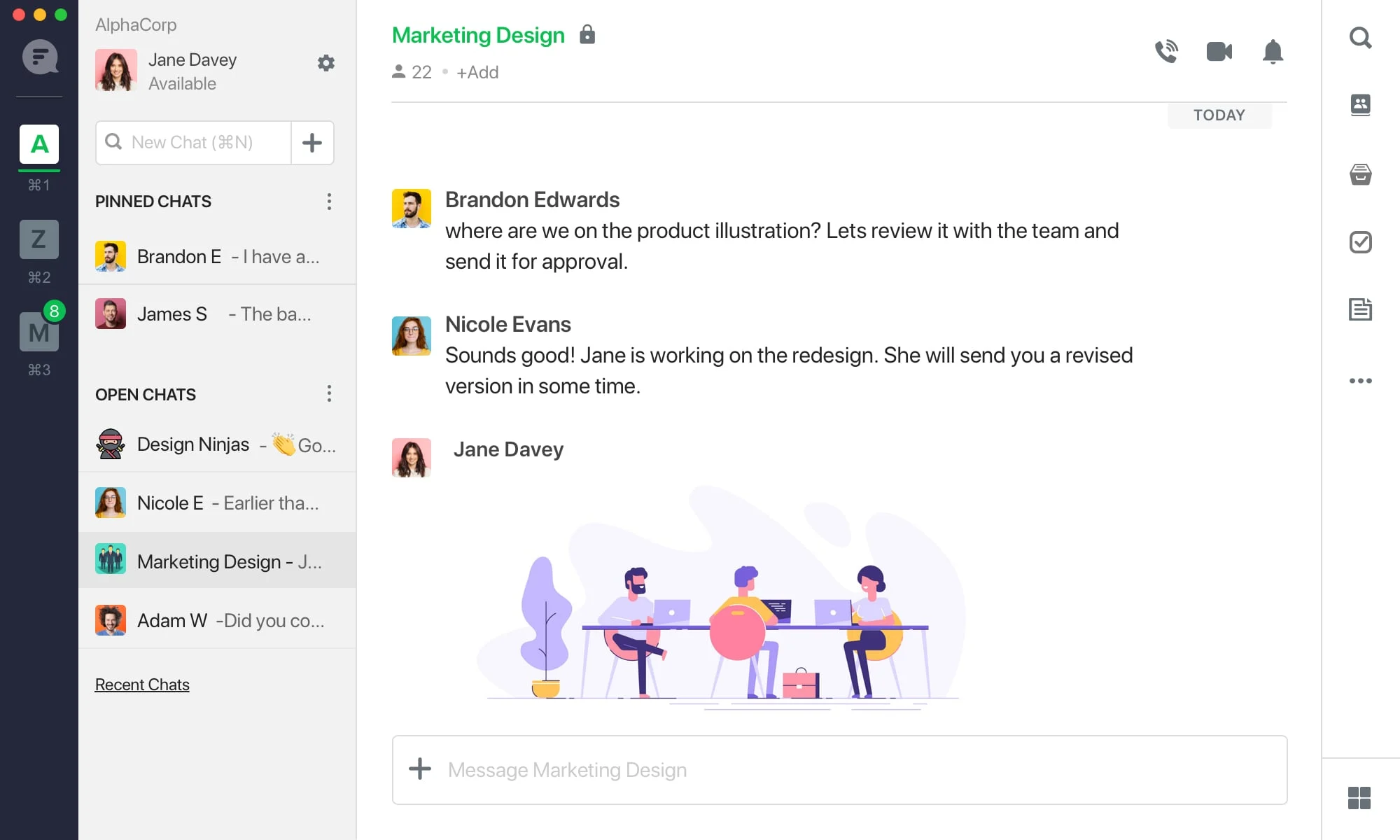
With Flock, you can quickly gather people together to debate concepts, exchange information, give tasks, and monitor team progress so that everyone can concentrate on what they do best. Flock operates as instant messaging software for an enterprise business, alongside a small business or a high-growth startup, and simply adapts to your specific needs.
Flock makes enterprise messaging incredibly simple and quick to find and share files. Senders and channels organize all shared files. Therefore, regardless of who shared them or when, you can access your team's information and discussions.
It is simple to combine apps like GitHub, Jira, Google Drive, Google Calendar, Trello, Twitter, and many others into a channel to improve your communications and save time jumping between several programs.
5. Ryver
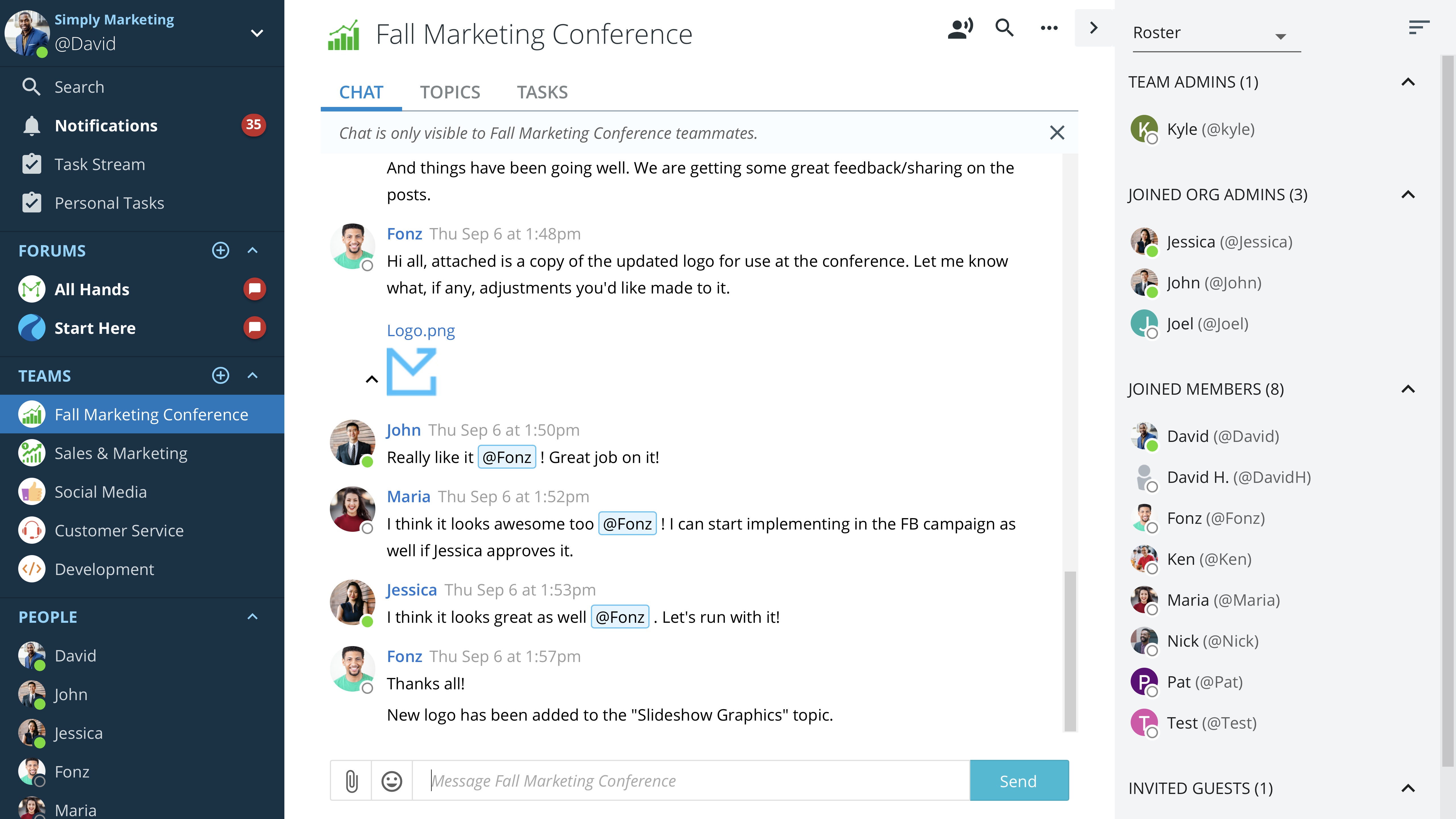
By putting everything in one app and streamlining standard business procedures like logging in and receiving quick customer service, Ryver Enterprise makes enhancing your team's collaboration simple, economical, and effortless.
This enterprise message service combines all team communication and collaboration under one app and provides unlimited file-sharing, messaging, calls, and other features. Group messaging, audio and video conferencing, screen sharing, subject-specific discussion channels, file sharing, task management, search tools, SSO, and other features are among the features. With one-on-one, group, and audio/video calling, teams may work together on projects.
To start topic-related conversations within the team, teams can construct customized channels. Users can interact and work together on projects via audio and video conversations with screen sharing or chat messaging with file sharing. Any chat may be converted into a task using Ryver, which tracks every assignment with a progress bar and built-in checklists.
One of the top enterprise chat solutions for teams to manage projects, interact, and automate business operations. Users may exchange files and links, and browsing through all of Ryver's material is simple. It can use pre-existing plugins, APIs, and webhooks to build unique integrations and bots with thousands of other apps, such as Google Docs, Dropbox, Asana, Jira, Twitter, and Facebook.
6. Slack
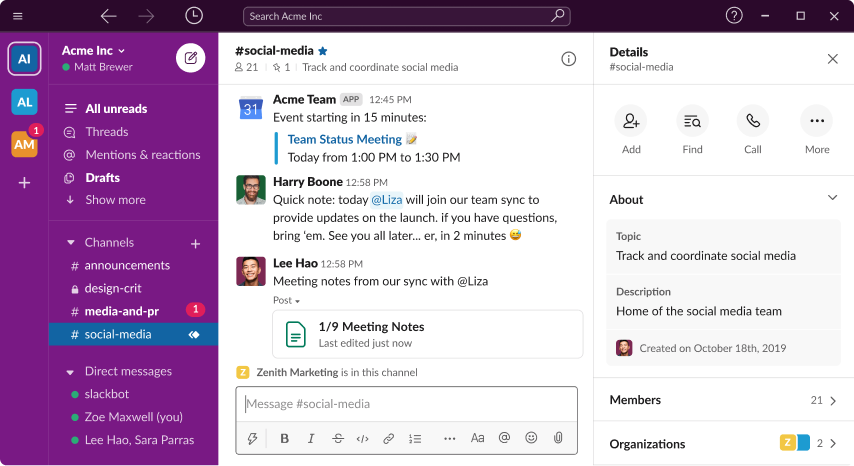
Slack, a popular enterprise messaging app, offers a safer and more effective method of communication for businesses. It lets you transfer all communications with your clients, vendors, and other third parties into Slack. Enterprise-level security features and regulatory requirements, such as Enterprise Key Management, also cover Slack.
This enterprise chat app was created for business and corporate interactions and is now used as a community platform. Voice calls, video calls, text messages, media files, and private chats are various forms of communication that users can use alone or in groups, known as "workspaces." Additionally, it uses IRC-style capabilities like private groups, direct messaging, and topic-based persistent chat rooms (channels). It can interface with other software and offer these online communication functions. It is compatible with the Web, iOS, Android, Windows Phone, Linux, and MacOS.
It is adequate for numerous enterprises with complex procedures or stringent regulatory constraints. You can invite clients and partners outside Slack to advance projects and solidify connections.
7. Mesibo
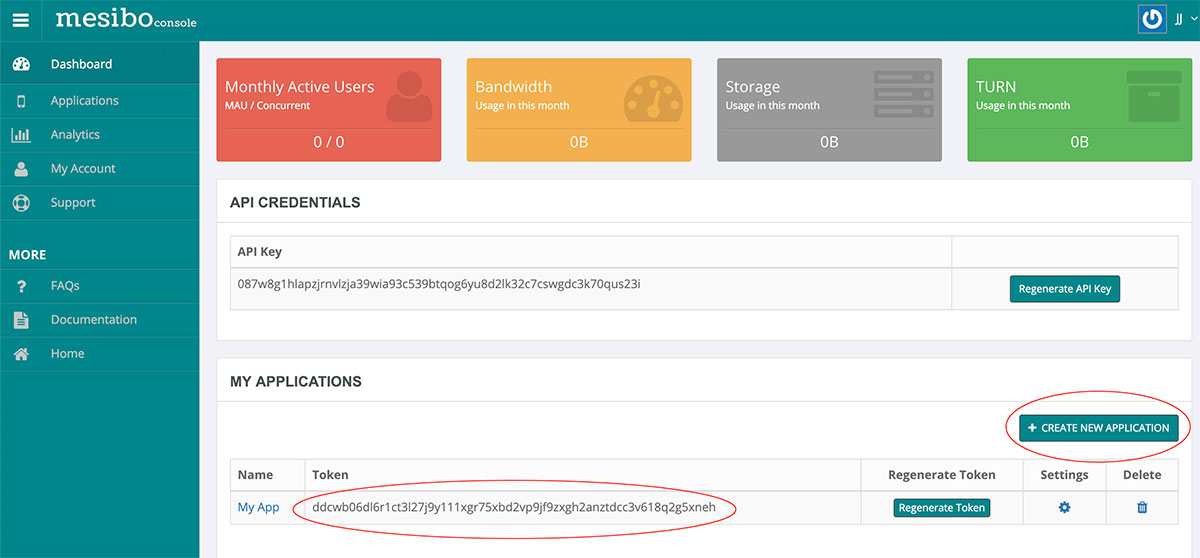
For your small to large organizations' teams, Mesibo is a branded enterprise chat software that uses your corporate authentication. It is a platform for real-time communication that enables you to incorporate voice, text, and video conversations into your mobile apps and websites. Create a communication app for all of your staff members in your corporate setting, leveraging your firewalls, servers, and business authentication to guarantee complete anonymity for all chat, audio, and video calls.
Discovering how free live chat apps have effectively engaged potential customers or clients leads to the best satisfaction levels compared to any other customer service channel, email, and phone. In light of this, Mesibo developed a live chat function that will give your customers greater confidence in pre-and post-sales assistance when added to your website and mobile app.
With this business messaging app, you have complete control over your user data, and user interactions are secure. Mesibo provides a cross-platform API, a ready-to-use user interface, and a robust, scalable carrier-grade infrastructure created from the ground up to support millions of concurrent calls and messaging with low latency and excellent reliability. Mesibo also underpins the complexity of business communication.
Conclusion
Choosing the right enterprise chat software depends on your organization's communication needs, security requirements, team size, integrations, and deployment preferences. Troop Messenger, Twist, Zoho Cliq, Flock, Ryver, Slack, and Mesibo each approach business communication differently. Before choosing a platform, compare security controls, collaboration features, integrations, administration options, and deployment models against your actual requirements. The right enterprise chat solution should make communication easier without compromising the security or control your organization needs.
FAQs
1. What is the difference between enterprise chat software and consumer messaging apps?
Enterprise chat software is designed specifically for workplace communication. In addition to messaging, it can provide features such as administrator controls, user management, file sharing, integrations, security options, and business-focused deployment models. Consumer messaging apps generally focus more on personal communication.
2. What features should businesses prioritize in enterprise chat software?
Businesses should consider secure messaging, file sharing, voice and video calls, group communication, search, integrations, user and administrator controls, mobile access, scalability, and deployment options such as cloud or on-premise hosting.
3. Is enterprise chat software suitable for remote and hybrid teams?
Yes. Enterprise chat platforms can help remote and hybrid teams communicate without relying entirely on email or face-to-face meetings. Features such as instant messaging, video calls, file sharing, channels, and screen sharing can help distributed employees stay connected and collaborate.
4. Can enterprise chat software replace email for internal communication?
It can reduce the need for email for many internal conversations, particularly quick questions, team discussions, file sharing, and project-related communication. However, businesses may still use email for formal announcements, external communication, and situations that require a traditional email record.
5. What security features should I check before choosing enterprise chat software?
Look for encryption, access controls, user permissions, authentication options, administrative controls, audit capabilities, secure file sharing, and deployment choices. Organizations handling sensitive information should also evaluate whether the platform's security and deployment model meet their specific requirements.