Connect with us
Keeping Tabs: The Rise of Employee Monitoring Software in Modern Workplaces
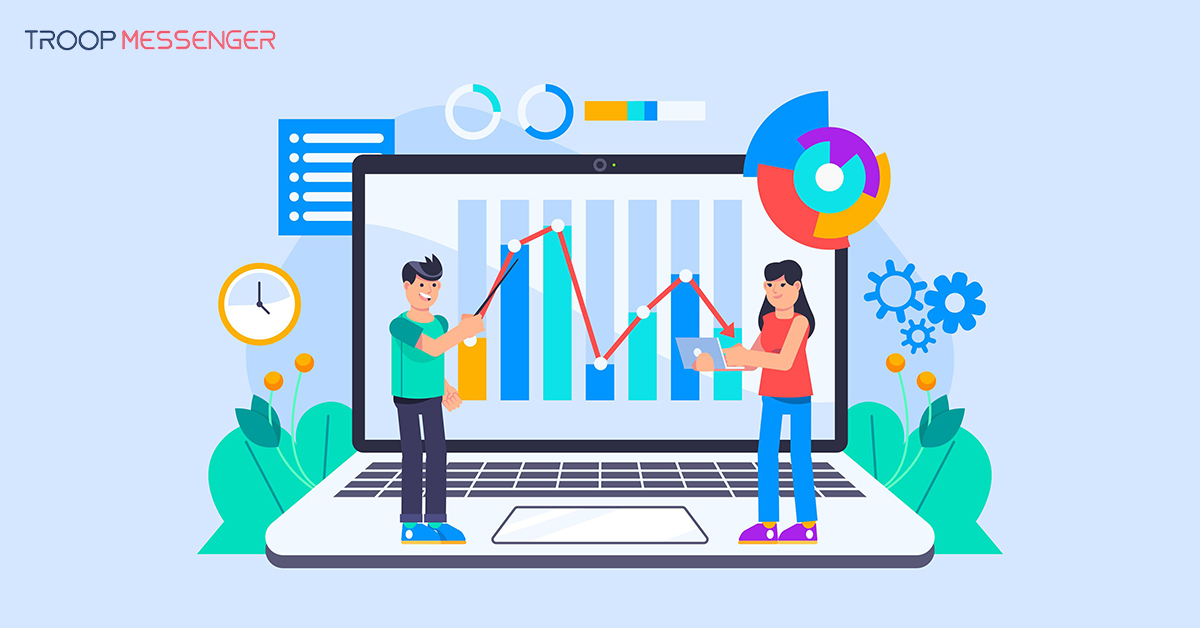
Employee monitoring software is a digital tool that helps organizations understand work-related activities, track attendance, review system usage, and assess productivity. Depending on its capabilities, it may include features such as application tracking, website monitoring, activity reports, and screenshots. As remote and hybrid work arrangements become more common, businesses must consider how these tools affect both workplace performance and employee privacy.
This guide explores why organizations use employee monitoring software, its potential benefits and drawbacks, and the legal and ethical considerations involved in implementation. It also explains how businesses can establish transparent monitoring policies, protect employee data, and balance operational oversight with trust, autonomy, and employee well-being.
For organizations seeking greater control over their business communication environment, secure team communication can complement broader workplace security practices.
Why Organizations Use Employee Monitoring Software
Employee monitoring software helps organizations understand work patterns, manage distributed teams, and review how company resources are used. Depending on the tools selected and the policies in place, monitoring can support several business objectives.
Improving Productivity and Workflow Visibility
Monitoring reports can help managers identify workflow bottlenecks, understand how work is distributed, and recognize where employees may need additional support or training. When interpreted in context, these insights can guide process improvements and help teams manage workloads more effectively. However, activity data alone does not necessarily reflect the quality, creativity, or value of an employee's work.
Supporting Security and Accountability
Some monitoring tools record access to company systems, track application usage, or flag unusual activity. These capabilities can help security teams investigate potential policy violations and identify risks involving sensitive business information. Monitoring should complement established security measures, such as access controls, employee training, and incident response procedures, rather than replace them.
Supporting Remote and Hybrid Teams
For distributed teams, monitoring and reporting tools can provide visibility into work-related activity without requiring employees to be physically present in an office. Organizations should select features that serve a clearly defined business purpose and avoid treating constant activity or online availability as the only indicators of performance.
Common Features of Employee Monitoring Software
Employee monitoring software varies by provider, purpose, and configuration. Common features may include:
- Application and website tracking: Records work-related application or website usage according to configured policies.
- Activity reports: Summarizes selected work patterns and usage data to help managers review workflows.
- Screenshots and screen monitoring: Captures screen activity where the software supports it and organizational policies permit it.
- Time and attendance tracking: Records working hours, attendance, or time spent on assigned tasks.
- Alerts and reporting: Flags selected events or generates reports to support review and investigation.
- Location tracking: Some tools offer location features for specific work arrangements, such as field operations, where collection is justified and appropriately disclosed.
Not every product includes all these capabilities. Before adopting a tool, organizations should review its actual features, data collection settings, access permissions, retention controls, and suitability for their intended use.
Privacy, Trust, and Employee Well-Being
Although monitoring can help organizations manage work and security, excessive or unclear surveillance can undermine employee trust. Workers may feel pressured when they do not understand what is being collected, who can access it, or how the information will influence performance evaluations.
A responsible approach focuses on proportionate monitoring tied to legitimate business needs. Employers should explain the purpose of monitoring, limit data collection to what is necessary, restrict access to authorized people, and provide a way for employees to raise questions or concerns. Managers should also interpret monitoring data alongside work quality, agreed objectives, collaboration, and other relevant performance indicators.
Legal and Ethical Considerations
Employee monitoring requirements vary by jurisdiction and depend on the type of data collected, the monitoring method, the employment relationship, and the purpose of processing. Privacy and data protection frameworks, including the General Data Protection Regulation (GDPR) in applicable contexts and relevant California privacy laws, may impose obligations on organizations.
Before implementation, employers should consult qualified legal or privacy professionals to determine which requirements apply. Depending on the circumstances, important steps may include:
- Defining and documenting a legitimate purpose for monitoring.
- Providing clear notice about the data collected and how it will be used.
- Determining whether consent or another lawful basis is required.
- Limiting collection, access, and retention to appropriate levels.
- Applying suitable security controls to protect monitoring records.
- Reviewing policies regularly as laws, technology, and working arrangements change.
A policy that works in one location may not meet the requirements of another. Organizations should assess applicable rules rather than assume that one monitoring policy is suitable everywhere.
Best Practices for Implementing Employee Monitoring Software
Successful implementation requires more than selecting software. Organizations should establish clear objectives, involve relevant stakeholders, communicate openly with employees, and regularly evaluate whether monitoring remains necessary and effective.
Define Clear Monitoring Objectives
Identify the specific business problem the organization wants to address, such as improving attendance records, protecting company information, or understanding workflow delays. Select only the monitoring features needed to achieve those objectives and establish clear criteria for evaluating their effectiveness.
Communicate Policies Transparently
Explain what information will be collected, when monitoring will occur, who can access the records, and how the information may be used. Give employees an opportunity to ask questions and share concerns before implementation. Clear communication helps prevent misunderstandings and sets realistic expectations.
Involve HR, IT, Legal, and Security Teams
Monitoring affects multiple areas of an organization. HR can assess employee experience and workplace policies, IT can evaluate technical requirements, security teams can review data protection risks, and legal or privacy specialists can assess applicable obligations. Coordinating these teams helps align implementation with organizational needs and employee rights.
Evaluate Outcomes Beyond Activity Metrics
Do not rely exclusively on screenshots, keyboard activity, time online, or application usage to judge employee performance. Consider work quality, completed responsibilities, collaboration, customer outcomes, and employee feedback. Review whether monitoring actually improves the intended business process without creating unnecessary pressure or reducing trust.
Review and Improve Monitoring Practices
Periodically assess the accuracy, usefulness, and impact of monitoring data. Remove unnecessary tracking, update access permissions, and revise policies when business needs or legal requirements change. Employees should have an appropriate channel to report errors, raise concerns, and understand decisions made using monitoring information.
Conclusion
Employee monitoring software can help organizations understand work patterns, improve workflow visibility, and support information security when it is used for clear and appropriate purposes. However, its effectiveness depends on more than the amount of data collected. Excessive monitoring, unclear policies, and poor handling of employee information can damage trust and affect workplace morale.
Organizations should adopt a balanced approach by communicating transparently, protecting monitoring data, complying with applicable laws, and evaluating performance through meaningful outcomes rather than activity metrics alone. By reviewing monitoring practices regularly and considering employee feedback, businesses can support accountability while respecting privacy, autonomy, and well-being.
Frequently Asked Questions
1. What is employee monitoring software?
Employee monitoring software is a digital tool that helps organizations track selected work-related activities, application usage, attendance, and system access. Depending on the product, it may provide activity reports, screenshots, time tracking, or alerts. Businesses use these tools to understand workflows, manage distributed teams, and support security. The information collected should serve a clearly defined purpose and be handled transparently, with appropriate privacy safeguards and access restrictions.
2. What are the benefits of employee monitoring software?
Employee monitoring software can help organizations identify workflow bottlenecks, review attendance, understand application usage, and investigate potentially suspicious activity. Its reports may also help managers identify training needs and improve workload distribution. However, these benefits depend on selecting suitable features and interpreting data fairly. Monitoring should complement performance discussions and measurable work outcomes rather than treating screen activity, keyboard usage, or time online as complete measures of employee productivity.
3. Can employee monitoring software track remote employees?
Yes, depending on the software and its configuration, employee monitoring tools can record selected work-related activities for remote employees. Features may include time tracking, application usage reports, attendance records, and screenshots. Organizations should explain what is monitored, when collection occurs, and how the information will be used. They should also avoid unnecessary surveillance of personal activities and evaluate remote employees based on agreed responsibilities, work quality, and results rather than constant online availability.
4. Is employee monitoring software legal?
Employee monitoring may be legal, but the requirements depend on the jurisdiction, the information collected, the monitoring method, and the purpose. Applicable privacy and employment laws may require transparency, a valid legal basis, data minimization, or other safeguards. Organizations should not assume that employee consent alone makes every monitoring practice lawful. Before implementation, they should consult qualified legal or privacy professionals to establish appropriate policies and comply with the rules that apply to their workforce.
5. How can companies balance employee monitoring and privacy?
Companies can balance monitoring and privacy by collecting only the information needed for legitimate business purposes and clearly explaining their monitoring policies. Access to records should be limited to authorized personnel, and data should be protected and retained only as appropriate. Employers should provide channels for employee feedback and regularly review whether each monitoring feature remains necessary. Performance assessments should also consider work quality, collaboration, and outcomes rather than relying solely on activity metrics.
6. What should businesses consider when choosing employee monitoring software?
Businesses should assess their specific monitoring objectives, available features, ease of use, integration requirements, reporting capabilities, data security, and total cost. They should also review privacy controls, access permissions, retention settings, and support for applicable legal requirements. Involving HR, IT, security, and legal stakeholders can help identify risks before adoption. The best solution is one that addresses genuine operational needs without collecting excessive information or unnecessarily undermining employee trust.