Connect with us
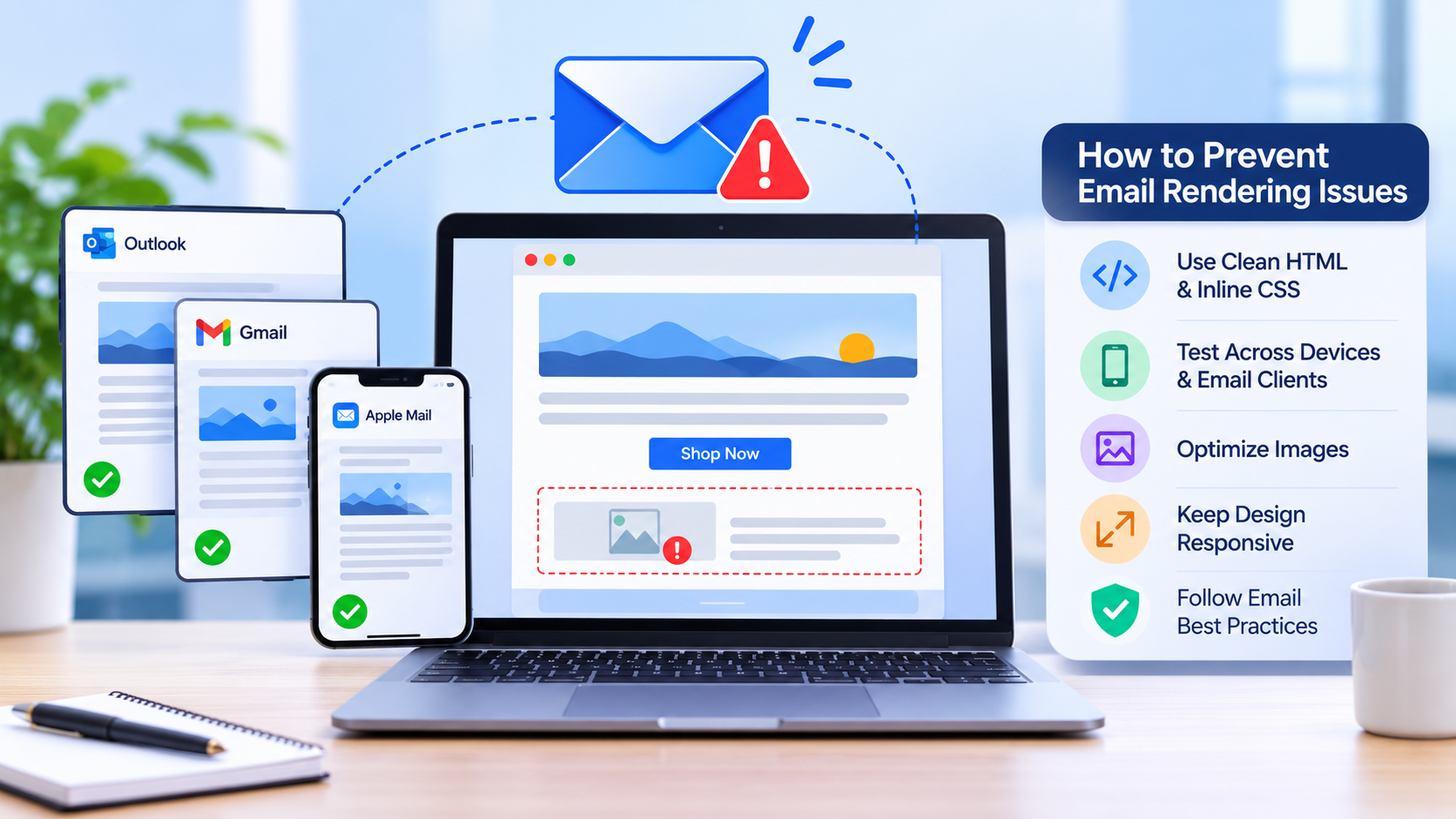
Email Rendering Issues- Why They Happen and How to Prevent Them
Email rendering issues occur because different email clients use different engines to interpret HTML and CSS. The best way to minimise these problems is to design emails for less capable clients and test them across multiple platforms before sending.
In this blog, we will discuss some email rendering issues and why they remain one of the most frustrating challenges in the field of email marketing.
Why Emails Render Differently: The Engine Problem
Web browsers follow the shared standards, so a page almost looks identical in Chrome, Safari, and Firefox. However, the Inboxes do not work that way. Every email client uses its own rendering engine, and each of them supports a different aspect of modern code. Some strip out styles, ignore properties, or rewrite your markup.

This is the root of email client rendering problems. You write one email, but each inbox interprets it differently.
| Email Client | Engine | Common Problem |
| Outlook (Windows) | Microsoft Word | Ignores background images and max-width |
| Gmail | Own engine | Drops some styles and clips long emails |
| Yahoo Mail | Own engine | Alters spacing and rewrites markup |
| Apple Mail | Webkit | Dark mode can shift colours |
The Outlook Factor
Outlook is the one that hurts. Desktop versions on Windows render HTML with the Microsoft Word engine, which was built for printed pages, not responsive layouts. So things go sideways:
- Buttons lose their shape.
- Spacing shifts and images stretch past their containers.
- Columns stack in the wrong order.
Conditional comments and table-based layouts hold everything in place. Though it seems a little bit traditional, it is one of the effective ways to fix email rendering for Outlook users. When a bug turns up, designers and developers need to discuss it, and a shared team chat can make things easier.
Code and CSS Conflicts
Even clean code can break in the real world. Inline CSS is safer because it travels with each element.
| Key Features | Support | Safer Choice |
| Flexbox and grid | Patchy | Nested tables |
| External stylesheets | Often fail to load | Inline CSS |
| Custom fonts | Inconsistent | Web-safe fallback stack |
Email rendering errors become an issue because of the closed tags or table structure. Many inboxes block images by default, so a message built around one large graphic may show an empty box instead of your service offer.
Device, Preference, and ESP Variables
Two people using the same app can see different results. So here are some crucial aspects that need to be considered:
- Screen size: layouts reflow perfectly on phones and tablets.
- Dark mode and accessibility settings: colours and the proper text size often change.
- ESP: this may compress the code, rewrite links, or add multiple tracking pixels.
Gmail also cuts long messages when the HTML hits a size limit, and that can bury your call to action. If your team is still arguing about these fixes in long email threads, one of the best chat apps for teams keeps all the comments in one place.
The Real Cost of Poor Rendering
To prevent email rendering issues, you need to understand the real cost of poor rendering. The broken layout usually makes your brand look careless, and subscribers judge quickly. If the correct call-to-action button does not appear, nobody can click it. This results in revenue loss.
| Key Area | Impact |
| Subscribers | Lower clicks, weaker conversions, and more unsubscribes |
| Time spent | Time spent on further fixes and resends |
| Revenue | One faulty template can drain the expenses regarding sales for weeks |
Prevention: Build for Compatibility
To prevent email rendering issues, follow these habits:
Use a simple, single-column layout
Consider inlining your CSS and choose some web-safe fonts.
Use descriptive alt text that keeps the key messages as they are in live text.
Use transparent PNG logos and not white or black backgrounds in dark mode.
Dark mode is often considered much trickier because many clients flip light backgrounds and dark text on their own. This may impact a logo’s colour and low-contrast buttons. It is also advisable to keep the HTML light too. A reliable email template builder helps here, since it outputs tested code that already follows these rules.
Prevention: Test Before Sending
It’s important to send the tests to real Gmail, Outlook, Yahoo, and Apple Mail accounts to see how it looks in the real world. Then you can open them on iOS and Android. Don’t forget that the preview tools save a good amount of time, but there is no substitute for checking on a real device.
| Check | Confirm | Where |
| Links | Every link works | Desktop and mobile |
| Fonts and spacing | The layout holds its shape | Outlook and Gmail |
| Call to action | The button is visible | iOS and Android |
Consider the results for the next time. This can help you deal with the short log, and you can even save some hours because the same issue pops up again.
Conclusion
Email rendering issues never disappear completely; rather, the inboxes keep changing when clients use it differently. When you understand why emails render differently, you can understand how to use the interface of Outlook. Also, keep your code simple, and test each of the changes before every send. Teams that follow these habits detect problems early and send campaigns with far more confidence.