Connect with us
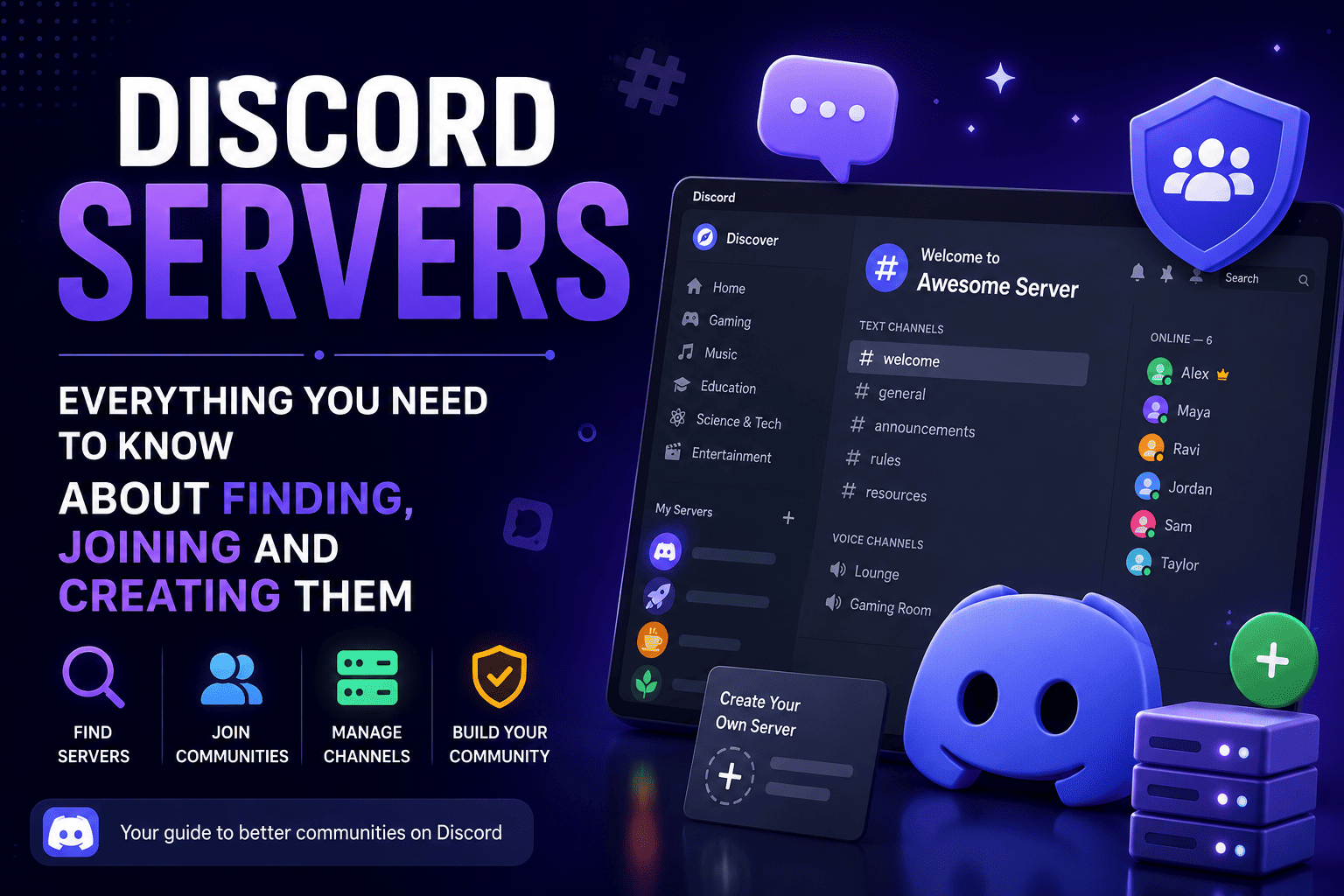
Everything You Need to Know About Finding, Joining and Creating Them
Discord servers are organized community spaces where millions of people connect through text, voice, and video every day. Whether you are looking for a gaming community, a study group, a dating server, or somewhere to meet people who share your interests — there is a Discord server built for it.
This guide covers everything you need:
- What Discord servers are and how they work
- How to find and join the right servers
- Best servers to join by category
- How to create your own from scratch
- How to check Discord server status
- How to delete a server when you are done with it
What Are Discord Servers
A Discord server is a free community space made up of text channels, voice channels, and members organized around a shared interest. Think of it as a building — the server is the building and each channel is a separate room.
Every server contains:
- Text channels — marked with # — for written conversations by topic
- Voice channels — marked with a speaker icon — for live audio and video
- Roles — colored labels showing a member's status or permissions
- Bots — automated tools for moderation, music, and more
Servers range from small private groups to public communities with hundreds of thousands of members. For a complete Discord setup guide visit our blog on how to use Discord.
How to Find Discord Servers
Built-in Discord discovery:
Click the compass icon at the bottom of your server list. Discord surfaces verified public servers by category — Gaming, Music, Education, Science and Tech, and Entertainment. You can preview a server before joining.
Third-party directories:
Disboard server listings is one of the most popular options — searchable by category, language, and tags with public member reviews. Top.gg uses community voting to surface the most active servers. Both cover servers that never appear in Discord's built-in discovery.
Using discord tag servers:
Search directories using specific tags — "study," "anime," "coding," or "music production" — to find servers matching your exact interest rather than broad categories.
Invite links:
Most servers share invite links through Reddit, YouTube communities, and interest-specific websites. Searching a relevant subreddit almost always surfaces active Discord invites.
Best Discord Servers to Join
Gaming — Discord's strongest category. Official servers for Minecraft, Valorant, Roblox, and Fortnite offer update channels, strategy discussion, and team finding. Community-run game servers often feel more personal and active.
Study and education — Study servers like The Studying Space and Study Together have built communities of hundreds of thousands of students with subject-specific help channels, accountability partners, and regular voice study sessions.
aScript, and Rust offer beginner help channels, project showcases, and job boards. The Midjourney official server combines AI image generation with a well-organized creative community.
Music and creative arts — Genre communities, production workshops, digital art critique servers, and writing groups all thrive on Discord. Most combine resource sharing, skill challenges, and commission marketplaces.
Discord Dating Servers — What to Know
Discord dating servers and dating discord servers work differently from dating apps. Instead of matching algorithms these are social spaces where people connect through conversation and shared interests organically.
How to find legitimate dating servers:
Search Disboard with tags like "dating" or "social." Look for servers with active moderation and clear rules — these are the safest and most genuine communities.
Safety tips:
- Never share personal contact details with someone you just met
- Be cautious of anyone who immediately pushes to move off Discord
- Report inappropriate behavior through Discord's built-in tools
- Stick to well-moderated servers that enforce their rules consistently
Furry Discord Servers
The furry community is one of Discord's most active interest groups. Furry Discord servers bring together fans of anthropomorphic art, animation, and character creation. These range from art sharing communities and roleplay servers to casual social spaces.
Most well-run furry servers have strict content moderation and clear conduct rules — making them welcoming for newcomers. Find them by searching Disboard with the "furry" tag or browsing Discord's community discovery. Always check the rules channel before participating.
How to Search for Discord Servers on Mobile
- Open the Discord app and tap the three lines in the top left
- Scroll down and tap the compass icon — this opens discovery
- Browse categories or search by keyword or tag
- Tap any server to preview it before joining
- Tap Join Server to become a member
For joining via invite link — tap the + icon, select Join a Server, and paste the link.
How to Create Your Own Discord Server
- Click the + icon at the bottom of your server list
- Select Create My Own
- Choose a template — Gaming, Study Group, Friends — or start from scratch
- Enter a server name and click Create
After creation:
Rename the default #general channel to #welcome. Add a #rules channel. Create topic-specific text channels and two or three voice channels. Right-click your server icon, select Invite People, and share the invite link wherever your audience gathers.
Growing your server:
Add a moderation bot like MEE6 for automated rule enforcement. Create a self-assign roles system so members customize their experience. List your server on Disboard and Top.gg to reach people actively searching for communities like yours.
Discord Servers Status — Is Discord Down
If Discord stops working — messages not sending or voice channels failing — check the Discord status page first. It shows real-time status for all Discord services including API, voice servers, and push notifications.
What to do during an outage:
Most Discord outages resolve within 30 to 60 minutes. Restart your app, check your connection, and monitor the status page for updates. Check Discord's official Twitter for major incident announcements.
How to Delete a Discord Server
Deleting a server is permanent — all content is removed and cannot be recovered. Consider transferring ownership instead if the community has active members.
Steps to delete:
- Open Server Settings
- Scroll to the bottom and click Delete Server
- Type the server name exactly to confirm
- Click Delete Server — immediate and irreversible
To leave a server you do not own — right-click the server icon and select Leave Server.
Discord for Business Teams
Discord works well for communities and gaming. For professional teams it has real limitations, no enterprise admin controls, no message archiving, no compliance tools, and no on-premise deployment option.
Teams handling sensitive data or operating in regulated industries need something purpose-built. Exploring discord alternatives designed for business gives a clear picture of what is available.
Troop Messenger delivers the familiar messaging and voice experience Discord users know, with end-to-end encryption, role-based controls, audit logs, and on-premise deployment for complete data sovereignty. For building a complete productivity stack see best apps for productivity and team collaboration tools.
Discord Server Safety
The Discord safety center covers reporting tools, content policies, and privacy settings. Key settings to configure immediately:
- Settings → Privacy and Safety — enable the explicit content filter for direct messages
- Who Can Add You as a Friend — set to Friends of Friends or Server Members only
- Leave any server that makes you uncomfortable — report first, then leave
Conclusion
Discord servers are one of the most powerful free community tools available. Here is the quick summary:
- Find servers — use Discord discovery, Disboard, Top.gg, and invite links
- Best servers — gaming, study, tech, music, dating, and creative communities
- Create servers — two minutes to set up, grows through engagement and listings
- Server status — check discordstatus.com when Discord stops working
- Delete servers — permanent, consider transferring ownership instead
- Business teams — Discord has limitations, dedicated platforms work better
Start with two or three servers in categories you care about. Engage consistently. Leave what does not deliver value.
Frequently Asked Questions (FAQs)
Q1. How do I find Discord servers to join?
Use Discord's built-in discovery compass icon or browse Disboard and Top.gg. Search by tags for precise results. Reddit communities related to your interest almost always share active Discord invite links.
Q2. What are the best Discord servers for beginners?
Official servers for games or software you already use are the best starting point — well-moderated with clear channels. Study servers and tech communities also welcome newcomers with dedicated help channels.
Q3. How do I check if Discord servers are down?
Visit discordstatus.com for real-time status on all Discord services. Most outages resolve within an hour without any action needed from users.
Q4. How do I delete a Discord server?
Open Server Settings, scroll to Delete Server, type the server name to confirm, and click Delete. It is immediate and permanent. Transfer ownership instead if the community has active members.
Q5. Are Discord servers free to create?
Yes — completely free with unlimited channels, members, and voice rooms. Discord Nitro is optional and adds enhanced features but is not needed to run a fully functional server.