Connect with us
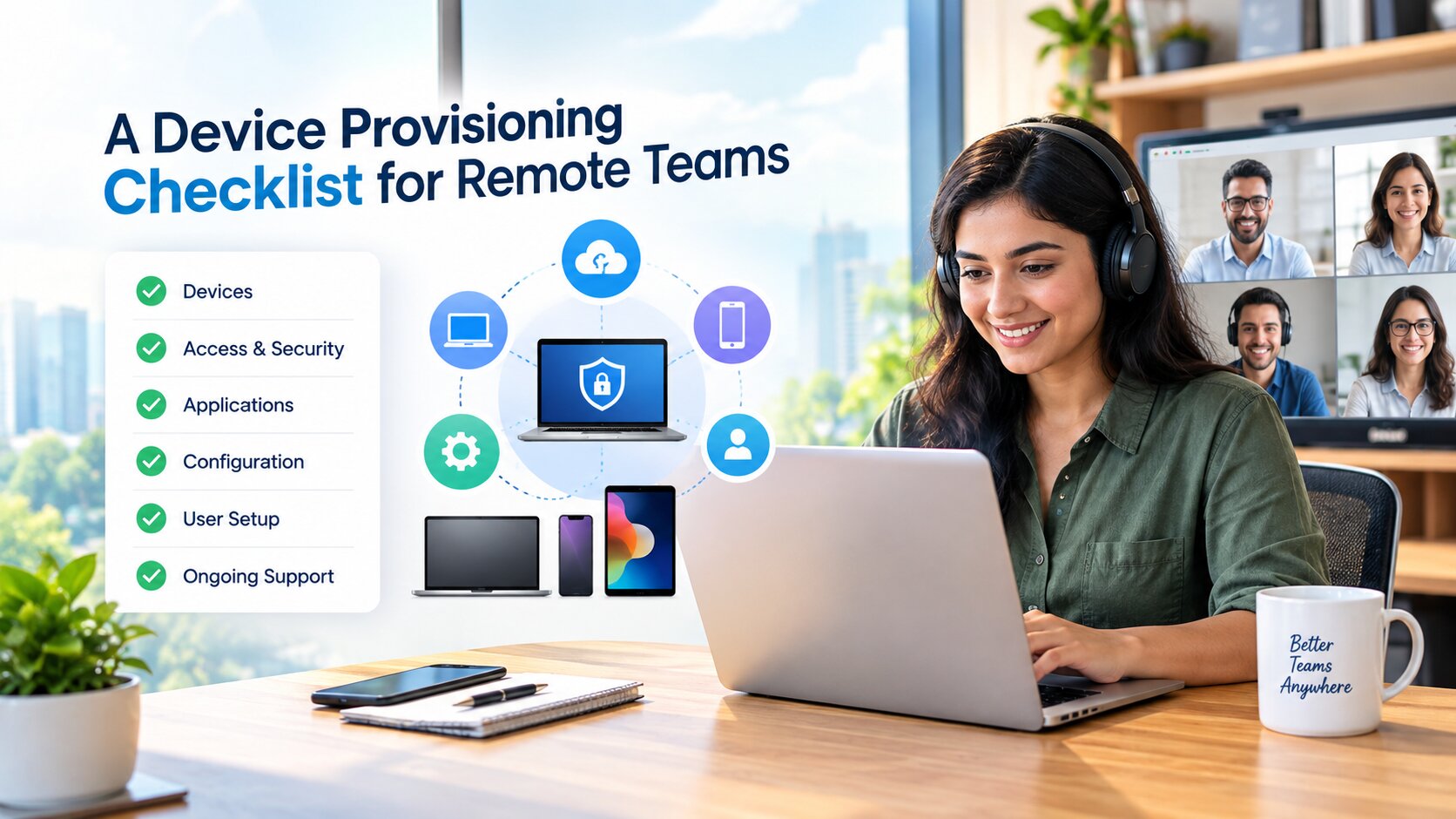
“A Device Provisioning Checklist for Remote Teams''
Most organisations can describe their hiring process in detail and their device process not at all. The laptop is ordered, it arrives at an address nobody has visited, and somewhere between the courier and the first standup a set of decisions gets made by whoever happens to be available. That is how a distributed team ends up with eleven slightly different machines. A written provisioning list fixes it, and the list is shorter than people expect: the operating system baseline, the collaboration tools, the access method, the endpoint agents, and whatever the team has standardised on for connections outside the office. Eurostat found that 52.9 percent of EU enterprises with ten or more employees held remote meetings over the internet in 2024, so this is now the ordinary case rather than the exception.
What IT should finish before the box ships
The single highest leverage decision is enrolment. The UK National Cyber Security Centre advises organisations to use zero touch enrolment to automate as much of the device provisioning process as possible, and the reason is not elegance. Every manual step is a step performed by a new joiner with no context, on a network you cannot see, at a moment when they are least equipped to notice something is wrong.
Automating enrolment also means the machine arrives already knowing what it is. Policies, disk encryption, the software baseline and the update channel are all decided centrally rather than reconstructed by a person following a wiki page.
Send the passwords by another route
The same NCSC guidance is blunt about credentials: send device passwords separately, out of band, or let users enrol themselves with their existing credentials and multifactor authentication when the device arrives. A laptop and its password in the same package is a single object that can be intercepted once.
This is the step most often skipped under time pressure, and it is close to free to do properly.
The home network is part of the estate now
The device sits somewhere you do not control, on equipment you did not buy. NIST's own telework guidance tells people to check that their network is using WPA2 or WPA3 security with a password that is hard to guess, and to keep computers and mobile devices patched, using the automatic update option where one exists. Neither instruction is difficult. Both are invisible to the organisation unless somebody asks.
Put those two checks in the onboarding conversation rather than in a policy document. A question answered in a call gets answered. A paragraph in a handbook does not.
Asking only gets you so far, because the answer is self-reported and the network can change the week after. The other half of the response is to reduce how much the home network has to be trusted at all: whatever the team has standardised on for connections outside the office belongs in the build image, decided once by the person who owns the baseline rather than by whoever happens to be setting up a laptop on a Tuesday evening. In practice you can download the ExpressVPN app here, add it to the same package as the browser and the password manager, and the joiner never has to make a security decision on a network nobody can see.
Devices that never phone home
NCSC recommends monitoring for devices that should have been activated but have not, and time limiting activation. In a co-located office this problem does not exist, because you would notice an unopened box. Remotely, a machine can sit unenrolled in a spare room for three weeks and nobody will raise it.
A short activation window turns that silence into an alert. It also catches the delivery that went to the wrong address before it becomes an incident report.
Day one belongs to the manager, not to IT
Once the machine is enrolled, the remaining gaps are organisational. Who is on call for the new joiner during their first week. Which channels they should be in before their first meeting rather than after it. What they are allowed to install themselves. Eurostat also recorded that 91.9 percent of large EU enterprises offered all three types of remote access, covering email, documents and business applications, which means the technical access is usually there and the map of it usually is not.
Teams that already have a baseline can benchmark against a longer checklist: our own rundown of essential cybersecurity practices for remote teams covers device issuance and virtual desktops in more depth. The point of writing any of it down is that the list stops depending on who happens to be free the day the laptop arrives.