Connect with us
Data Security Tips for Remote Workers: Best Practices to Protect Sensitive Data
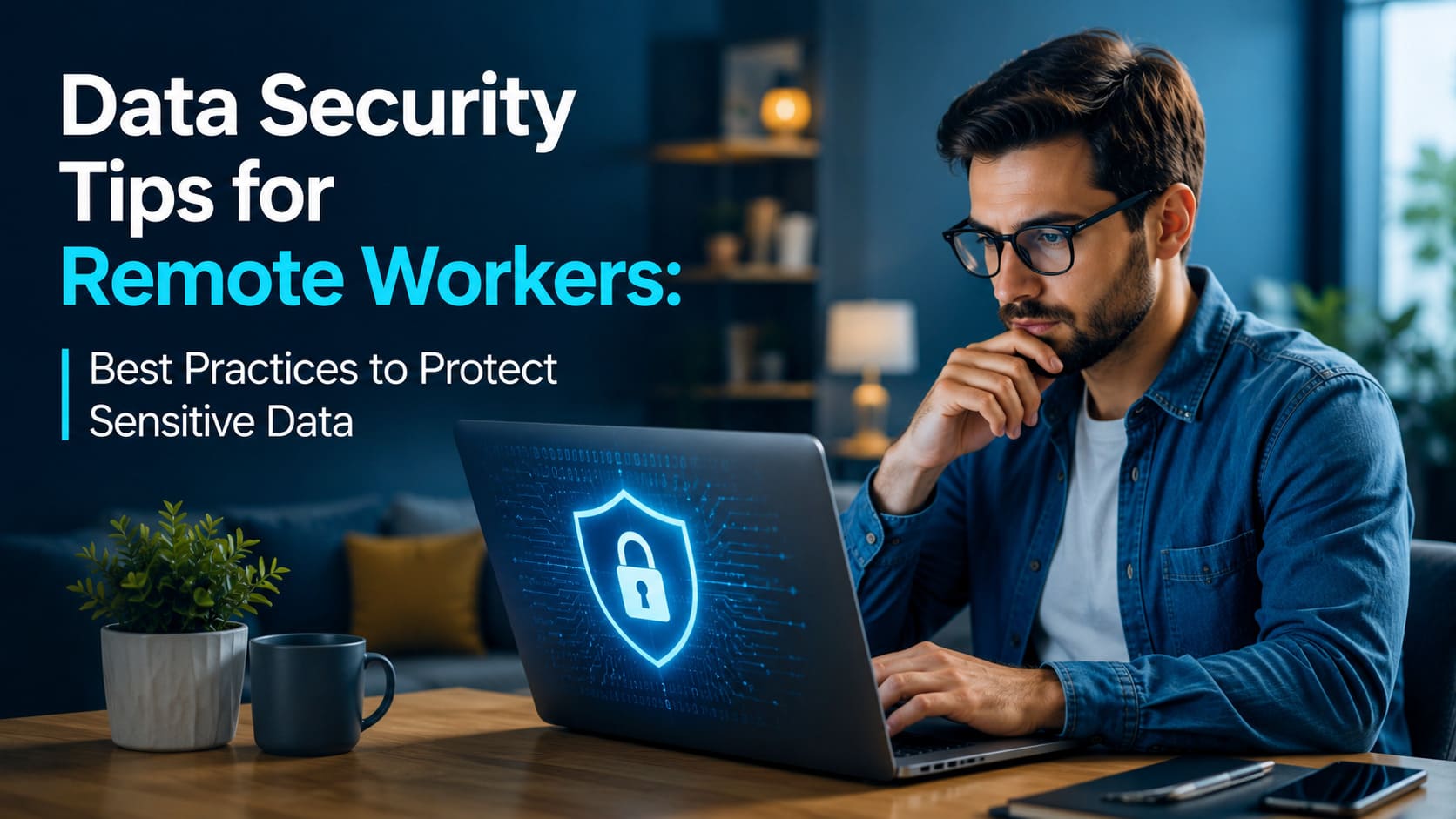
Data Security Tips for Remote Workers are essential for protecting sensitive business information in today's hybrid and work-from-home environments. As cyber threats continue to evolve, remote employees must adopt strong cybersecurity practices to safeguard company data, devices, and online communications.
Remote work has transformed the modern workplace, giving employees greater flexibility and enabling businesses to reduce operational costs. However, this shift has also expanded the cybersecurity risks organizations face. Remote employees frequently access company data from home networks, public Wi-Fi, personal devices, and shared workspaces, creating more opportunities for cybercriminals to exploit vulnerabilities. A single security lapse can lead to data breaches, financial losses, and reputational damage. Fortunately, most security incidents can be prevented by following a few essential best practices. This guide covers practical data security tips every remote worker should follow to protect sensitive business information, maintain compliance, and work confidently from anywhere.
1. Turn on a VPN when connecting to a public network
As a remote worker, you might not want to stay at home all the time. Many work-from-home employees become digital nomads, traveling around the world and exploring various cultures when they’re free. This means you might have to operate from coffee shops, co-working spaces, and other places without a private Wi-Fi network.
Unfortunately, these connections are not secure. When many people connect to one network without a password, it creates the perfect space for a hacker to infiltrate private information and steal data. So, always turn on the best VPN available to encrypt your network when using public Wi-Fi. This tool turns all the data you share and receive into code, and it becomes impossible to understand unless you are authorized to do so. For hackers, this data is obsolete.
2. Create Strong Passwords
What if the hacker gets your login information and wants to log into your accounts to steal the company’s data? A strong password can deter them. Long, complex, and unique passwords for every account are the main line of defense against bad actors, as they are impossible to guess. And even if they get one code right, they won’t be able to use it as login information for other accounts. Always include numbers and symbols in the passwords you create.
3. Keep Your Devices and Software Updated
Many of us disregard regular updates, thinking that they’re not important. However, all updates for apps, operating systems, and software alike can carry safety patches. This means the creator of the software stays up-to-date with the latest hacker tricks and tries to protect users against those prevalent breaches. When possible, turn on auto-updates and always check if new ones are available.
4. Encrypt Your Devices
Sometimes, you might lose your devices or even have them stolen while working from coffee shops and traveling. Buying a new phone or laptop might not be a problem. Yet, letting someone get away with all of your login details, sensitive financial data, customer contacts, and company information is a huge issue. If it gets into the wrong hands, the consequences can be terrible.
In this case, the criminal won’t be able to do anything if your devices are encrypted. Even if they go missing, the data stored on the laptop and phone won’t be accessible to those unauthorized to view it. You can either set up a complex password or use hardware security keys, such as a USB drive or a wireless NFC tag, which works like a barcode you can track.
5. Turn On Multi-Factor Authentication
After setting up complex passwords to protect your devices and accounts, consider turning on multi-factor authentication(MFA), or MFA for short. It adds another layer of security for you as a remote worker. You will have to verify your identity every time you log in by receiving a code to
your email or phone number, meaning that random people won’t be able to log in without having access to those measures.
6. Use Mobile Connection Instead of Public Wi-Fi
If you occasionally prefer working while traveling or go to co-working spaces, you can completely avoid public Wi-Fi and unnecessary data exposure. In situations like these, mobile networks are a lot more secure. Just set up an encrypted hotspot and connect from your laptop, and you’re online.
eSIMs work best especially when you’re traveling across destinations, since they don’t require you to change SIM cards based on your location. You can just choose a suitable plan, and it’ll connect automatically once you arrive. eSIM plans are often cheaper as well.
7. Stay Aware of Phishing Tactics
Despite existing for years, phishing remains an effective hacker tactic to collect sensitive information. Bad actors have moved on from sending emails by a “Nigerian Prince” asking for help to parodying big retailers and streaming services. And now, with the introduction of generative AI into the mix, they can even call you and imitate your boss perfectly.
How do you understand it’s a scam? Always check the email address and phone number of the sender or caller. Ensure that it’s the one the company actually uses. If the person is rushing you, trying to make you panic, and asking for drastic measures, contact the relevant department and check if the request is actually coming from them. Whenever you receive emails, always check their authenticity before and stay aware of potential phishing tactics.
8. Share Files Safely
The security of the data also depends on who you share it with and how. Online drives and cloud storage are convenient for remote workers, and they are commonly safer than sending files through email. Yet, only authorized employees should have access to certain materials, meaning that not everyone will be able to view data stored on the drive freely.
Define who can view and edit the documents, hide certain folders from teams who don’t need them, and protect sensitive data with passwords. Turn off public sharing and regularly check the settings. When the file is no longer needed, delete it.Staying Safe and Professional as a Remote Worker.
Working from home is a great option for people who don’t want to commute to the office, but it also introduces certain data safety challenges. By following the tips above, remote workers can keep the company’s sensitive data away from hackers and unauthorized personnel.
Conclusion
Data security is no longer just the responsibility of an organization's IT department it is a shared responsibility for every remote employee. From using VPNs and enabling multi-factor authentication to recognizing phishing attempts and securely sharing files, these simple yet effective practices significantly reduce cybersecurity risks. Organizations should also support remote teams with secure collaboration tools, regular security awareness training, and clear cybersecurity policies. By combining secure technology with responsible user behavior, businesses can create a safe remote work environment while maintaining productivity, compliance, and customer trust.
FAQs
1. Why is data security important for remote workers?
Remote workers often access company systems from different locations and networks, increasing the risk of cyberattacks and unauthorized access. Strong security practices protect sensitive business information, customer data, and company resources from threats such as phishing, malware, and data breaches. Following cybersecurity best practices also helps organizations meet compliance requirements and maintain customer trust.
2. Is using public Wi-Fi safe for remote work?
Public Wi-Fi is generally not considered secure because hackers can intercept unencrypted data transmitted over shared networks. If you must use public Wi-Fi, always connect through a trusted VPN to encrypt your internet traffic. Alternatively, using a personal mobile hotspot or an encrypted eSIM-based data connection provides a much safer way to access company resources.
3. What is Multi-Factor Authentication (MFA), and why should I enable it?
Multi-Factor Authentication (MFA) adds an extra layer of protection by requiring users to verify their identity using two or more authentication methods, such as a password and a one-time verification code. Even if a password is compromised, MFA makes it significantly harder for attackers to gain unauthorized access to business accounts and sensitive information.
4. How can remote employees securely share confidential files?
Remote employees should use secure cloud storage or enterprise file-sharing platforms that offer encryption and access controls. File permissions should be limited to authorized users, public sharing should be disabled whenever possible, and sensitive documents should be password-protected. Regularly reviewing access permissions and removing outdated files further strengthens data security.
5. What are the most common cybersecurity threats faced by remote workers?
The most common threats include phishing emails, ransomware, malware, weak passwords, unsecured public Wi-Fi, outdated software, and unauthorized access to company devices. Staying alert, keeping software updated, using strong passwords, enabling MFA, and using secure communication and collaboration tools can significantly reduce the risk of these attacks.