Connect with us
7 Content Calendar Tools For B2B Teams That Actually Ship (2026)
A two-person B2B content team can start with a spreadsheet. Add a few more people, several stakeholders, multiple social channels, and a steady stream of campaigns, and the spreadsheet quickly stops being a planning tool and becomes a communication problem.
One person drafts a post in Google Docs. Someone else leaves feedback in Slack. An executive sends an approval request by email. The designer has a different version of the asset. The social media manager updates the spreadsheet, but nobody is completely sure which version is final.
The problem is not the calendar itself. It is the lack of a shared workflow.
For B2B teams, a content calendar can function as more than a publishing schedule. It can become a central workspace where people see what is being produced, who owns each task, what needs review, what has already been approved, and what is scheduled to go live.
That makes collaboration one of the most important criteria when choosing content calendar software.
For most B2B teams, Planable stands out because it combines planning, comments, review, approval, and publishing in one workflow. But it is not the only option. Loomly focuses on accessible approval workflows, CoSchedule connects social content with broader marketing campaigns, Buffer keeps scheduling simple, Agorapulse connects publishing with social conversations, SocialPilot bundles users and accounts for agencies, and Notion offers a highly customizable planning workspace.
The right choice depends less on the number of features and more on how your team actually works together.
How I judged them: the production workflow, not the feature list
Feature comparisons rarely explain how a tool changes the way a team works. A better test is to follow a typical B2B content workflow from beginning to end:
- Plan upcoming content.
- Assign ownership.
- Create and attach assets.
- Collect feedback.
- Resolve revisions.
- Approve the final version.
- Schedule publication.
- Review performance.
Each stage creates opportunities for communication problems.
If the copywriter does not know who is reviewing the post, work stops. If feedback is scattered across Slack and email, revisions become difficult to track. If approval happens verbally, the team has no reliable record of who signed off. If the calendar does not show ownership, tasks can fall between team members.
This is why collaboration and project management deserve as much attention as scheduling when evaluating content calendar tools.
A useful content calendar should give everyone a shared view of the work without forcing the team to maintain several disconnected systems.
Tools | Best for (B2B) | Calendar + approval | Starting price | Standout |
Planable | Teams that want the calendar to be where approval happens | Calendar plus 3 more views; approval optional, required, or multi-level | from $33/workspace/mo (billed annually; $39 month-to-month) | Real-time comments and annotations on the post itself |
Loomly | Small B2B teams that need approvals without upgrading | Calendar; approval on the entry plan | $49/mo billed annually ($65 month-to-month), flat | Approvals and comments on the starter plan |
CoSchedule | Teams planning social next to blog and campaigns | Calendar; approvals from the Agency tier | Free plan; $19/user/mo billed annually | One calendar across social, blog, and campaigns |
Buffer | A lean team scheduling a few channels | Calendar; approval on the Team tier | Free plan; $5/mo per channel | Per-channel pricing keeps a small calendar cheap |
Agorapulse | Teams that live in the social inbox | Calendar; single-step approval, multi-step on Enterprise | $79/user/mo (billed annually; $99 month-to-month) | Post assignments and inbox next to the calendar |
SocialPilot | Teams that want approvals bundled, not per seat | Calendar; approvals from the Standard plan | $17/mo billed annually ($20 month-to-month) | Bundles accounts and users, not pure per-seat |
Notion | Teams that only need a planning canvas | Custom calendar database; no native approval | Free plan; Plus $10/member/mo |
The 7 content calendar tools, ranked
1. Planable
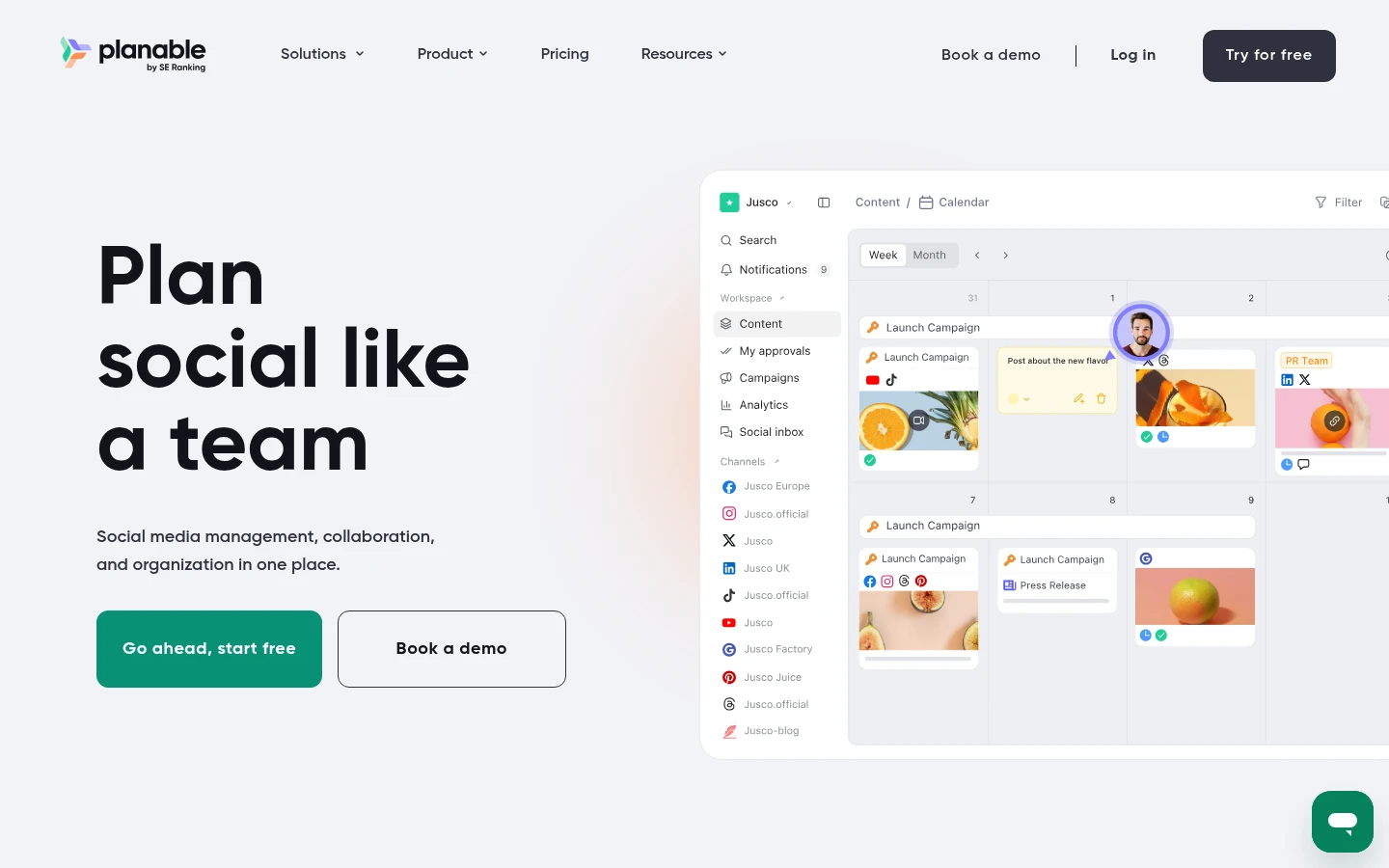
Planable tool is a social media management tool built around review and approval, with the content calendar one of four views alongside feed, grid, and list.
Best for: B2B teams where executive LinkedIn posts and employee advocacy need a second set of eyes from product marketing, execs, or legal before anything goes live.
Standout: The approval and collaboration workflow lets you set approval to none, optional, required, or multi-level. Required approval means nothing reaches a publishing queue unvetted. Comments, annotations, and text suggestions land on the post itself, so feedback stops scattering across Slack and email.
Pros:
Enforce review levels so nothing publishes unvetted (required on Pro and up, multi-level on Enterprise).
Keep feedback on the post through comments, annotations, and suggestions.
Publish to nine platforms including LinkedIn, Instagram, TikTok, YouTube, and Google Business Profile.
Report on both paid and organic performance once analytics is switched on.
Cons:
Analytics and the social inbox are paid add-ons.
Offers little to a solo operator, since the approval layer assumes a team.
Handles video less flexibly than dedicated video tools.
Pricing: From $33/workspace/mo (billed annually; $39 month-to-month); Pro $49/workspace/mo (billed annually; $59 month-to-month).
The scoreboard says: B2B social has two halves. Approvals protect the brand half by keeping unvetted posts off the queue, and analytics across paid and organic feeds the pipeline half of your reporting. Planable is the rare tool that covers both from inside the calendar.
2. Loomly
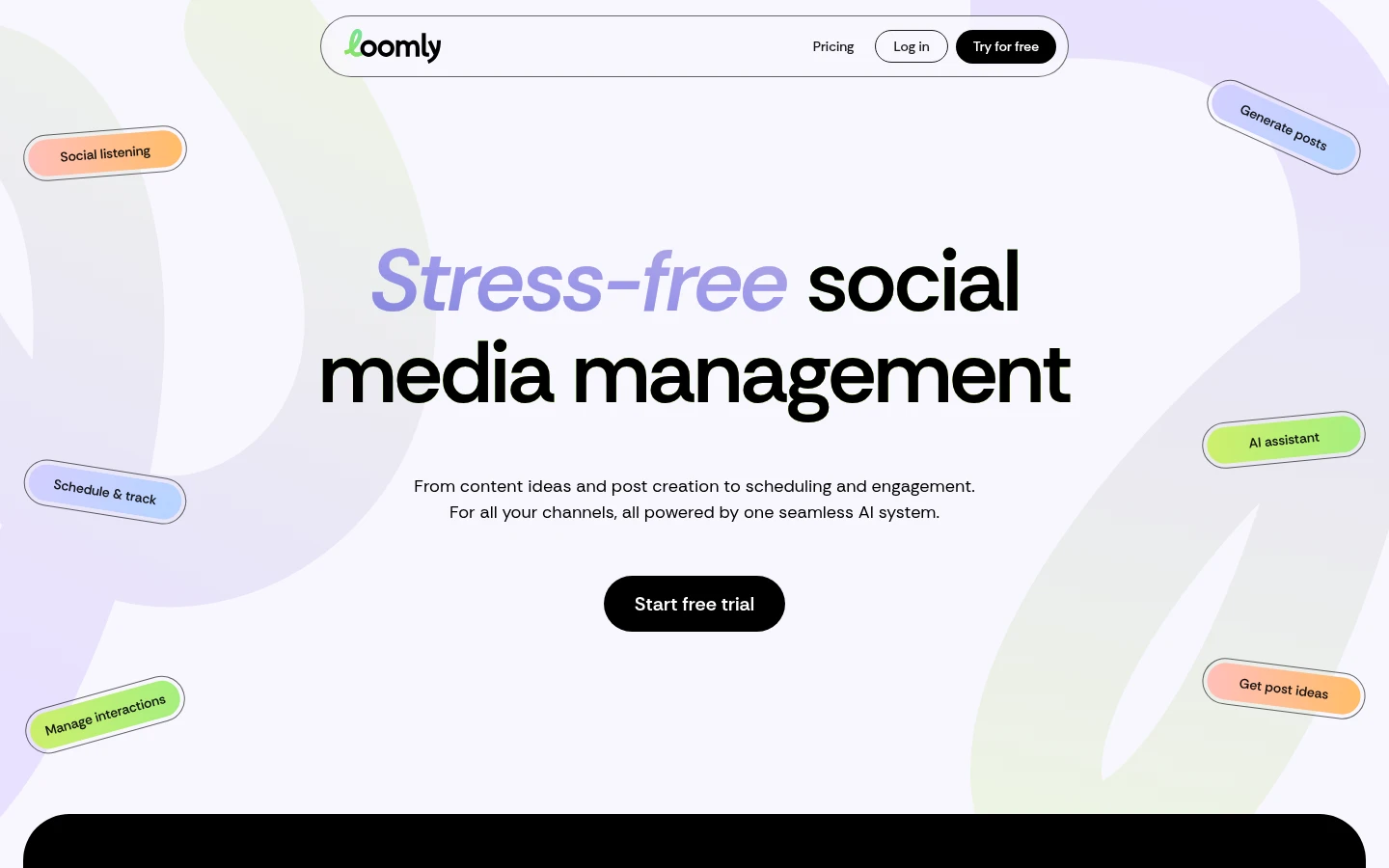
Loomly is a content calendar tool that puts real approvals and collaboration on its lowest paid tier, not just its enterprise plans.
Best for: a lean B2B team that wants genuine approval workflows without an enterprise contract.
Standout: Approvals and post-level comments arrive on the entry Starter plan, which is unusual, since most tools reserve genuine review for higher tiers. You get the calendar, approvals, and collaboration together on the cheapest paid plan, covering 12 social accounts and 3 users.
Pros:
Get approvals and collaboration on the entry plan.
Manage 12 social accounts and 3 users on a flat rate.
Test it on a free trial first.
Cons:
Jumps hard from Starter at $49 to Beyond at $249, with nothing between.
Offers no permanent free plan.
Pricing: Starter $49/mo billed annually ($65 month-to-month); the next tier, Beyond, is $249/mo.
My read: If your buying committee needs real review without an enterprise deal, Starter earns a look. Map your growth first, because the leap to Beyond is steep.
3. CoSchedule
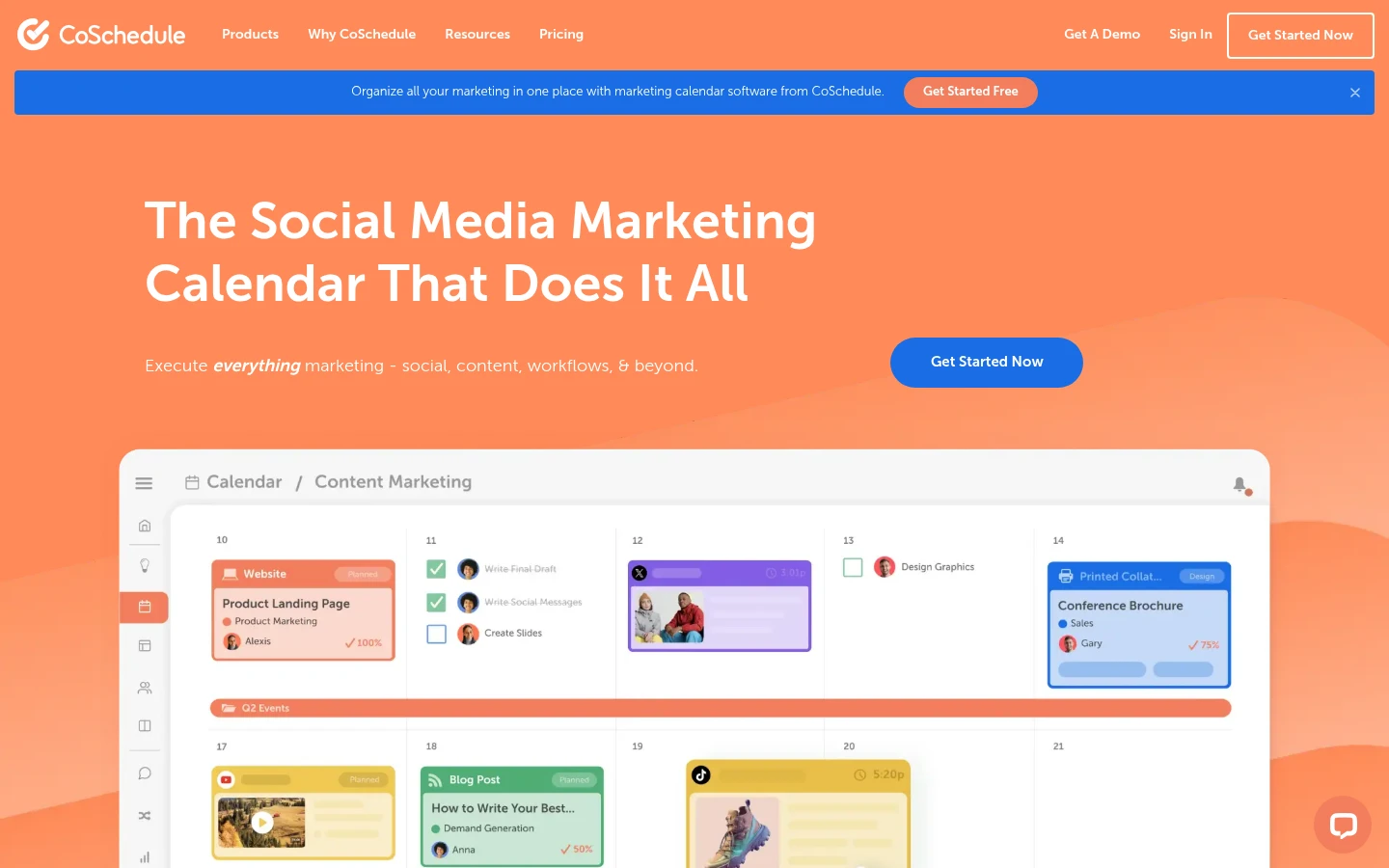
CoSchedule is a marketing calendar tool that pulls social posts, blog content, and campaigns onto one shared calendar instead of separate trackers.
Best for: B2B teams coordinating social alongside blog posts and larger campaigns on one calendar.
Standout: One calendar spans social, blog, and campaigns, so your posts sit next to the content and launches they support rather than in a silo. Drag-and-drop scheduling runs on every tier, with Kanban and table views higher up.
Pros:
See social, blog, and campaigns together on one calendar.
Rearrange scheduling by drag-and-drop on every tier.
Start free with 1 user and 15 scheduled messages.
Cons:
The real content-calendar tier is quote-only, with no published price.
Approvals are gated to the Agency tier ($59/user/mo), and pricing is per user.
Pricing: Free Calendar plan for 1 user; Social Calendar $19/user/mo billed annually ($29 month-to-month); broader tier quote-only.
Where it lands: Reach for CoSchedule when social is one lane in a wider content operation, not the whole road. Just know the tier you probably want is quote-only.
4. Buffer
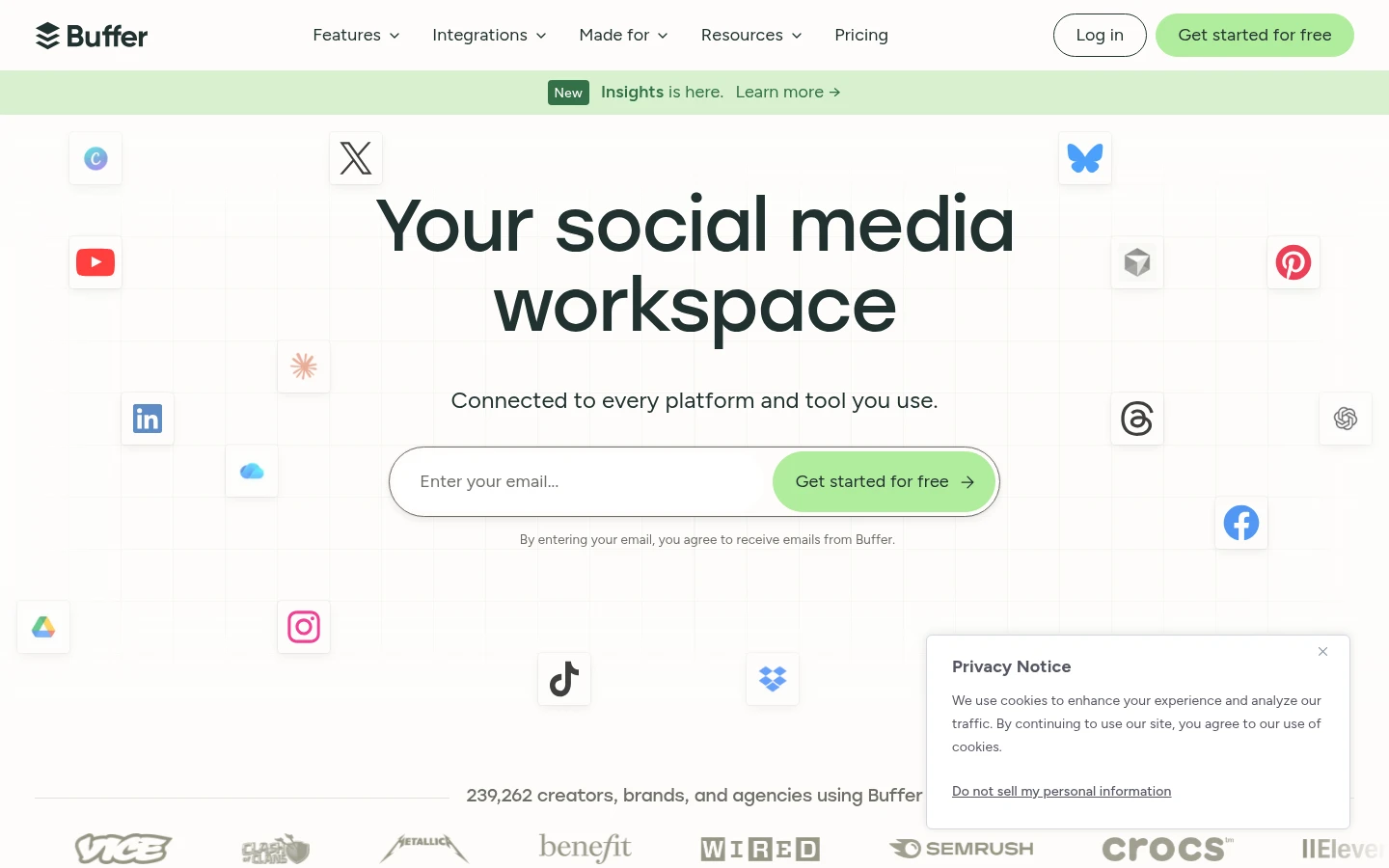
Buffer is the calm, uncluttered scheduler that puts planning first and treats every heavier feature as a deliberate add-on.
Best for: a lean B2B team scheduling a handful of channels that wants planning solid before it pays for workflow.
Standout: Per-channel pricing is the honest hook: you pay for what you run, so a tight three-channel setup stays cheap, and the Team plan adds unlimited members with no seat tax. The visual calendar lives on every tier.
Pros:
Pay per channel, so a small footprint keeps the bill proportional.
Add unlimited members on Team without seat math.
Plan on the visual calendar from the free tier up.
Cons:
Locks approval and custom permissions inside the top Team tier.
Scales awkwardly once you run many accounts.
Pricing: Free for 3 channels; Essentials $5/mo per channel; Team $10/mo per channel.
My read: Buffer keeps a small calendar tidy and quick to run, but there is no real approval until you climb tiers. Right for planners, wrong for teams that live on sign-off.
5. Agorapulse
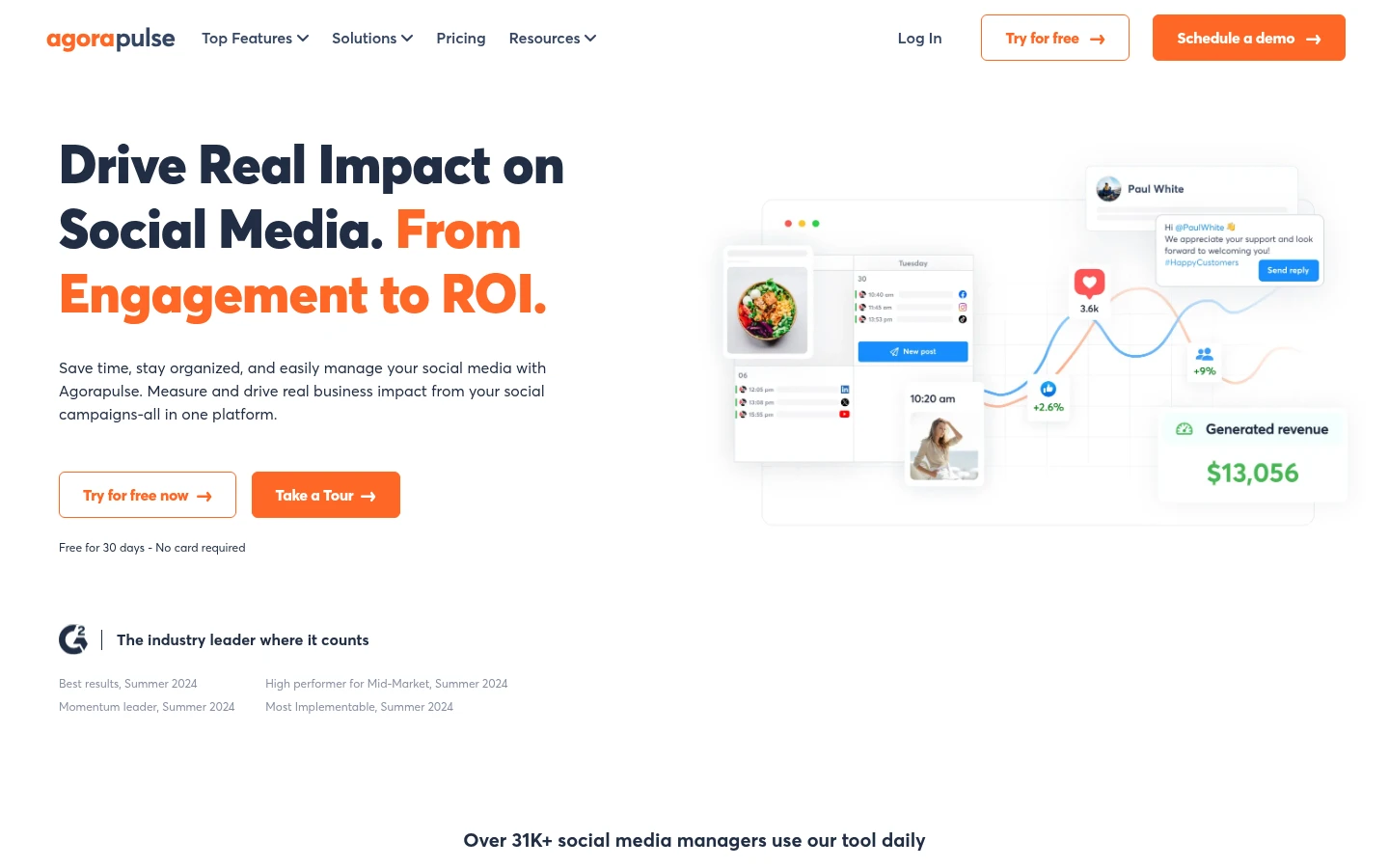
Agorapulse builds the operation around a unified inbox, then hangs the calendar off it so publishing and replies share one room.
Best for: B2B teams whose day runs through the social inbox and want the calendar attached to it.
Standout: Collaboration is organized around one inbox plus calendar. Post assignments, internal approval, and conversations sit in the same place, so nothing lives in a separate tab. For teams that treat inbound as the job, that consolidation is the product, not a bonus.
Pros:
Route every message through a strong unified inbox.
Assign posts and run internal approval in one workspace.
Get the calendar on every tier, and a 30-day trial.
Cons:
Multi-step approval is reserved for Custom and Enterprise.
Per-user pricing is steep, with no free plan.
Pricing: Standard $79/user/mo billed annually ($99 month-to-month), 10 profiles, no free plan.
Where it lands: For reply-heavy teams, the inbox-led calendar is a genuine standout. Just budget for the per-user price and the enterprise gate on layered approval.
6. SocialPilot

SocialPilot bundles accounts and seats together instead of charging pure per-seat, aimed squarely at agencies running many B2B clients.
Best for: agencies serving B2B clients that want approvals bundled into the plan, not billed by the seat.
Standout: Bundling is the move. Accounts and users come packaged rather than metered one seat at a time, so a three-person team with approvals turned on lands around $40/mo. Calendar and team comments sit on every tier.
Pros:
Bundle accounts and users instead of paying by the seat.
Turn on internal approval from the Standard tier.
Comment and plan on the calendar across every tier.
Cons:
Internal approval needs Standard and client approval needs Premium.
No free tier, only a 14-day trial.
Pricing: Essentials $17/mo billed annually ($20 month-to-month); Standard $40/mo for 3 users; Premium $100/mo adds client approval and white label.
The honest read: For a small agency pod, the bundled pricing stays efficient and easy to staff. Full client-facing delivery costs the top plan, which is a fair trade for most shops.
7. Notion

Notion is not a publisher, it is the planning canvas: a database you shape into exactly the calendar your team keeps arguing about.
Best for: B2B teams that only need a flexible planning surface and publish through something else.
Standout: The strength is a fully custom calendar database, with status, owner, channel, campaign, and asset fields, plus board, table, and calendar views off the same records. It is the most flexible planning surface here and stays cheap for a small team.
Pros:
Shape the calendar database around your real fields and stages.
Switch between calendar, board, and table views on one dataset.
Start free and stay light while a small team grows.
Cons:
Publishes nothing natively and runs no real approval flow.
Genuine permission control sits behind the Business tier.
Pricing: Free plan; Plus $10/member/mo; Business $20/member/mo (roughly 20% off annual).
My read: Nothing here beats Notion for shaping a calendar exactly how you think, but it schedules and approves nothing. Pair it with a real publisher and it earns its place. Moreover, you can easily pair it with ChatGPT MCP for SEO.
What matters most when choosing a content calendar for a team
The biggest difference between these tools is not the number of social networks they support. It is how much communication they can move out of disconnected channels. A useful team-oriented content calendar should answer five questions immediately:
1. Who owns this?
Every piece of content needs a clearly defined owner. Without ownership, a calendar can show dozens of tasks while nobody is responsible for moving them forward.
2. What stage is it in?
A post scheduled for next Thursday is not necessarily ready. Teams need to distinguish between ideas, drafts, content under review, approved content, and scheduled content.
3. Who needs to act next?
This is where project management becomes important. A good workflow should make it obvious whether the next step belongs to the writer, editor, designer, manager, executive, client, or social media specialist.
4. What feedback has already been given?
Comments scattered between email, Slack, and documents create version-control problems. Keeping feedback close to the content reduces the risk of someone working from an outdated instruction.
5. Has the content actually been approved?
Approval should be a visible state rather than something the team has to reconstruct from conversations. This becomes particularly important for B2B companies where content may require review from executives, product teams, legal teams, or clients.
How to turn a content calendar into a collaboration system
A calendar becomes much more useful when the team agrees on a simple workflow before configuring the software. A practical B2B workflow can look like this:
- Planning. The team decides what topics, campaigns, and channels need coverage.
- Assignment. Each content item receives an owner and a deadline.
- Production. The writer, designer, or other contributor creates the required materials.
- Internal review. The appropriate team member checks the content and leaves feedback.
- Revision. The owner addresses the comments and submits the updated version.
- Approval. The designated reviewer gives final approval.
- Scheduling. The social media manager schedules the approved content.
- Reporting. The team reviews the results and uses them to inform future planning.
The important part is that the workflow has clear transitions. A content calendar should not merely tell people what is happening. It should help them understand what happens next.
FAQ's
1. What should a B2B social media content calendar include?
A B2B social media content calendar should include essential details such as the content topic, channel, assets, owner, status, reviewer, approval stage, campaign, and publishing date. It can also include production deadlines for writing, design, review, and approval to make responsibilities clearer. Tracking the target audience, content objective, and performance metrics can help teams understand why each post is being created and how its results should be evaluated. A well-structured calendar gives everyone a shared view of upcoming content while reducing confusion around ownership, revisions, approvals, and publishing.
2. Why are collaboration features important in a content calendar?
Collaboration features are important because B2B content often involves multiple people, including writers, designers, editors, managers, executives, clients, and social media specialists. Without a shared workflow, feedback can become scattered across email, Slack, documents, and spreadsheets, making revisions difficult to track. Collaboration-focused content calendar tools keep comments, approvals, ownership, and content status closer to the actual post. This gives team members a clearer understanding of what needs to happen next and reduces the risk of working from outdated instructions or publishing content before the appropriate person has approved it.
3. How can a content calendar improve B2B content workflows?
A content calendar can improve B2B workflows by giving the team a shared system for planning, assigning, producing, reviewing, approving, scheduling, and reporting on content. Instead of treating the calendar as only a publishing schedule, teams can use it to track ownership and the current stage of every content item. A structured workflow can show whether a post is still being drafted, under review, awaiting revisions, approved, or ready for scheduling. This makes transitions between team members clearer and helps prevent tasks from being overlooked or delayed during production.
4. What is the difference between a content calendar and a content collaboration system?
A basic content calendar primarily shows what content is planned and when it will be published. A content collaboration system goes further by connecting planning with ownership, production, feedback, revisions, approvals, scheduling, and reporting. This distinction matters for B2B teams because content often passes through several people before publication. A collaboration-focused system can make the responsible owner, current status, reviewer, and approval stage visible in one place. It can also keep feedback connected to the content itself, reducing communication gaps that commonly occur when teams rely on separate spreadsheets, email threads, documents, and messaging platforms.
5. How should B2B teams choose a content calendar tool?
B2B teams should choose a content calendar tool based on how their actual production workflow operates rather than simply comparing the number of features. Consider whether the tool supports ownership, content stages, feedback, approvals, scheduling, and reporting. Teams should also consider the number of users, social channels, campaigns, clients, and stakeholders involved. For example, some tools emphasize approval and collaboration, while others focus on scheduling, broader marketing calendars, social inboxes, agency workflows, or customizable planning. The most suitable option depends on which workflow requirements the team needs the software to support.