Connect with us
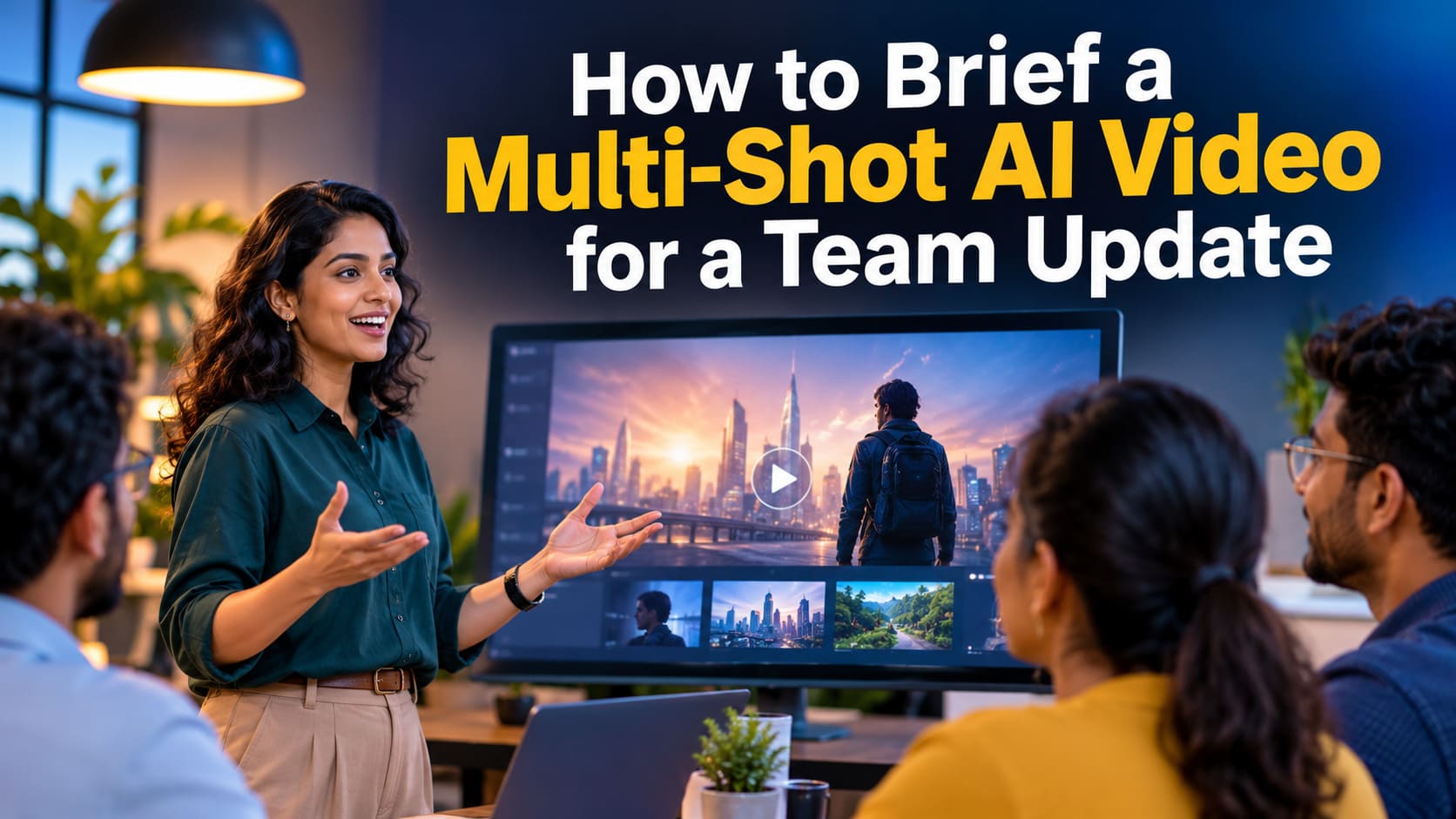
How to Brief a Multi-Shot AI Video for a Team Update
Most short internal videos are a few shots in a row. A wide of the workspace, a close-up of the product, then someone saying one line. Coming up with a style is rarely the hard part. The work is in writing a brief a model can follow, choosing a length and a resolution, and knowing what it will cost before you press generate.
Alibaba's WAN 3.0 video model makes a good example because those controls are written down. On PixelDojo it turns a text prompt, or your own images, video and audio, into clips from 2 to 30 seconds, with sound generated in the same pass. Resolutions run from 480p up to 4K. Those figures come from PixelDojo's WAN 3.0 page, which also publishes the example prompts behind the clips shown there.
This isn't a lab review, and it isn't an argument that a generated clip should stand in for a real recording of your team. It's a walk through the inputs that page documents, so a comms or product team can brief the model the way it would brief any other tool.
Write the prompt like a shot note, not a slogan
The WAN 3.0 page says to lead with shot size and camera move, then one subject, one action, the light, the lens and the sound you want. Add "one continuous take" if you want an unbroken shot. That reads more like a camera instruction than a pile of style keywords.
For a longer scene, the page asks you to name each shot, give it a time range, and say what should stay the same from one shot to the next. One of its own examples is a 20 second night-market sequence in three shots: a wide of the stall in the rain, a slow-motion close-up of the wok, then the same cook serving a plate. The prompt tells the model to keep the cook, the stall and the rain consistent. That's the vendor's example, so run your own subject the same way and check whether the continuity holds. In a team update the subject is more likely a product on a desk, but the habit carries over: name the shots, time them, and lock whatever must not change.
Sound comes out of the same pass. According to the page, every clip gets its own soundtrack, including a spoken line if the prompt writes one, and sound is included in the price. If a line of dialogue matters, write it into the prompt. Don't count on the model inventing a useful track by itself, and don't present a generated speaker as a real employee.
Pick length and resolution on purpose
Clips can be any length from 2 to 30 seconds, or you can let the model decide. The page's guidance is practical: 480p for quick social loops, 720p for everyday work, 1080p for hero shots, and 2K or 4K when you need detail on a big screen.
Credits are charged per second. Here are the rates on that page, which it describes as list prices from the WAN 3.0 tool on 17 November 2026, with sound included:
- 1.5 credits a second at 480p
- 2 credits a second at 720p
- 3 credits a second at 1080p or 2K
- 6 credits a second at 4K
- Fast mode at 3 credits a second, at 720p, for a quicker turnaround
A 5 second clip at 720p is 10 credits. The model page lists that as $0.63, which lines up with Lite pricing of 6.25 cents a credit on PixelDojo's pricing page. The same 5 second clip at 1080p is 15 credits, or $0.94 on Lite. At 4K, 5 seconds is 30 credits, or $1.88 on Lite. Reference images and reference audio are included in those rates. Reference video is different: the page says those seconds count at the output rate, so a video reference isn't a free extra.
Fast mode is only described at 720p. If the job needs 1080p or 4K, budget for the standard rate, not the fast one.
Use references as locks, not as decoration
WAN 3.0 accepts up to 10 images, 5 videos or 5 audio clips. The page frames these as a way to lock a character, copy a camera move or set a voice. For a team that already has product photos or a short screen recording, this is the most useful part of the brief. Say what each reference is, and say what has to stay the same.
You can also start from a first frame, or from text alone. The same page says WAN 3.0 runs in the browser on PixelDojo or through the PixelDojo API, so a team that already generates stills in code can keep video on the same credit balance. PixelDojo's pricing page says API and MCP calls spend the same credits as the web app.
What a month of credits actually buys
WAN 3.0 is included in every PixelDojo plan, from $10 a month, and credits roll over while you stay subscribed. The plans are Lite at $10 for 160 credits, Pro at $25 for 500 and Pro Max at $50 for 1,100. On the $25 plan, 500 credits cover 50 clips if each one is 5 seconds at 720p with audio. The same plan covers about 33 of those clips at 1080p (15 credits each) and 16 at 4K (30 credits each). Longer clips shrink those numbers fast.
A free PixelDojo account gets three photo or video effects a day, with a small watermark. That isn't the same thing as free WAN 3.0 renders. The model page is clear about it: WAN 3.0 starts with the paid plans, and a 5 second clip at 720p is 10 credits.
Rights, labeling and a clean first experiment
The model FAQ says "you own what you make." PixelDojo's terms, version 6, effective 4 November 2026, are narrower. The company assigns you whatever rights it holds in the output. It doesn't promise the result is unique or free of other people's rights, and you are responsible for how you use it. Where a platform or the law requires you to label synthetic media you publish, you must label it. Even internally, mark a generated clip as generated, so nobody files it as footage of a real person or place.
A simple first test is one 5 second clip at 720p, then the same brief at 1080p, using your own product or a scene that is clearly imaginary. If you need several shots, write the time ranges and continuity notes into the prompt before you raise the resolution. PixelDojo shows the credit cost before you run it, which is the main reason to treat the model as a tool with a budget rather than a camera you wave around.
The model won't replace a shot list, an edit, or the call on when a real recording is needed. With a written brief, though, a team can budget length and resolution ahead of time and save the expensive seconds for the take it actually plans to keep.
Conclusion
Creating a successful multi-shot AI video starts with a clear brief, not just a creative prompt. Alibaba's WAN 3.0 gives teams flexibility over shot sequences, duration, resolution, reference assets and audio, but each choice affects the final output and production cost. By defining scenes, maintaining visual continuity and selecting suitable quality settings, teams can avoid unnecessary generations and manage credits effectively. For internal updates, starting with a short 720p test is a practical way to evaluate results before investing in longer or higher-resolution videos.
Frequently Asked Questions
1. What is a multi-shot AI video?
A multi-shot AI video combines several scenes or camera angles into one video, such as a workspace overview, product close-up and presenter segment.
2. How long can WAN 3.0 videos be?
WAN 3.0 supports video generation from 2 to 30 seconds, allowing teams to create short clips or longer sequences.
3. Which resolution is best for team update videos?
720p is suitable for everyday internal communication, while 1080p works better for polished presentations and larger displays.
4. Does WAN 3.0 generate audio automatically?
Yes. WAN 3.0 generates sound alongside video, including soundtracks and spoken dialogue when specified in the prompt.
5. How can teams reduce AI video generation costs?
Teams can control costs by starting with shorter clips, choosing appropriate resolutions, writing detailed prompts and checking credit requirements before generating.