Connect with us
10 Best Chat Apps to Keep Your Workplace Connected and Collaborative
Workplace communication has evolved beyond basic messaging. Modern organizations need secure, real-time collaboration tools that support instant communication, file sharing, voice and video meetings, and team productivity across office, remote, and hybrid work environments. A reliable team communication platform helps employees stay connected while simplifying collaboration and improving workflow efficiency.
This guide explores the 10 best chat apps for workplace communication, highlighting their key features, strengths, and ideal use cases. It also explains the essential features businesses should look for when selecting a workplace chat application and how the right solution can improve collaboration, productivity, and everyday communication.
According to McKinsey & Company, organizations using digital collaboration technologies can improve productivity by 20–25% through better communication and knowledge sharing. As remote and hybrid work continue to grow, workplace chat applications have become essential for improving collaboration and operational efficiency.
Here is a closer look at the 10 best chat apps for keeping your workplace connected and collaborative:
1. Troop Messenger
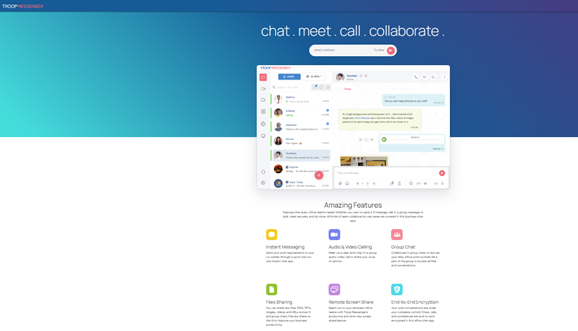
Troop Messenger is an office chat app designed for security and efficiency in communication.
Features
- Group chats, video calls, and live chats.
- High-level encryption to ensure the security of data.
- On-premise and cloud hosting.
Why Troop Messenger?
It's ideal for enterprises that seek security at the cost of nothing.
2. Slack
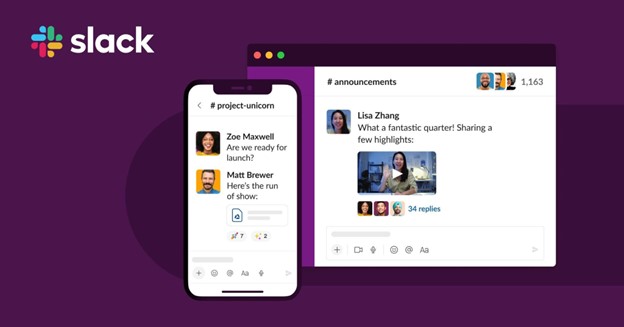
Slack is one of the most used workplace chat applications, known for its easy-to-use interface and versatile features.
Features
- Organized conversations within channels.
- Integration with more than 2,000 tools, including Google Drive and Trello.
- The powerful searching function retrieves old messages and files.
Why Select Slack?
It's the ideal team collaboration app because it offers everything from group chats to project management tools.
3. Microsoft Teams
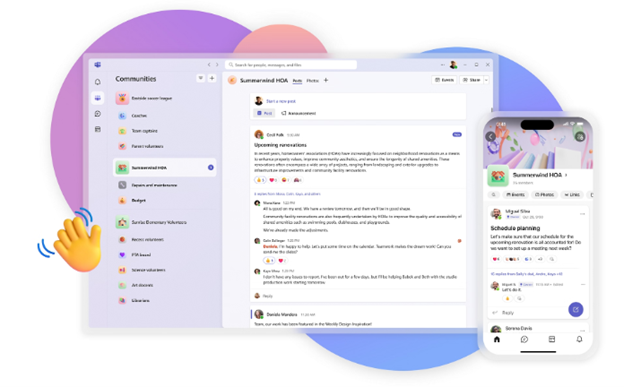
A leading team collaboration chat app, Microsoft Teams is a solid communication and productivity tool.
Features
- Seamless integration with Microsoft Office tools, including Word, Excel, and SharePoint.
- Video conferencing of up to 1,000 participants.
- Customisable tabs for apps and workflows.
Why Choose Microsoft Teams?
For organizations already using the Microsoft ecosystem.
4. Google Chat
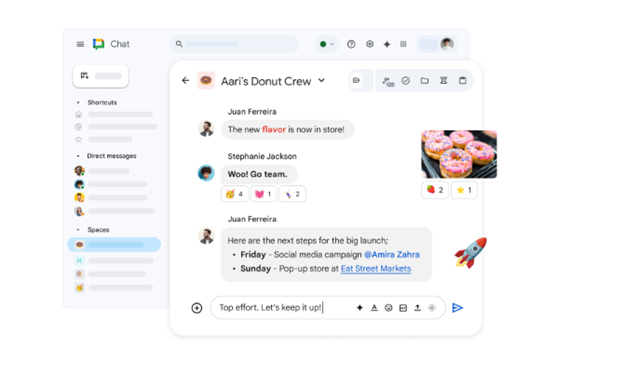
An app that's part of Google Workspace, it is perfect for businesses that heavily rely on Google's suite of tools.
Features
- Threaded conversations to organize more effectively.
- Video chat apps integrated with Google Meet.
- Collaboration on Docs, Sheets, and Slides in real-time.
Why Google Chat?
Best for teams already on Google Workspace.
5. Zoom Team Chat
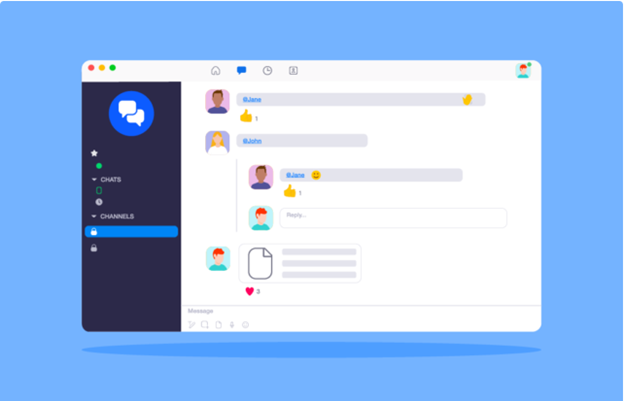
Zoom is not just about video calls; its team collaboration chat app is equally powerful.
Features
- Persistent messaging across devices.
- File sharing and searchable message history.
- Integration with Zoom's video conferencing capabilities.
Why Zoom Team Chat?
A seamless choice for teams that rely on Zoom for meetings and webinars.
6. Flock
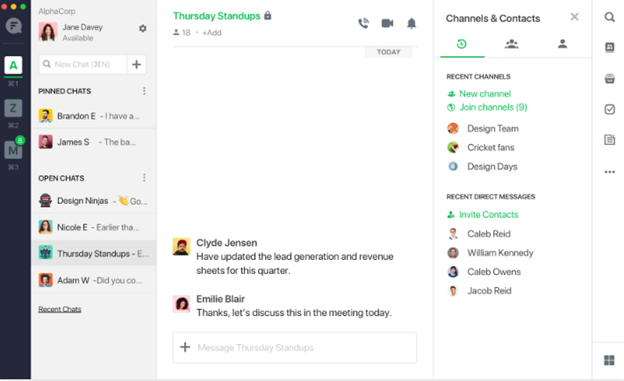
Flock is one of the best free chat apps for small to medium-sized teams.
Features
- Shared to-do lists and reminders.
- Integration with apps like Google Calendar and Mailchimp.
- Real-time polls for team feedback.
Why Choose Flock?
Its affordability and ease of use make it a favourite for startups and small teams.
7. Cisco Webex
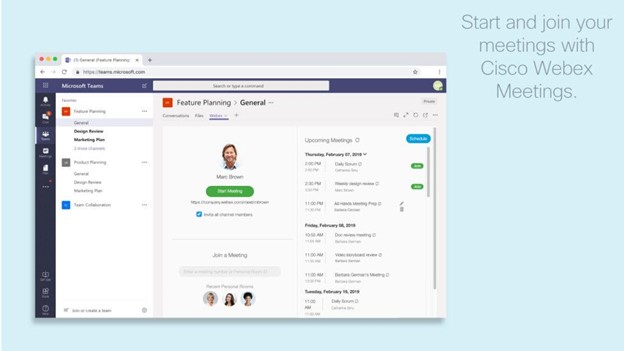
Cisco Webex is one of the most secure online chat apps.
Features
- End-to-end encryption for all communications.
- Advanced features like AI-powered note-taking.
- Integration with enterprise apps like Salesforce.
Why Choose Cisco Webex?
Best for organizations needing secure and scalable solutions.
8. Mattermost
Mattermost is an open-source workplace communication platform built for organizations that require high security, compliance, and complete control over their communication infrastructure.

Features
- Self-hosted and cloud deployment
- End-to-end security with enterprise compliance
- Channels for team collaboration
- Integration with GitHub, Jira, GitLab, Jenkins, and DevOps tools
- Workflow automation and playbooks
Why Choose Mattermost?
Mattermost is ideal for enterprises, government organizations, healthcare providers, and development teams that require secure, self-hosted collaboration with extensive customization options.
9. Workplace by Meta
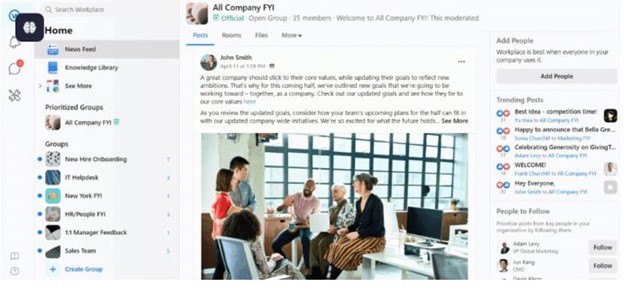
Workplace brings a familiar social media-like experience to the workplace.
Features
- Group chats and live video capabilities.
- Integration with platforms such as Google Drive and Salesforce.
- A separate news feed for company updates.
Why Choose Workplace by Meta?
It is a very easy interface, which makes it perfect for teams that are just starting to work with digital collaboration tools.
10. Chanty
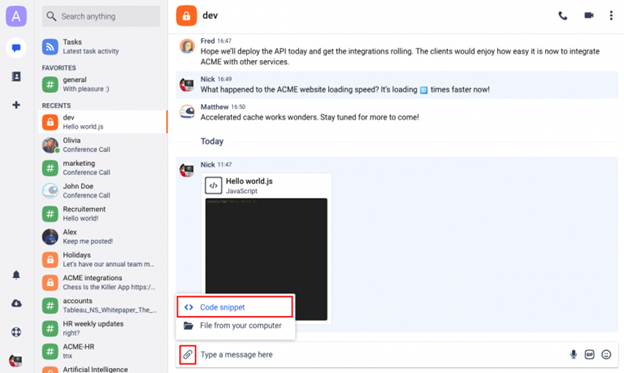
Chanty is a relatively new group chat app on the block that offers AI features.
Features
- Free plans include unlimited messaging history.
- Task management is available within chats.
- It integrates with project management tools like Trello.
Why Choose Chanty?
It's affordable, easy to use, and packed with features to streamline teamwork.
Key Features to Look for in Chat Apps
The right workplace chat app for your team will depend on their needs. Here are some key features to consider:
- Real-Time Messaging: Make sure the app supports instant communication.
- Video Conferencing: Many video chat apps now integrate text, voice, and video for seamless collaboration.
- Integration: Find apps that are integrated with your existing tools, such as project management software or CRM platforms.
- Security: For sensitive workplace conversations, office chat apps with encryption are a must.
- Customization: Open-source online chat apps like Troop Messenger allow for tailored solutions.
Benefits of Chat Apps for Workplaces
Using the best team collaboration chat apps can transform how teams work together. Here's why:
Improved Communication: No more long email threads; everything happens in real-time.
Research from Microsoft’s Work Trend Index shows that effective digital collaboration tools help employees communicate more efficiently across distributed teams, making workplace messaging platforms an essential part of modern business operations.
Increased Productivity: Tools such as shared to-do lists and task assignments help streamline workflows.
Improved Teamwork: Group chats and channels enhance collaboration and transparency.
Accessibility: Most free chat apps and live chat apps are cross-platform, ensuring that teams are always connected anywhere, anytime.
How to Choose the Best Chat App for Your Workplace
When comparing workplace chat applications, businesses should consider:
- Team size and collaboration requirements
- Security and compliance features
- Cloud or on-premise deployment options
- Voice and video communication capabilities
- Integration with existing business applications
- Scalability for future growth
- User experience and administrative controls
Conclusion
Choosing the right workplace chat application can significantly improve communication, collaboration, and overall productivity. While every organization has different requirements, businesses should evaluate chat apps based on security, collaboration features, deployment flexibility, integrations, scalability, and ease of use rather than messaging alone.
Troop Messenger combines secure messaging, voice and video communication, file sharing, and flexible deployment options to support businesses of all sizes. By selecting a chat application that aligns with operational requirements and future growth, organizations can create a more connected, collaborative, and productive workplace.
FAQs
1. What is a workplace chat app?
A workplace chat app is a business communication platform that enables employees to exchange instant messages, share files, conduct voice and video meetings, and collaborate from a centralized workspace. Unlike traditional email, workplace chat applications provide real-time communication that improves collaboration, speeds up decision-making, and supports both office-based and remote teams. Many platforms also integrate with business tools to simplify everyday workflows.
2. What features should businesses look for in a workplace chat app?
Businesses should prioritize features such as instant messaging, voice and video conferencing, file sharing, group conversations, administrative controls, integrations with existing business applications, mobile accessibility, and enterprise-grade security. Scalability and flexible deployment options are equally important for growing organizations. Choosing a platform that balances communication, collaboration, and security helps businesses improve productivity while supporting long-term operational requirements.
3. Why are workplace chat apps better than email for team communication?
Workplace chat apps provide real-time conversations, faster responses, organized channels, and easier collaboration compared to email. Employees can instantly share files, conduct meetings, and communicate without lengthy email threads. These platforms also centralize communication, making information easier to find while improving transparency and reducing delays in everyday business operations across departments and remote teams.
4. Are workplace chat apps suitable for remote and hybrid teams?
Yes. Workplace chat applications enable remote and hybrid teams to communicate through instant messaging, voice calls, video meetings, and shared workspaces regardless of location. They help employees stay connected, coordinate projects, exchange files securely, and maintain productivity without relying solely on emails or physical meetings. These capabilities make them essential tools for modern distributed work environments.
5. How do businesses choose the right workplace chat app?
Organizations should evaluate chat applications based on communication features, security, deployment options, integrations, scalability, user experience, and administrative controls. The right platform should fit existing workflows while supporting future business growth. Businesses should also consider whether cloud-based or on-premise deployment best meets their operational, compliance, and security requirements before making a long-term investment.