Connect with us
Best Appointment Scheduling Tools for Clinics & Service Outlets Can
Finding the right appointment scheduling tool can make a big difference for clinics and service outlets. When bookings run smoothly, staff work with less stress, no-shows drop, and patients or customers get a better overall experience.
Modern scheduling systems now offer automated reminders, online booking, real-time availability, and easy calendar management, which helps both sides save time. Instead of dealing with phone calls, double bookings, or long waiting lines, teams can focus on delivering quality service.
These workflows can also benefit from business automation solutions that reduce repetitive administrative tasks and improve operational efficiency.
In this blog, we’ll look at the best appointment scheduling tools today and what makes them a good fit for busy clinics and service-focused businesses.
Top 7 Appointment Scheduling Tools for Clinics and Service Outlets
These tools help clinics and service centers manage bookings more efficiently, reduce wait times, and give customers a smooth, predictable experience. Here’s a look at the top options available today.
1. Qminder
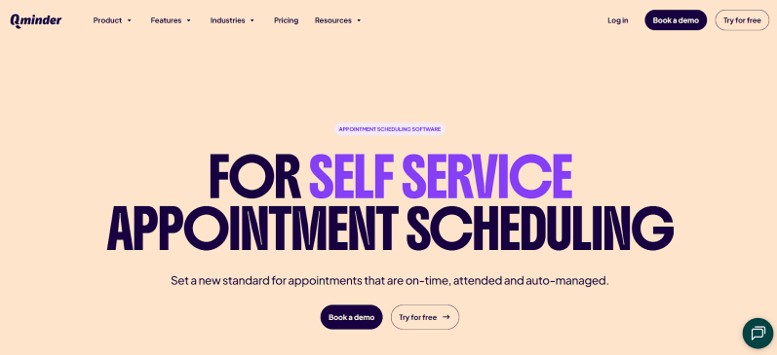
Qminder is a clean, reliable appointment scheduling and queue management platform built for clinics, government offices, and busy service outlets. It helps teams automate bookings, reduce walk-in congestion, and support improved appointment flow with smart tools such as Qminder. Visitors can book appointments online, get real-time availability, and receive helpful reminders that lower no-show rates.
The platform connects smoothly with existing CRMs and internal systems, sending instant notifications to both staff and visitors. With options like self-check-in kiosks, remote sign-in, and detailed analytics, Qminder works well for high-traffic locations that need structure, clarity, and efficient scheduling.
For teams managing multiple communication channels alongside appointment workflows, team communication tools can help staff coordinate updates and respond to operational needs more efficiently.
Key Features:
- Online, mobile, and kiosk check-in options to cut down physical lines
- SMS and email reminders that help prevent no-shows
- Real-time updates on appointment status for staff and visitors
- Custom workflows for different service categories and priorities.
- Multi-location scheduling and monitoring.
- Analytics on peak times, visitor flow, and staff performance.
- Easy integrations with CRMs and scheduling tools.
- Secure, privacy-compliant data management.
Pros:
- Simple interface for both staff and customers.
- Strong automation reduces manual scheduling work.
- Useful analytics to improve service quality.
- Flexible setup for different service environments.
Cons:
- May feel feature-heavy for smaller teams.
- Some advanced tools may not be needed in low-volume settings.
Pricing: Free 14-day trial. Paid plans start at $389/month, with custom options for larger organisations.
2. Noterro
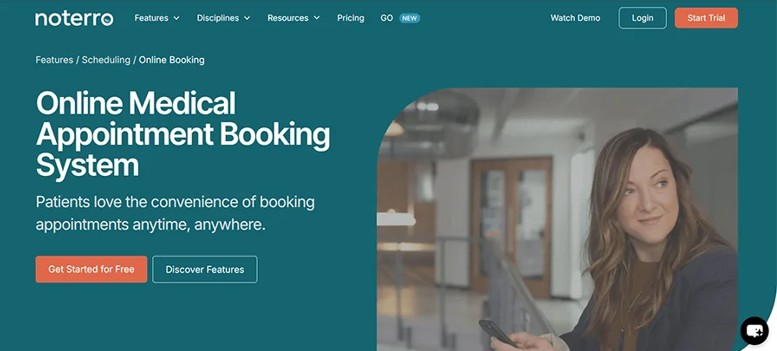
Noterro is a reliable appointment scheduling tool made specifically for healthcare professionals who want more than a basic booking system. It brings scheduling, charting, billing, and documentation together in one clean platform, making it easier for clinics and mobile practitioners to manage their day without juggling multiple tools. Noterro offers the best platform for managing medical appointments, working smoothly across single or multi-location practices and supporting both in-person and mobile care setups.
With Noterro GO, practitioners can sync calendars, manage appointments on the move, and use location-based booking zones. This gives providers more flexibility and ensures patients get faster, more organized care.
Key Features:
- Branded online booking pages for easy patient scheduling.
- Custom intake forms to speed up onboarding.
- Automated SMS and email reminders to reduce missed appointments.
- Mobile-first tools including calendar sync and geo-based appointment zones.
- AI-assisted charting for quick, accurate documentation.
- Integrations with Square, QuickBooks, and Xero.
Automated appointment reminders are also used by healthcare practices to help patients prepare for upcoming visits and reduce missed appointments. American Medical Association's appointment reminder guidance provides examples of reminder methods used by medical practices.
Pros:
- Works well for both mobile and in-clinic healthcare professionals.
- Combines scheduling, charting, and billing in one place.
Cons:
- Some features may take time to learn.
Pricing: Starts at $30/month with a 14-day free trial.
3. vcita
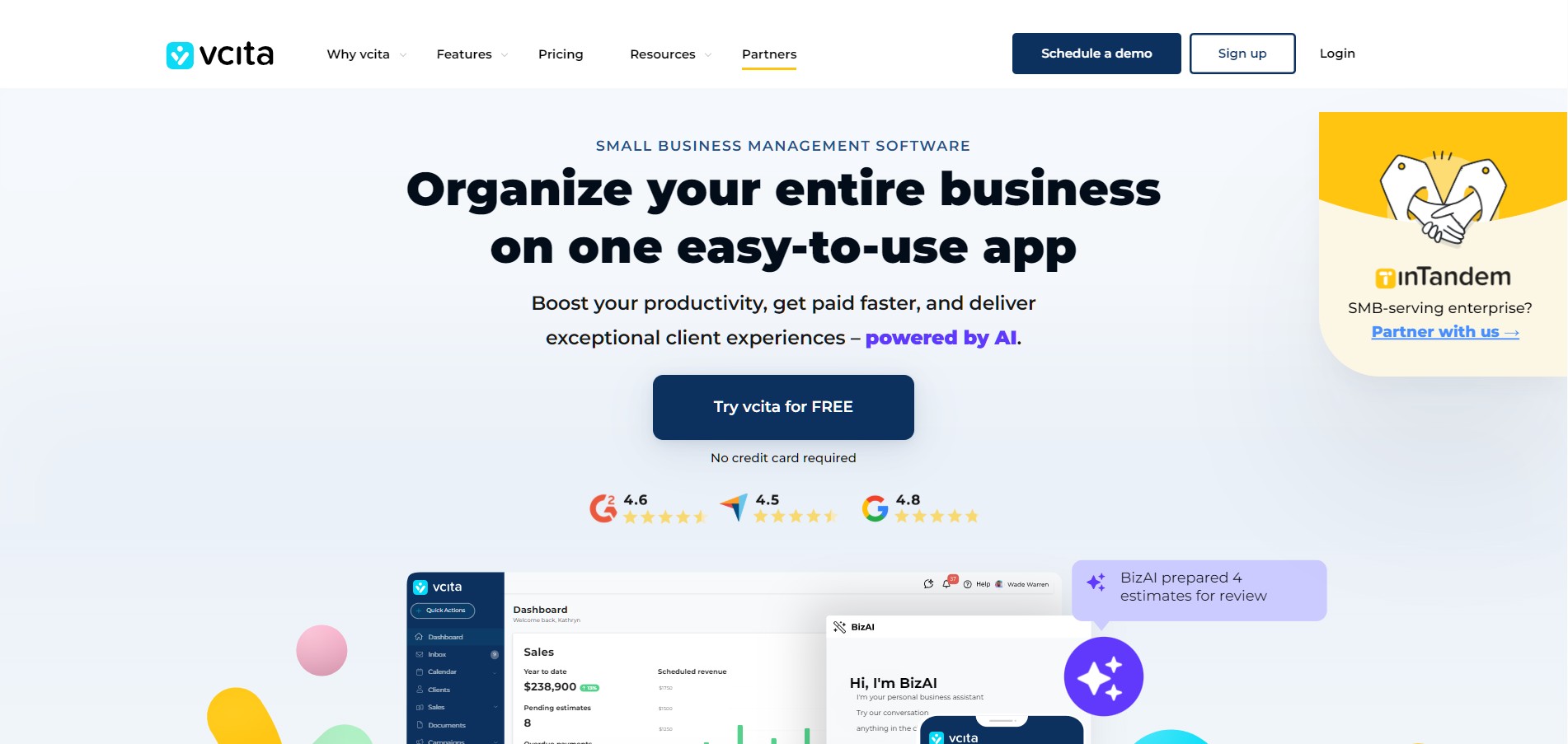
vcita is a comprehensive online scheduling and client management solution for reducing paperwork and keeping your calendar full. Your clients can schedule and even pre-pay for an appointment 24/7 via your website or a client portal. Meanwhile, your staff can view and manage all bookings in a centralized calendar. With integrated BizAI technology, vcita now allows clients to send you suggestions for a preferred appointment time based on each inquiry, you decide instantly and send confirmation.
Centralized scheduling becomes even more useful when teams can coordinate their daily activities through team collaboration tools
Key Features:
- Website booking widget for clients to book and pay from anywhere on the website.
- Client portal for secure bookings, payments, and communication in one place.
- Real-time availability, recurring bookings, and automatic timezone handling.
- Automated reminder notifications, follow-ups, and payment requests to prevent no-shows and late payments.
- Team scheduling with shared views, round-robin, and “next available staff member” assignment.
- Google & Outlook calendar sync, plus Zoom integration for virtual appointments.
- Resource booking (rooms/equipment) to prevent overlaps, plus waitlist management for busy days.
- BizAI scheduling that proposes the best slot for you to approve and send to clients.
Pros:
- Strong mix of scheduling, payments, and client communication in one system.
- AI-assisted scheduling enables faster decision-making on bookings rather than fully automating them.
- Reminders and payment prompts prevent losses and close the gap.
- It is suited for teams with multiple staff, services, or shared resources.
Cons:
- If a team only needs standard booking functionality, it could find that having this larger platform is overkill.
- There might be a bit of learning associated with the sophisticated configuration.
Pricing: Free trial for 14 days. The pricing plans start from $29 per month.
4. Square Appointments
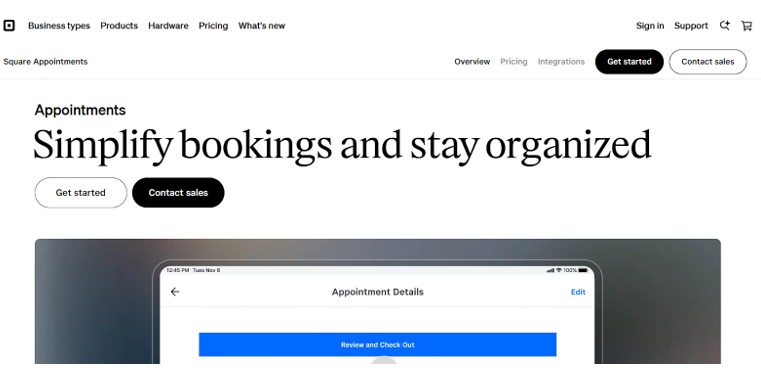
Square Appointments is a versatile scheduling tool for service businesses and public offices that need a simple, mobile-friendly solution with built-in payment processing. Ideal for clinics, licensing centers, or municipal offices, it allows teams to handle both bookings and payments in a single, streamlined workflow.
Staff can manage schedules from desktop or mobile, send automated reminders, and track availability, while clients enjoy easy online booking and in-person check-ins. The integration with Square’s POS system ensures seamless payment collection alongside appointment management.
Key Features:
- Built-in POS for secure, instant payments at the point of service.
- Mobile-optimized interface for managing schedules on the go.
- Online booking combined with in-person check-in options.
- Staff and resource management for smoother team coordination.
- Google Calendar integration to sync appointments automatically.
Pros:
- Clean, mobile-friendly design for easy management anywhere.
- Handles both walk-ins and pre-scheduled appointments.
- Payment and scheduling managed in one tool.
Cons:
- Calendar syncing limited to Google Calendar.
- Only supports Square for payments.
Pricing: Free for solo users; paid plans start at $29/month per location, unlocking multi-location support and automated confirmations.
5. Waitlist Me
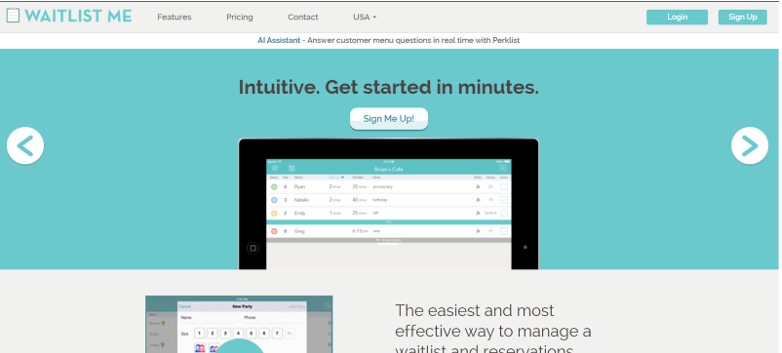
Waitlist Me is a lightweight, easy-to-use scheduling tool for small service businesses and public offices that want a straightforward way to manage walk-ins and reservations. Perfect for local agencies, DMV branches, or community service centers, it offers real-time updates and keeps waiting areas organized without complicated setups.
Staff can track queues, send SMS notifications, and give visitors visibility into wait times. Its minimal interface and fast setup make it ideal for teams that value clarity and efficiency over complex features.
Key Features:
- Guest widget to view wait times and join the queue remotely.
- Real-time wait tracking with SMS updates.
- Quick addition of customers with estimated wait times.
- Basic reporting for monitoring queue trends and performance.
Pros:
- Very simple and quick to set up and use.
- Visual floor plan support for easy layout management.
Cons:
- Limited integrations with other systems like POS or CRM.
- Multi-location support and advanced features are restricted.
Pricing: Starts at $27.99/month for the Essentials plan; higher tiers up to $79.99/month for premium features.
6. Qmatic
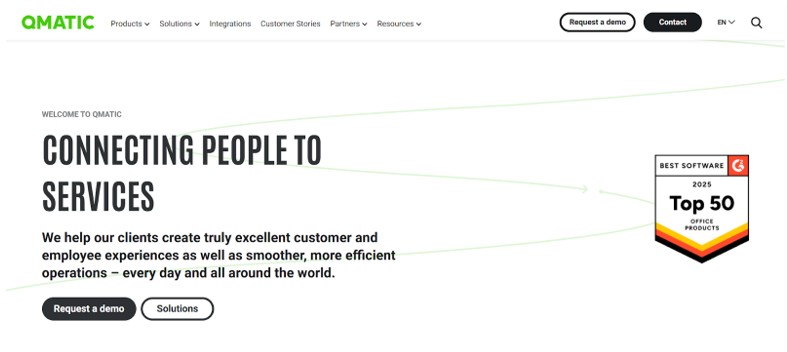
Qmatic is a powerful scheduling and queue management platform built for large organizations with high visitor volumes and multiple locations. It goes beyond simple appointment booking by offering flexible queuing workflows, live updates, and digital signage, making it ideal for government agencies, public offices, and enterprise setups.
With seamless integration into CRMs, access systems, and scheduling tools, Qmatic allows organizations to create tailored visitor journeys. Advanced reporting gives leaders insight into service trends and bottlenecks, helping optimize operations across all locations.
Key Features:
- Appointment scheduling with customizable queuing workflows.
- Centralized dashboards for managing multiple locations.
- Real-time SMS updates and digital signage for visitors.
- Integrations with CRMs, access control, and scheduling systems.
- Detailed analytics for tracking service performance and trends.
Pros:
- Highly scalable for multi-location and complex environments.
- Strong integration with existing systems.
Cons:
- Complex workflows can be challenging to manage.
- Support response times can be slow.
Pricing: Custom pricing based on organizational size and requirements.
7. DaySchedule
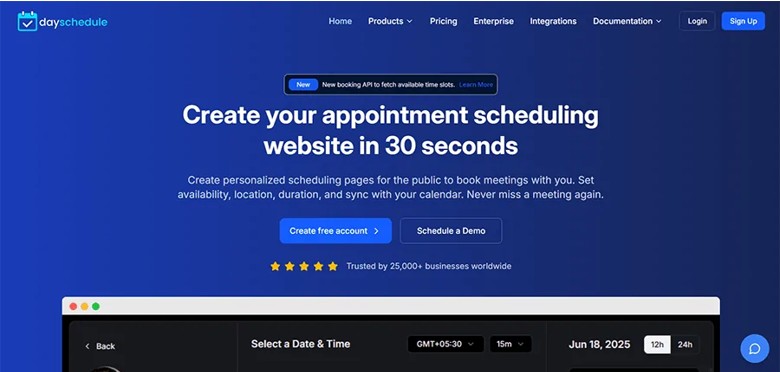
DaySchedule is a versatile appointment scheduling platform designed for service businesses seeking a polished and customizable booking experience. Ideal for healthcare, wellness, finance, or public services, it enables organizations to manage group appointments, centralize scheduling, and create branded booking pages with ease.
Features like calendar sync, payment gateway integration, and video meeting support make DaySchedule suitable for both in-person and remote appointments, streamlining operations without a hefty price tag.
Key Features:
- Branded booking pages with optional intake forms for smoother onboarding.
- Group bookings and role-based access controls for better team management.
- Integrates with Stripe, Zoom, Google Calendar, and other tools.
- Centralized dashboard for real-time analytics and performance tracking.
Pros:
- Affordable and scalable for small to midsize organizations.
- Works across multiple industries including healthcare, finance, and education.
Cons:
- Free plan limits the number of bookings per month.
- Some UI elements offer limited customization.
Pricing: Free plan available; paid plans start at $8/month
8. NextMe
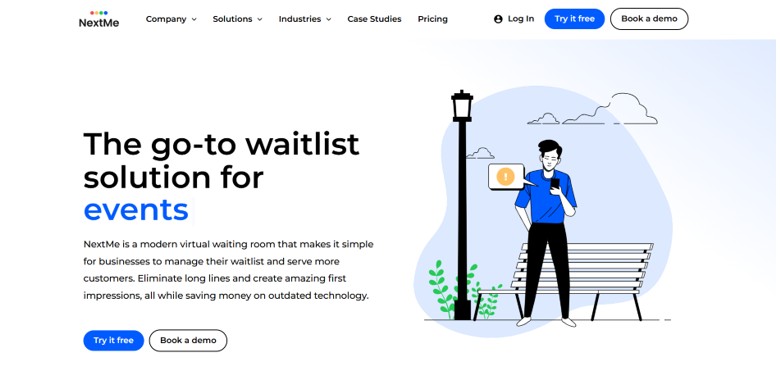
NextMe is a simple yet powerful waitlist management platform built for businesses that want to keep visitors informed while reducing lobby traffic. Its standout feature is the Virtual Waiting Room, a branded digital space where guests can see their place in line and view announcements, promotions, or helpful links. This makes it a strong fit for restaurants, salons, clinics, and public offices that want smoother queues with added engagement.
Key Features:
- Custom Virtual Waiting Room that displays branding, promos, and updates.
- Real-time waitlist tracking with easy self check-in.
- SMS alerts keep visitors updated without crowding the lobby.
- Integrations with POS and loyalty systems.
- Performance dashboards for monitoring traffic and trends.
Pros:
- Free tier includes essentials plus 100 monthly SMS.
- Turns wait time into an engagement opportunity.
Cons:
- Advanced Virtual Waiting Room tools require a paid plan.
- Basic plan doesn’t support multiple locations.
Pricing: Free plan available; paid plans start at $49.99/month (annual billing)
Conclusion
Choosing the right appointment scheduling tool can make daily operations smoother for clinics, service outlets, and public offices. The best platforms reduce no-shows, organize queues, and help staff stay focused on service instead of manual coordination.
Whether you need advanced queue management, integrated payments, or a lightweight waitlist tool, the options above cover a wide range of workflows and budgets. Start by reviewing how your organization handles bookings today, where delays happen, and what your team struggles with most.
For businesses managing appointments alongside customer inquiries and follow-ups, scaling business communication can also help create a more connected operational workflow.
When choosing an appointment scheduling system, organizations should also consider accessibility and how easily patients can use online scheduling and communication features. The AHRQ guidance on patient portals and appointment scheduling highlights appointment scheduling as one of the useful features of patient portals.
A well-matched scheduling system can improve service quality, reduce stress for staff, and deliver a more reliable experience for every visitor.
FAQs
1: What is an appointment scheduling tool for clinics or service outlets?
A: It’s a software system that lets customers book, reschedule, or cancel appointments online while helping staff manage daily schedules, availability, and service flow in an organized way.
2: What are the main benefits of using an appointment scheduling tool?
A: It reduces no-shows, shortens wait times, automates reminders, improves service flow, and frees staff from handling calls or manual booking.
3: What features should a good appointment scheduling tool offer?
A: Online booking, automated reminders, calendar sync, queue management, self-check-in options, multi-location support, and reporting to track performance.
4: Who can benefit from these tools? Are they only for large clinics?
A: They work for clinics, salons, wellness centers, government offices, and service outlets of any size. Small teams benefit just as much because scheduling becomes faster and easier with fewer manual steps.