Connect with us
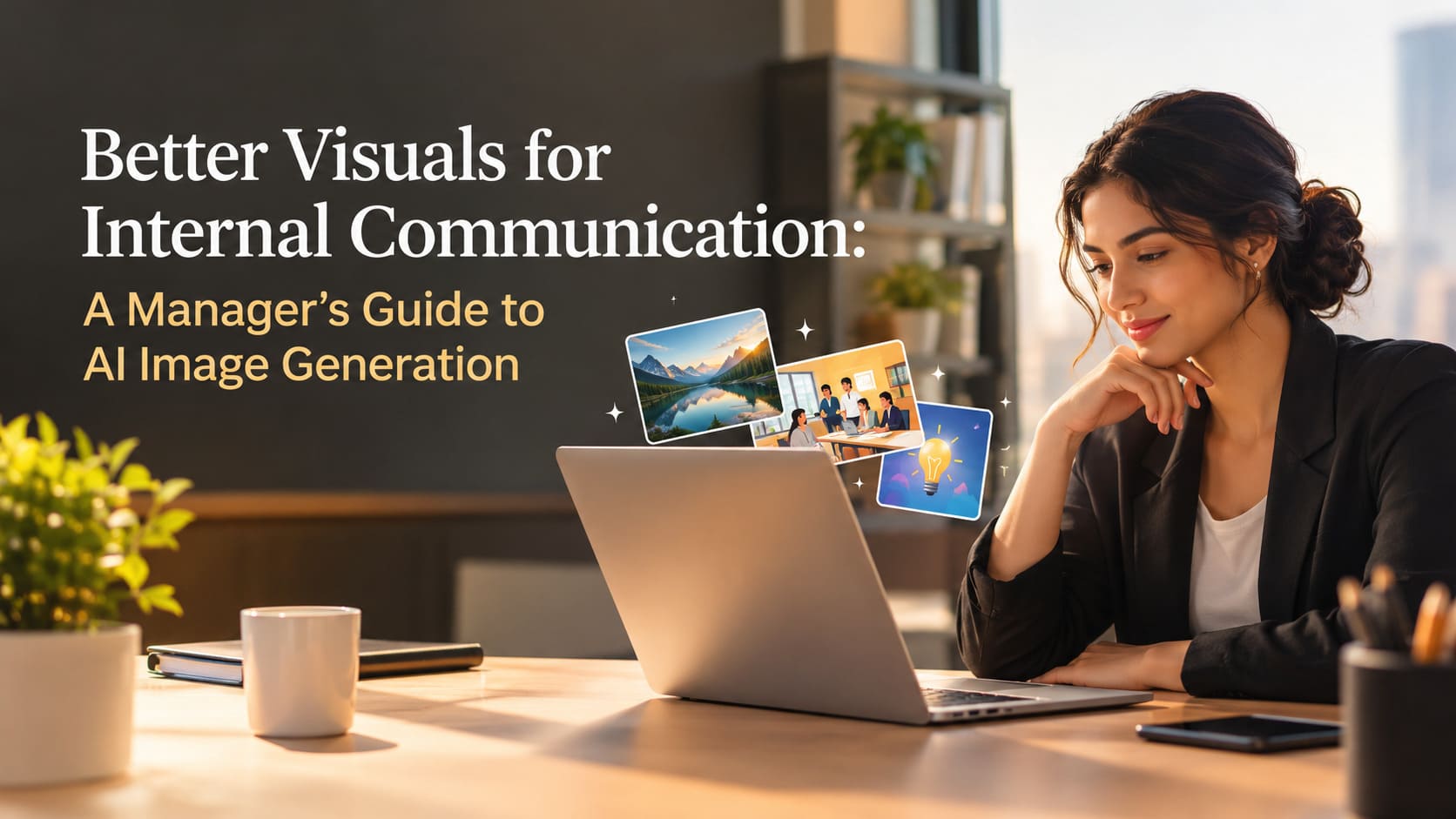
Better Visuals for Internal Communication: A Manager's Guide to AI Image Generation
Every team communicates more than it realises. There are weekly updates, process changes, onboarding guides, event invitations, policy reminders and project announcements. Most of these messages are written quickly and shared in chat channels or email, and many of them are skimmed rather than read. A well-chosen visual can change that. A clear diagram explains a new process faster than three paragraphs, and a friendly header makes a weekly update feel worth opening.
Until recently, good visuals for internal communication were hard to produce. Design teams focus on customers, not internal channels, and most managers do not have the time or tools to create graphics themselves. AI image generation is changing this. Today, anyone on a team can describe what they need and receive a usable image in seconds. This guide explains how managers can introduce AI visuals into internal communication in a way that is helpful, consistent and respectful of the people involved.
Why visuals help internal messages
People process images quickly. A simple illustration at the top of an announcement signals what the message is about before anyone reads the first line. A step diagram reduces confusion when a process changes. A consistent visual style across team updates helps people recognise important messages in a busy channel. None of this requires polished, magazine-quality design. It requires visuals that are clear, relevant and consistent.
There is also a practical benefit for managers. When a message is easier to understand, there are fewer follow-up questions, fewer misunderstandings and less time spent repeating the same explanation in meetings.
Start with a simple playbook
The biggest risk when a team starts creating its own visuals is inconsistency. If everyone uses different styles, colours and formats, the channel becomes noisy rather than clearer. A short playbook solves this before it becomes a problem.

Five simple rules that keep team-made visuals consistent.
Shared templates. Agree one layout for each common format, such as announcement banners, guide covers and slide backgrounds. People can still generate fresh imagery, but it sits inside a familiar frame.
A short prompt library. Collect a handful of tested prompts that produce your preferred style. New team members can start from these instead of experimenting from scratch.
Clear ownership. Internal visuals can be created by anyone, but anything shared beyond the team, such as company-wide announcements, should be reviewed by one named person.
Accessibility basics . Add short alt text, keep contrast readable and make sure key information appears as text in the message, not only inside the image.
Keep a record. Save the prompt and final image alongside the message. This makes it easy to reuse a style and to answer questions later.
Matching visuals to messages
Different internal messages need different kinds of images. A practical starting point is to decide on a default visual for each message type.

A simple mapping from message type to image format.
For weekly updates, a wide header banner works well and needs only light review. Process changes benefit from a clean step diagram, which the process owner should check carefully. Onboarding guides can use an illustrated cover that makes new joiners feel welcome. Event invitations suit a poster format, with the date and place confirmed before sending. Policy notices are best kept simple, with an icon card and a review by HR or legal where needed.
Choosing a tool your team can use
Many teams start with whatever image tool is built into their existing software. Teams that want more control, such as generating images directly from an internal portal, a chat bot or a document template, often connect to an image model through an API. Microsoft's MAI-Image-2.6 is a model suited to this kind of everyday work. It handles text-to-image generation and image editing, can combine up to five reference images to match an existing style, and produces 1K or 2K output in aspect ratios from 1:4 to 4:1, which covers banners, slides and posters. Teams that build their own internal tools can access MAI Image 2.6 through MAI Image 2.6 on APIMart, where listed planning estimates are roughly $0.031 per 1K image and $0.070 per 2K image on token-based billing. For a team producing a few dozen internal visuals each month, the generation cost is small enough that the main consideration is simply how easy the tool is for people to use.
Team size | Visuals per month | Suggested setup | Review approach |
Small team (5– 15) | 10–30 | Shared prompt library and two templates | Manager glances before company-wide posts |
Department (15– 60) | 30–120 | Templates plus an internal request form | One communications owner |
Organisation (60+) | 120 | Integrated tool inside the intranet or chat | Communications team with clear guidelines |
Being thoughtful about people
Internal communication is about colleagues, so care matters. Avoid generating realistic images of real employees without their agreement, and never create images that could embarrass someone or misrepresent what they said or did. When an announcement concerns real people, such as a new hire or a promotion, a real photo shared with permission is usually the better choice. AI visuals work best for the surrounding context: backgrounds, diagrams, icons and illustrations.
It is also worth being transparent. Most teams do not need formal labels on every internal image, but if visuals are used in sensitive contexts, such as change management or policy updates, a short note that an illustration was generated can prevent confusion.
The goal is not more images. It is messages that people understand the first time they read them.
Supporting remote and hybrid teams
Visuals are especially helpful for remote and hybrid teams, where most communication happens in writing. Without hallway conversations, people rely on messages and documents to understand priorities and changes. A clear visual at the top of an important update helps it stand out among dozens of notifications, and a diagram can replace a meeting that would otherwise be needed to explain a new process. Teams spread across time zones also benefit, because a well-illustrated message can be understood without waiting for someone to answer questions live.
Introducing the change gently
Teams adopt new habits more easily when they see a clear benefit. A gentle way to start is to choose one recurring message, such as the weekly update, and add a consistent visual for a month. Ask the team whether the update is easier to follow. If the answer is yes, extend the approach to onboarding material and process documentation.
Encourage people to share prompts that worked well, and celebrate useful examples in team meetings. Over time, the prompt library grows, the templates improve and visuals become a natural part of how the team communicates.
- Start small. One message type, one template, one month.
- Measure simply. Fewer follow-up questions and better engagement are good signs.
- Keep it optional. Not every message needs an image; plain text is often enough.
- Review the playbook. Update templates and prompts every quarter.
Clearer messages, calmer teams
AI image generation gives managers a practical way to make internal communication clearer and more engaging without adding work for design teams. With a short playbook, sensible templates and a little care for the people involved, teams can produce helpful visuals in minutes. The result is not just better-looking updates, but messages that are easier to understand and act on, which is what good internal communication is for.
Frequently Asked Questions (FAQs)
1. How can AI image generation improve internal communication?
AI image generation improves internal communication by making messages more visual, engaging and easier to understand. Managers can create announcement banners, process diagrams, onboarding illustrations, event posters and policy reminder graphics within minutes. These visuals help employees identify important information quickly and understand complex instructions with less effort. Consistent imagery also makes internal updates more recognisable across email, chat platforms and company intranets. When used thoughtfully, AI-generated visuals can reduce misunderstandings, limit repetitive explanations and improve employee engagement without requiring extensive design skills or additional support from dedicated design teams.
2. What types of internal communication benefit most from AI-generated visuals?
Several types of internal communication benefit from AI-generated visuals. Weekly updates can use header banners to highlight important announcements, while process changes can include diagrams that explain each step clearly. Onboarding materials benefit from welcoming illustrations, and internal events can use customised posters featuring relevant details. Policy reminders can use simple icon-based graphics to draw attention to important information. Remote and hybrid teams can also benefit from visual summaries of project updates and organisational changes. However, not every message requires an image. Managers should prioritise visuals when they genuinely improve understanding, highlight essential information or make instructions easier to follow.
3. How can managers maintain consistency when employees create AI visuals?
Managers can maintain consistency by establishing a simple visual playbook before encouraging employees to generate images independently. This playbook should include approved templates, preferred colours, image styles, aspect ratios and a library of tested prompts. Assigning a communications owner to review company-wide announcements helps ensure that visuals align with organisational standards. Employees should also follow accessibility guidelines, including readable contrast, descriptive alternative text and text-based explanations for essential information. Saving prompts alongside final images makes successful designs easier to reproduce. Reviewing the playbook quarterly helps teams maintain a recognisable visual identity as communication needs and AI image-generation tools evolve.
4. What should managers consider when choosing an AI image-generation tool?
Managers should evaluate an AI image-generation tool based on usability, output quality, cost, privacy and integration capabilities. The tool should allow employees to create suitable visuals without requiring advanced design skills. Features such as image editing, reference-image support and flexible aspect ratios can help teams maintain a consistent style across banners, posters and presentations. Organisations should also review data-handling policies, commercial usage rights and restrictions on uploading confidential company information. Teams with specialised requirements may consider API-based solutions that integrate image generation into existing workflows. The best tool is one that meets organisational needs while remaining accessible, secure and straightforward to use.
5. What are the best practices for using AI-generated visuals responsibly at work?
Responsible use of AI-generated visuals begins with respecting employee privacy, protecting confidential information and ensuring that images do not misrepresent real people or workplace events. Managers should obtain appropriate permission before using identifiable employee photographs as reference material or generating realistic representations of colleagues. Important details, such as event dates, policy requirements and process instructions, should be verified before publication. Essential information must also remain available as accessible text rather than appearing only within an image. For sensitive announcements, transparency about AI-generated illustrations can prevent confusion. Establishing clear review procedures helps teams use AI visuals effectively while maintaining trust, accuracy and professionalism.