Connect with us
What Is Zoho Desk? Features, Pricing, Login, and Business Guide
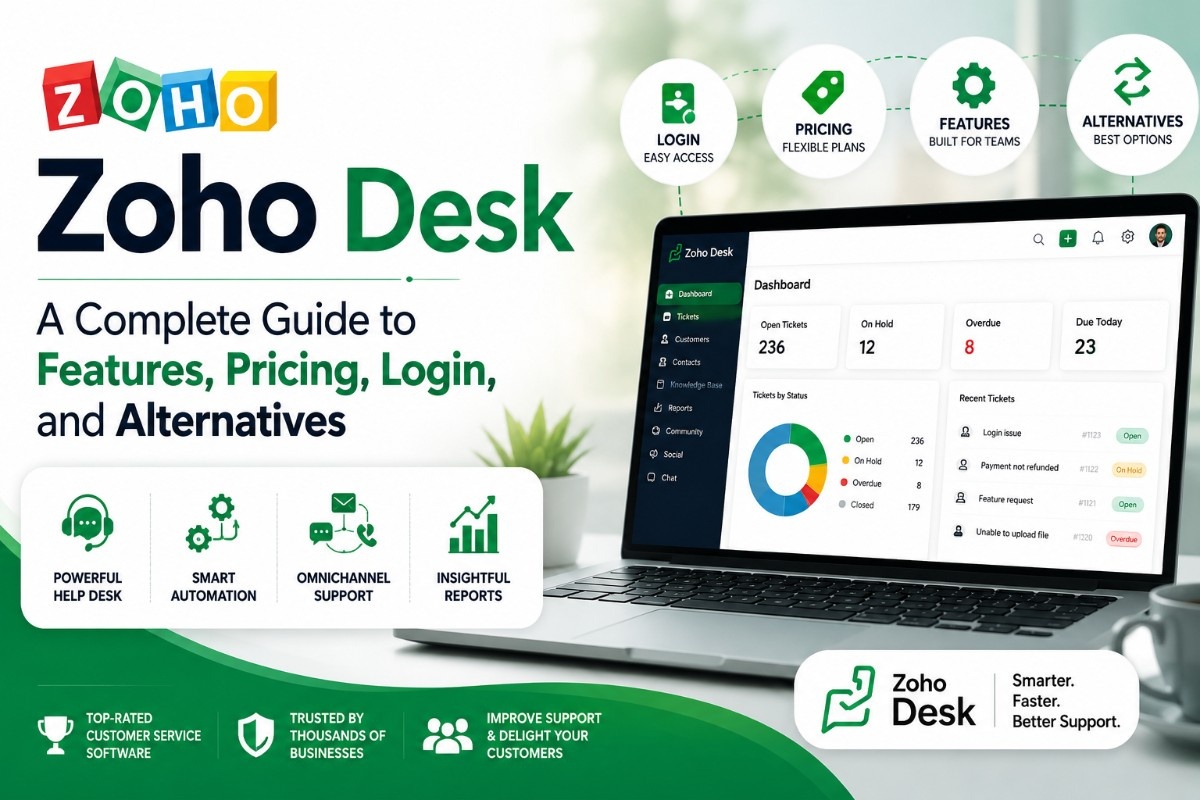
Zoho Desk is a cloud-based customer service and help desk software built by Zoho Corporation that helps businesses manage customer support tickets, automate service workflows, and deliver consistent support across email, chat, phone, and social media from a single platform.
It is part of the broader Zoho ecosystem integrating natively with Zoho CRM, Zoho Analytics, and other Zoho products making it particularly well suited for businesses already using Zoho's suite. With a free plan for up to three agents and paid tiers starting at $14 per agent per month, Zoho Desk is one of the most cost-effective help desk solutions available for small and mid-sized businesses.
What Is Zoho Desk?
Zoho Desk is a customer service platform designed to help support teams receive, manage, and resolve customer queries efficiently. At its core, it is a ticketing system, every customer inquiry, regardless of which channel it comes from, is converted into a ticket that can be assigned, tracked, prioritized, and resolved by support agents.
Beyond basic ticketing, Zoho Desk includes workflow automation, a self-service knowledge base, AI-powered assistance through its Zia assistant, customer satisfaction tracking, and detailed reporting. It is built for teams that handle high volumes of customer interactions and need structured processes to manage them without losing the personal quality of each response.
What sets Zoho Desk apart from many competitors is its deep integration with the rest of the Zoho product suite. Businesses using Zoho CRM, for example, can see a customer's full purchase and interaction history directly within a support ticket, giving agents far more context than most standalone help desk tools provide.
Zoho Desk Login — How to Sign In
Logging into Zoho Desk is straightforward whether you are an agent, administrator, or manager:
- Go to the official Zoho Desk login page at desk.zoho.com
- Enter your registered Zoho email address and password
- If your organization uses Single Sign-On (SSO), you may be redirected to your company's identity provider
- Once authenticated, you land on your Zoho Desk dashboard where you can view your ticket queue, reports, and team activity
If you already use other Zoho products like Zoho CRM or Zoho Mail, your existing Zoho account credentials work across all Zoho applications ,no separate login required.
Zoho Desk Login Page — Common Issues and Fixes
Login problems with Zoho Desk are usually straightforward to resolve:
- Forgot password — click "Forgot Password" on the login page and follow the reset link sent to your registered email.
- SSO redirect not working — confirm with your IT administrator that your organization's identity provider is correctly configured in Zoho Desk's SSO settings.
- Account locked — multiple failed login attempts can trigger a temporary lock. Wait 15–30 minutes or contact your Zoho Desk administrator to unlock the account.
- Two-factor authentication issues — if you have 2FA enabled and cannot access your authenticator app, use a backup code or contact your administrator to reset 2FA for your account.
Zoho Desk Pricing — Plans and What Each Includes
Zoho Desk offers four pricing tiers, making it accessible at multiple stages of business growth:
| Plan | Price | Agents | Key Features |
| Free | $0 | Up to 3 | Email ticketing, help center, basic reports |
| Express | $7/agent/month | Up to 5 | Social ticketing, SLA management, dashboards |
| Standard | $14/agent/month | Unlimited | Automation, multi-channel, custom reports |
| Professional | $23/agent/month | Unlimited | Blueprints, telephony, advanced automation |
| Enterprise | $40/agent/month | Unlimited | AI (Zia), custom functions, multi-brand |
Zoho Desk's pricing is consistently cited as one of its strongest competitive advantages , particularly the Standard plan at $14 per agent, which includes multi-channel support and workflow automation that competitors like Zendesk only unlock at significantly higher price points.
Zoho Help Desk — Core Customer Support Capabilities
As a help desk platform, Zoho Desk covers the full range of customer support operations:
- Multi-channel ticketing — tickets flow in from email, live chat, phone, social media, and web forms into a single unified inbox, so agents never need to switch between platforms to track conversations.
- Ticket management — agents can assign, tag, prioritize, and escalate tickets. Ticket views can be filtered by status, priority, channel, or assignee, giving teams full visibility into their queue at any time.
- SLA management — Service Level Agreements can be configured to automatically escalate tickets that are approaching breach, ensuring response time commitments are met consistently.
- Knowledge base — a self-service help center where businesses can publish articles, FAQs, and troubleshooting guides, reducing ticket volume by helping customers resolve common issues on their own.
- Zia — AI assistant — available on the Enterprise plan, Zia can suggest relevant knowledge base articles to agents mid-ticket, analyze customer sentiment, and predict ticket outcomes based on historical data.
- Customer satisfaction ratings (CSAT) , automated satisfaction surveys sent after ticket resolution give teams a direct measure of support quality over time.
Zoho Desk API — What Developers Need to Know
Zoho Desk offers a comprehensive REST API that allows developers to integrate Zoho Desk data and functionality into their own applications, internal tools, or third-party platforms.
Key capabilities of the Zoho Desk API include:
- Ticket management — create, update, retrieve, and close tickets programmatically
- Contact and account management — sync customer data between Zoho Desk and external CRMs or databases
- Agent and department management — manage team structure and assignments through API calls
- Reports and analytics — pull ticket data and performance metrics into custom dashboards or data warehouses
- Webhooks — trigger real-time notifications to external systems when ticket events occur
The API uses standard OAuth 2.0 authentication and follows RESTful conventions, making it accessible to any development team familiar with modern API integration patterns.
Zoho Desk API Documentation — Getting Started
Zoho Desk's API documentation is available at desk.zoho.com/support/apidocs and covers:
- Authentication setup using OAuth 2.0 and API tokens
- Endpoint references for all major Zoho Desk objects (tickets, contacts, accounts, agents)
- Code examples in multiple languages including Python, Java, and JavaScript
- Rate limit details and pagination guidelines for large data pulls
- Sandbox environment for testing integrations before pushing to production
For development teams building custom integrations, starting with the API documentation's quickstart guide and using the sandbox environment before touching production data is the recommended approach.
Zoho Service Desk — How It Supports IT and Operations Teams
Beyond customer-facing support, Zoho Desk can function as an internal IT service desk , managing employee requests, IT incidents, asset tracking, and change management workflows.
IT teams use Zoho Desk's service desk capabilities to:
- Log and track internal helpdesk tickets from employees
- Set up SLAs for internal request categories (hardware, software, access requests)
- Build automated approval workflows for IT change requests
- Publish internal knowledge base articles for common IT issues
- Report on resolution times and team performance across IT categories
For organizations looking to consolidate both external customer support and internal IT service management on one platform, Zoho Desk's service desk capabilities reduce the need for a separate ITSM tool.
Zoho Desk vs Zendesk — A Side by Side Comparison
| Factor | Zoho Desk | Zendesk |
| Starting Price | $14/agent/month | $55/agent/month |
| Free Plan | Yes (3 agents) | No |
| Ecosystem Integration | Deep Zoho suite integration | Broad third-party integrations |
| AI Features | Zia (Enterprise plan) | Zendesk AI (higher tiers) |
| Open Source | No | No |
| API Quality | Strong REST API | Strong REST API |
| Best For | SMBs, Zoho ecosystem users | Enterprise-scale operations |
| Contract Flexibility | Monthly and annua | Primarily annual |
The core difference is cost and ecosystem fit. Zoho Desk delivers comparable core functionality to Zendesk at roughly a quarter of the price, making it the stronger choice for small and mid-sized businesses. Zendesk's edge lies in its broader third-party integration marketplace and enterprise-grade scalability — but for most growing teams, those advantages do not justify the price gap.
Zoho Desk Alternative — When to Consider Other Options
Zoho Desk is a strong platform, but it is not the right fit for every team. Consider alternatives when:
- You are not in the Zoho ecosystem — Zoho Desk's biggest strength is its native integration with Zoho CRM and other Zoho tools. If your business runs on Salesforce, HubSpot, or Microsoft, a platform that integrates natively with those tools will serve you better.
- You need chat-first support — Zoho Desk's live chat is functional but not its strongest feature. Teams where chat is the primary support channel may prefer Intercom or Tidio.
- Your team needs a simpler interface — some smaller teams find Zoho Desk's feature depth more complex than their workflows require. Help Scout or Freshdesk may offer a more streamlined experience.
- You need on-premise deployment — Zoho Desk is cloud-only. For organizations with strict data residency requirements, a self-hosted open-source alternative or a platform like Troop Messenger , which supports on-premise deployment for full data control — may better meet compliance requirements.
What Is Zoho Desk Used For
Zoho Desk is used across a wide range of customer service and internal support scenarios:
- E-commerce support — managing order inquiries, return requests, and delivery complaints at scale
- SaaS customer success — tracking onboarding issues, feature requests, and renewal conversations
- IT helpdesk — handling internal employee requests for hardware, software, and access management
- Field service coordination — managing service requests and technician assignments for field operations teams
- Retail and hospitality — centralizing customer feedback and complaint resolution across multiple locations
Its multi-channel capability means it works equally well for businesses whose customers primarily reach out via email as for those handling high chat or phone support volume.
How to Merge Tickets in Zoho Desk
Merging tickets in Zoho Desk helps keep your queue clean when a customer submits the same issue multiple times across different channels. Here is how to do it:
- Open the primary ticket you want to keep
- Click the More Actions menu (three dots) in the top right of the ticket view
- Select Merge Tickets from the dropdown
- Search for the duplicate ticket by ticket ID or subject line
- Confirm the merge , the secondary ticket's conversation thread is pulled into the primary ticket and the duplicate is closed automatically
Note that merges in Zoho Desk are permanent and cannot be undone, so confirm you have the correct tickets selected before completing the action.
Who Are the Top Competitors to Zoho Desk
Zoho Desk's primary competitors in the help desk and customer service software market include:
- Freshdesk — the most direct competitor. Similar pricing, comparable feature set, and a stronger free tier. Often compared side-by-side with Zoho Desk for SMB use cases.
- Zendesk — the market leader for enterprise support operations, but significantly more expensive and complex than Zoho Desk for most growing businesses.
- HubSpot Service Hub — strong for teams already using HubSpot CRM. Integrates support with marketing and sales data more seamlessly than Zoho Desk outside the Zoho ecosystem.
- Intercom — better for chat-first, in-app customer engagement. Less strong on traditional ticketing and reporting compared to Zoho Desk.
- Help Scout — simpler and more focused. Better for small teams that want email-based support without the feature complexity of a full help desk platform.
For internal team coordination that runs alongside any of these tools, Troop Messenger helps support teams stay aligned on escalations, internal decisions, and cross-team communication , without adding another external-facing platform to manage.
Is Zoho Desk Right for Your Business
Zoho Desk is the right choice if your business needs a full-featured, multi-channel help desk at a competitive price point , particularly if you are already using other Zoho products. The free plan makes it risk-free to evaluate for small teams, and the Standard plan at $14 per agent covers the core features most growing support teams need.
It is less suited for organizations heavily invested in non-Zoho ecosystems, teams that need best-in-class live chat above all else, or businesses with on-premise hosting requirements that cloud-only platforms cannot meet.
Conclusion
Zoho Desk delivers a compelling combination of features, pricing, and ecosystem integration that makes it one of the strongest help desk platforms for small and mid-sized businesses. From its multi-channel ticketing and SLA management to its developer-friendly API and Zia AI assistant, it covers the full spectrum of customer service needs at a price point that most growing teams can justify. For businesses already in the Zoho ecosystem, it is a natural and powerful choice. For teams evaluating it fresh, the free plan provides a clear, low-risk way to test whether it fits before committing.
Frequently Asked Questions
1. What is Zoho Desk used for?
Zoho Desk is used to manage customer support tickets, automate service workflows, and deliver consistent support across email, chat, phone, and social media. It is also used as an internal IT service desk by operations and IT teams managing employee requests.
2. Is Zoho Desk free?
Yes. Zoho Desk offers a free plan for up to three agents that includes email ticketing, a help center, and basic reporting. Paid plans start at $14 per agent per month for the Standard tier.
3. How does Zoho Desk compare to Zendesk?
Zoho Desk offers comparable core functionality to Zendesk at roughly a quarter of the starting price. Zendesk has a broader third-party integration marketplace and stronger enterprise scalability, but for most SMBs, Zoho Desk's value-to-cost ratio is significantly better.
4. What is the Zoho Desk API used for?
The Zoho Desk REST API allows developers to programmatically create and manage tickets, sync contact data, pull performance reports, and trigger webhooks for real-time integrations with external systems and custom applications.
5. Who are Zoho Desk's main competitors?
Zoho Desk's primary competitors are Freshdesk, Zendesk, HubSpot Service Hub, Intercom, and Help Scout. Freshdesk is the closest direct competitor in terms of pricing and feature set for SMB use cases.