Connect with us
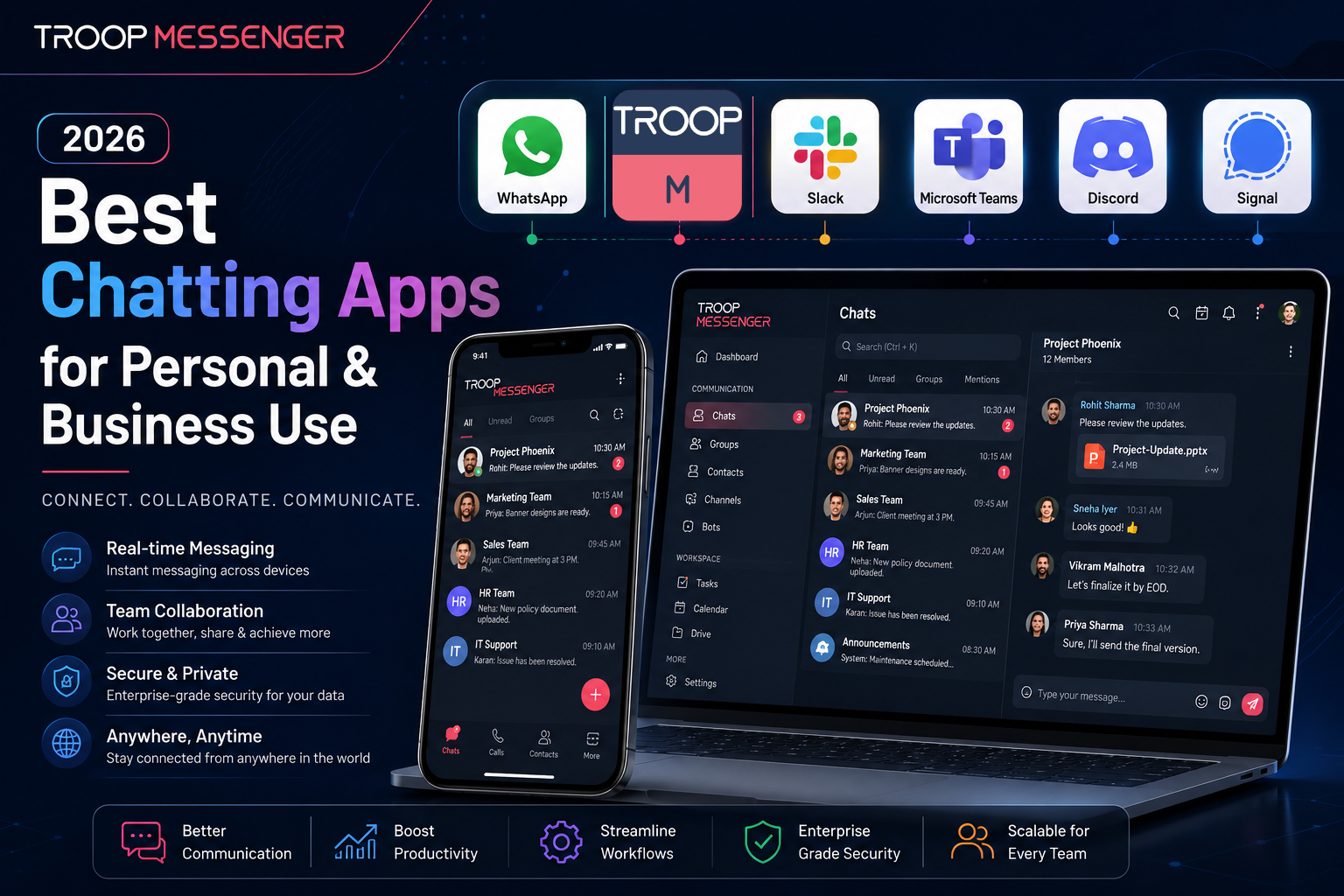
Best Chatting Apps for Personal and Business Use in 2026
When you want to talk to your friends or work with your team from another place the chatting app you use is really important. It can make things easier and more straightforward. If you pick the app it can be annoying and even cause problems with security.
There are a lot of chatting apps you can choose from in 2026. You can find apps that are free and some that are really good for big companies. So it is very important to find the one that works best for you.
This guide will show you the chatting apps for talking to friends working with your team and other things. We looked at what each app can do how well it keeps your information private if it works on types of devices and if it is a good value. We are being honest, about what we found out about each chatting app.
What are chatting apps?
Chatting apps are things that let people send messages to each other. You can send text, voice messages, pictures, videos and files to others using the internet. This is different from the way of sending messages, which used your phone companys network. Chatting apps use the internet so you can use them for free, no matter where you are in the world.
These days chatting apps can do a lot more than just send messages. They can do things like:
Let you talk to one person or a group of people
- Make voice and video calls
- Share files and documents
- Show you if someone has read your message
- Keep your messages private with encryption
- Help businesses control who can send messages and save messages
Chatting apps are usually one of three kinds: personal apps for talking to friends and family business apps for teams to work together and community apps for big groups to discuss things. Chatting apps are really useful, for all sorts of people. Chatting apps make it easy to stay in touch with friends and family or to work with your team. Chatting apps are a part of how we communicate today.
Best Chatting Apps in 2026
1. WhatsApp — Best for Personal and International Messaging
WhatsApp remains the most widely used chatting app in the world in 2026 with over 3.3 billion monthly active users across 180 countries. Its combination of simplicity, reliability, and universal reach makes it the default choice for personal communication across every demographic and geography.
Key Features:
- Free text messaging, voice calls, and video calls on all platforms
- End-to-end encryption on all messages and calls by default
- Group chats supporting up to 1,024 participants
- Disappearing messages — set conversations to auto-delete automatically
- View once media — photos and videos that disappear after being opened
- File sharing up to 2GB per transfer
- Status updates visible to your contacts
- Voice notes for quick audio communication
- Works on iPhone, Android, Mac, Windows, and browser
Best for: Personal communication, international messaging, large group coordination, and anyone communicating across iPhone and Android devices.
2. Google Chat – Best for Google Workspace Teams
Google Chat is the chat app that comes bundled with Google Workspace. It is therefore the most natural choice for companies that use Gmail, Google Calendar, Google Drive, and Google Docs. If your team is paying for Google Workspace, then Google Chat comes free of charge.
Chats in Google Chat are structured around Spaces dedicated channels for each project or team, where conversations, files, and tasks are stored. Its seamless integration with Google Drive makes sure that any files exchanged in a chat will be automatically added to your Drive, and you can also preview and edit Google Docs right in the conversation interface.
Key Features:
- Spaces for organized chats about projects or teams
- Seamless integration with Gmail, Drive, Docs, Sheets, and Calendar
- Google Meet video calls initiated from any Chat
- Google AI-based smart replies to save time
- Search through all conversations and shared files
- Works on all platforms web, iOS, and Android
- Available for free with Google Workspace subscriptions
Best for: Teams already using Google Workspace and don't need another app.
3. Troop Messenger — Best for Secure Business Communication
For organizations that need professional, secure team communication with full administrative control, Troop Messenger is the strongest dedicated business chatting platform available. Unlike consumer apps that were adapted for business use, Troop Messenger was built specifically for professional teams from the ground up with security, compliance, and data control at its core.
What makes Troop Messenger stand apart from every other chatting app on this list is its deployment flexibility. Available as a cloud-based SaaS platform for teams that want quick setup and zero infrastructure overhead, or as a fully on-premise and self-hosted solution for organizations that need complete data sovereignty Troop Messenger gives businesses a level of control over their communication infrastructure that WhatsApp, Telegram, and consumer apps fundamentally cannot provide.
For government agencies, healthcare organizations, defence teams, financial institutions, and enterprises in regulated industries, this distinction is not a preference it is a compliance requirement. Sensitive conversations, confidential files, and operational data need to live on infrastructure your organization controls not on a consumer app's shared cloud servers.
Key Features:
- One-on-one and group messaging with unlimited searchable history
- Audio and video calling with screen sharing built in
- Burnout Messaging — self-destructing messages for confidential conversations
- Forkout — send one message to multiple users simultaneously without creating a group
- Respond Later — flag important messages for follow-up so nothing gets missed
- Live location tracking for field and remote teams
- End-to-end encryption across all communication channels
- Available as SaaS or on-premise and air-gapped deployment
- Role-based access controls and comprehensive admin oversight
- Works on Windows, Mac, Linux, iOS, Android, and browser
- LDAP and SSO integration for enterprise authentication
Best for: Business teams, enterprises, government agencies, and regulated industries that need secure professional communication with full infrastructure control
4. WhatsApp Business — Ideal for Small Business Customer Communication
WhatsApp Business is an alternative free app designed exclusively for small businesses who wish to communicate in a professional manner with their customers through WhatsApp. The business-centric features of this platform make it convenient to be used for customer support, sales follow-up, and appointment scheduling purposes.
One can set up the business profile in this app which would show your business name, address, category, website, and working hours, thus making the customers feel assured about communicating with a genuine business. One can set quick replies, greeting messages, and away messages, which automate the frequently used responses allowing small business owners to handle more traffic without hiring additional people.
Features:
- Business profile with name, address, category, hours, and website
- Quick replies — allows saving and reusing frequent responses instantly
- Greeting messages — sends out an automated welcome message in every conversation
- Away messages — sends out an automated message when one is not available
- Labels — allows categorizing the conversations according to their status like new customer, pending, or resolved
- Product catalog — allows showcasing products in your WhatsApp profile
- WhatsApp Business API for bigger businesses
Ideal for: Small businesses, freelancers, and local service providers.
5. Telegram – Best for Large Groups and Communities
Telegram has become one of the most advanced messaging apps out there with a special focus on large group messaging, file transfer, and channel broadcasting. Its large groups can accommodate up to 200,000 members way more than WhatsApp or any other popular chatting app allows making it the best choice for communities, content creators, and organizations needing to talk to tens of thousands of members at once.
As a cloud-based service, Telegram gives you instant access to your messages and files anytime anywhere without having storage limitations for the files you send. For those sharing large files frequently, Telegram's 2GB file limit and unlimited cloud storage makes it the best choice.
Key Features:
- Groups supporting up to 200,000 members
- Channels for one-way broadcasting to unlimited subscribers
- File transfer up to 2GB per file with unlimited cloud storage
- Secret chats with end-to-end encryption and self-destruct timers
- Bots for automation, polls, games, and workflow integrations
- Voice chats and live streaming in groups and channels
- Multi-device synchronization access your messages on any device
- Available on all devices including desktops
Best for: Communities, content creators, interest groups, and people needing to communicate or broadcast to very large audiences.
6. Signal – Best for Privacy-oriented Users
Signal is the ultimate messaging application when it comes to privacy. Being developed by a non-profit organization with no advertising, no tracking and no investors forcing it to capitalize on its users' data, Signal is the only major chatting platform where the focus on privacy is the whole point of the business.
Each and every message, call, and media attachment made within the Signal app is encrypted end-to-end according to the Signal Protocol which is the same encryption protocol used by WhatsApp to encrypt messages, although it doesn't collect metadata like WhatsApp does. Apart from your phone number, which is needed to set up an account, Signal collects almost no information about you – the fact that it collects even that is obfuscated by means of sealed sender technology.
Features include:
- End-to-end encryption on all communications
- Automatic disappearing messages with adjustable timers
- Note to Self – an encrypted personal memo tool
- Screen security – screenshot prevention
- Sealed sender – obscuring of message metadata
- Absolutely no advertising or tracking beyond your phone number
- Open source code with independent verification and auditing
- Compatibility with iPhone, Android, Mac, Windows and Linux
Best for: Privacy-minded individuals, journalists, activists, scientists, and other people working with sensitive information.
7. Discord. Best for Communities and Gaming Groups
Discord is a place for people to talk to each other. It started with gamers. Now it is used by all sorts of people like developers, creators, teachers and professionals. The voice channels on Discord are always available. It feels like you are in the same office as your friends or team members. You can just drop in and out of these voice channels without having to plan a call.
The way Discord is set up is really neat. It has servers that are divided into channels based on what people want to talk about. There are text channels where you can have conversations that do not have to happen at the time voice channels where you can talk to each other live and stage channels where you can have presentations or events. If you want a place to talk to your team that's not as formal as some other options Discord is a great choice. It is a lot of fun. Has a lot of features.
Key Features:
- Discord has voice channels that're always on so you can drop in and out whenever you want
- You can make text channels based on what you want to talk about. You can customize the servers
- You can share your screen. Have video calls with up to 25 people
- You can control who can do what in your community with roles and permissions
- There are bots that can help you moderate play games listen to music and make your work easier
- You can have organized discussions with threads
- If you pay for Nitro you can get features and upload bigger files
- The basic features are free. You can have as many users and messages as you want
- Discord is best, for people who like to play games together groups of developers, creators and teams that like to keep things casual.
8. Snapchat. Good for Casual Photo and Video Chats
Snapchat is a messaging app that lets you send pictures and videos that disappear after they're viewed. This makes it feel more natural and not too serious.
Younger people like Snapchat because its not like messaging apps where messages stay forever.
Snapchat has fun features like lenses, filters and effects that make chatting more enjoyable.
These features make it easy to be creative when sending pictures and videos.
Here are some key things Snapchat can do:
- Photos and videos disappear after they're viewed
- You can post a story that your friends can see for 24 hours
- There's a map that shows where your friends are
- You can add fun effects to your pictures and videos
- There's a feed of videos like on TikTok
- You can chat with friends. Make voice and video calls
- You can save some of your pictures and videos
Snapchat is good for:
Casual chats, with friends
For people
Anyone who likes sending fun disappearing pictures and videos.
Best Chatting Apps in India
India is the country searching for chatting apps making up more than 42% of all global searches. The Indian messaging market is huge and very competitive. This is because many Indians use smartphones and have mobile internet.
WhatsApp is the number one chatting app in India. Over 500 million Indians use it every day for professional communication. Many Indian businesses use WhatsApp to talk to customers. They often use WhatsApp Business for organized chats.
Telegram is popular in India among people who are into tech, students and groups that need to chat with many people. Many educators, content creators and community organizers in India use Telegram channels with thousands of subscribers.
Signal is growing in India among people who care about privacy like professionals and journalists. They prefer Signal over WhatsApp because of data sharing concerns with Meta.
Troop Messenger is a business communication platform made in India. It focuses on enterprise, government and defence communication. Indian organizations that need data security and on-premise deployment prefer Troop Messenger.
JioChat is another app in India. It supports Indian languages making it easy for people, outside big cities to communicate in their native language.
Best Free Chatting Apps
Here are some free chatting apps:
They all have versions but the quality and limitations vary a lot.
Completely free with no limitations:
- WhatsApp is free for all its main features. You do not need to upgrade to use them.
- Telegram is free for all features. This includes groups and file sharing.
- Signal is completely free. It does not have a paid tier. Privacy is its focus.
- Discord is free for its core features. This includes users and message history.
- Google Chat is free for use. You need a Google account to use it.
- Free with some limitations on paid features:
- Troop Messenger offers a trial. Its full business features are available on paid plans.
- Snapchat is free for its core features. It offers a Snapchat+ subscription for options.
- WhatsApp Business is free for businesses.. Api access needs paid integration.
- For individuals and small teams the free versions of WhatsApp, Telegram and Signal cover all communication needs.
- For business teams that need admin controls, compliance features and enterprise security paid business platforms provide more value than free consumer apps.
- The free tiers of WhatsApp, Telegram and Signal are great for use.
- The paid business platforms are better for business teams.
- WhatsApp, Telegram and Signal are options, for individuals.
- Business teams should consider paid platforms for features.
Best Chatting Apps With Strangers
There are some good apps that help you meet new people who are not in your contact list. These apps are different from the ones you use to talk to your friends and family.
Platforms that support chatting with strangers are really useful.
Telegram is one of them. It lets you join groups and communities where people talk about things they like. You can join these groups. Talk to people who like the same things as you without giving them your phone number.
Discord is another one. It has servers where you can meet thousands of people who like the same things as you. You can join these servers without knowing anyone in them.
Snapchat is also an option. It has a feature called Spotlight and public Stories where you can share your videos and pictures with people who do not know you. However if you want to send a message to someone you do not know you both need to accept each other
- When you chat with strangers online you need to be careful.
- Here are some safety tips for chatting with strangers
- Never give your phone number or home address to someone you just met online. Do not share your information with them either.
- Use apps that let you create a username so you can talk to people without using your name or phone number.
- Be careful when you make video calls, with strangers. They might be recording the call without you knowing.
- If you feel uncomfortable during a conversation stop talking to the person and block them away.
- Use apps that have people who watch over the conversations and make it easy to report behavior.
- Chatting with strangers can be fun. You need to use Stranger Chatting Apps safely and wisely and always remember to use the best chatting apps with strangers.
- The right chatting app is the one that fits your specific situation not the one with the most features or the largest user base.
For personal use with friends and family WhatsApp covers most situations with unmatched reach across all devices and demographics. If you primarily message other iPhone users, iMessage delivers a more polished experience within the Apple ecosystem.
For business teams — a dedicated business platform like Troop Messenger provides the admin controls, security architecture, and compliance features that consumer apps were never designed to handle. Explore how the right platform fits into your broader best apps for productivity stack.
For large communities and groups — Telegram's 200,000 member groups and unlimited channels make it the most practical platform for community-scale communication. Discord is the stronger choice when ongoing voice presence and real-time community interaction matter.
For privacy-first communication — Signal delivers the strongest privacy guarantee of any mainstream chatting app. Its non-profit model, open-source code, and minimal data collection make it the most trustworthy option for sensitive conversations.
For Google Workspace teams — Google Chat is already included in your subscription and integrates more deeply with your existing tools than any third-party alternative.
For Indian users and businesses — WhatsApp for personal communication and Troop Messenger for secure business communication covers both needs with purpose-built platforms designed for Indian market requirements.
Business teams need more than a simple chatting app. Personal chatting apps are made for use not for businesses. When businesses use apps like WhatsApp, Telegram or Snapchat to talk to each other they can get into trouble.
The main problems with using these apps for business are:
- There is no control over who can do what. Anyone can delete messages or share conversations with people outside the company
- There is no way to save messages. Important business decisions made in chat conversations are lost forever
- Business conversations are stored on someone Servers. Not the companys own servers
- These apps do not help businesses follow the rules. Companies that have to follow rules cannot use these apps
- Team members use their WhatsApp for work. This is not good for the company or the team members
- These apps can only be used online. Companies cannot control where their data is stored
Troop Messenger solves all these problems. It gives business teams an professional way to talk to each other. Business teams have control, over what happens and they can keep a record of all messages. Troop Messenger also helps businesses follow the rules and companies can choose how they want to use it. They can use it online. Store it on their own servers depending on what they need.
Conclusion
The best chatting app is not the most popular one it is the one that genuinely fits how you communicate, who you communicate with, and what level of security and control your situation requires.
For personal communication WhatsApp's universal reach makes it the practical default for most users globally. Signal is the right choice whenever privacy matters most. Telegram handles large communities and file sharing better than anything else. Discord creates the best environment for ongoing real-time community interaction. Google Chat fits seamlessly into Google Workspace teams.
For business communication the picture is clearer. Consumer apps were not designed for professional team coordination and the security, compliance, and administrative gaps they create become harder to ignore as organizations grow. A dedicated business messaging platform built for professional use removes those gaps entirely and gives teams the infrastructure their communication deserves.
Frequently Asked Questions (FAQs)
Q1. What are the best free chatting apps?
WhatsApp, Telegram, and Signal are the strongest completely free chatting apps all offer unlimited messaging, voice calls, and video calls at no cost with no meaningful free-tier limitations.
Q2. Which chatting apps are most popular in India?
WhatsApp is the most used chatting app in India by a significant margin, followed by Telegram and Instagram. For business communication, Troop Messenger is the leading Indian-built enterprise platform.
Q3. What is the safest chatting app to use?
Signal is the safest mainstream chatting app it uses end-to-end encryption by default, collects almost no user data, has no advertising, and is independently audited as open-source software.
Q4. Can I use chatting apps for business communication?
Yes but consumer apps like WhatsApp and Telegram lack the admin controls, compliance features, and data ownership that professional business communication requires. Dedicated business platforms like Troop Messenger are purpose-built for professional team use.
Q5. What is the best chatting app for teams and businesses?
Troop Messenger is the strongest dedicated business chatting platform offering secure messaging, video calling, file sharing, admin controls, and the unique option of on-premise deployment for complete data control.