Connect with us
What Is Amazon Chime and How Does It Work for Businesses
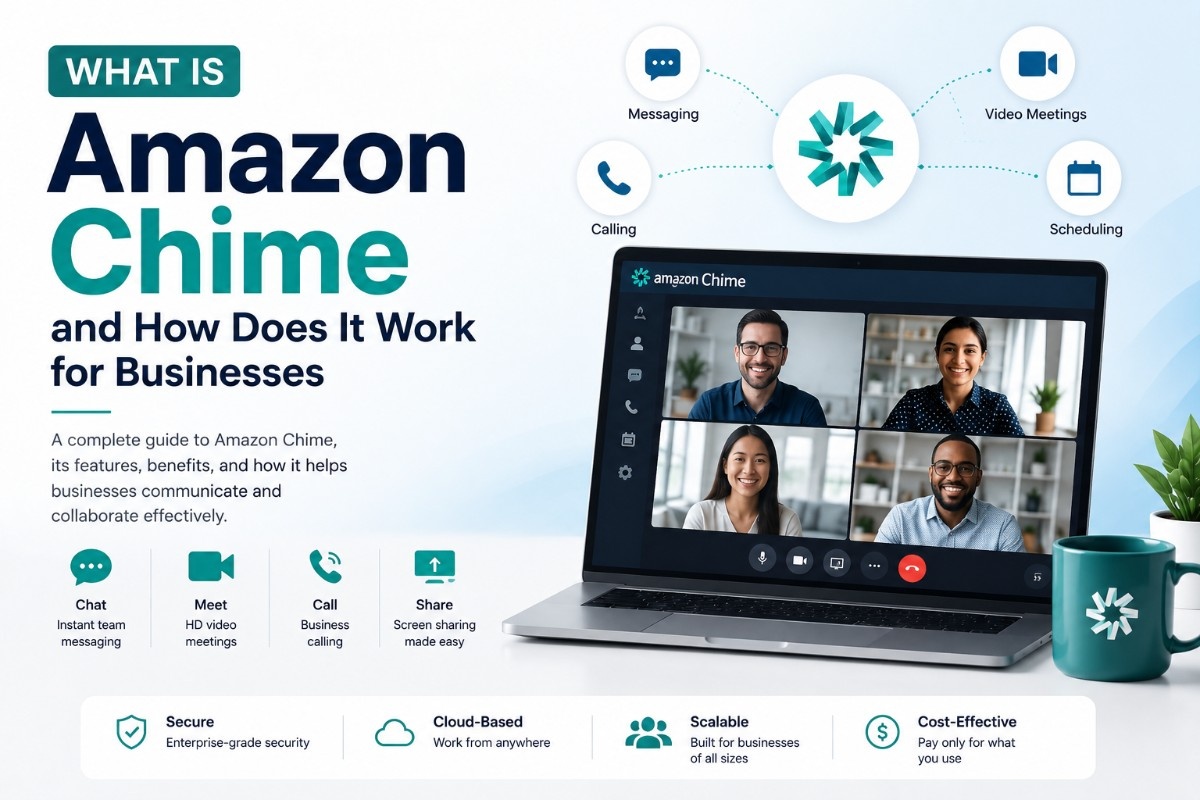
Amazon Chime is Amazon's communication and video conferencing service, letting businesses host meetings, make calls, and message their teams without juggling multiple separate apps.
This guide covers exactly what you need:
- What Amazon Chime is and how it works
- How to log in and download Amazon Chime across devices
- What Amazon Chime is actually used for
- The Amazon Chime SDK — for developers building custom communication tools
- Amazon Chime pricing and how it compares to flat-rate platforms
- How Amazon Chime stacks up against Microsoft Teams and other alternatives
What Is Amazon Chime?
Amazon Chime is a communication service from Amazon Web Services that provides online meetings, video conferencing, calling, and chat in a single application. It was built primarily for business use, allowing teams to host meetings, make calls, and collaborate without needing multiple separate tools.
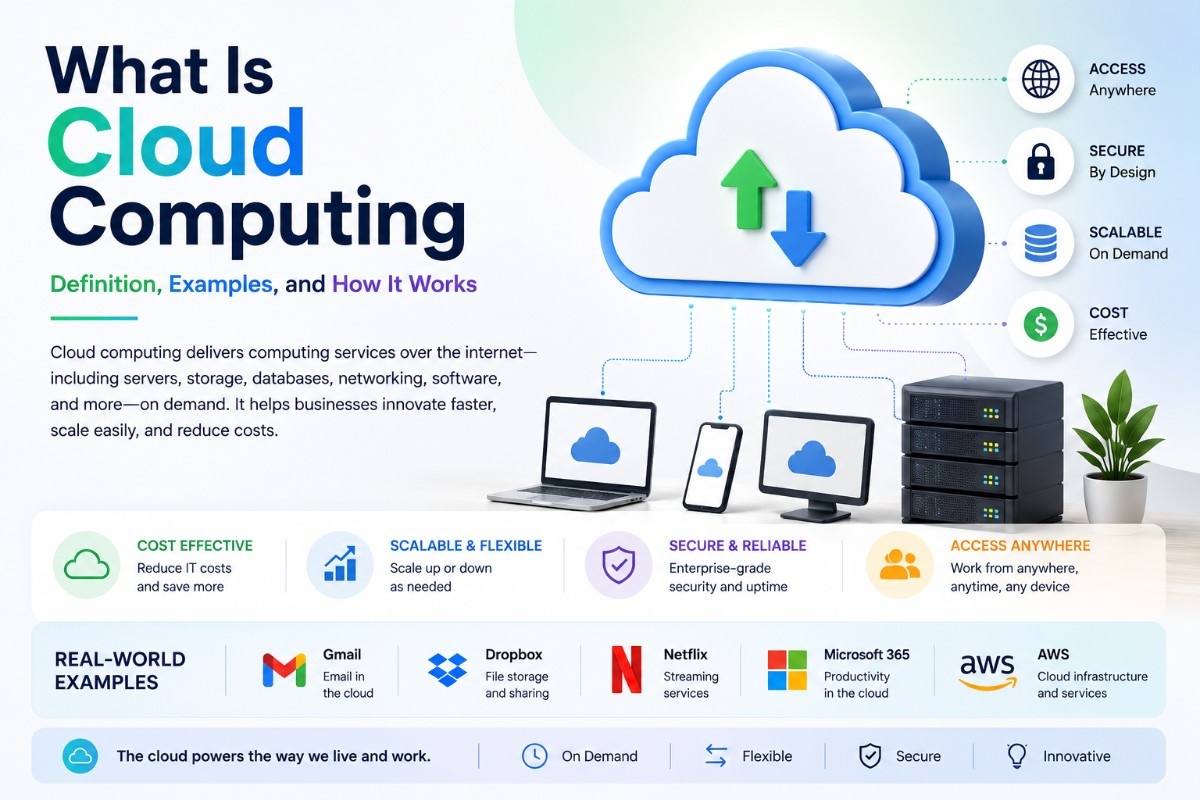
Chime is part of the broader AWS ecosystem, which means it is built on the same cloud infrastructure that powers many of Amazon's other enterprise services. This gives it strong reliability and scalability, particularly for organizations that are already using AWS for other business operations.Organizations new to AWS can first understand cloud computing and how cloud-based communication platforms operate.
At its core, Amazon Chime offers four main capabilities: video meetings, voice calling, screen sharing, and persistent chat. Unlike some competitors that specialize in just one of these areas, Chime bundles them together so teams do not need to switch between separate apps for messaging and video calls.
What Is Amazon Chime Used For
Amazon Chime is primarily used for business communication and collaboration. Companies use it for daily team meetings, client calls, webinars, and internal messaging. Because it integrates with the AWS environment, it is particularly popular among technical teams, software companies, and organizations already running infrastructure on Amazon Web Services.
Common use cases include:
- Hosting video conferences and virtual meetings for distributed teams
- Making voice calls over the internet without needing a traditional phone line
- Sharing screens during presentations or technical walkthroughs
- Sending instant messages and files within a persistent chat environment
- Building custom communication features into other applications using the Chime SDK
For businesses that need a straightforward video and voice solution without unnecessary complexity, Amazon Chime offers a no-frills alternative to some of the more feature-heavy platforms on the market.
Amazon Chime Login — How to Sign In
Logging into Amazon Chime is straightforward, whether you are accessing it through the desktop application, mobile app, or web browser.
To log in to Amazon Chime:
- Visit the official Amazon Chime sign-in page or open the desktop or mobile app
- Enter the email address associated with your Amazon Chime account
- Enter your password, or use single sign-on if your organization has configured it
- If your administrator has enabled multi-factor authentication, complete the verification step
Organizations using AWS often configure Amazon Chime login through their existing AWS account structure, which allows employees to sign in using credentials already tied to their company's AWS environment. This makes onboarding simpler for businesses that are already operating within the AWS ecosystem.
If you are having trouble logging in, the most common issues are using an outdated app version or entering an incorrect email associated with your organization's Chime account. Updating the app and double checking your registered email typically resolves most login issues.
Amazon Chime Download — Getting Started on Desktop and Mobile
Amazon Chime is available across multiple platforms, making it accessible regardless of which device your team prefers to use.
You can download Amazon Chime for:
- Windows desktop
- Mac desktop
- iOS mobile devices
- Android mobile devices
- Web browser, with no download required for basic meeting access
To download Amazon Chime, visit the official Amazon Chime website and select the appropriate version for your operating system. The installation process is similar to most modern communication apps — download the installer, run it, and sign in with your Amazon Chime credentials once installation is complete.
For teams that want to join a meeting quickly without installing software, Amazon Chime also supports browser-based access, allowing participants to join calls directly from a meeting link without downloading the full application.
Amazon Chime App — Features Overview
The Amazon Chime app combines several communication tools into one interface. Understanding its core features helps clarify whether it fits your team's specific needs.
Key features of the Amazon Chime app include:
- HD video meetings supporting multiple participants
- Voice calling over the internet, including calls to traditional phone numbers in supported regions
- Screen sharing for presentations, demos, and remote support
- Persistent chat with one-on-one and group messaging
- Meeting recording for later reference or for team members who could not attend live
- Calendar integration that connects with tools like Outlook for scheduling meetings directly
Businesses looking for instant messaging solutions alongside video conferencing can also explore dedicated communication platforms.
The app is designed with a relatively simple interface compared to some competitors, which makes it easier for new users to get started without extensive training. However, it does not offer the same depth of third-party integrations or advanced collaboration features that some competing platforms provide.
Amazon Chime SDK — For Developers Building Custom Communication Tools
Beyond the standard application, Amazon Chime also offers a Software Development Kit, known as the Chime SDK, for developers who want to build custom communication features directly into their own applications.
The Amazon Chime SDK allows developers to add capabilities such as:
- Real-time audio and video calling within a custom application
- Screen sharing functionality embedded into a product
- Chat messaging features built directly into a business application
- Live transcription and call analytics for support or compliance purposes
- This makes the Chime SDK particularly valuable for software companies that want to embed communication functionality into their own products rather than relying
on a separate standalone app. Healthcare platforms, customer support tools, and collaborative software products are common use cases for the Chime SDK, since they often need built-in calling or messaging without redirecting users to a third-party application.
Developers typically access the Chime SDK documentation directly through AWS to understand implementation details, supported programming languages, and pricing based on usage.
How to Change Name on Amazon Chime
If your display name in Amazon Chime is incorrect or needs to be updated, the process is simple and can typically be done directly within your account settings.
To change your name on Amazon Chime:
- Open the Amazon Chime app and go to your profile settings
- Locate the option to edit your display name
- Enter the updated name and save the changes
- If your account is managed through your organization's AWS account, you may need to contact your IT administrator to update the name on the backend
For organizations using Amazon Chime through a managed AWS account, name changes are sometimes controlled centrally rather than through individual user settings, so checking with your workspace administrator is recommended if you do not see the option available.
Amazon Chime Pricing and Plans
Amazon Chime offers a pay-as-you-go pricing model, which differs from the flat monthly subscription structure used by many competing platforms. This usage-based approach can make Chime more cost-effective for some businesses and less predictable for others, depending on how meetings and calls are used.
- Pricing is generally based on factors such as:
- Number of active users per month
- Minutes used for voice calling, particularly calls to traditional phone numbers
- Additional features such as meeting recording or Chime SDK usage
Because pricing is tied to actual usage rather than a fixed per-seat cost, businesses with unpredictable or seasonal meeting volume may find this model more economical, while teams that hold daily meetings consistently might find a flat-rate platform more predictable for budgeting purposes.
For the most accurate and current pricing details, it is best to check Amazon's official Chime pricing page directly, since AWS pricing structures are updated periodically.
Amazon Chime vs Microsoft Teams
Amazon Chime and Microsoft Teams are often compared, but they serve somewhat different audiences depending on the existing technology stack a business already uses.
Microsoft Teams has the advantage of deep integration with the Microsoft 365 suite, making it the natural choice for organizations already using Word, Excel, Outlook, and SharePoint. It also offers significantly more third-party app integrations and a broader collaboration feature set, including persistent channels organized by team and project.
Amazon Chime, on the other hand, is the more natural choice for organizations already built around AWS infrastructure. Its strength lies in simplicity and its developer-focused Chime SDK, which allows businesses to embed communication features directly into their own products — something Microsoft Teams does not offer in the same way.
For straightforward video meetings and calling without much complexity, Amazon Chime gets the job done efficiently. For deeper collaboration, file management, and integration with a broader productivity suite, Microsoft Teams tends to offer more long-term value.
Teams that find both options either too complex or too tied to a specific ecosystem often look toward more flexible team communication platforms that combine messaging, video calling, and collaboration without requiring a deep commitment to either the AWS or Microsoft ecosystem. Solutions like Troop Messenger are increasingly considered as a middle ground — offering secure messaging, HD video conferencing, and collaboration tools in one platform without being locked into a larger cloud provider's infrastructure.
Is Amazon Chime Right for Your Business
Whether Amazon Chime is the right choice depends largely on your existing technology environment and what you need from a communication tool.
Amazon Chime is likely a good fit if:
- Your organization already operates within the AWS ecosystem
- You are a developer or software company that needs to embed calling or messaging into your own product through the Chime SDK
- You want a straightforward video and voice tool without an overwhelming number of extra features
- Usage-based pricing aligns better with your meeting and calling patterns than a flat subscription
Amazon Chime may not be the right fit if:
- Your team relies heavily on Microsoft 365 tools and needs deep integration with that ecosystem
- You need extensive third-party app integrations beyond basic calendar syncing
- You prefer predictable flat-rate pricing over usage-based billing
- Your team needs richer collaboration features like organized channels, task management, or deeper file collaboration built into the same platform
For businesses that fall outside Amazon Chime's ideal use case, exploring alternatives that combine secure messaging, video conferencing, and collaboration tools — such as Troop Messenger, Microsoft Teams, or other dedicated team communication tools guide options — is worth considering before committing to a single platform.
Conclusion
Amazon Chime is a capable, straightforward communication tool built by Amazon Web Services, offering video meetings, voice calling, screen sharing, and messaging in one application. Its biggest strengths lie in its simplicity and its developer-friendly SDK, making it a strong option for businesses already embedded in the AWS ecosystem or software companies that want to build communication features directly into their own products.
As a cloud-delivered communication platform, Amazon Chime is also an example of Software as a Service (SaaS) used by modern businesses.
For organizations outside the AWS ecosystem, or those needing deeper collaboration features and integrations, comparing Amazon Chime against alternatives like Microsoft Teams or unified platforms such as Troop Messenger will help ensure you choose the communication tool that actually fits how your team works — not just the one tied to your existing cloud provider.
Frequently Asked Questions
What is Amazon Chime used for?
Amazon Chime is used for business video meetings, voice calls, screen sharing, and team messaging. It is also used by developers through the Chime SDK to embed real-time communication features directly into their own applications.
Is Amazon Chime the same as the Chime banking app?
No. Amazon Chime is a business communication and video conferencing tool from Amazon Web Services. Chime the banking app is a separate, unrelated financial technology company that offers banking services such as direct deposit and debit cards.
Is Amazon Chime free to use?
Amazon Chime offers a pay-as-you-go pricing model based on usage, such as active users and calling minutes, rather than a single free plan. Specific free usage tiers may be available depending on current AWS pricing, so checking the official Amazon Chime pricing page is recommended for the most accurate details.
How do I download Amazon Chime?
You can download Amazon Chime from the official Amazon Chime website for Windows, Mac, iOS, and Android. It is also accessible directly through a web browser without downloading the app, which is convenient for quickly joining a meeting.
What is the Amazon Chime SDK used for?
The Amazon Chime SDK allows developers to build custom video calling, voice calling, screen sharing, and messaging features directly into their own applications, rather than relying on the standalone Amazon Chime app.